

Navigation Pro: Maps on Watch – The Ultimate Smart Navigation App
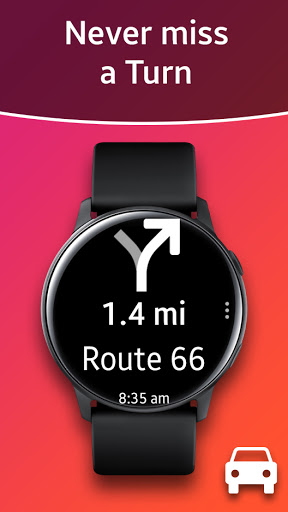
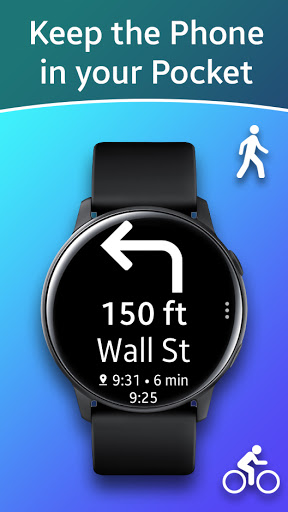
Discover the innovative world of mobile navigation with Navigation Pro: Maps on Watch, a powerful app designed to bring Google Navigation instructions directly to your Samsung smartwatch. This feature-rich application transforms your wrist into a personal navigation assistant, making it easier to navigate busy streets, cycle routes, or public transport systems without constantly reaching for your phone.
Key Features of Navigation Pro: Maps on Watch
Seamless Google Maps Integration
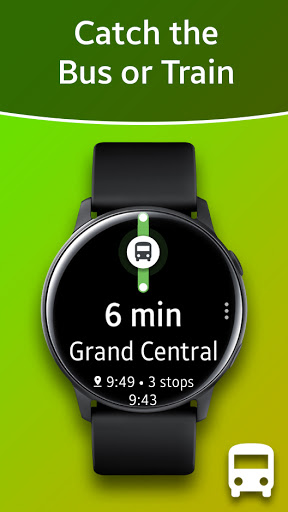
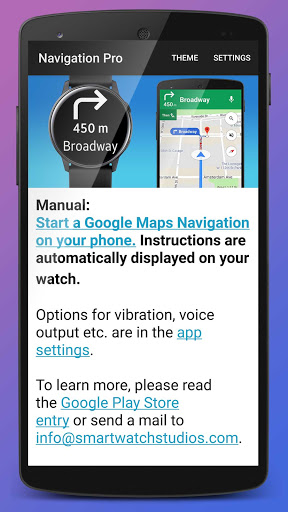
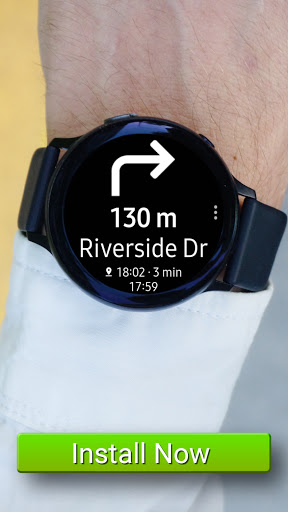
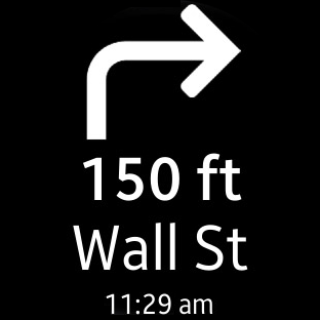
One of the standout aspects of Navigation Pro is its ability to display real-time Google Navigation instructions directly from your phone onto your Samsung smartwatch. When you start navigation on your smartphone—whether you're driving, cycling, or using public transit—the directions are automatically pushed to your watch, ensuring you have all your route details right on your wrist.
Autostart with Navigation and Voice Guidance
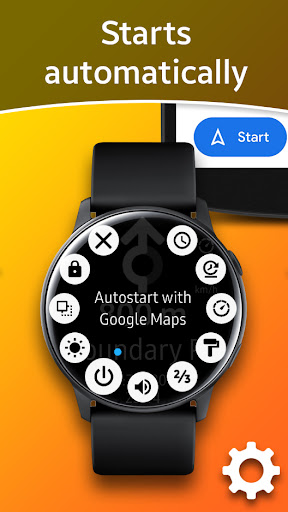
Enjoy effortless navigation with the app's autostart feature, which begins guiding you the moment you start your journey. Voice output further enhances the experience by providing turn-by-turn instructions audibly, so you can keep your attention on the road or pathway without distraction.
Customizable Notifications & Vibration
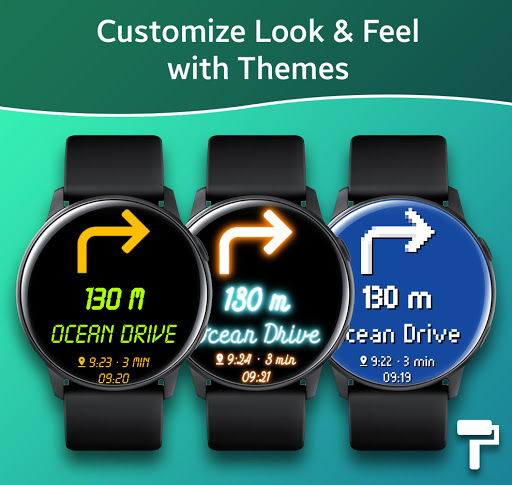
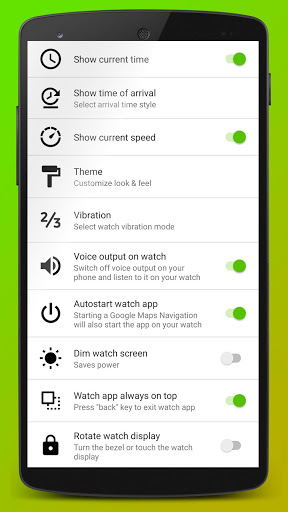
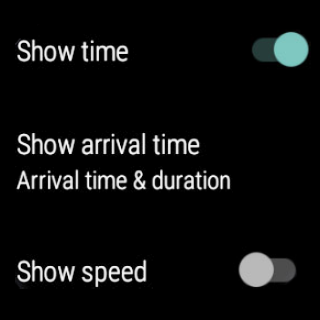
Personalize your navigation experience with features like customizable vibration alerts, giving discreet cues for upcoming turns. The app supports 102 languages, making it accessible for a global audience. Additional options such as themes, speedometer display, and more give users control over the app's appearance and functionality.
Compatibility and Requirements
Navigation Pro is compatible with all Galaxy Watch models, including Gear S2, S3, Gear Sport, Gear 1, Gear 2, Gear S, and Gear Fit2 (Pro). To operate the app, you need to install the free companion app "Navigation Pro" from Samsung Galaxy Apps on your phone and connect it to your smartwatch. The app relies on your phone's Google Maps and notification access to function properly.
How to Set Up Navigation Pro
Getting started is straightforward:
- Install the Samsung Gear app and connect your smartwatch.
- Download and install Navigation Pro on your watch.
- Download the Navigation Pro app from Google Play on your smartphone.
- Launch the app on your phone and grant notification access (go to: Settings > Security > Notification Access).
- Open Google Maps on your phone, start navigation, and instructions will automatically appear on your watch.
Troubleshooting Tips
If you encounter issues, try the following:
- Ensure your Samsung Gear smartwatch is properly connected to your phone and that Galaxy Wearable is installed.
- Activate map notifications on your phone (Settings > Apps > Maps > Show notifications).
- Restart both your smartphone and smartwatch.
- Uninstall and reinstall the app if necessary.
- For Xiaomi phone users, go to Security > Permissions > Autostart, and enable "Gear Navigation".
Why Choose Navigation Pro: Maps on Watch?
The app's easy setup, reliable performance, and compatibility across various Galaxy Watch models make it an essential tool for modern commuters and adventurers alike. Whether you're an urban traveler or an outdoor enthusiast, having fingertips access to real-time navigation on your watch simplifies your journey and enhances safety.
Unlike standalone navigation apps, Navigation Pro requires your phone for optimal functionality, utilizing its internet connection and Google Maps. Despite this dependency, the app provides a seamless experience, offering instant updates, voice guidance, and customizable alerts—all on your wrist.
Imagine walking through unfamiliar city streets, cycling along scenic routes, or navigating complex public transit systems, all while keeping your hands free and your attention on the road or trail. That's the true power of Navigation Pro: Maps on Watch—combining convenience, efficiency, and cutting-edge technology to revolutionize how you travel.
If you're looking for a smart navigation solution that enhances your daily commutes and outdoor adventures, this app is definitely worth exploring. Embrace the future of navigation and experience unparalleled mobility directly from your wrist!
Pros
- Maps can be viewed directly on the smartwatch
- Includes real-time GPS tracking feature
- Offline maps are available for use
- Highly customizable settings
- Offers a user-friendly interface
Cons
- Limited compatibility with some watches
- Battery consumption increases significantly with GPS usage
- Occasional application crashes occur
- Offline maps consume storage space
- Free version offers limited features











