


Introducing FL Studio Mobile
Unleashing Your Inner Musician
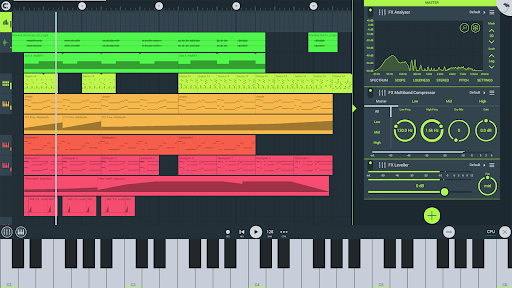
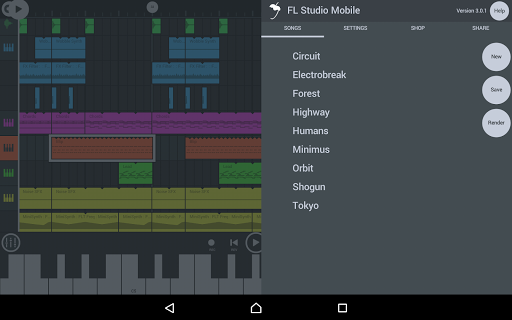
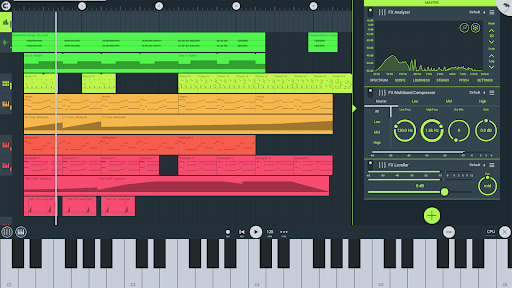
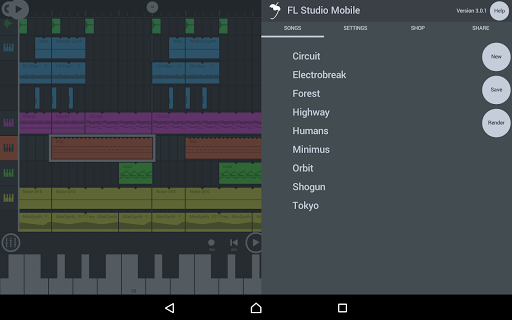
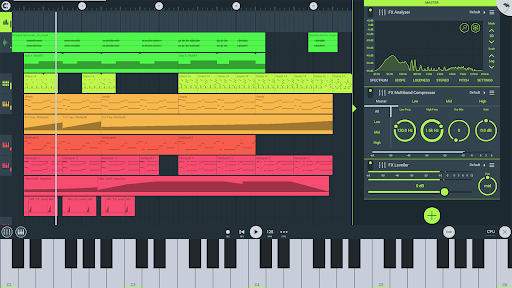
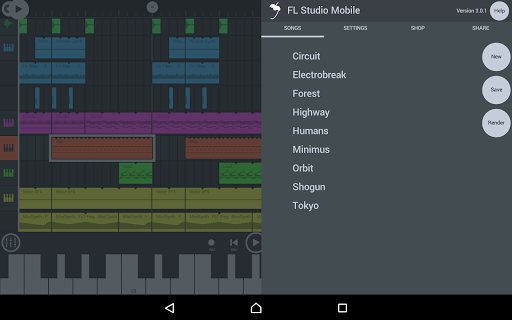
FL Studio Mobile is all about unleashing your creativity. The app is packed with features that cater to both beginners and seasoned producers. From a wide range of instruments to high-quality synthesizers, it’s got everything you need to compose a masterpiece. And the best part? You don’t need to be a musical genius to get started. The user-friendly interface makes it easy to navigate, even if you’re just getting your feet wet in the world of music production.
Key Features That Make a Difference
Powerful Mixing Capabilities
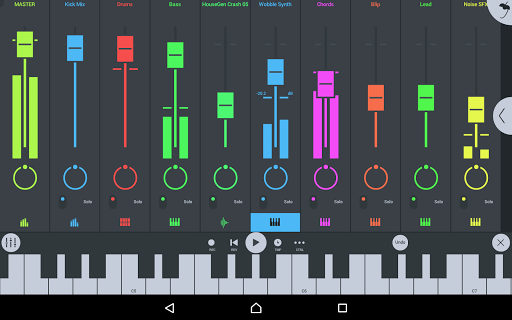
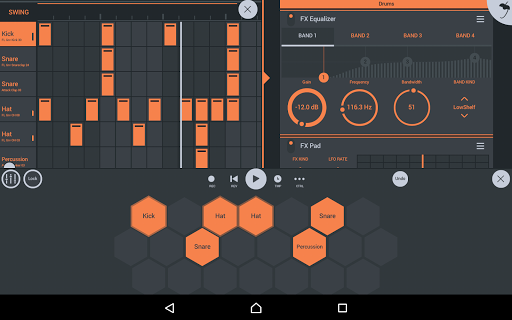
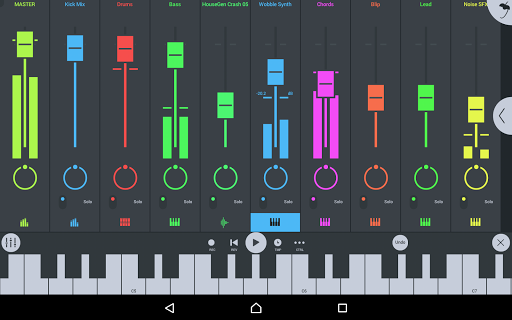
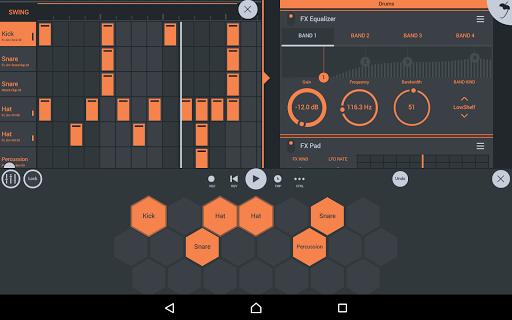
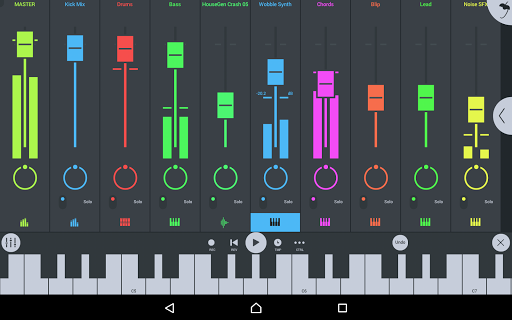
One of the things I love about this app is the mixer. It allows you to adjust the volume, panning, and effect busses with just a few taps. It’s like having a professional mixing console right at your fingertips. Plus, the real-time effects such as reverb and delay add a whole new dimension to your tracks.
Expressive Piano Roll and Beat Sequencer
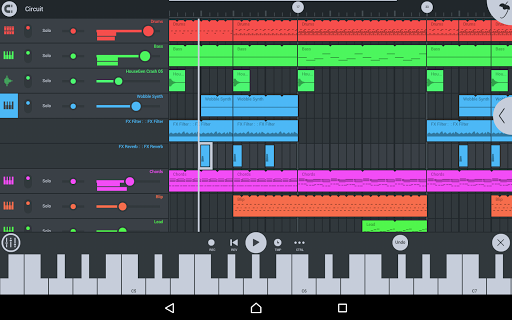
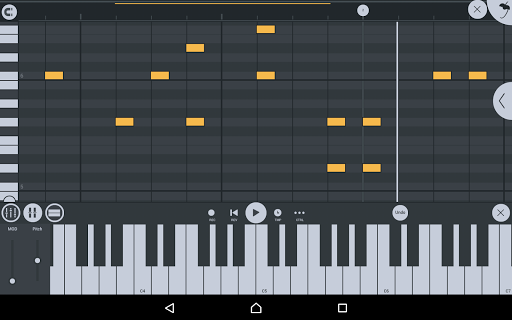
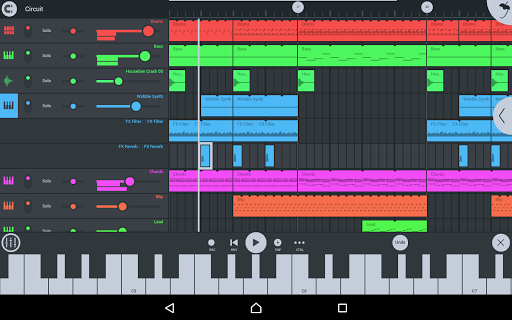
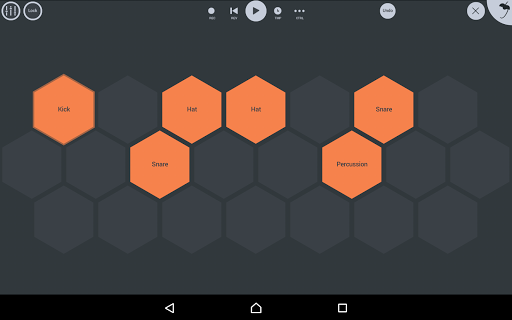
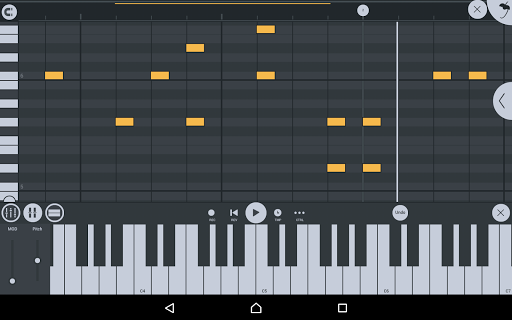
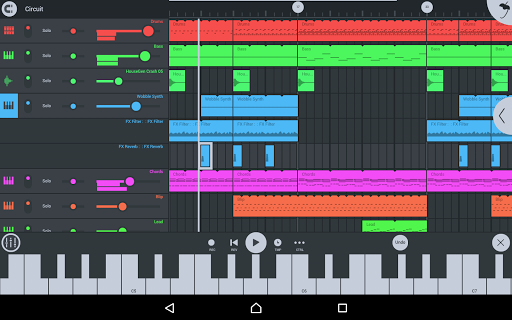
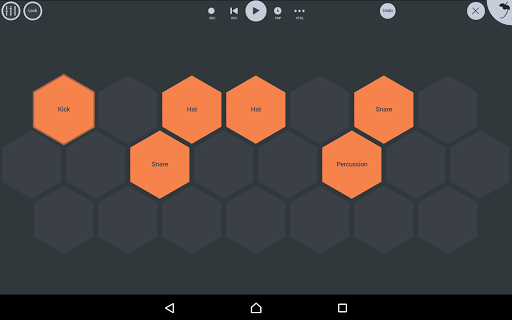
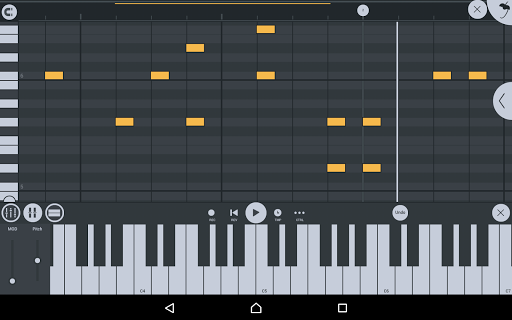
Then there’s the piano roll! It’s where the magic happens—you can compose, edit, and tweak melodies with precision. For rhythm lovers, the drum sequencer helps create catchy beats and loops effortlessly.
Convenient Sharing and Collaboration
Sharing your music is simple with FL Studio Mobile. You can export projects in formats like WAV and MP3, making it easy to upload your tracks to social media or collaborate with friends. The cloud sync feature ensures your projects stay up-to-date across multiple devices, whether you’re using a phone, tablet, or Chromebook. This flexibility is perfect for musicians on the move.
Extensive Instrument and Effect Modules
All instrument modules, including the Drum Sampler, DirectWave Sample Player, GMS (Groove Machine Synth), and others, are included. There is also a comprehensive suite of effect modules like Auto Pitch, Chorus, Limiter, Reverb, Equalizer, and Filters. These tools ensure your tracks sound professional and polished.
High-Quality Sounds and Presets
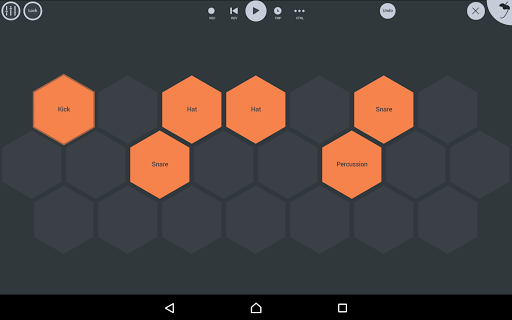
FL Studio Mobile offers a wide variety of included drum samples like cymbals, kicks, snares, and percussion, along with versatile instrument presets for Bass, Keys, Leads, and more. Whether you want to remix a song or craft an original piece, the built-in variety of sounds will inspire your creativity.
Additional Highlights
The app supports MIDI controller devices and automation, making it compatible with hardware and software instruments. It also supports loading and saving in formats like WAV, MP3, AAC, and MIDI. The interface is designed to be configurable for any screen resolution or size, ensuring a smooth experience on phones, tablets, or Chromebooks.
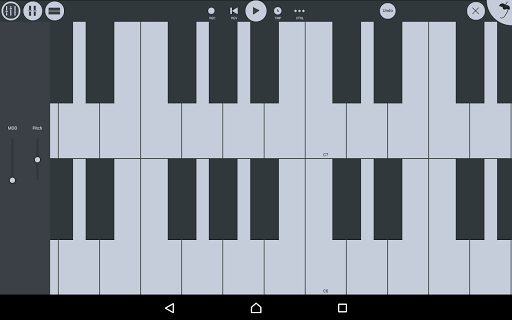
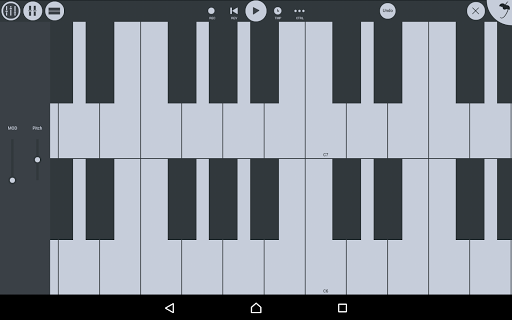
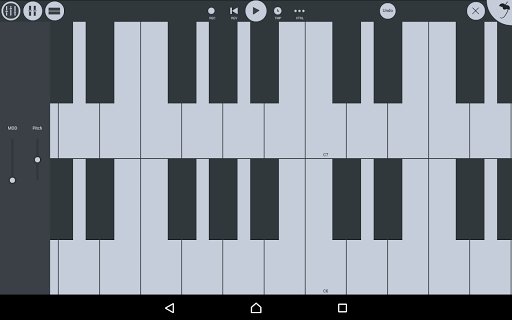
Furthermore, FL Studio Mobile includes a step sequencer and a virtual piano keyboard and drumpads, making beat creation intuitive and fun. Touch-to-audio latency depends on your device, but overall, the app provides an optimized music production environment.
Included and Available Content
While the base app comes with many instrument and effect modules, there are options for in-app purchases to add content like DirectWave sample player. All instrument modules such as GMS, Transistor Bass, MiniSynth, and SuperSaw are included. The app also offers a comprehensive library of drum samples and preset sounds for various synth genres, making it suitable for a wide range of musical styles.
How to Get Started
If you’re new to FL Studio Mobile, you can try the desktop FL Studio version for macOS or Windows, which includes the same plugin. Download the FL Studio demo from here. This ensures you can explore the full potential of the app before purchasing.
For tutorials, manuals, and videos, visit FL Studio Mobile Help and Video Tutorials.
Conclusion
Overall, FL Studio Mobile is a powerful and versatile mobile music production app that transforms your device into a complete studio. Whether you’re a hobbyist or a professional, its range of features and high-quality sounds empower you to create, edit, and share music wherever you are. With its intuitive interface and extensive content, it’s an essential tool for anyone passionate about music.
Pros
- Intuitive interface for smooth music creation.
- High-quality audio output suitable for professional use.
- Wide library of loops and samples accessible.
- Supports multiple platforms including Android
- iOS
- and Windows.
- Provides regular updates with new features and improvements.
Cons
- Free version is limited with key features unavailable.
- Steep learning curve for beginners in music production.
- Requires in-app purchases for additional content.
- Some functionalities need high-end hardware to operate efficiently.
- Users have reported occasional bugs and crashes.











