




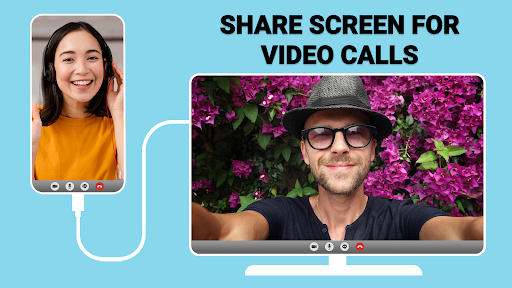
USB Connector Cast Phone to TV
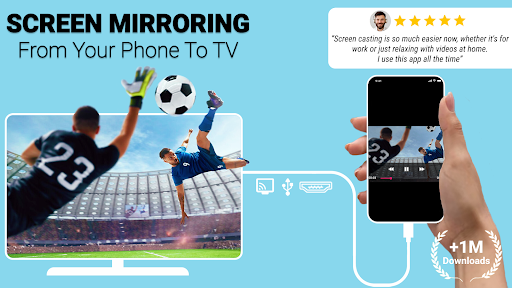
Are you tired of viewing your favorite videos, photos, or presentations on a small phone screen? Want a simple, reliable way to share content with friends and family on a larger display? The USB Connector Cast Phone to TV app is your perfect solution. Designed for both casual users and tech enthusiasts, this app allows seamless screen sharing through versatile connectivity options—whether via wireless WiFi or a wired USB connection. Elevate your viewing experience and enjoy content on the big screen with minimal effort and maximum quality.
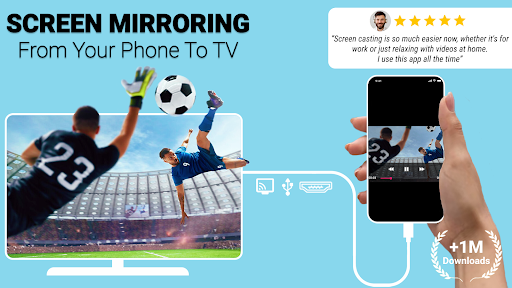
With USB Connector Cast Phone to TV, you can easily mirror your device screen, stream videos, showcase photos, and deliver presentations effortlessly. Its powerful features ensure stable performance, making it ideal for entertainment, professional meetings, classroom teaching, or family gatherings. Discover how this innovative app simplifies your screen sharing needs while providing crystal-clear quality and reliable connections to turn any display into your personal cinema or presentation platform.
Key Features of USB Connector Cast Phone to TV
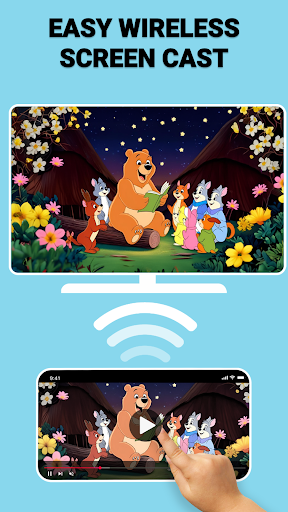
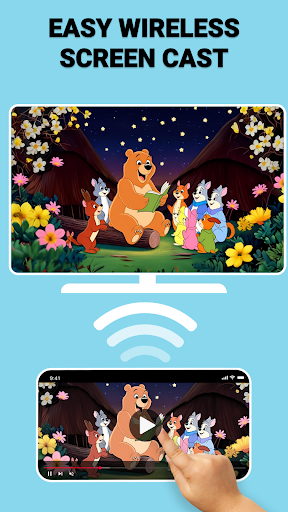
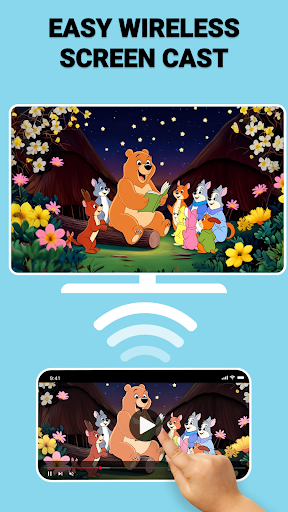
Wireless Screen Casting
Enjoy the convenience of casting your screen to the TV via WiFi. Easily connect your device wirelessly without the clutter of cables, making your setup neat and hassle-free.
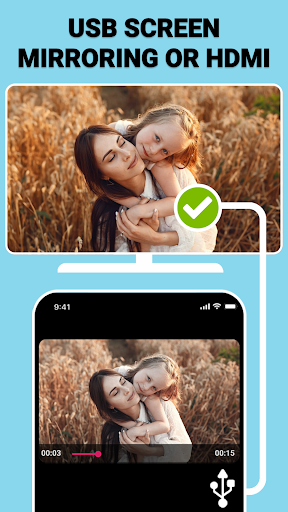
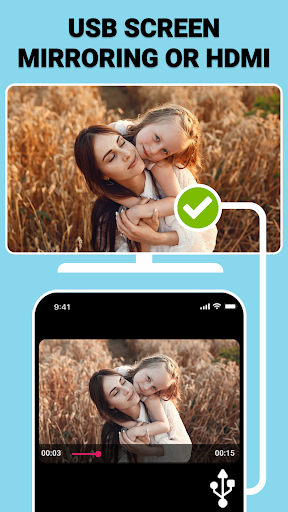
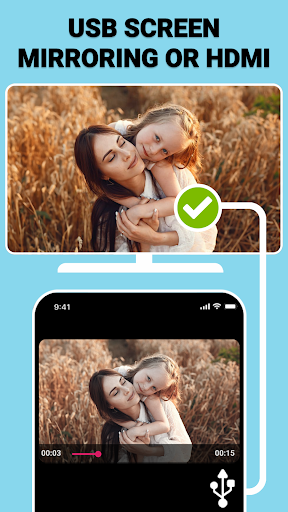
USB Screen Mirroring
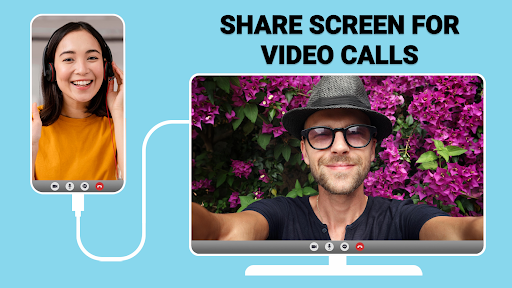
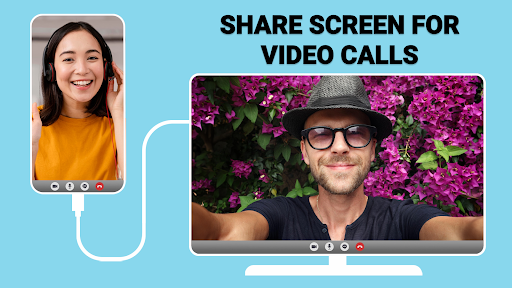
For a stable and high-quality connection, use the TV USB connector to mirror your device screen. This wired option ensures smooth streaming without lag, ideal when wireless connection issues occur.
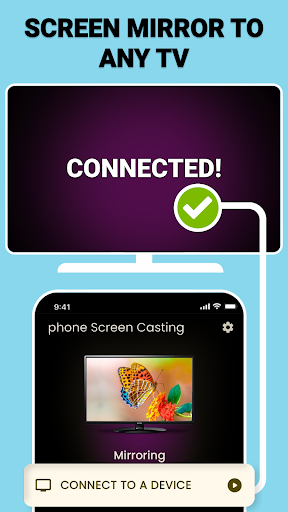
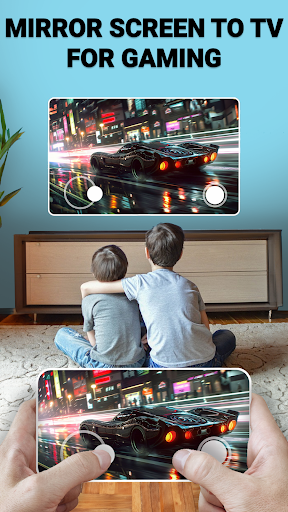
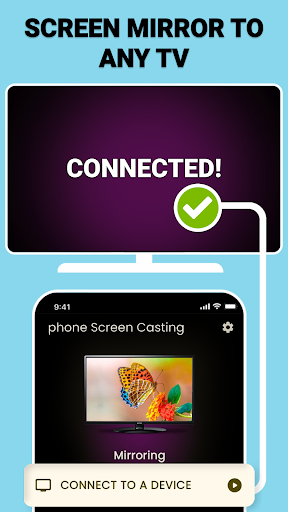
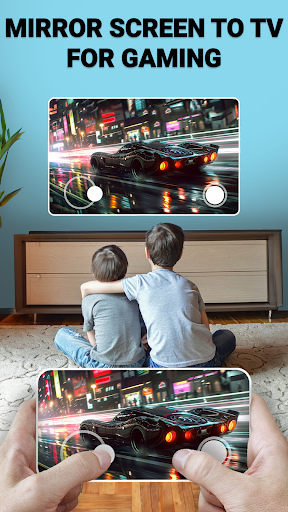
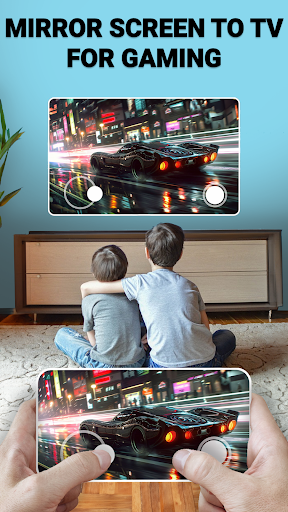
Mirror Screen to TV
Enjoy seamless screen mirroring with just a few tap gestures. The app supports quick setup for instant viewing, perfect for movies, photos, or business presentations.
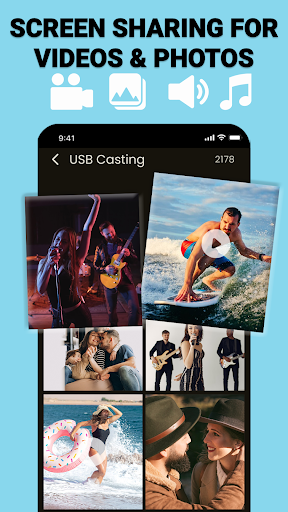
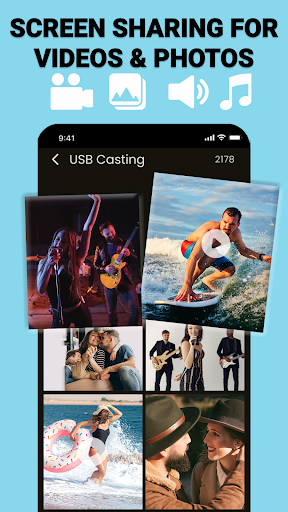
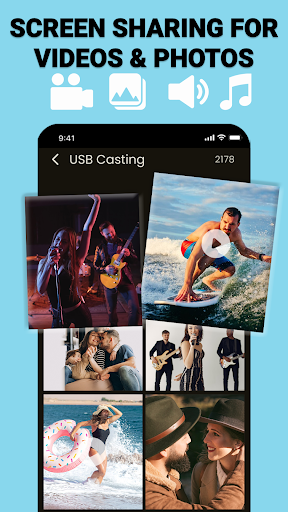
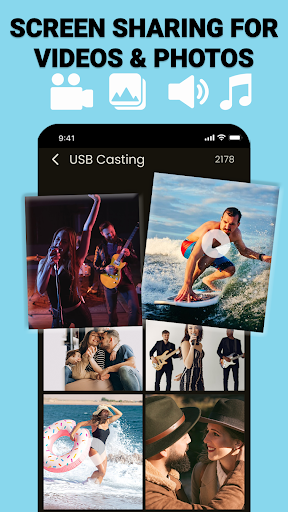
Screen Sharing on Demand
Share your photos, videos, presentations, and more instantly. The app’s intuitive interface allows you to control what you share, making every sharing session simple and effective.
USB Screen Sharer
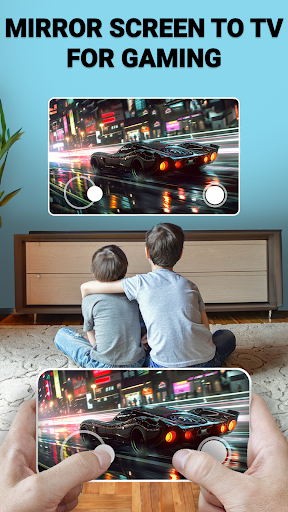
The USB screen sharer feature guarantees a secure wired connection, delivering lag-free performance suitable for gaming, streaming, or professional use.
How USB Connector Cast Phone to TV App Works
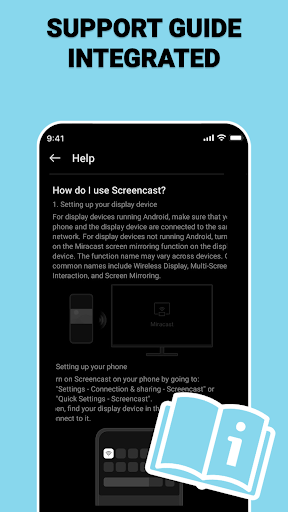
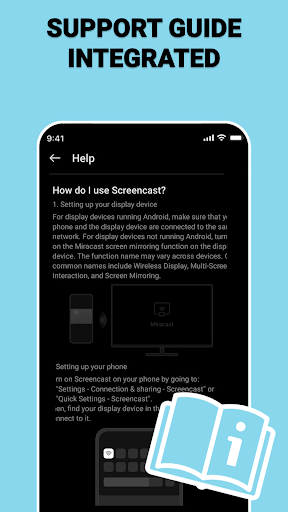
Connect Your Devices
Ensure your device and TV are connected to the same WiFi. For wired connections, use a compatible TV USB connector for direct link.
Launch the App
Open the USB Connector Cast Phone to TV app and select between wireless casting or USB screen mirroring based on your preference.
Select Your TV
The app detects compatible devices; just tap on your TV to start the mirroring process.
Enjoy the Big Screen
Begin streaming your content—be it movies, photos, or presentations—directly on your larger display for a more immersive experience.
Versatile Connectivity and Performance
Whether you prefer a WiFi wireless casting or a USB wired connection, the app offers flexible options tailored to your needs. Say goodbye to lag thanks to high-speed mirroring, ensuring smooth playback whether you’re sharing videos, gaming, or conducting professional presentations.
Designed for enhanced productivity, it’s perfect for classrooms and meeting rooms where quick, reliable screen sharing makes a difference. Turn any gathering into a cinema or conference with quick and easy projection of your device’s content onto a big screen.
Additional Features
- Reliable Screen Sharing: Enjoy lag-free, stable connections for all your media streaming needs.
- Mirror Screen to TV Instantly: Setup is straightforward, requiring just tap-based commands to begin mirroring.
- Customizable Casting: Adjust resolution and optimize settings for image quality that fits your preferences and device capabilities.
User Reviews
Many users praise the USB Connector Cast Phone to TV app for its stability and ease of use. Comments like "This app makes it so easy to mirror screen to TV. I love the stable connection and crystal-clear quality!" and "The combination of USB screen mirroring and wireless casting options makes this app super versatile." highlight its flexible features. Users especially appreciate the lag-free experience when streaming work presentations or gaming on the big screen.
Get Started Now
Don’t wait to unlock the full potential of your TV and device. Download the Screen Mirroring Smart View HD app today and enjoy a seamless way to cast to TV, mirror your screen, and watch your favorite content on a larger display. With its user-friendly setup, versatile connectivity options, and reliable performance, this app is a must-have for anyone seeking an improved media experience.
Pros
- Easy screen mirroring
- High-quality video streaming
- User-friendly interface
- Supports various formats
- Quick setup process
Cons
- Requires stable Wi-Fi connection
- Potential latency issues
- Limited to compatible devices
- Some features available only with premium
- Occasional connection drops











