


Introduction to All Document Reader: PDF Viewer
Ever find yourself overwhelmed by a pile of documents stored on your mobile device and wish for an easy way to access all of them seamlessly? All Document Reader: PDF Viewer is designed to be your comprehensive solution for viewing, editing, and managing various document formats on both Android and iOS platforms. Whether you need to open Word, PDF, Excel, PowerPoint, or plain text files, this app simplifies your digital document experience, making it more efficient and enjoyable.
Key Features of All Document Reader: PDF Viewer
Versatile Document Compatibility
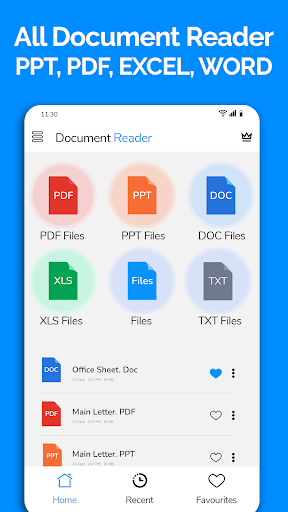
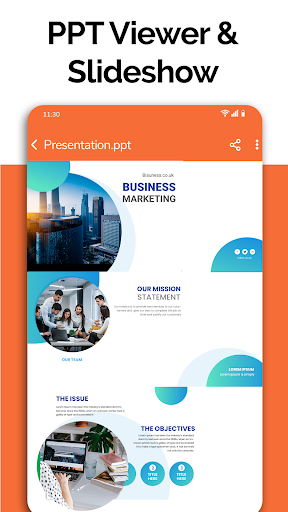
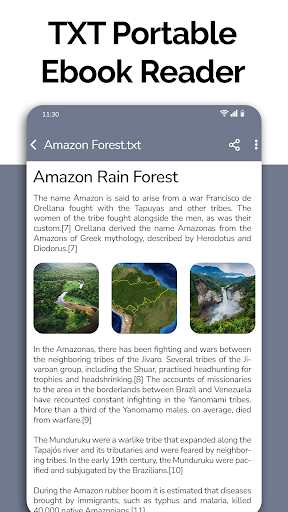
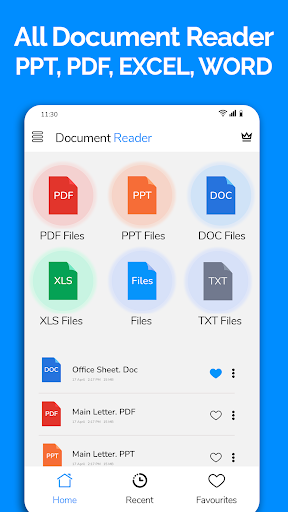
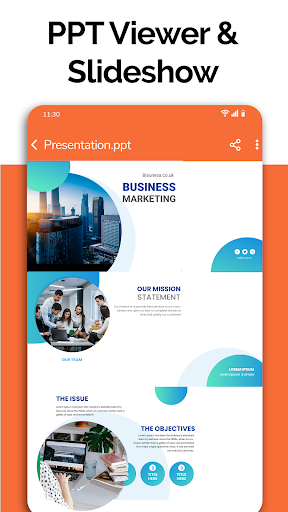
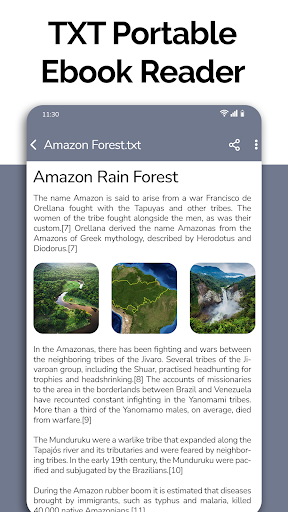
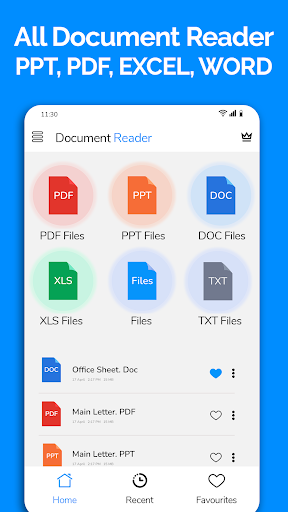
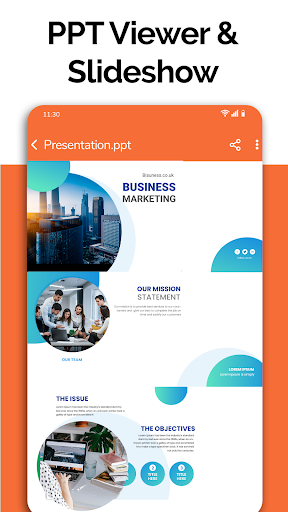
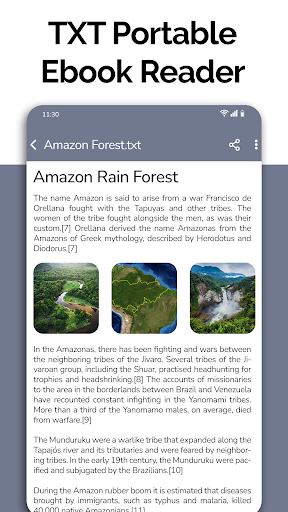
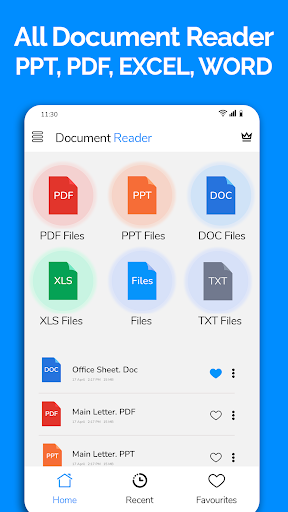
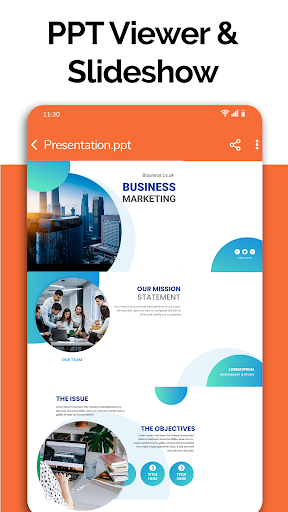
This powerful app supports a wide range of document formats including all office documents, such as Word (.doc, .docx), Excel (.xlsx, .csv), PowerPoint (.ppt, .pptx), PDF, and Text (.txt)). It’s like having a multi-tool for document management right in your pocket! No need to switch between multiple apps or carry a laptop — everything you need is consolidated into one user-friendly platform.
User-Friendly Interface and Organization
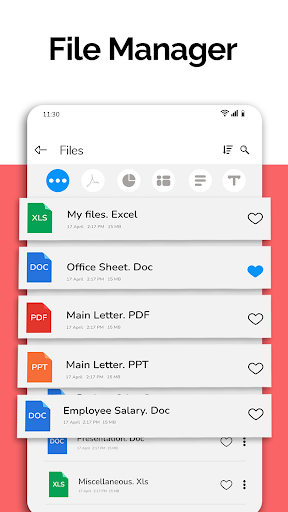
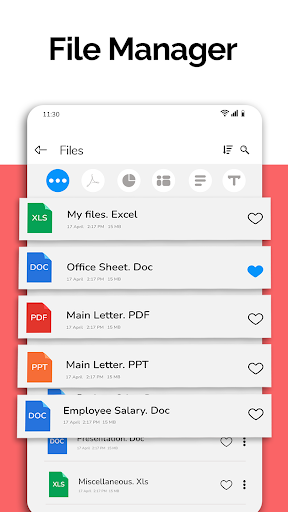
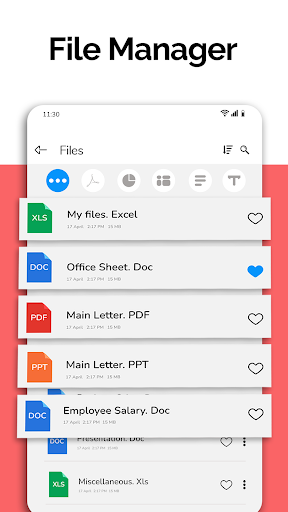
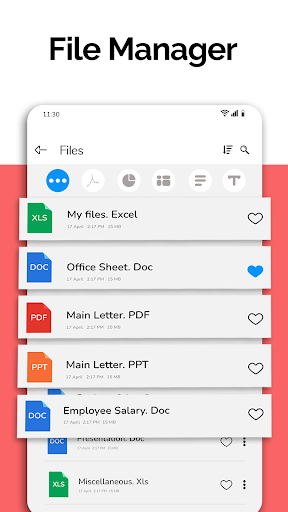
The app features a smooth, intuitive design that makes navigation effortless even for beginners. Documents are automatically sorted and organized, allowing you quick access to your recent or favorite files. You can also easily delete, rename, or share your documents using integrated file management tools. This makes managing your files simpler and more organized than ever before.
Advanced Document Viewing and Editing
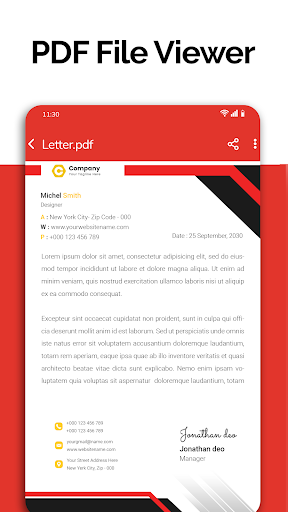
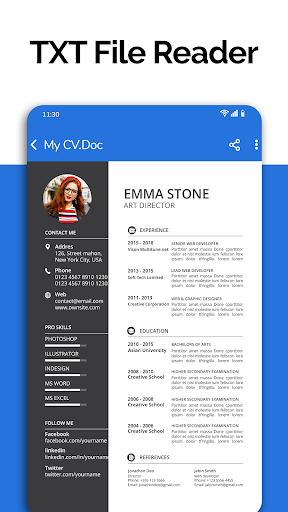
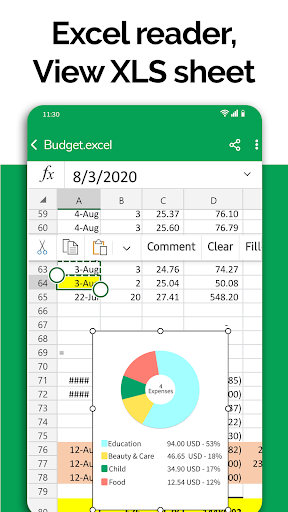
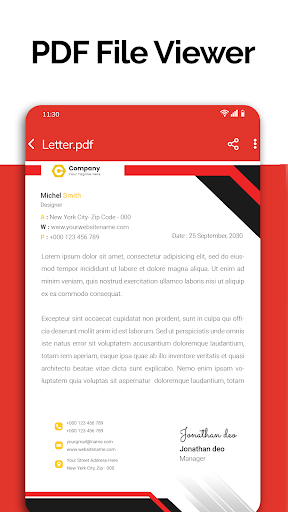
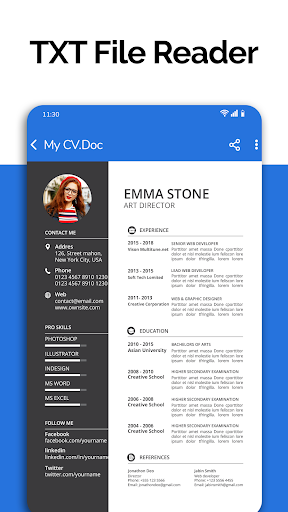
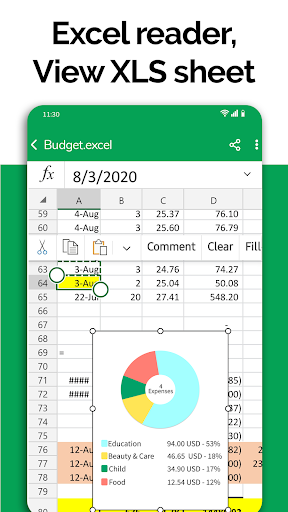
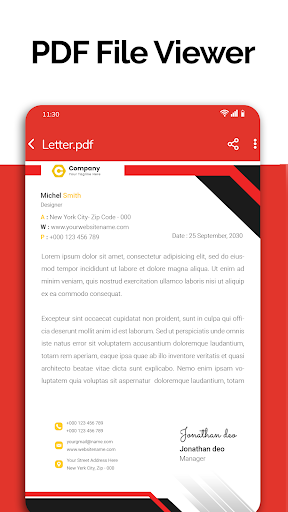
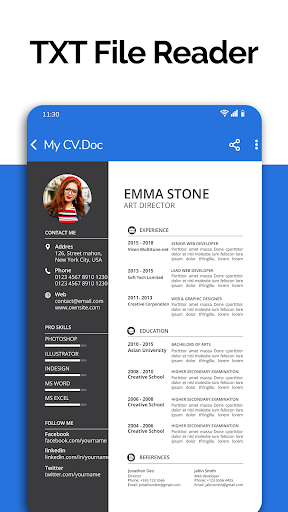
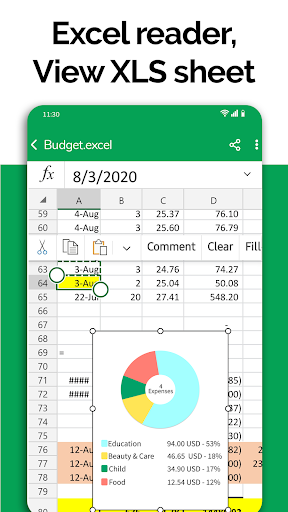
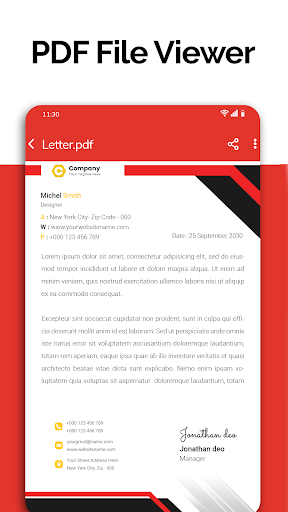
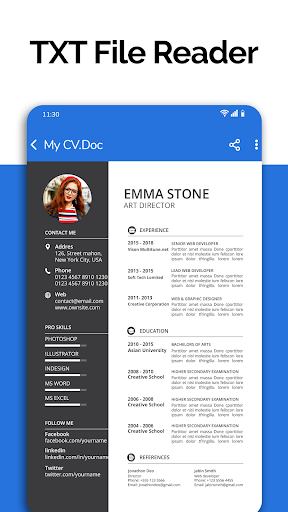
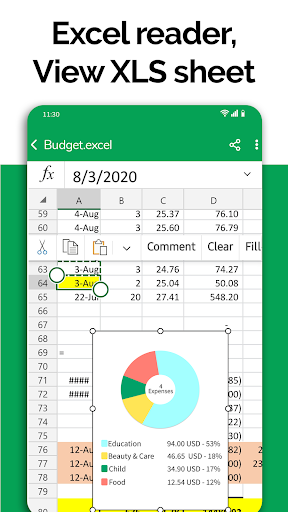
View your files with clarity and ease. Whether it’s a detailed Excel spreadsheet or a multi-page PDF, the app ensures high-quality rendering. Besides viewing, you can also open and edit Word documents, Excel sheets, PowerPoint slides, and more. Handy features like bookmark pages, search text within documents, and night mode improve your reading experience, especially during long reading sessions or in low light conditions.
File Management and Sharing
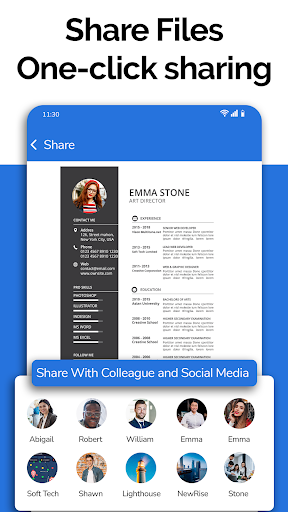
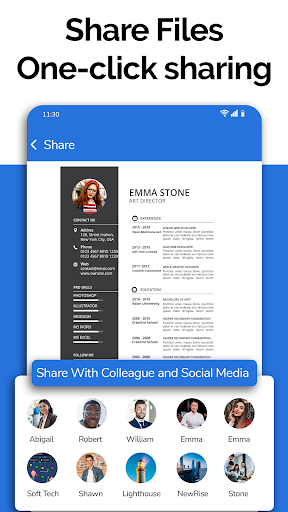
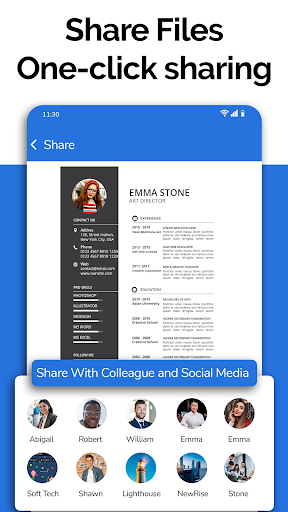
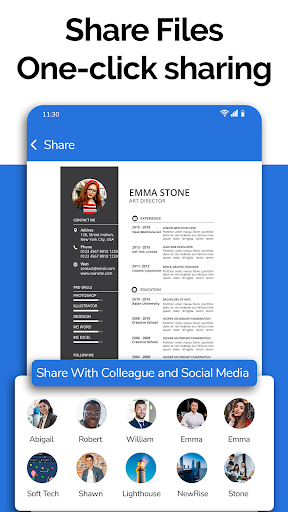
The integrated file manager allows you to access all files stored on your device, segregated neatly by format. You can delete, rename, preview details like file size and last modification date, or share documents directly from the app. This streamlined process saves you time and effort, making document handling straightforward and efficient.
Additional Features and Future Updates
The developers have exciting additions in the pipeline, including dark mode, voice search for files, image to PDF converter, creating new documents, and text search across documents. These upcoming features are designed to further enhance user experience, offering more ways to customize and optimize your document management workflow.
Special Notes on Usage
This app is perfect for students, professionals, and anyone who frequently works with various document types. Whether you're preparing for exams, reviewing business invoices, reading newspapers, or managing classroom notes, All Document Reader: PDF Viewer provides a reliable, fast, and comprehensive solution. Its capability to handle large files without lag, combined with its simple UI, ensures an enjoyable and productive document viewing experience.
Conclusion
If you’re searching for an all-in-one document viewer and editor that simplifies your life, look no further than All Document Reader: PDF Viewer. Its versatility, ease of use, and robust features make it an indispensable tool for managing your digital documents efficiently. Best of all, it’s free, making it accessible to everyone. Download it today and experience the convenience of having every document format at your fingertips!
Pros
- Supports multiple file formats such as PDF
- Compatible with Word documents
- Supports Excel files
- Intuitive interface for easy navigation
- Enables direct file sharing from the app
- Access to documents offline
- Quick loading times for large files
Cons
- Contains intrusive advertisements
- Limited editing capabilities for documents
- May crash occasionally on older devices
- Free version offers restricted features
- Requires in-app purchases for premium features










