
Overview of Smart Print - Air Printer App
The Smart Print - Air Printer App is a powerful and user-friendly solution designed to streamline the printing process directly from your mobile device. It bridges the gap between smartphones and printers, eliminating the need for complicated setup procedures or additional hardware. With this app, users can effortlessly print a variety of document types, including photos, PDFs, Office files, and web pages, whether at home, in the office, or on the move. Its compatibility with over 5000 printer models ensures that most users can enjoy seamless printing without worrying about device restrictions.
Key Features and Functionalities
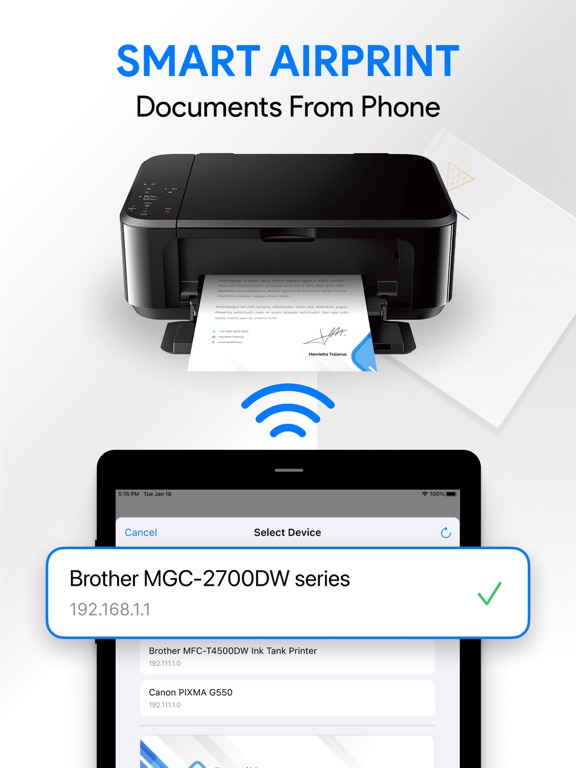
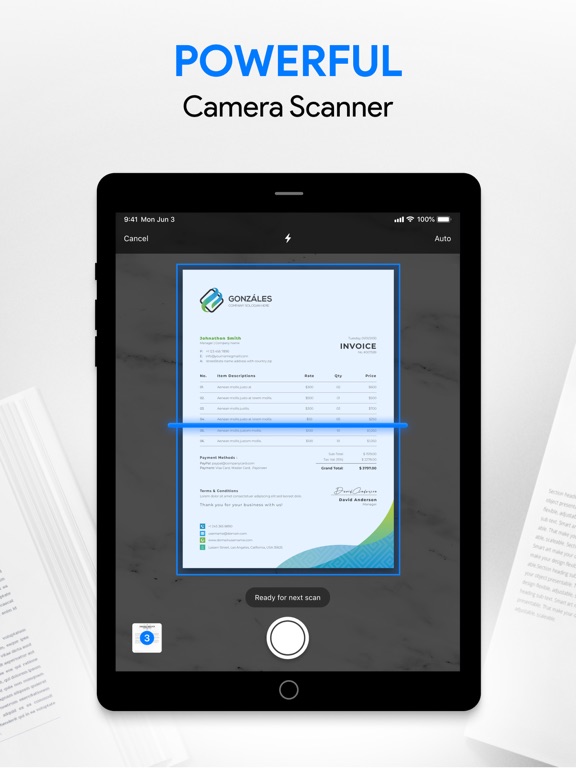
The Smart Print - Air Printer App boasts an array of features tailored to meet diverse printing needs. It supports •Wi-Fi, •Bluetooth, and •USB connections, enabling direct printing from your device to supported printers without additional drivers. You can print directly from cloud services like Google Drive, Dropbox, or iCloud, making document access easy and fast. The app also allows printing multiple images simultaneously, perfect for batching photos or documents. Additionally, it includes a detailed setup guide to help users connect their printers effortlessly and a high-quality camera scan feature for capturing and printing images on the go.
Versatile Printing Options
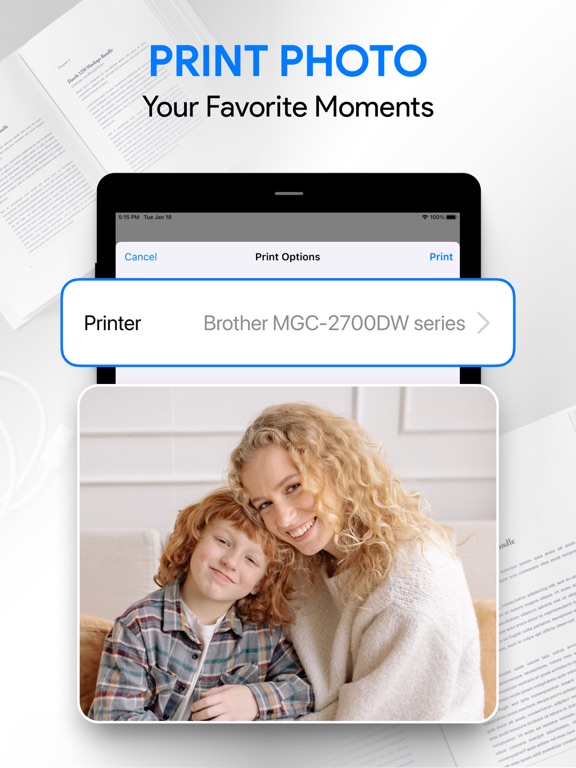
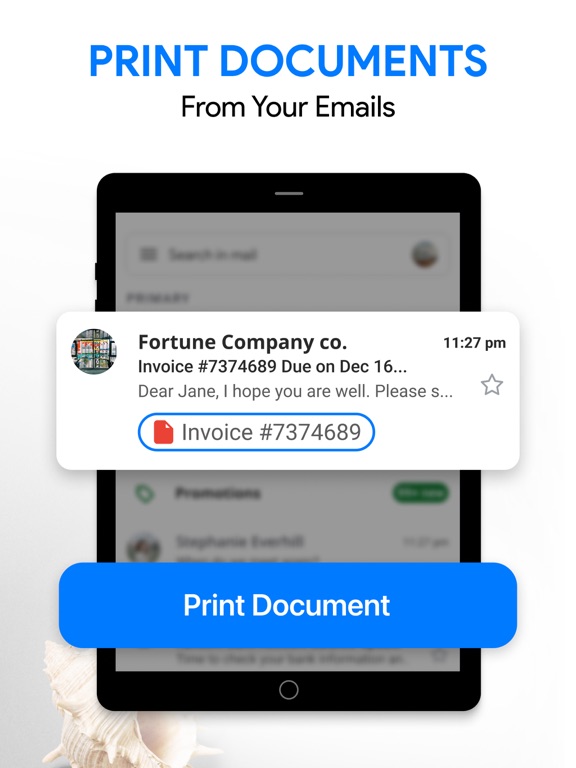
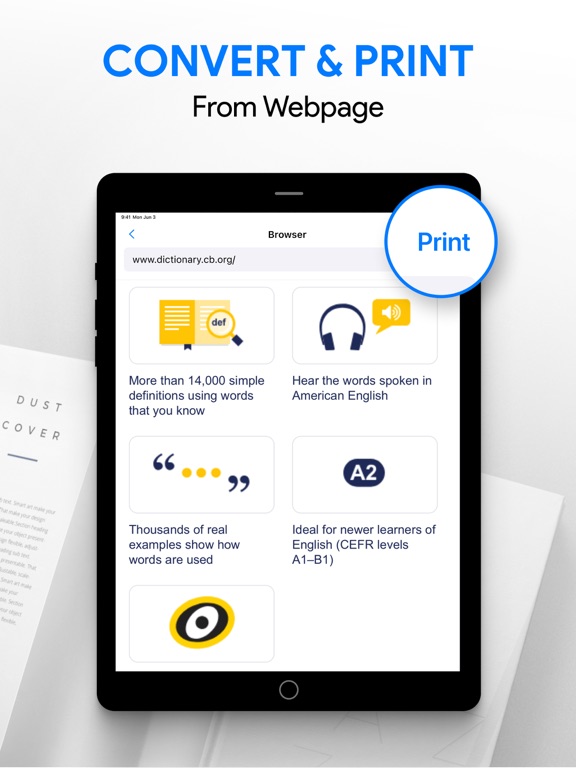
The app supports prints of •photos, •emails, •documents (including PDF, Word, Excel, PowerPoint, and text files), •web pages, and •attachments. It provides printer options like •number of copies, •page range, •paper size and type, •print quality, •borderless photo printing, and •duplex (double-sided) printing. Users can also preview files before printing to ensure everything looks perfect, ensuring efficient and accurate output.
Advanced Customization and Compatibility
Beyond basic features, the app offers advanced print settings such as •collation, •orientation, and •color or monochrome options. It supports printing on •AirPrint-capable, •Mopria-compatible, and •mobile thermal printers. Compatibility extends to Windows and Mac/Linux printers sharing via SMB/CIFS, Bonjour/IPP/LPD protocols. The app boasts compatibility with •over 5000 printer models and can automatically detect connected devices, making printing straightforward regardless of your device or printing environment.
User Experience and Ease of Use
Getting started with the Smart Print - Air Printer App is incredibly simple. Its intuitive interface guides users through connecting their printer effortlessly, whether via Wi-Fi, Bluetooth, or USB, without requiring technical expertise. The minimalistic design reduces user confusion, and the app’s quick processing of large files ensures reliable performance. During testing, I found that documents and images, including high-resolution photos, printed swiftly and with excellent quality. This makes the app ideal for both casual users and professionals needing reliable, on-the-go printing solutions.
Convenient Cloud and File Management
One of the standout features is the ability to directly print •cloud files from services like Google Drive, Dropbox, and iCloud. This eliminates the hassle of transferring files manually between devices, which is especially beneficial for busy professionals or students. The app also supports printing from email attachments, websites accessed through an integrated browser, and files stored locally on your device, providing flexible options for content sources.
Conclusion
In summary, the Smart Print - Air Printer App offers a feature-rich, hassle-free printing experience for users seeking a reliable mobile printing solution. Its compatibility with numerous printer models, support for various connection types, and extensive customization options make it a versatile choice for both casual and professional use. Whether you need to print important documents, a batch of photos, or web pages, this app simplifies the process, saving time and effort. Perfect for anyone who wants to print from their smartphone without fuss, the Smart Print - Air Printer App is an essential tool to have in your digital toolkit for seamless mobile printing on the go.
Pros
- Easy wireless printing setup
- Supports multiple file formats
- High-quality print output
- User-friendly interface
- Compatible with most printers
Cons
- Occasional connectivity issues
- Limited editing features
- Requires subscription for full access
- Not compatible with all printer models
- Can consume a lot of mobile data











