

Introduction to Clock Launcher: Set Alarms
Discover the Clock Launcher: Set Alarms app, a user-friendly and versatile alarm clock and launcher application designed to enhance your time management skills. With a simple swipe from your home screen, access essential features such as alarms, world clock, reminders, timers, and stopwatch. This app is perfect for anyone seeking to streamline their daily schedule and improve punctuality. Whether you're a frequent traveler who needs to keep track of multiple time zones or someone looking for an intuitive alarm solution, Clock Launcher offers a comprehensive suite of tools that make managing your day effortless and efficient.
Key Features of Clock Launcher
One-Swipe Access
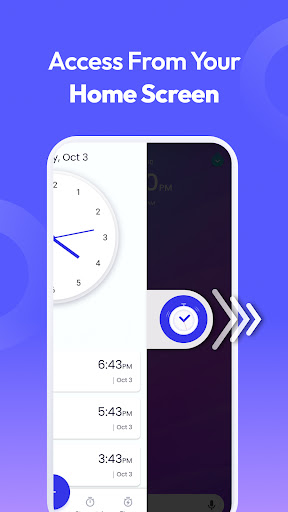
Experience the convenience of instant access to your essential time tools with just a single swipe from the home screen. Set alarms, timers, and reminders quickly and easily, making your daily routines seamless and hassle-free.
Home Screen Widget
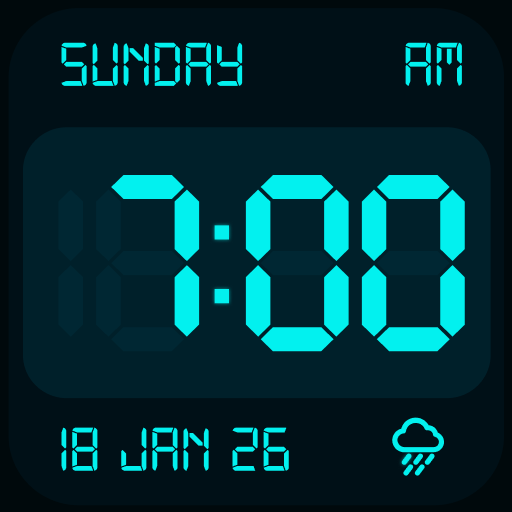
Keep updated with the latest time, weather, and more via a customizable widget directly on your home screen. This feature ensures you're always informed without opening multiple apps.
Wallpaper Personalization
Express your style by personalizing your home or lock screen with a wide selection of beautiful clock-themed wallpapers, adding a stylish touch to your device’s interface.
Home Screen Shortcut
Quickly access your favorite clock functions through dedicated shortcuts on your home screen. Get to alarms, timers, and reminders faster than ever before.
Multi-Touchpoint Search
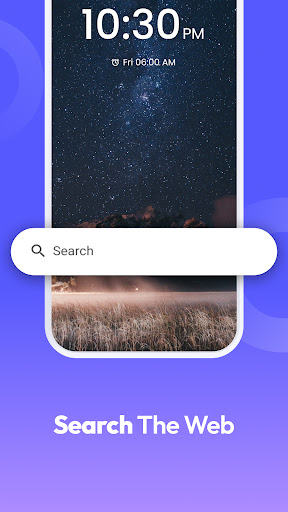
Searching for apps or conducting web searches is a breeze with multi-point touch capabilities. Search for installed applications or browse the web using the integrated search powered by Yahoo.
Comprehensive Time Management Tools
Alarm Clock
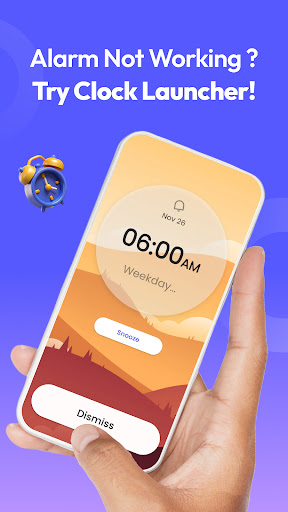
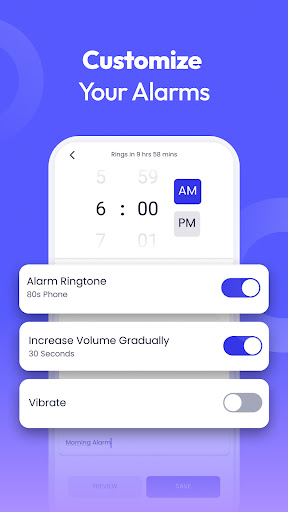
The core feature of Clock Launcher is its customizable alarm clock. Set personalized alarms for waking up or reminders for important tasks. Choose from various tones, set repetition for specific days, and fine-tune the snooze duration. Ideal for heavy sleepers, this alarm app ensures you wake up on time with loud tones and reliable performance. Use it to remember to take breaks, complete chores, or start your day with a positive alert.
World Clock
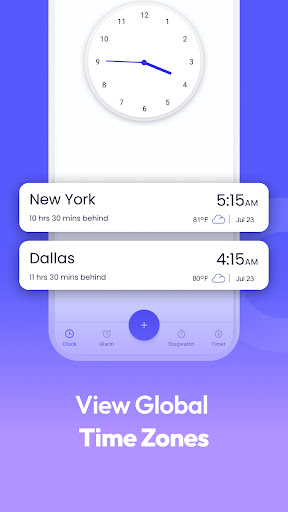
Travel frequently or work across time zones? The world clock feature allows you to check the time in any city, track time differences, and save your favorite locations for quick reference, making this an excellent tool for global travelers and international professionals.
Reminders
Never miss a critical appointment or event. Set travel reminders for flights, or personal reminders for upcoming tasks, ensuring you stay organized and punctual throughout your busy schedule.
Timer
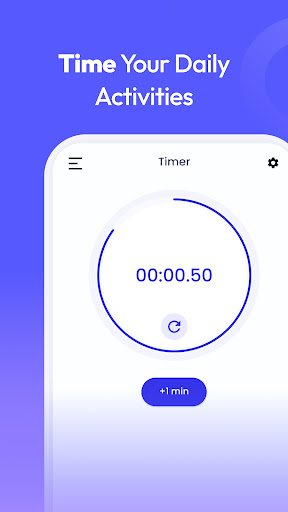
Utilize the timer feature for cooking, workouts, or timed tasks. Simple to set, it helps prevent overcooking, missed deadlines, or skipped exercises.
Stopwatch
The highly accurate stopwatch is perfect for tracking workout durations or monitoring progress over time, helping you improve your fitness routines effectively.
Why Choose Clock Launcher: Set Alarms?
This app is more than just a standard alarm clock. It combines the benefits of a powerful launcher with comprehensive time management features. Its intuitive interface makes setup a breeze, whether you're customizing alarms, changing clock styles, or setting reminders. The reliability ensures you won’t miss important events, and its seamless integration with your device maximizes convenience. Enhance your Android™ device with Clock Launcher today, and transform how you manage your time every day.
*Disclaimer: Chrome is a trademark of Google LLC. Use of it here does not imply any affiliation with or endorsement by Google LLC.
Pros
- Intuitive and easy-to-use interface
- Ability to customize alarm tones and configurations
- Integrates with calendar for reminders
- Consumes minimal battery power
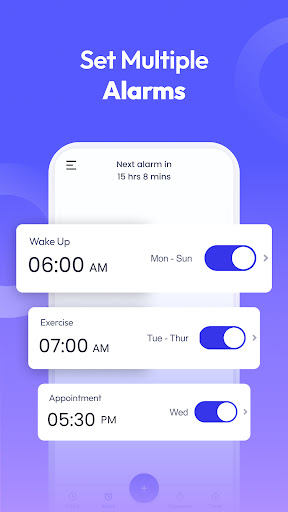
- Allows management of multiple alarm profiles
Cons
- Limited free features available
- Contains advertisements in the free version
- Alarm settings cannot be backed up
- Application may crash occasionally
- Full features require in-app purchases











