


Introduction to Verizon Family
The Verizon Family app has emerged as an essential tool for modern families, especially those with children just beginning to navigate the digital landscape. This comprehensive application is designed not only to keep your loved ones safe and connected but also to give parents peace of mind through powerful features that control and monitor device usage. Whether it's location sharing, parental controls, or roadside assistance, Verizon Family offers everything you need to manage your family’s mobile experience seamlessly in one central platform.
Key Features of Verizon Family
The Verizon Family app combines multiple functionalities into an intuitive interface, making it easy for parents to stay informed and in control. Here are some of the standout features that make this app a must-have:
Location Sharing and Safety Alerts
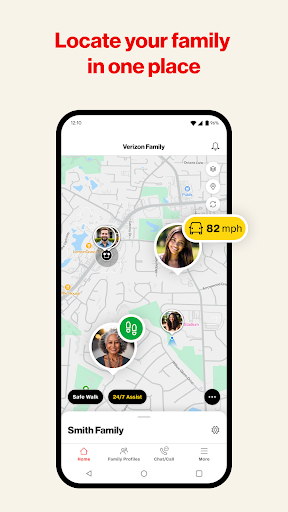
One of the most valued features is location sharing. With this, parents can see their children's whereabouts in real-time, providing reassurance during busy days or while on the go. The app also supports geofencing, which allows users to set up virtual boundaries. You'll receive notifications when your child leaves or arrives at designated locations like school or a friend's house. Additionally, basic location sharing is now available for Smartwatches via Wear OS, adding even more convenience.
Parental Controls and Screen Time Management
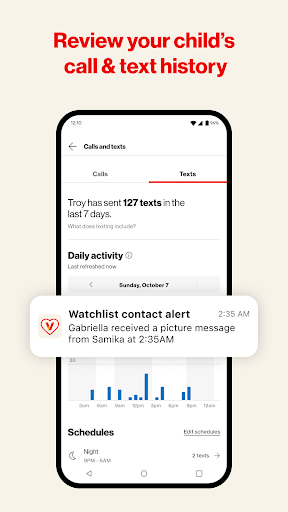
Managing your child's digital activity is simplified with built-in parental controls. You can monitor and limit calls, texts, and online activity, ensuring your kids stay within safe usage parameters. The app enables you to set screen time limits, which encourages healthy online habits and motivates children to disconnect when needed. You can even pause internet access remotely during study hours or family meals, fostering a balanced routine.
Device Management and Usage Monitoring
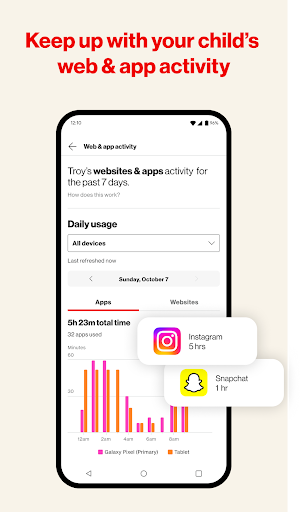
Verizon Family empowers parents with tools to monitor web and app activity on smartphones and connected tablets, providing insight into what children are engaging with online. Content filtering options are available to block inappropriate websites or apps, creating a safer browsing environment. These features help parents guide their children toward responsible technology use without excessive intrusion.
Additional Safety & Convenience Features
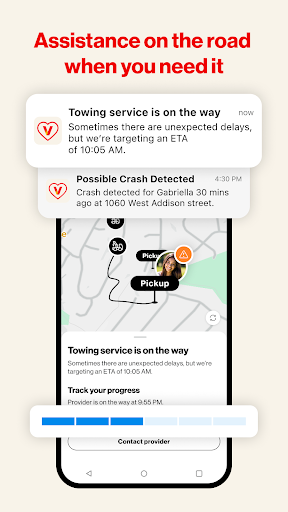
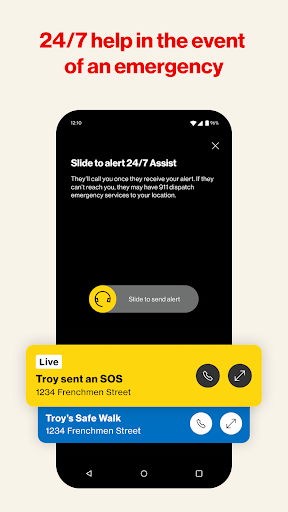
Beyond monitoring, the app offers functions like Crash Detection and Safe Walk with SOS to protect children during their commutes or outdoor activities. Features like Roadside Assistance provide help in emergencies, ensuring help is readily available when needed. The Pick-me-up and Check-in features facilitate quick communication, allowing parents to connect with their children or receive their location updates at any moment.
Smartwatch Location Sharing
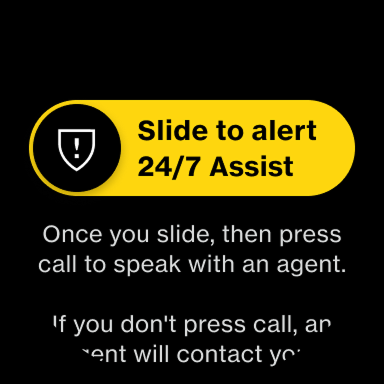
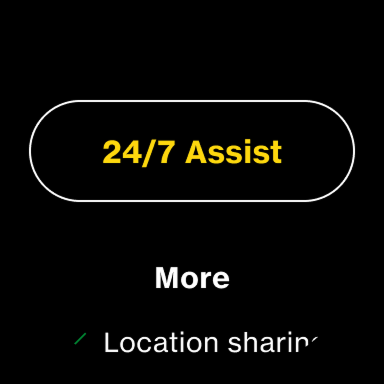
Basic location sharing is now accessible on compatible Smartwatches using Wear OS, expanding safety options. Although services like Safe Walk & 24/7 Assist are not currently available, this integration ensures that children remain connected and traceable even on wearable devices.
Usage & Legal Information
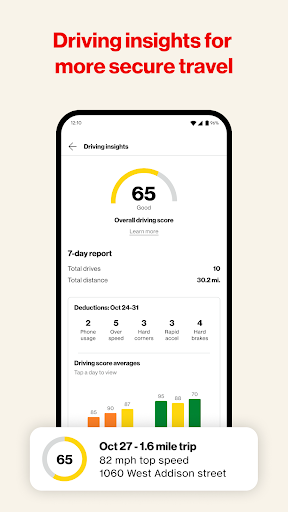
To access Verizon Family's extensive features, you need an active Verizon standard monthly postpaid account on an eligible device or an invitation from a Verizon account. The app's location sharing capabilities are included with Verizon postpaid plans at no additional charge, or you may opt for Verizon Family Plus at $14.99/month, which adds features like alerts, driving insights, and roadside assistance. Please note that the service does not monitor internet-based calls or texts or contact emergency services like 911 directly for crash or SOS alerts. Push notifications are essential for real-time updates, and message & data rates may apply according to your plan.
Why Choose Verizon Family?
The Verizon Family app is more than just a monitoring tool—it's a blend of safety, convenience, and peace of mind tailored for busy families managing digital lives. It supports responsible device use with features that promote safety, healthy habits, and connectivity. Its user-friendly design ensures even less tech-savvy parents can navigate controls effortlessly, making it an invaluable resource for modern parenting.
Conclusion
In summary, Verizon Family provides a comprehensive solution to help keep your family safe and connected. By combining advanced safety features, device management, and online activity controls, it allows parents to supervise their children’s digital environments effectively while encouraging independence. Whether you’re looking to locate your kids, set screen limits, or prepare for emergencies, Verizon Family offers a reliable, all-in-one platform that supports a secure digital experience for your whole family.
Pros
- Comprehensive parental controls
- Real-time location tracking
- Screen time management
- Customizable alerts and notifications
- Supports multiple device platforms
Cons
- Subscription required for full features
- May drain battery quickly
- Location updates are sometimes slow
- Limited features on older devices
- Complex setup for non-tech users











