
Parental Control - Kroha: A Comprehensive Child Safety App
In today's digital age, ensuring the safety of children online is more important than ever. Parental Control - Kroha is an innovative app designed to give parents peace of mind by providing a suite of powerful tools to monitor and manage their child's device usage. This parental control application is crafted to keep children safe by limiting screen time, tracking locations, blocking harmful content, and monitoring online activities, all through an easy-to-use interface.
Key Features of Parental Control - Kroha
Family Locator & GPS Tracking
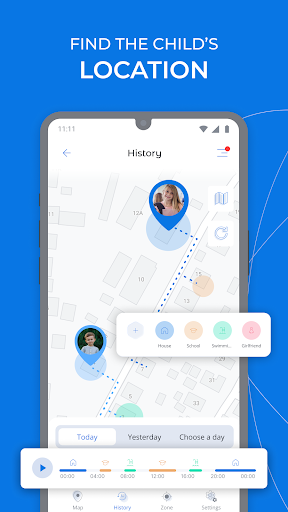
This feature allows parents to track your kid’s location on the map in real-time. Set custom geo-zones and receive notifications if your child leaves predefined safe areas, providing added security and peace of mind.
Device Screen Time Management
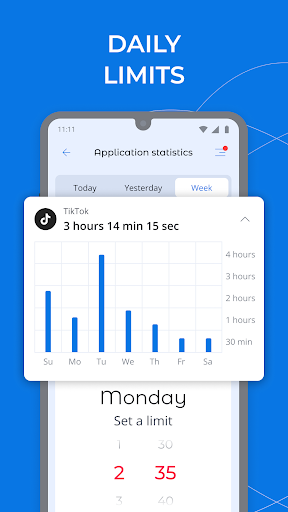
Kroha offers detailed insights into your child's daily phone usage. You can set and manage specific daily app time limits, monitor apps' usage statistics, and ensure your child isn't spending excessive time on screen, especially during important hours like bedtime or study time.
App Lock & Phone Lock
Restrict access to apps, games, and social media through remote locking. You can also limit app usage time and schedule restrictions for family time, sleep, or study periods, fostering healthy digital habits.
Sound Around the Child
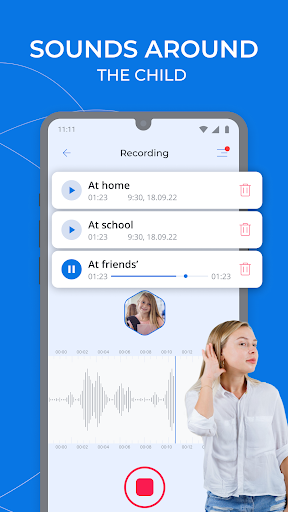
Ensure your child's safety by listening to the environment around them. You can remotely connect to your child's device microphone to listen for any concerning sounds or situations. Additionally, request recordings lasting up to 30 seconds and receive notifications once recordings are available.
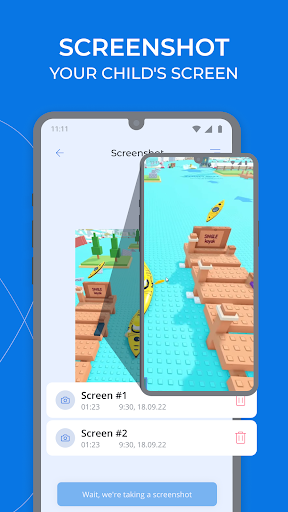
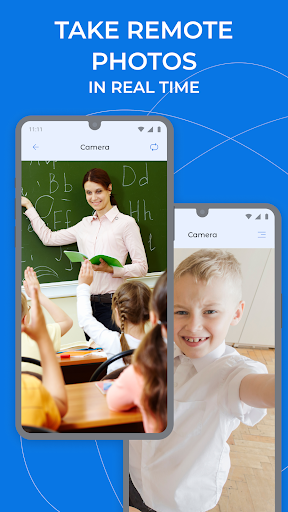
Screen Captures and Environmental Monitoring
The app enables parents to access the device's camera to take screenshots or photos using the front or rear camera. This feature helps you monitor the surroundings in real-time for an added level of safety.
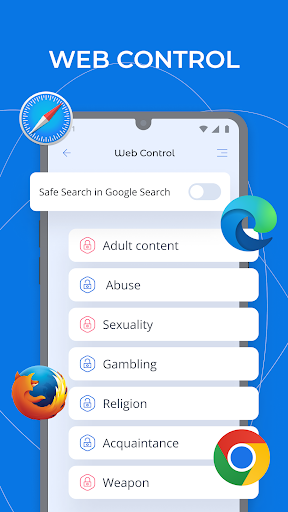
Content Filtering and Safe Online Browsing
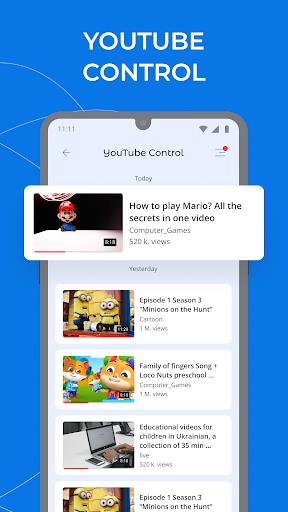
Protect your children from harmful content by blocking websites and YouTube videos. The app allows you to monitor visited sites, filter inappropriate videos, and activate Safe Search mode for safer online searches.
Social Media & Chat Monitoring
Keep track of your child's social media activity by monitoring messengers and YouTube browsing, making it easier to identify and prevent exposure to unsuitable content.
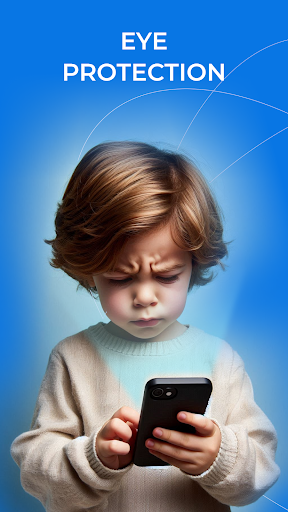
Night & Eyes Protection Modes
Use Eyes Protection mode to maintain a safe distance from the screen, and enable Night Mode to reduce blue light exposure, helping to protect your child's eyesight during evening hours.
Additional Monitoring Capabilities
The app also allows you to monitor and manage your kid’s Phonebook, view recent photos, and check the battery level of your child's device, providing comprehensive oversight of their device activities.
Getting Started and Subscription Details
To begin using Parental Control - Kroha, simply install the app on your device and your child’s device. Link all family devices to a single account, which enables remote management and control. This application supports controlling up to five devices for a one-year license, suitable for families wanting to oversee multiple children or devices. Both parent and child devices must be connected over the network to facilitate data transfer and command execution.
For more information on subscription plans, visit the official website. The app also offers a user-friendly experience, making it accessible even for parents unfamiliar with technical details.
Permissions and Privacy Considerations
Permissions required include VPN access for website filtering, Device Administrator rights for managing device features, and Accessibility Service permission for browsing history monitoring and ensuring the app cannot be uninstalled without approval. These permissions are vital for the full functionality of parental controls and safe browsing enforcement.
Final Thoughts
Parental Control - Kroha stands out as a reliable and comprehensive child's safety app, combining location tracking, screen time management, content filtering, and real-time monitoring into one user-friendly platform. It empowers parents to take control of their child's digital environment, fostering safer online behavior and healthier device habits. If you're seeking an effective solution to manage your child's device use, Kroha is definitely worth exploring. Its blend of features and ease of use makes it a valuable tool for modern parenting in a digital world.
Pros
- Intuitive user interface for easy navigation
- Customizable screen time settings
- Real-time location tracking feature
- App usage reports for better monitoring
- Web filtering for safer browsing
Cons
- Requires a subscription for full features
- Can drain battery life quickly
- Limited customer support options
- Occasional glitches in app performance
- Compatibility issues with some devices











