


Discover the Power of AR Drawing Paint Sketch Trace: The Ultimate AR Art Projector and Sketching App
Are you passionate about art and eager to explore innovative tools that elevate your drawing experience? AR Drawing Paint Sketch Trace is an impressive AR art projector designed to unlock your trace drawing and painting talents! Whether you're a budding artist or a seasoned creator, this groundbreaking application transforms your mobile device into a powerful creative assistant.
With its cutting-edge augmented reality (AR) technology, the app allows you to project images directly onto your drawing surface, making the process of creating art both fun and intuitive. Curious about how to draw anime or complex line art? This app makes such tasks effortless by combining seamless AR technology with user-friendly features, enabling you to craft beautiful masterpieces with ease.
How Does AR Drawing Paint Sketch Trace Work?
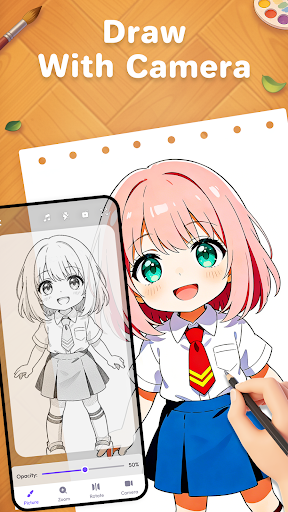
Getting started is simple. First, open the tracing app and prepare your favorite drawing tools—pencil, paper, canvas, or sketchbook. You can select an image from your camera or gallery, or choose from the built-in outline pictures available within the app. Once ready, secure your device with a support stand and use the app’s AR projection feature to trace over images with precision.
When you project the image onto your drawing surface, it acts like a virtual stencil, guiding your hand and helping you recreate complex designs. The process turns into an engaging activity that combines standalone sketching with the immersive experience of modern AR. As a result, turning photos into line art or creating detailed sketches becomes quick and enjoyable.
Key Features of the AR Drawing Paint Sketch Trace App
AR ART Projector
The core feature is its AR art projector, which overlays images onto your sketchpad, transforming traditional drawing into a high-tech experience. With AI-powered sketch conversion, you can quickly turn your ideas into art ready for tracing or coloring.
Camera Integration
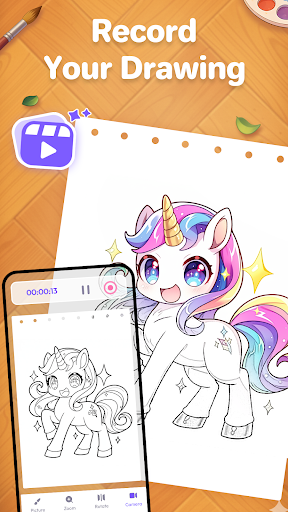
Use the camera to trace any object or scene in real-time or from existing photos. This makes creating colorful artworks or simple sketches more accessible for artists of all levels, from beginners to seasoned professionals.
Adjustable Settings
Personalize your sketching environment by adjusting transparency, pattern size, rotation, and mirroring. For better visibility in low light, you can even activate the flashlight.
Extensive Library
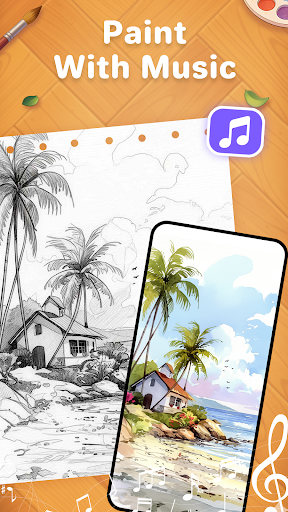
Choose from a diverse library of images including anime, cute characters, cartoons, animals, and festive designs—perfect for line art sketching and trace drawing.
Photo to Sketch Conversion
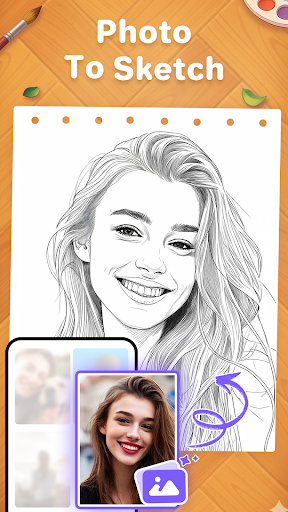
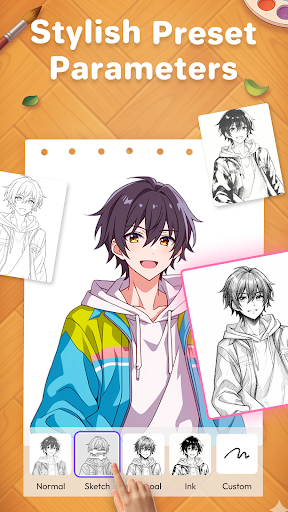
Convert your personal photos into detailed line sketches, making it easier to practice anime drawing and other styles. This feature opens up endless possibilities for creative expression.
Video Recording & Tutorial Guides
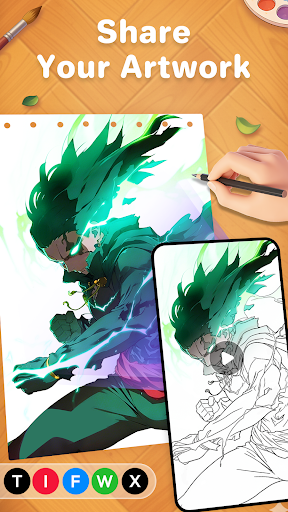
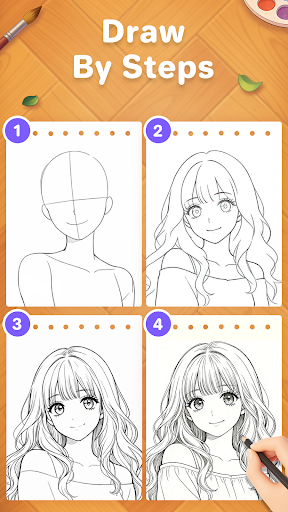
Record your AR painting sessions and share your progress with friends. Additionally, the app provides step-by-step tutorials to help beginners master outline drawing and AR sketch art quickly.
Skill Showcase & Learning
Show off your trace drawing skills and improve your talents over time. Whether you're just starting or refining your technique, this app supports all levels of artistic development.
Why Should You Download AR Drawing Paint Sketch Trace Today?
This innovative drawing app offers a fun and educational platform for everyone—children, teens, and adults—to learn artistic skills in an engaging way. It makes drawing anime and other artistic genres accessible for those who might struggle with proportion or visualization. The combination of AR projection and intuitive controls creates a magical experience that inspires creativity and fosters confidence.
If you're looking to turn your photos into captivating artworks or simply enjoy the therapeutic process of sketching with a modern twist, AR Drawing Paint Sketch Trace is the perfect tool. Download now and begin your journey towards creating stunning artworks anytime, anywhere!
Pros
- Enhances creativity and artistic skills.
- User-friendly interface suitable for all ages.
- Provides a wide variety of drawing tools.
- Compatible with multiple image formats.
- Receives regular updates introducing new features.
Cons
- Requires internet connection for some functions.
- Occasional issues with the undo feature.
- Limited features available in the free version.
- Advertisements may be disruptive at times.
- Consumes a significant amount of battery power.











