



Introduction to Kwikpic - Smart Photo Sharing
In today's digital age, sharing cherished memories with friends, family, and colleagues has become an integral part of our lives. Kwikpic emerges as a revolutionary smart photo sharing application that leverages advanced AI technology to simplify the process of organizing and distributing photos. Whether it's a wedding, birthday, conference, or vacation, Kwikpic ensures your precious moments are shared effortlessly, securely, and in high quality.
Effortless Uploading and Intelligent Sorting
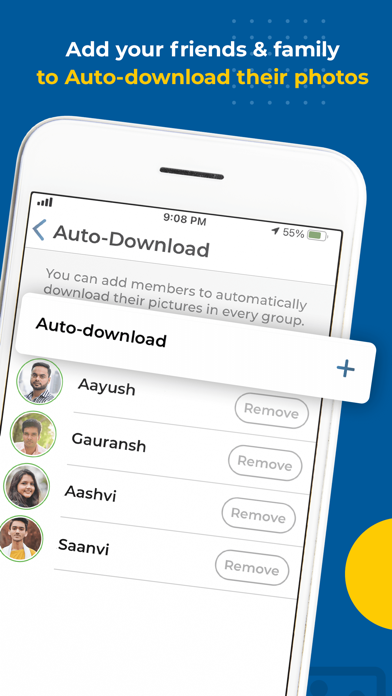
With Kwikpic, uploading your photos is quick and straightforward. The app supports multiple sources, allowing you to upload from your device gallery, gDrive, or other cloud storage platforms. Once uploaded, AI-powered face recognition instantly face match and tag everyone in the photos. This smart feature means you no longer need to manually tag or organize images—saving time and hassle. The app also facilitates automatic notification to everyone involved, ensuring your friends and family receive their share of memories without delay.
Beyond simple sharing, Kwikpic allows you to sort and deliver countless photos with ease, making the process of managing large photo collections a breeze. Whether it's for a large event or a memorable vacation, this app ensures your photos are well-organized and accessible.
Features That Elevate Your Photo Sharing Experience
Share High-Quality Photos
Enjoy the ability to share high-resolution pictures without any quality loss, ensuring your images look stunning when viewed by others.
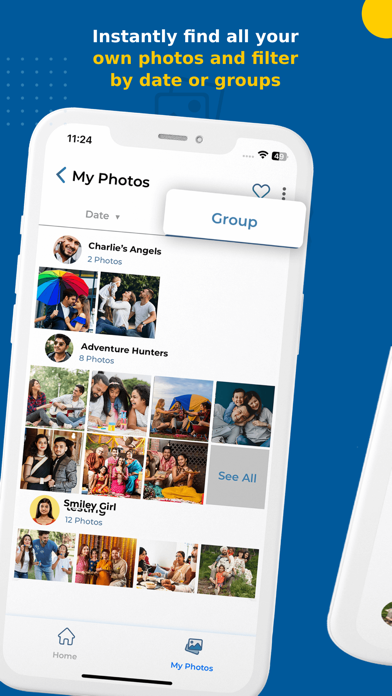
Find Common Photos with Group Members
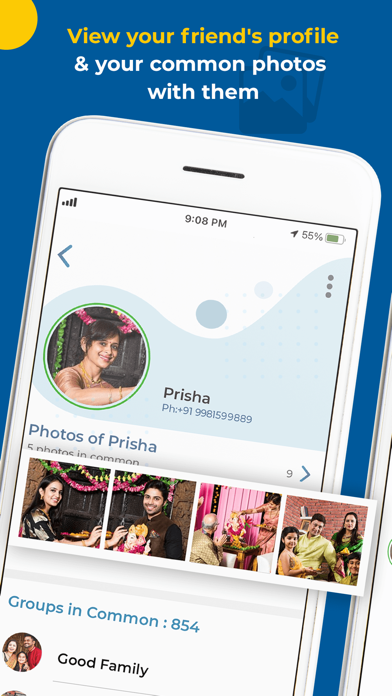
The app intelligently identifies photos shared among group members, making it easy to view shared memories cohesively.
Track Photo Engagement
Monitor analytics such as total impressions, downloads, and more, helping you understand how your shared images are viewed and interacted with.
Secure and Private Sharing
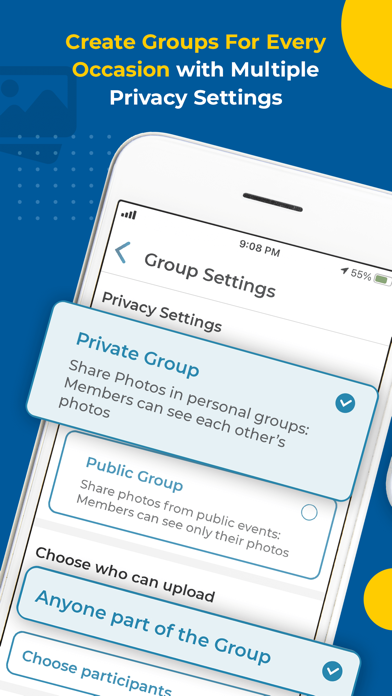
In an era of increasing privacy concerns, Kwikpic prioritizes security. You can set specific permissions for each album, choosing who can view, download, or comment. The app does not store your photos on its servers—instead, it uses end-to-end encryption to safeguard your data during transfers, giving you peace of mind.
Personalized and Intuitive User Experience
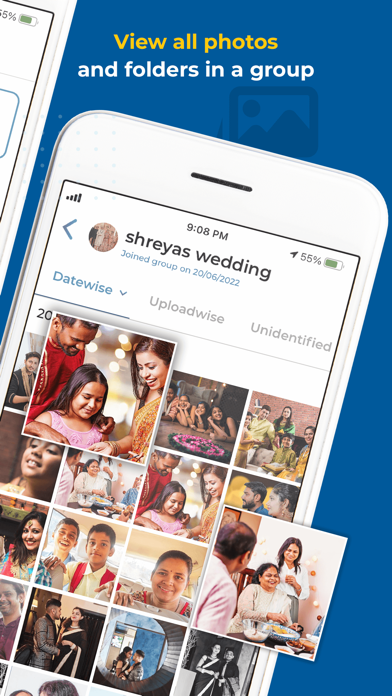
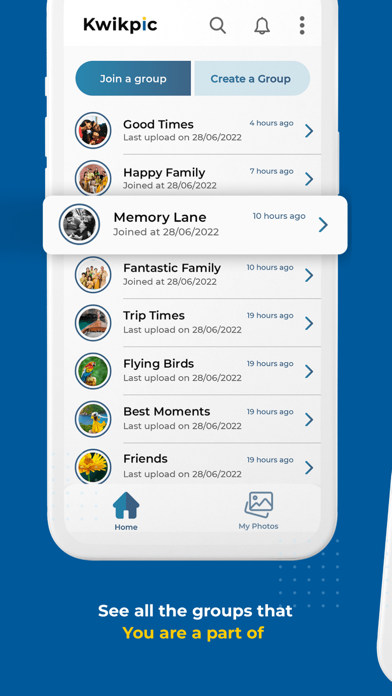
When I first started using Kwikpic, I was impressed by its intuitive interface. Navigating through my photo library was a breeze, thanks to well-organized albums categorized by events. Creating personalized albums took just a few taps, making sharing specific memories effortless. The app's smart suggestions based on facial features made it even more user-friendly, turning what used to be a tedious process into an enjoyable experience.
This smart approach to photo organization and sharing makes Kwikpic an ideal tool for anyone wanting a hassle-free way to keep loved ones updated and preserve precious moments seamlessly.
Final Thoughts: The Best Choice for Smart Photo Sharing
Kwikpic - Smart Photo Sharing truly lives up to its name. It combines robust security, user-friendly features, and advanced AI to deliver an unparalleled photo sharing experience. Whether you're a casual user or a professional seeking efficient organization, this app provides an innovative platform to share memories effortlessly and securely.
If you're looking for a smart and secure way to share and organize your photos, I highly recommend giving Kwikpic a try. It might just become your go-to app for all your memories—preserving moments, connecting loved ones, and simplifying the way you share your stories.
Pros
- Automatically organizes photos into albums
- Includes facial recognition for easy tagging
- Designed with a user-friendly interface
- Offers secure cloud storage integration
- Enables seamless sharing with friends
Cons
- Requires a constant internet connection
- Provides limited free storage options
- Facial recognition may sometimes be inaccurate
- Occasional crashes have been reported
- Photo editing features are quite basic











