
Remote Control for Roku TV: Enhance Your Viewing Experience with Your Smartphone
Are you tired of losing your traditional remote control or looking for a more convenient way to manage your Roku TV? The Remote Control for Roku TV app offers a free and versatile solution that transforms your Android device into a powerful remote, giving you seamless control over your Roku Player and Roku TV. Designed with user convenience and advanced features in mind, this app ensures you never miss out on your favorite content. Let's explore what makes this app an essential tool for Roku users.
Key Features of the Roku Remote Control App
This innovative app combines multiple functionalities to elevate your entertainment experience:
Enhanced Screen Mirroring and Casting
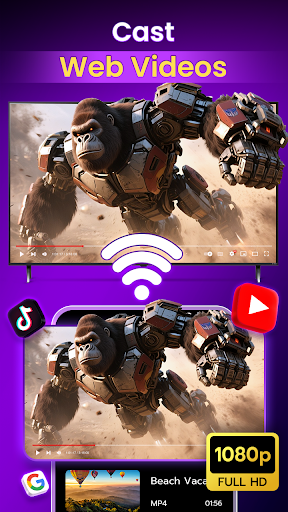
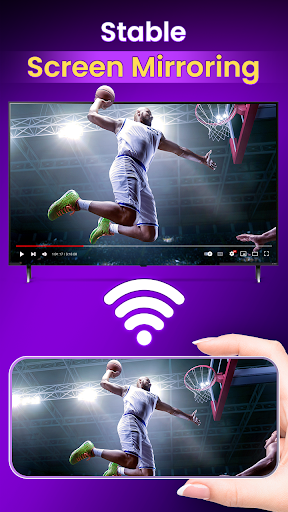
Utilize the screen mirror technology to cast your smartphone screen directly onto your Roku TV. Whether you're sharing photos, videos, or presentations, this feature makes it effortless to enjoy content on the big screen.
Support for All Roku Channels
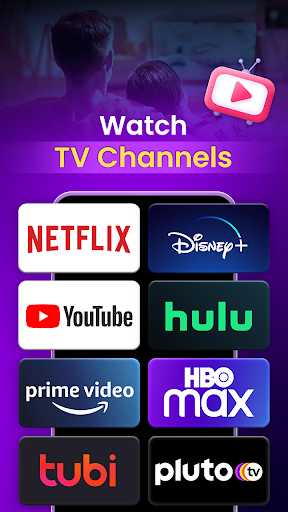
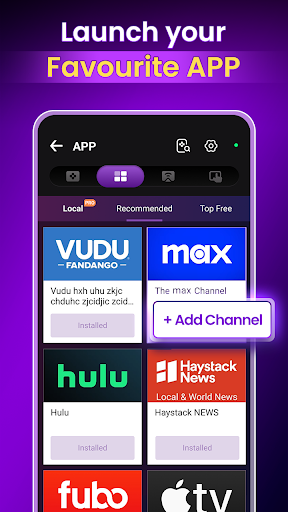
Access the entire Roku Channel Store directly from the app, allowing you to discover and add countless streaming channels. From live news to international programming, your entertainment options are virtually unlimited.
Responsive and Intuitive Remote
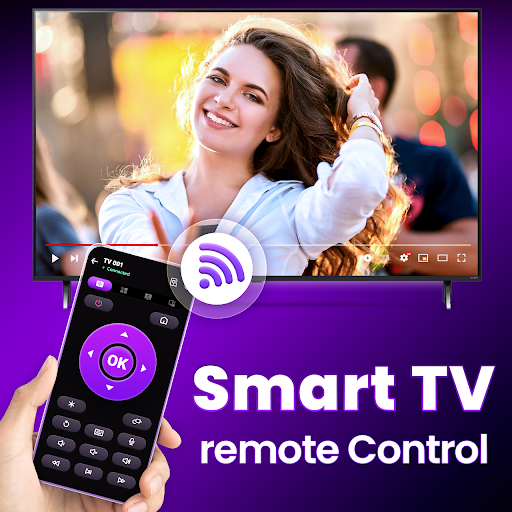
The app functions as a responsive Roku remote, providing users with instant access to their TV. Its intuitive design ensures seamless navigation, with easy-to-use controls that feel natural and familiar.
Dual Connectivity Modes: Wifi & IR
Choose between Wifi and IR connectivity modes depending on your setup. Whether your Roku device supports Wi-Fi or IR signals, this remote adapts to your needs, offering reliable control without restrictions.
Advanced Volume and Control Features
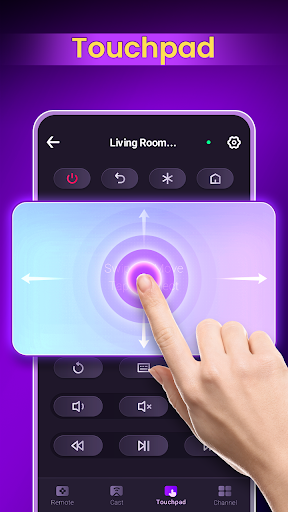
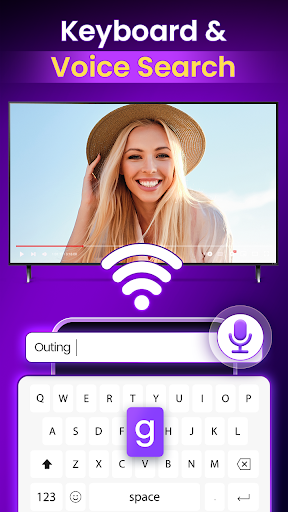
Enjoy precise volume control and additional commands that give you complete command over your Roku TV. The app also includes a built-in keyboard for quick login into streaming apps and a touchpad for smooth navigation.
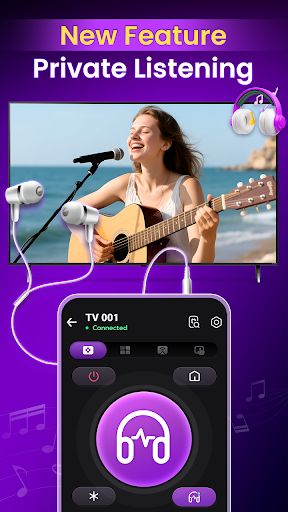
Private Listening and Personal Entertainment
With the Private Listening feature, simply connect your headphones to your phone and enjoy audio privately. This feature is perfect for late-night viewing or situations where you want to avoid disturbing others.
Why Choose This Roku Remote App?
One of the primary appeals of this application is its ease of use. Setting up the app is straightforward—simply connect your Android device and Roku TV to the same Wi-Fi network, and you’re ready to control your TV with just a few taps. The minimalist and User-Friendly Interface makes navigation effortless, even for those less familiar with technology.
Beyond basic remote functions, the app introduces features like voice commands—making searching for content or controlling playback a hands-free experience. The built-in keyboard simplifies logging into streaming platforms, and the touchpad mimics a computer’s mouse, providing a more natural way to navigate through menus.
Reliability is also a key advantage; the app responds quickly with minimal lag and maintains stable connections, ensuring uninterrupted control during your favorite shows or movies. Whether you prefer using Wi-Fi or IR mode, you can count on consistent performance.
In Summary
The Remote Control for Roku TV app is a practical, feature-rich companion for any Roku user. Its simple setup, advanced functionalities, and reliable performance make it a fantastic replacement or supplement to traditional remote controls. If you're looking for a way to elevate your smart TV experience, this app is a smart choice. With its ability to support casting, channel browsing, private listening, and more, it truly puts entertainment at your fingertips—anytime, anywhere.
Pros
- Simple setup process for quick implementation
- Compatible with all Roku TV models
- Intuitive user interface design
- Supports voice commands for added convenience
- Integrates smoothly with Roku streaming sticks
Cons
- Limited features compared to a physical remote
- Requires a stable internet connection
- Advertisements can be disruptive during use
- Lacks tactile buttons for physical feedback
- May quickly deplete phone battery











