
Discover the Ultimate TV Remote Control for RokuTV App
Are you tired of endlessly searching for your misplaced TV remote or struggling with complicated remote controls? Look no further! The TV Remote Control for RokuTV app transforms your smartphone into a powerful and versatile RokuTV remote. This innovative app offers seamless control over your Roku streaming device, making your entertainment experience more convenient, fun, and simple. Whether you're browsing channels, adjusting volume, or sharing content, this app has everything you need for effortless RokuTV management.
Key Features That Make TV Remote Control for RokuTV Stand Out
Easy Setup with Instant Connectivity
Getting started is a breeze! Just ensure your RokuTV and your mobile device are connected to the same Wi-Fi network. The app will automatically detect your device and establish a connection without the need for complicated pairing procedures or setup steps. This quick and hassle-free process means you can start controlling your Roku TV almost immediately.
Full Remote Functionality at Your Fingertips
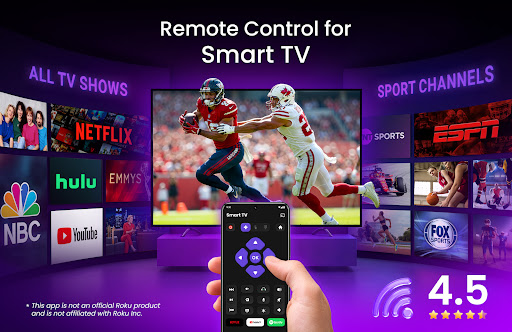
Say goodbye to physical remotes and embrace comprehensive remote control features right from your phone. Play, pause, rewind, fast forward, change channels, and control the volume effortlessly. Designed to be intuitive, this app provides a user-friendly interface that gives you direct access to all the functions you rely on when watching your favorite shows or movies.
Swipe-Based Navigation for Easy Use
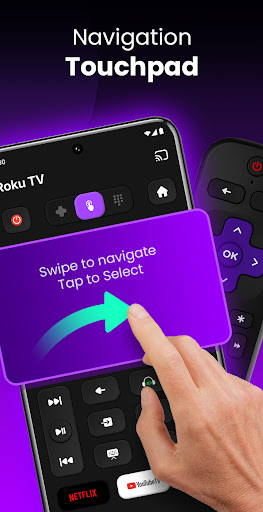
Navigate your RokuTV with smooth, swipe-based gestures for a natural and seamless experience. This feature simplifies browsing through menus and apps, making navigation feel intuitive and effortless even for those who are not tech-savvy.
Screen Mirroring and Casting Made Simple
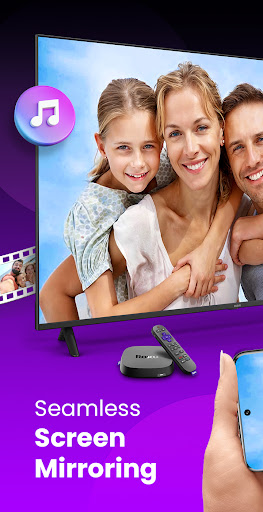
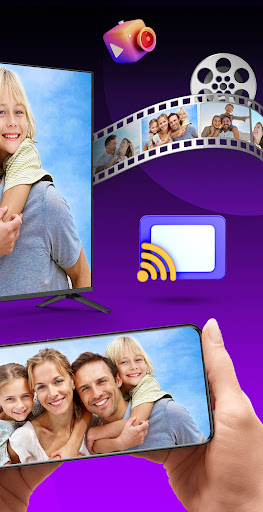
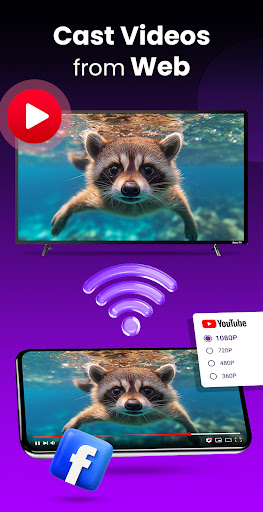
Share your phone’s content on your larger TV screen with the built-in screen mirroring feature. Whether you want to display photos, videos, or presentations, this app makes casting to your RokuTV quick and easy. It transforms your Roku device into an interactive hub for sharing content with family and friends.
Quick Access to Channels and Apps
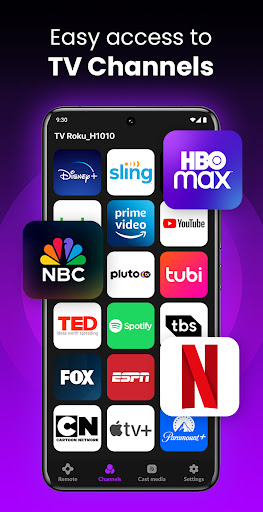
Access your favorite channels and streaming apps in seconds. The app organizes your content in a clear, large icon-based list, allowing you to select and open channels swiftly. This feature enhances your streaming experience by minimizing search time and maximizing your entertainment.
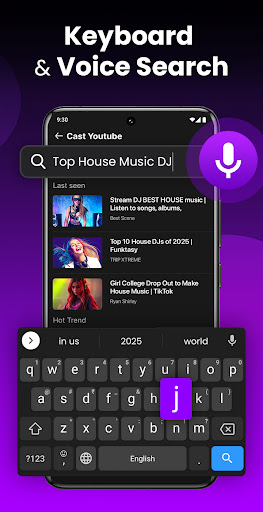
Built-in Keyboard for Easy Text Input
Typing on a TV remote can be frustrating, especially when searching for shows or logging into apps. This app includes an integrated keyboard that makes text input quick and straightforward. Enter searches, login credentials, or any text with ease, saving time and frustration.
Why Choose TV Remote Control for RokuTV?
This versatile app is compatible with all major RokuTV models, including TCL, Sharp, Insignia, and Hitachi. It offers automatic device detection, meaning no complicated setup is necessary. Enjoy features like screen mirroring and casting, as well as managing channels smoothly through your phone. Plus, the integrated keyboard simplifies text input, transforming your smartphone into a complete RokuTV remote.
Enhance Your Home Entertainment Experience
The TV Remote Control for RokuTV app not only simplifies how you control your TV but also adds new features that make your viewing sessions more interactive and immersive. Whether you're streaming movies, casting videos, or browsing channels, this app consolidates all control functions into a single, easy-to-use platform. Its intuitive design and comprehensive features make it the perfect companion for any Roku streamer looking to upgrade their entertainment setup.
How to Connect Your Smartphone to Your RokuTV
First, ensure both your RokuTV and phone are connected to the same Wi-Fi network. Launch the app and select your device from the list. With a single tap, you'll be connected and ready to start controlling your RokuTV instantly—no complicated configurations needed.
Final Thoughts
The TV Remote Control for RokuTV app offers an all-in-one solution to enhance your Roku streaming experience. With features like full remote control, swipe navigation, screen mirroring, quick channel access, and a built-in keyboard, this app provides everything you need to enjoy seamless entertainment. Say goodbye to lost remotes and complicated controls—embrace this innovative app for a smarter, more convenient RokuTV experience today.
Pros
- Easy installation and connection process.
- Compatible with all Roku TV models.
- Provides a smooth and responsive user interface.
- Offers voice search functionality.
- Allows customization of the remote layout.
Cons
- Requires a stable Wi-Fi connection for optimal performance.
- Includes advertisements in the free version.
- Lacks haptic feedback on controls.
- Features are limited without a subscription.
- Can consume battery life with extended use.











