
Introduction to Cast to TV - Screen Mirroring
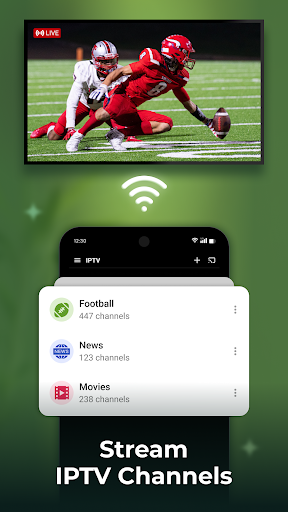
Are you tired of watching your favorite content on a small screen? Want to transform your smartphone experience into an immersive, big-screen adventure? Look no further than Cast to TV - Screen Mirroring. This innovative app makes it effortless to stream videos, photos, music, and even mirror your entire device screen directly onto your smart TV or other compatible streaming devices. Whether you want to enjoy high-definition movies, showcase holiday photos, or play games on a larger display, Cast to TV offers a seamless and user-friendly experience designed to elevate your entertainment setup.
Key Features of Cast to TV - Screen Mirroring
This application stands out with its comprehensive set of features optimized for ease of use and versatility. Notable capabilities include:
Media Casting and Screen Mirroring
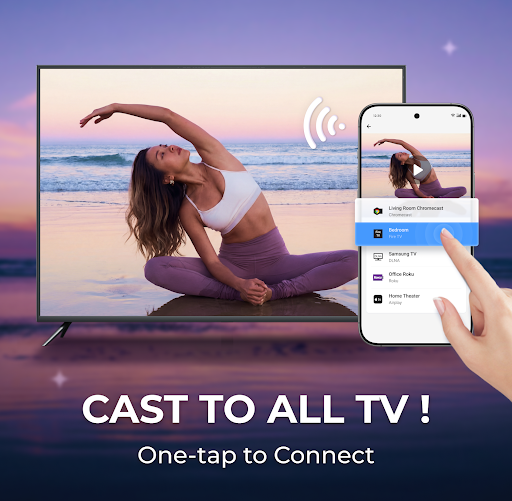
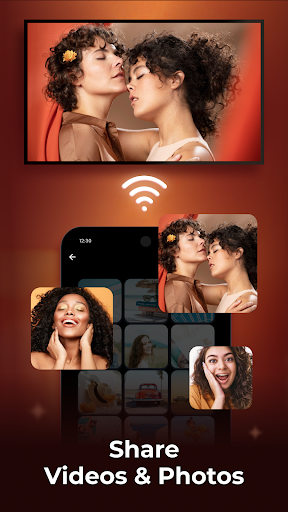
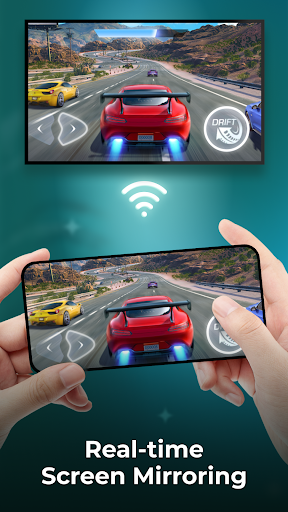
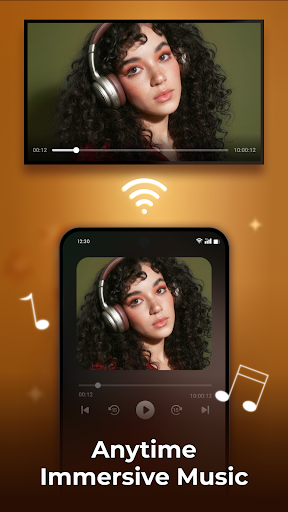
Easily cast movies, web videos, photo slideshows, and music playlists to your TV with just a few taps. The app supports real-time screen mirroring, allowing you to display your entire mobile screen on a larger display. This is perfect for showing presentations, playing mobile games on a big screen, or sharing photos from your gallery with friends and family.
Remote Control and Media Management
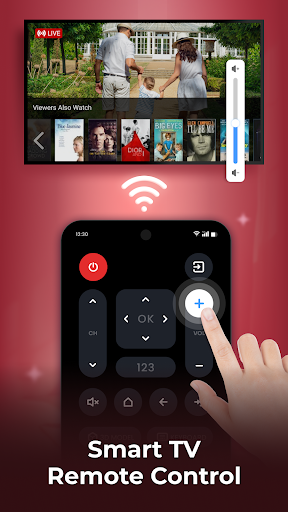
Control your TV directly from your phone—pausing, fast forwarding, adjusting volume, and switching subtitles are simple and intuitive. You can also manage playlists, set playback modes like shuffle or repeat, and view your play history for quick access to your favorite content.
Built-in Browser and Web Video Casting
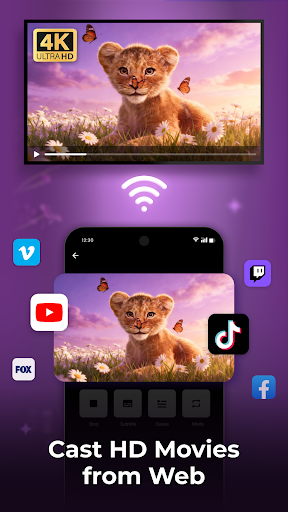
The app includes a built-in web browser that lets you surf the internet and cast web videos directly onto your TV. Block ads and pop-ups to enjoy an uninterrupted viewing experience, and choose different resolutions to optimize quality based on your network connectivity.
Supported Devices
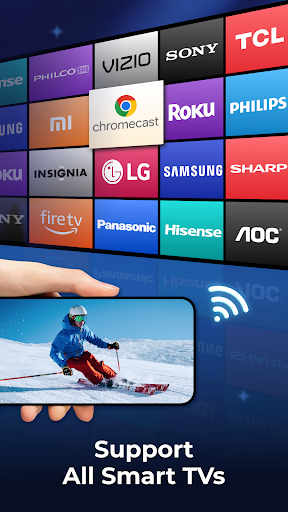
Casting is compatible with a broad range of devices including smart TVs (Sony, Samsung, LG), Apple TV, Fire TV, Xbox, PC, and PS4. This wide support ensures that most users can enjoy the convenience of wireless streaming regardless of their device ecosystem.
High-Quality Playback and User Experience
Enjoy smooth, HD streaming of your favorite movies and videos. The application's straightforward interface guarantees that even those unfamiliar with streaming technology can quickly set up and start casting. The lightweight design ensures your device’s resources aren’t overwhelmed, providing a stable and reliable connection every time.
Benefits of Using Cast to TV - Screen Mirroring
Whether you’re planning a movie night, sharing a presentation, or showing off your latest photos, Cast to TV streamlines the process, making it quick and hassle-free. The seamless connectivity means you can pair your phone with your TV in seconds—no tangled cables, no complicated setup procedures. Once connected, enjoy high-quality streaming that brings entertainment to life with vibrant visuals and crisp audio.
Enhanced Viewing and Sharing Experience
One of the standout features of Cast to TV - Screen Mirroring is its ability to mirror your entire device screen onto a big display. This allows for a more interactive experience—play mobile games, share photos during gatherings, or participate in video calls with friends and family on the big screen. The intuitive controls let you manage playback effortlessly, making your viewing experience more enjoyable and engaging.
Conclusion
In today’s connected world, having a versatile screen mirroring and casting tool is a digital must-have. Cast to TV - Screen Mirroring is designed to simplify your media sharing needs, offering reliable performance across a variety of devices and supported formats. Its easy-to-navigate interface and comprehensive features ensure you can effortlessly enjoy your favorite content on the biggest screen in your home or office.
Pros
- Easy setup and user-friendly interface.
- Supports a wide range of devices.
- High-quality video streaming with minimal lag.
- Enables screen mirroring for games and videos.
- Compatible with most smart TVs and streaming devices.
Cons
- Ads can be disruptive during use.
- Some features require in-app purchases.
- Limited support for older device models.
- Occasional connection drops on busy networks.
- Audio synchronization issues in certain cases.











