










Introducing AirMirror: TV Cast via AirPlay — Your Ultimate Wireless Streaming Solution
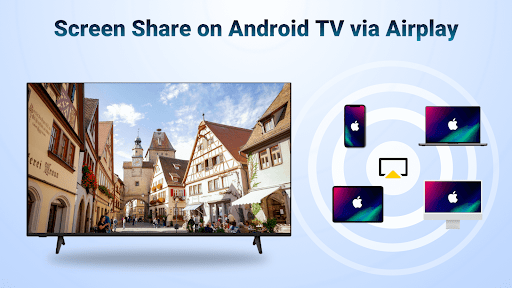
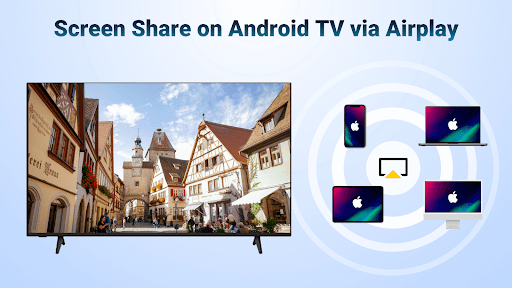
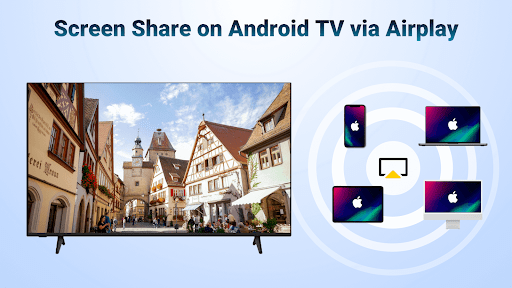
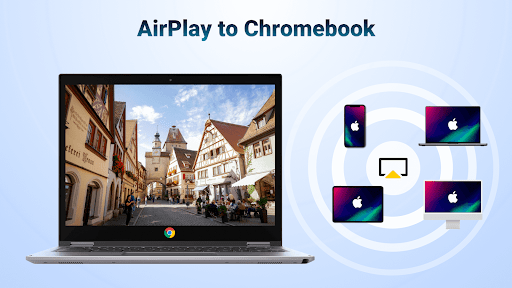
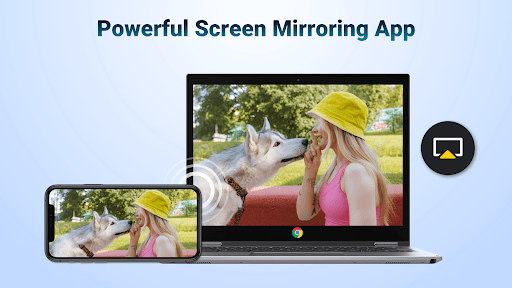
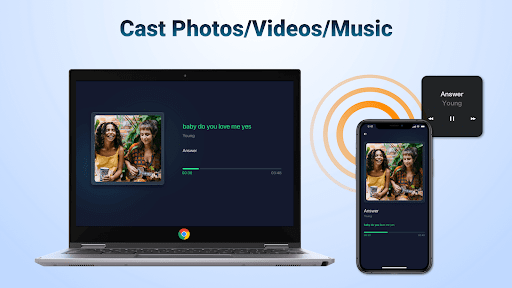
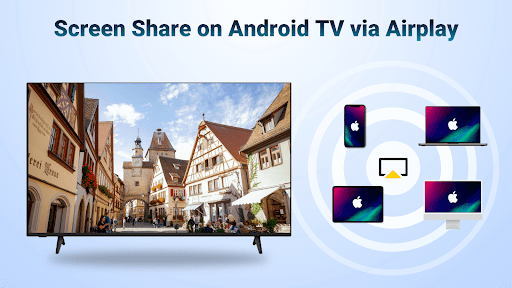
Are you tired of the hassle of cables and complicated setups when trying to enjoy your mobile content on a larger screen? Look no further than AirMirror: TV Cast via AirPlay. This innovative app transforms your entertainment experience by enabling seamless wireless streaming from your iPhone, iPad, or Mac directly to your Android TV or other compatible smart TVs. Whether you want to share photos, stream videos, or display presentations, AirMirror makes it effortless to mirror and cast content over WiFi, ensuring an immersive and high-quality viewing experience.
Effortless Screen Mirroring and Casting
Setting up AirMirror is straightforward and user-friendly. Simply download the app on your Android TV or compatible device, ensure both your iOS device and TV are connected to the same WiFi network, and launch the application. The intuitive interface guides you through the process with minimal effort, allowing you to start mirroring or casting in just a few taps. No technical skills or additional converters are needed—just a stable WiFi connection and the app.
Versatile Compatibility and Robust Performance
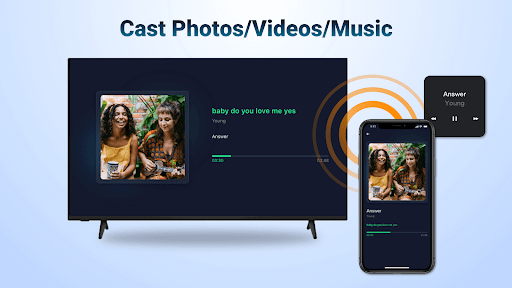
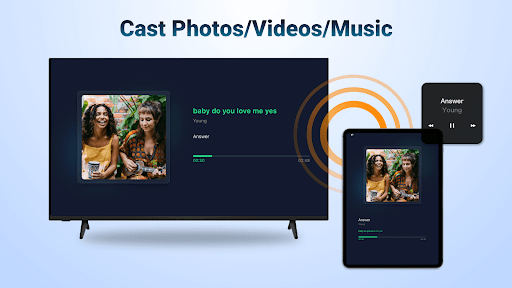
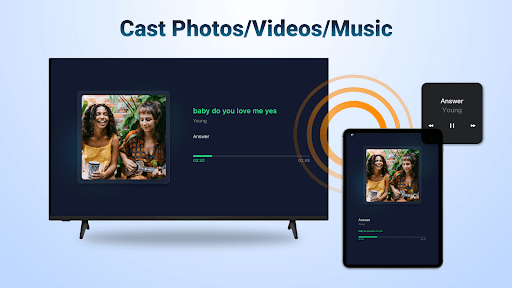
One of the key strengths of AirMirror: TV Cast via AirPlay is its broad compatibility. It works flawlessly with a variety of smart TV brands, including Samsung, LG, Sony, and others. This means you can enjoy high-quality streaming regardless of your TV's brand or model. The app supports streaming of audio, video, and photos from Apple devices that allow AirPlay. Streaming is smooth and stable, with minimal lag, even for high-definition videos or multiplayer mobile games, providing a crystal-clear picture and excellent sound quality.
Expand Your Entertainment Possibilities
AirMirror opens up a world of entertainment options, perfect for various scenarios:
- Business Presentations: Effortlessly display your slides and professional content on big screens during meetings.
- Family Travel & Photos: Share your travel memories and photos with loved ones by air casting directly to your TV.
- Gaming: Play multiplayer mobile games on the big screen for an immersive experience.
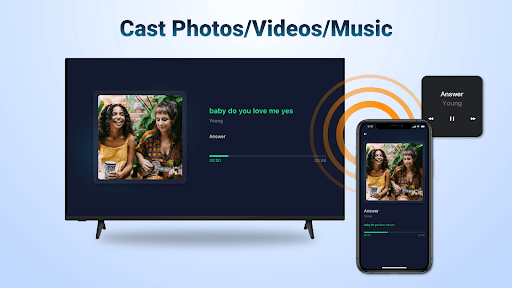
- Entertainment & Relaxation: Stream movies, web videos, or music to enjoy high-quality audio-visual content in comfort.
- Fitness & Exercise: Follow workout videos streamed directly onto your television for a motivating workout session.
Key Features of AirMirror
- Wireless streaming of audio, video, and photos from iOS devices enabled with AirPlay
- Screen casting for streaming media where DRM allows
- Fast, smooth web video streaming via AirPlay
- Control playback directly from your device with options to Play, Pause, or Stop
- Support for portrait and landscape modes for flexible viewing
- Simple setup with reliable connectivity and stable mirroring
How to Stream Content with AirMirror
Follow these easy steps to start enjoying wireless casting:
- Download the AirMirror app on your Android TV or compatible device.
- Ensure your iOS device and Android TV are connected to the same WiFi network.
- Launch the app on your TV. The device name will be displayed—remember it for connection.
- On your iPhone, swipe to open the Control Center, tap "Screen Mirroring," and select your Android TV from the list.
- Enjoy your content on the big screen! You can switch between landscape and portrait modes as needed.
Limitations & Tips
Note that AirMirror does not support DRM-protected content like Netflix, paid iTunes videos, or Google Movies. For most other media, the connection process is quick and reliable. If you encounter connection issues, try restarting both your devices or re-establishing the WiFi connection to ensure a smooth streaming experience.
Why Choose AirMirror?
With a focus on ease of use, wide compatibility, and reliable performance, AirMirror: TV Cast via AirPlay is an essential tool for anyone looking to enhance their streaming experience. It enables effortless sharing of multimedia, presentations, and entertainment content from Apple devices to Android TV or other compatible screens without cumbersome wires or complicated setups. Whether you're hosting a movie night, giving a business presentation, or just sharing photos from a recent trip, AirMirror gives you the freedom to enjoy your favorite content on the big screen with minimal effort.
Get Started Today
Transform the way you enjoy media by downloading AirMirror: TV Cast via AirPlay. It offers a seamless, high-quality streaming experience that brings your content to life on larger screens across your home or workplace. Say goodbye to cables and hello to effortless wireless casting—your ultimate media companion for all occasions!
Pros
- Easy to set up and connect devices.
- Supports multiple media formats.
- Delivers high-quality streaming.
- Intuitive and user-friendly interface.
- Compatible with a variety of smart TV brands.
Cons
- Requires a stable Wi-Fi connection.
- Limited features available in the free version.
- Occasional lag during screen mirroring.
- Not all devices are supported.
- Advertisements in the free version can be intrusive.











