






Introducing AnExplorer Pro File Transfer: Your All-in-One File Management Solution
In today's digital world, managing files across multiple devices can often feel overwhelming, chaotic, and time-consuming. Whether you're dealing with images, videos, documents, or app files, organizing and transferring data efficiently is crucial. That's where AnExplorer Pro File Transfer steps in as your ultimate companion for seamless file management and transfer on Android and iOS devices.
Why Choose AnExplorer Pro File Transfer?
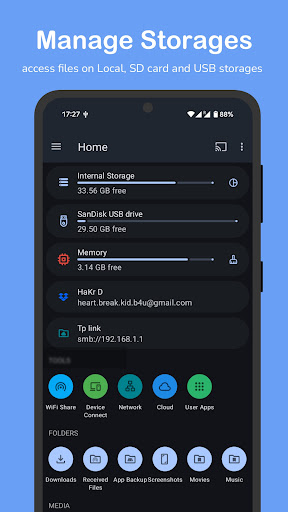
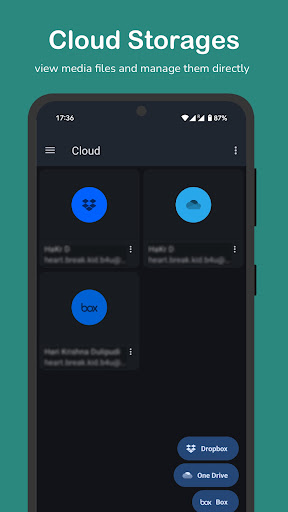
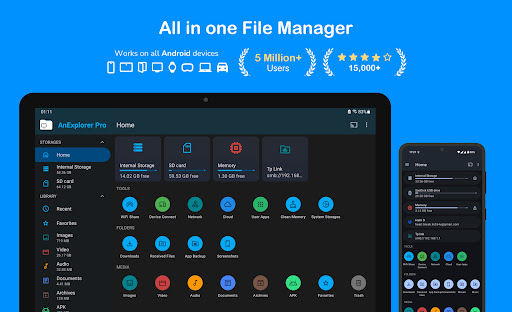
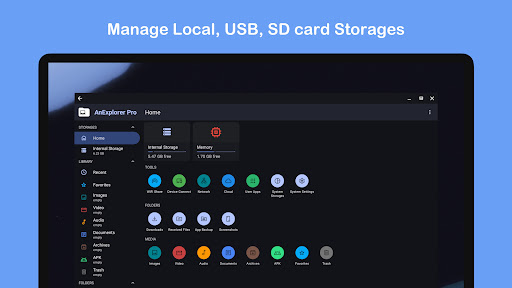
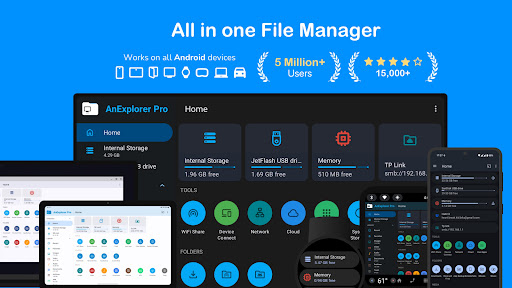
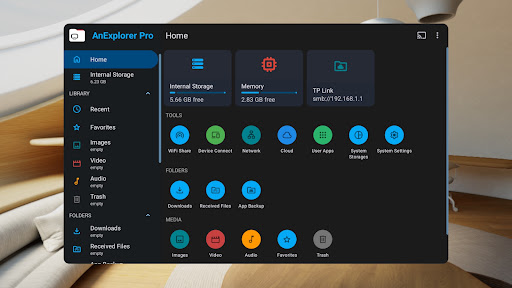
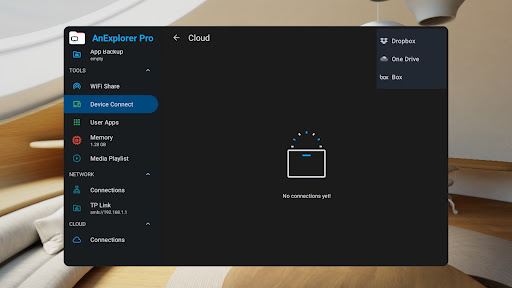
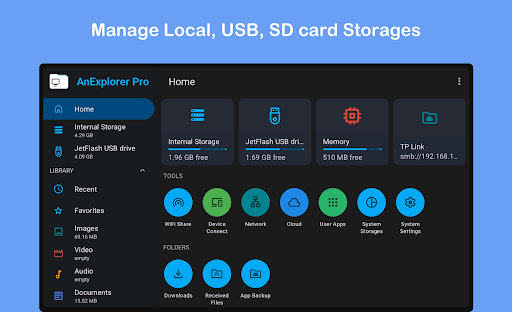
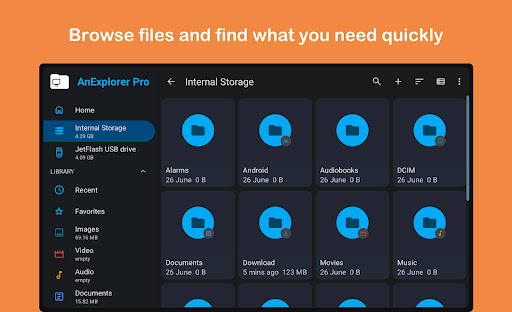
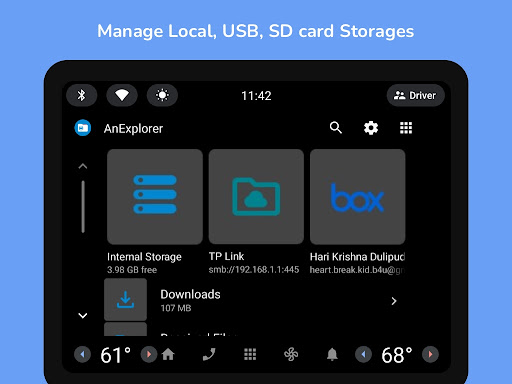
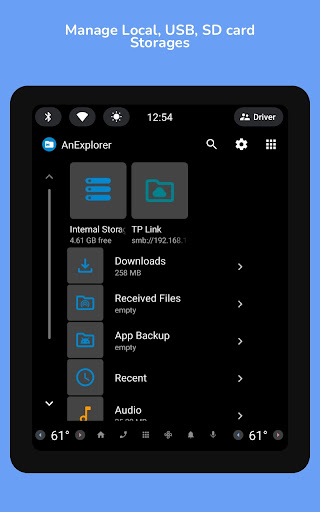
AnExplorer File Manager is more than just a basic file explorer; it's a comprehensive, powerful tool designed to simplify your digital life. Featuring a sleek and intuitive interface with material design, this app makes browsing, managing, and transferring files straightforward and enjoyable. Support for a wide array of storage options—including local storages, cloud storages like Dropbox and OneDrive, network shares, and even connected devices—means you can handle all your data from one centralized platform.
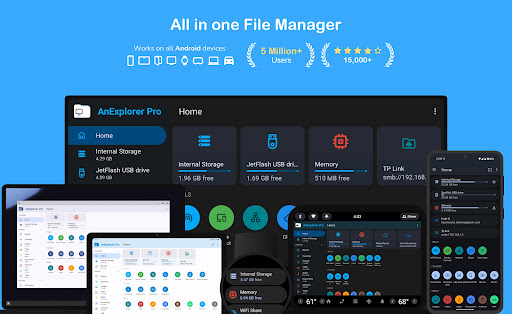
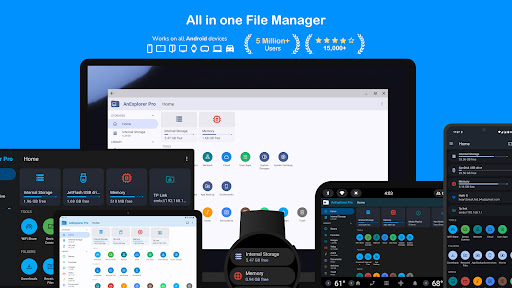
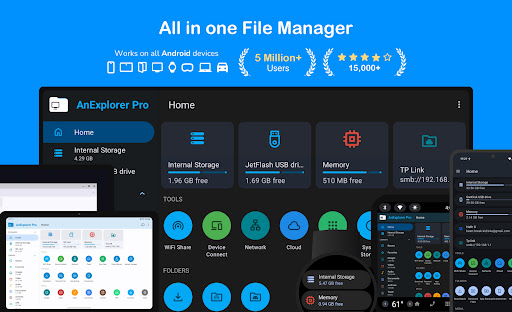
With compatibility across Phones, Foldables, Tablets, Watches, TVs, Chromebooks, and even VR/XR headsets and cars, AnExplorer Pro ensures you stay connected, no matter what device you're using. It also uniquely supports RTL languages and provides detailed folder size information across different storage media—features that enhance usability for diverse user needs.
Key Features that Make File Management Effortless
File Organization & Management
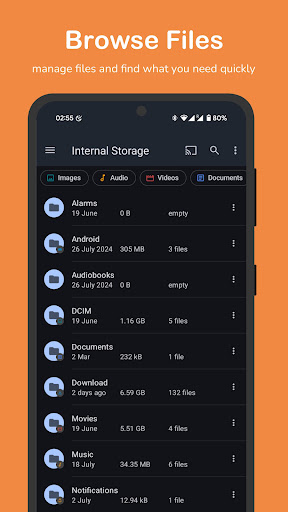
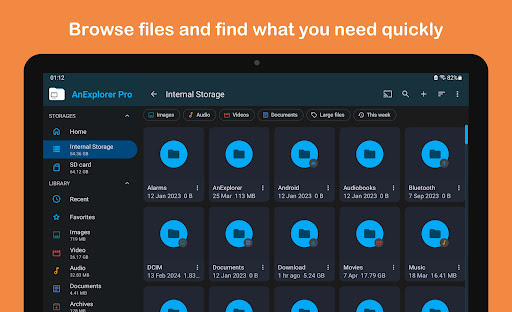
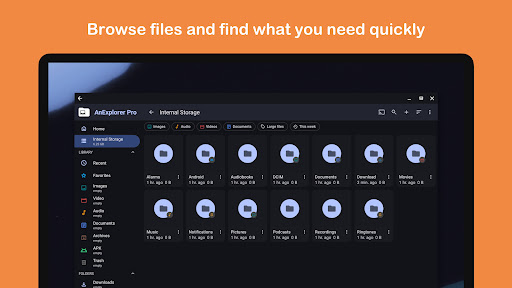
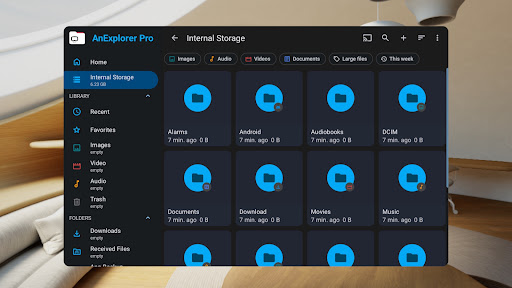
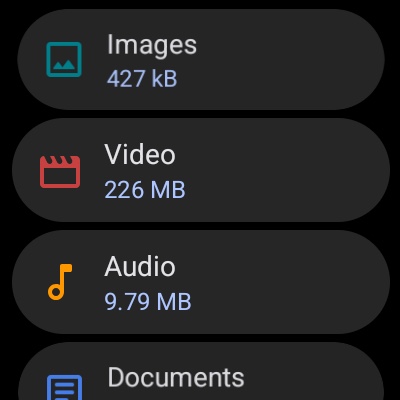
Browse, copy, move, rename, delete, compress, and extract files and folders with ease. The app allows you to search by filename, type, size, or date, and filter media types to locate specific files quickly. Additionally, AnExplorer Pro shows hidden folders and thumbnails, helping you keep your storage organized and accessible.
Storage Support & Compatibility
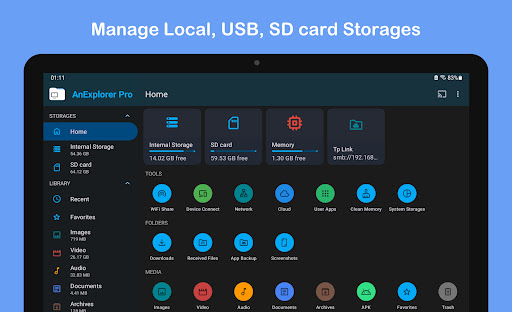
Designed to support full compatibility with FAT32 and NTFS file systems, this app empowers users to manage SD cards, USB OTG drives, pen drives, and more seamlessly.
Cross-Device & Network Management
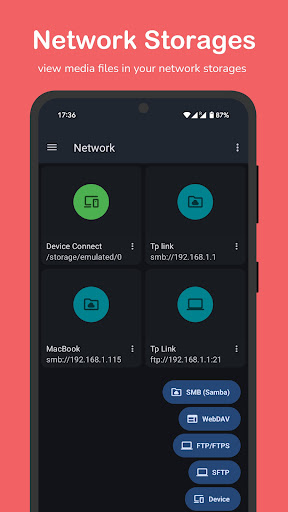
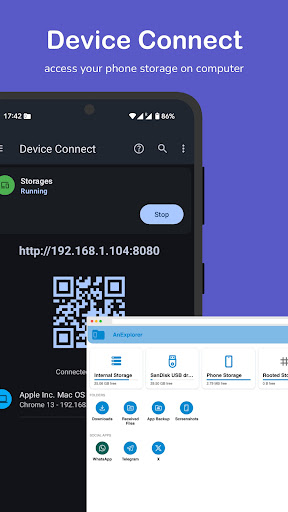
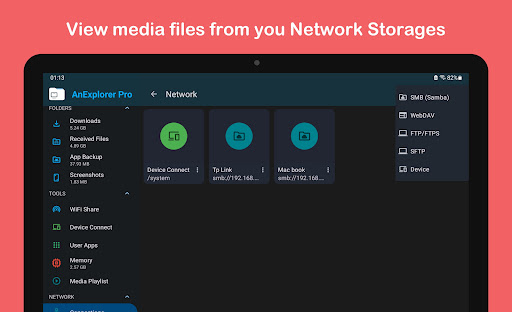
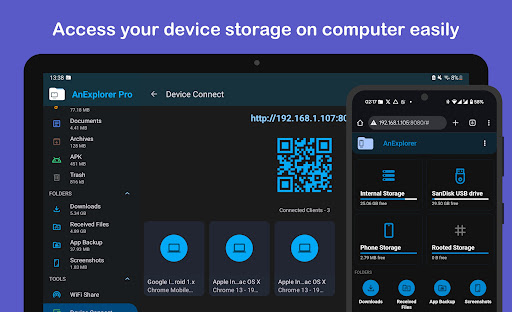
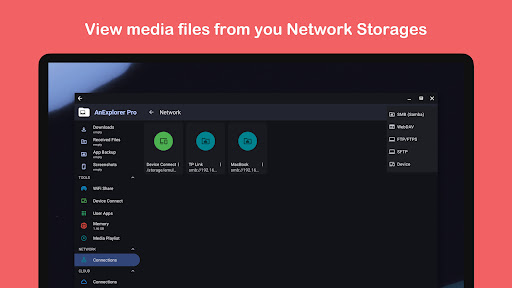
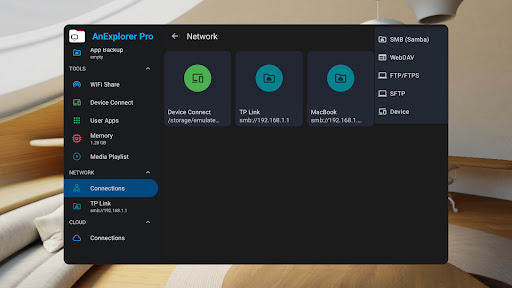
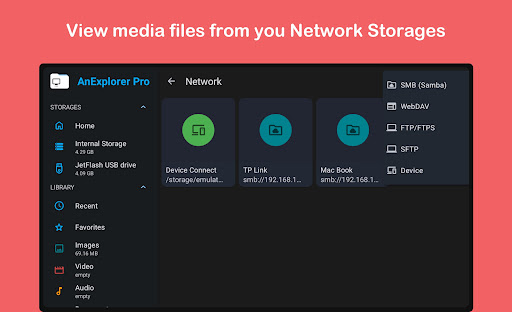
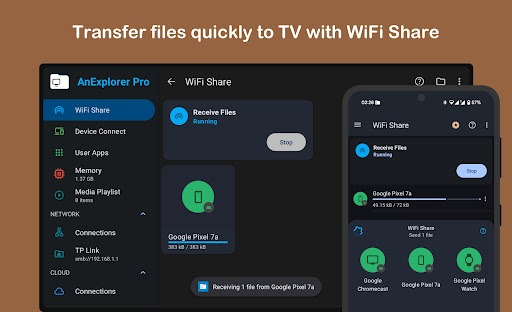
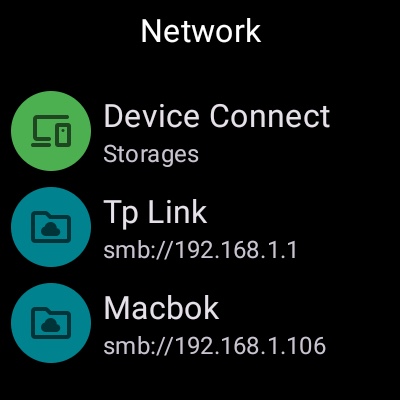
Manage files across connected devices such as TVs, Watches, and Tablets directly from your phone, or connect via FTP, SMB, WebDAV to stream and transfer files from NAS devices or shared folders. These versatile options make file sharing across multiple platforms effortless and highly efficient.
Media & Document Viewers
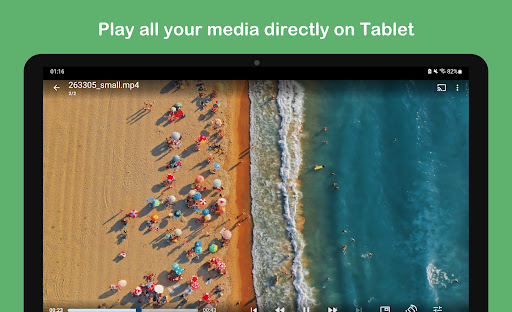
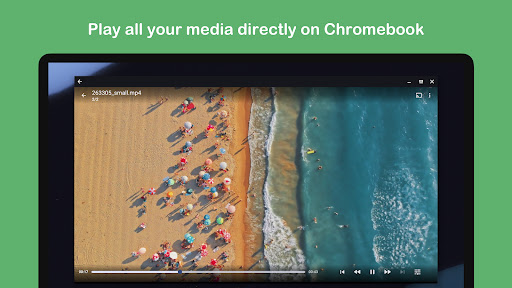
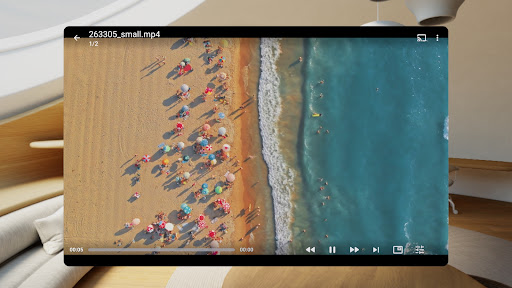
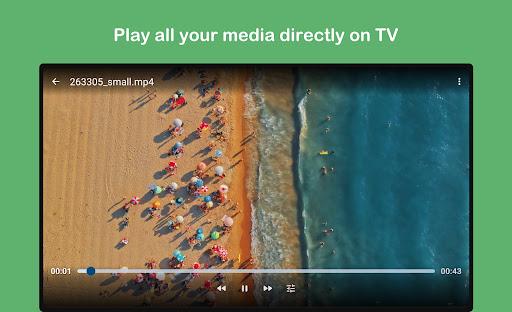
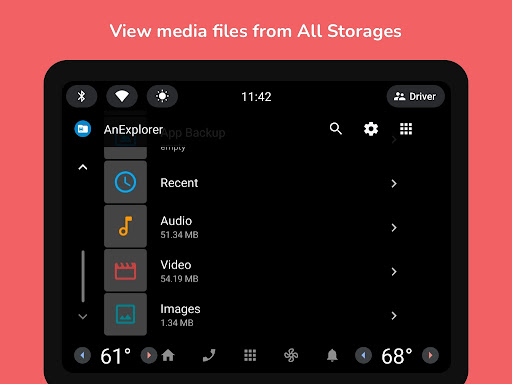
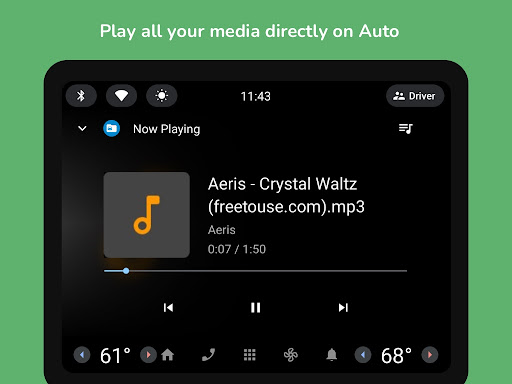
The built-in Image Viewer supports zoom, swipe navigation, and slideshows, allowing you to preview images and organize your photos by folders. The Media Player lets you play audio and video files, manage playlists, and support background playback and casting to Chromecast devices. For document viewing and editing, options include HTML, TXT, PDF, and even root mode for system file management.
Compression & Archive Management
Open and extract ZIP, RAR, TAR, 7z, and other archive formats, with options to create password-protected archives and customize compression settings.
Cloud & Cast Features
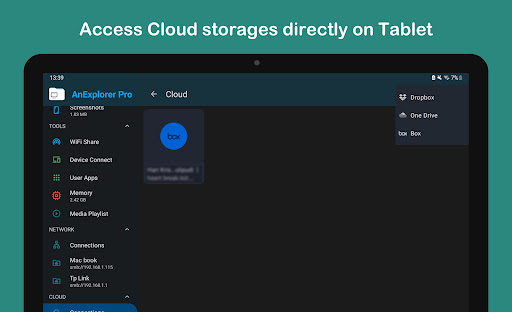
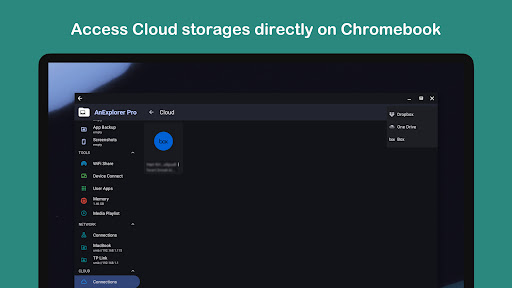
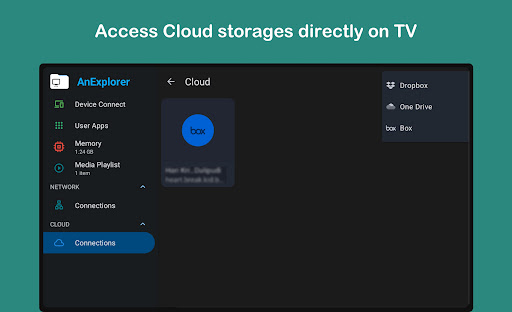
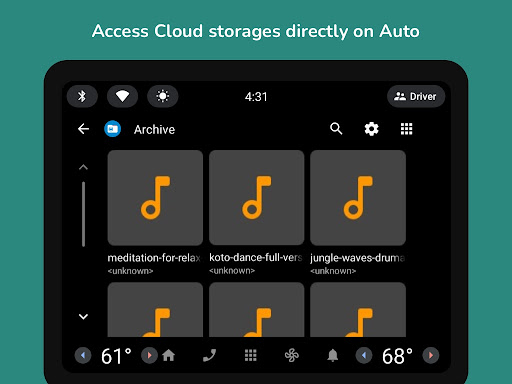
Connect to popular cloud services like Google Drive, Dropbox, and OneDrive for easy upload, download, and media preview directly in the cloud. Plus, stream files to Chromecast-enabled devices, including Android TVs and Google Home, and manage playlists for uninterrupted entertainment.
Device Optimization & Security
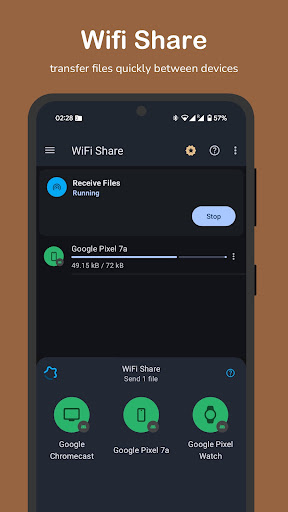
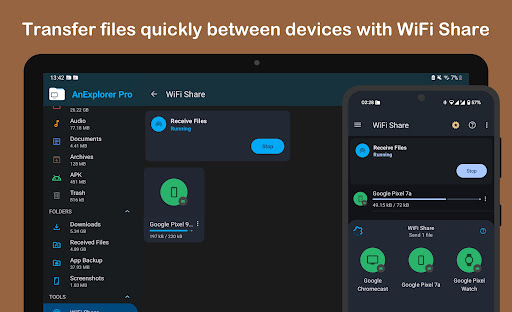
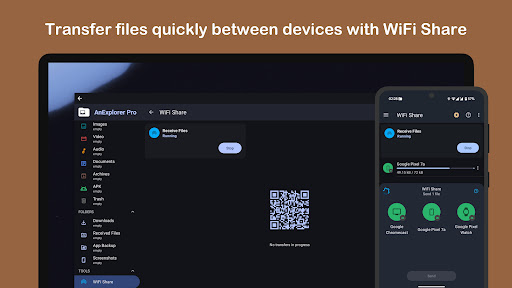
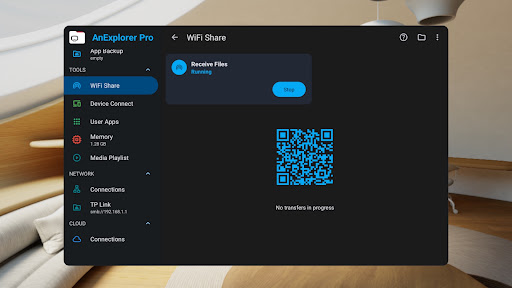
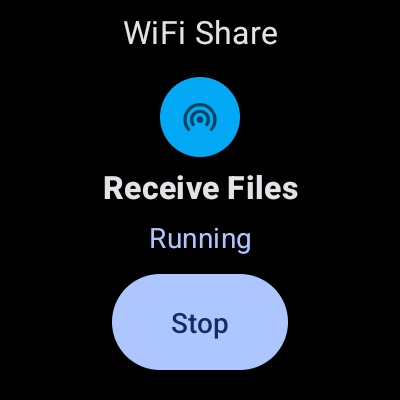
Boost your device's performance with Memory Cleaner, freeing RAM and cleaning junk files. Also, manage your apps using the App Manager, batch uninstalling or backing up APKs for offline use. Features like Offline WiFi Share enable wireless file transfer without hotspots, and Root File Manager grants advanced users access to explore and manage system files securely.
Designed with privacy in mind, the app offers robust security features like password protection and encryption, ensuring your sensitive data remains safe and private.
Specialized File Management for Every Device
Smart Device Integration
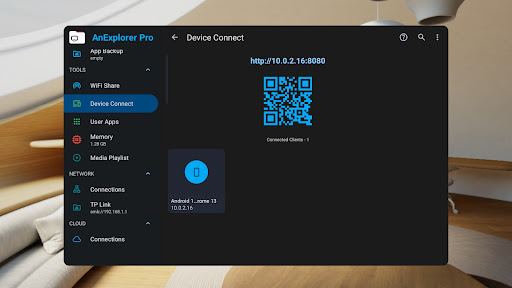
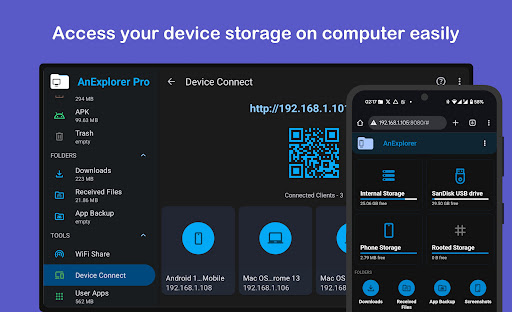
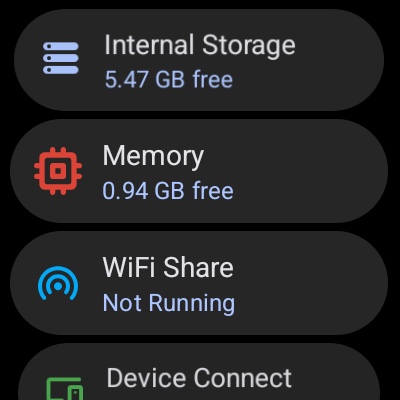
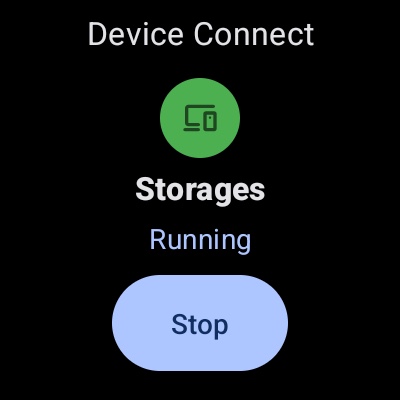
Optimize your experience on TVs, Wear OS devices, VR/XR headsets, and Android Auto. Transfer files between your phone and TV, browse and manage smartwatch storage, and sideload apps in VR environments—all from a single, easy-to-use interface.
Conclusion: Transform Your Digital Life with AnExplorer Pro
AnExplorer Pro File Transfer is the ultimate file management app that consolidates all your storage needs into one powerful platform. Its rich feature set—spanning file organization, seamless transfer, cloud management, security, and device-specific tools—makes it an indispensable tool for both casual users and tech enthusiasts.
Say goodbye to messy files and complicated transfers. Download AnExplorer Pro today and experience a new level of control and convenience over your digital files. Manage, transfer, and organize with confidence, knowing your data is safe, accessible, and just a few taps away.
Pros
- User-friendly interface for easy navigation.
- Supports multiple file formats.
- Fast file transfer speeds.
- Secure file sharing with encryption.
- Access files offline.
Cons
- Limited cloud service integration.
- Occasional app crashes.
- In-app purchases required for advanced features.
- Ads displayed in the free version.
- No dark mode option available.











