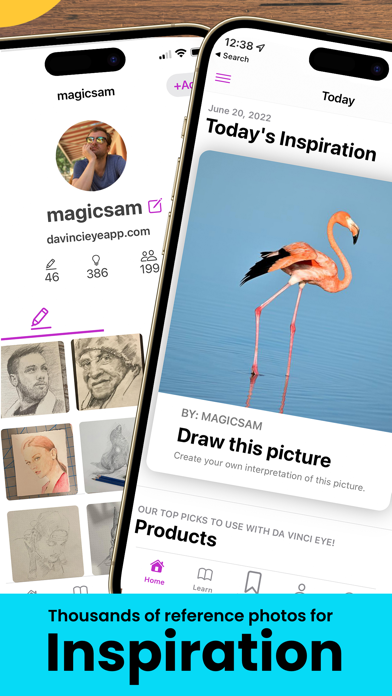
Introducing the AR Art Projector: Da Vinci Eye App
This versatile tool isn't just for tracing; it offers a wide array of sketching tools, step-by-step lessons, and a vibrant community where users can share their artwork. Whether you're a hobbyist, a professional illustrator, or an educational instructor, Da Vinci Eye makes the process of creating art engaging, accessible, and fun. Please review the device requirements and how the app functions before making a purchase to ensure optimal AR experience.
Core Features of Da Vinci Eye
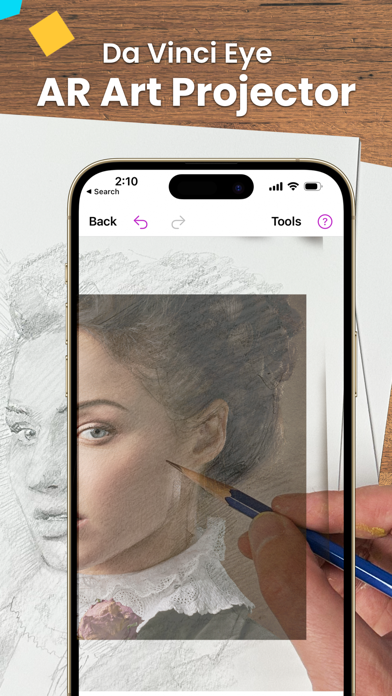
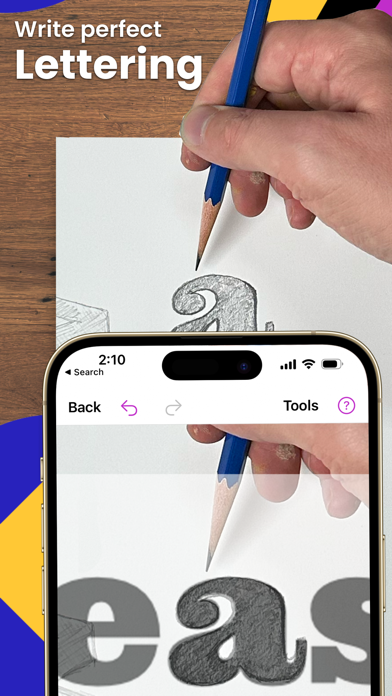
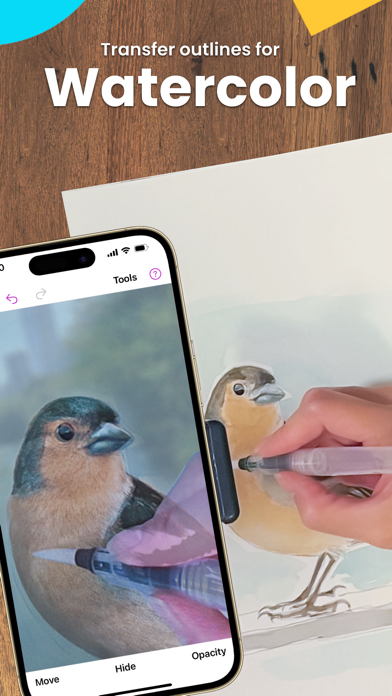
Create incredible drawings from your photos with the AR projector, allowing you to overlay images directly onto your canvas or drawing surface. The hyper-realistic strobe feature enables artists to achieve detailed and precise sketches, mimicking traditional techniques with modern technology.
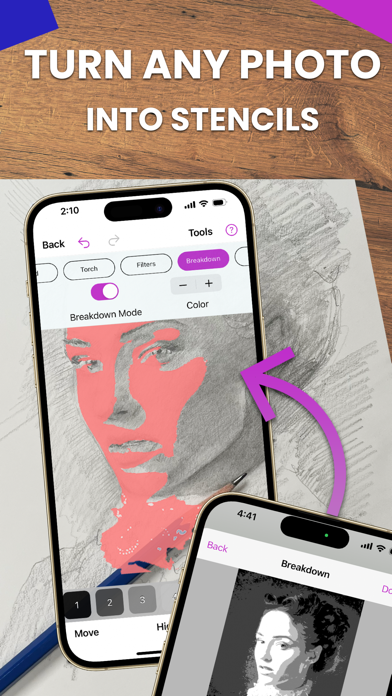
Capture your artistic process by recording time-lapse videos, giving insight into your workflow and progress. To assist in creating accurate artwork, the app allows you to separate images into layers based on color value, helping you pinpoint shadows, mid-tones, and highlights effectively.
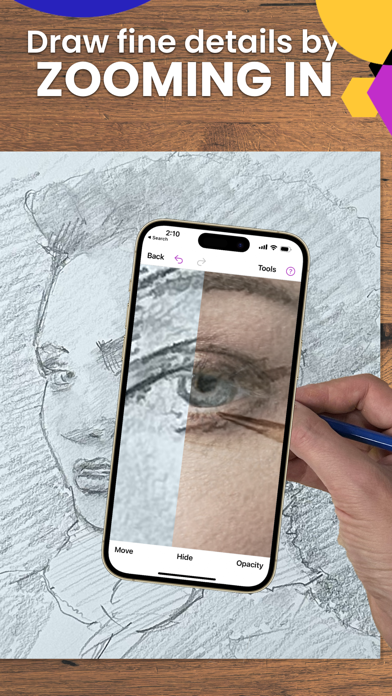
Break down complex images into step-by-step instructions and utilize a variety of video tutorials to improve your sketching and drawing skills. Filters and zoom functions further facilitate detailed work, enabling micro-level precision in your creations.
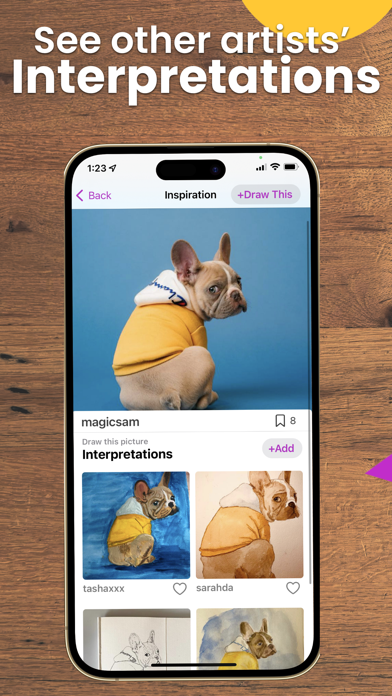
Connect with a supportive community of fellow artists to share and showcase your artworks. Plus, enjoy insanely fast customer support for troubleshooting and assistance, ensuring a smooth user experience.
Perfect for All Artists and Skill Levels
No matter your background—bakers, cartoonists, tattoo artists, illustrators, Fiverr designers, hobbyists, makeup artists, nail technicians, or animators—Da Vinci Eye caters to everyone. Its intuitive interface and comprehensive features make it an ideal tool to enhance your drawing skills, whether you're just starting out or honing advanced techniques.
How Da Vinci Eye Revolutionizes Art Learning
Ever spent hours sketching only to find that proportions or placements are off? Use the AR art projector and tracing tool to plan your artwork pre-creation or validate your work as you progress. By dividing images into color value layers, artists can virtually overlay shades, facilitating accurate placement of lights, mid-tones, and darks. This layered approach optimizes understanding of light and shadow, essential for realistic art.
For beginners learning to draw, Da Vinci Eye offers curated tutorials and lessons based on a patent-pending learning methodology. Even better, it transforms any photo into a step-by-step shading lesson, giving learners practical insight into rendering with precise shading and proportion.
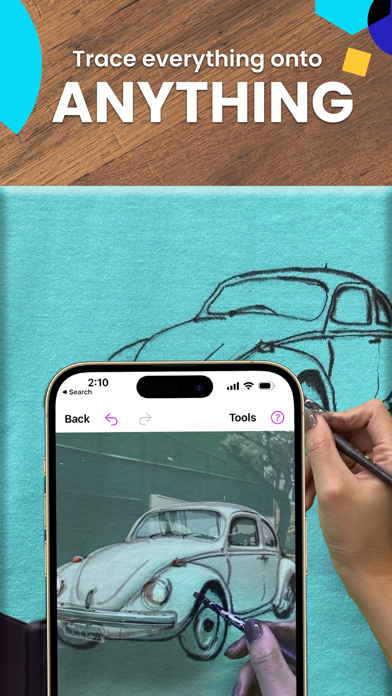
How does it work? The app is a digital adaptation of a Camera Lucida—a technique used by artists for centuries. Simply suspend your device above or in front of your canvas using household objects, then view and trace images accurately. This setup allows you to sketch on any surface while zooming in to capture detailed portions, all without working in poor lighting conditions.
By training your eye to recognize proportions, shading, and details, Da Vinci Eye helps improve your hand-eye coordination and drawing accuracy, accelerating your artistic growth compared to traditional methods.
AR Mode and Device Compatibility
The AR tracing mode anchors images onto real-world objects, making it ideal for sketching on easels or canvas. When moving your device or canvas, the projected image stays aligned thanks to AR tracking. Conversely, the classic mode mimics traditional lightbox projections where the overlay is fixed relative to the device and not the environment.
Note that AR mode functions best on newer, high-end devices equipped with high-quality cameras, fast processors, and a robust GPU, ensuring smooth rendering and updates during your sessions.
Take Your Artistic Skills to the Next Level
Da Vinci Eye is more than an app—it's a gateway to mastering drawing and sketching using augmented reality. Whether you're aiming to improve your proportions, shading, or composition, this innovative app helps you learn effectively through interactive projection and layered overlays. Use it as a digital art teacher or creative partner, and discover new possibilities in your artistic journey. Download Da Vinci Eye today and step into the future of art creation, potentially uncovering your inner da Vinci in the process!
Pros
- Innovative augmented reality drawing tool.
- Improves artistic skills.
- Intuitive and easy-to-use interface.
- Compatible with multiple devices.
- Provides real-time drawing assistance.
Cons
- Premium features require payment.
- May consume battery quickly.
- AR functionality depends on good lighting conditions.
- Limited free features available.
- Occasional app crashes.