

Introducing X Launcher Pro: The Ultimate Customization Tool for Your Android Device
Are you tired of your current Android interface and longing for a fresh, sleek look? Look no further than X Launcher Pro. Designed to transform your phone's appearance and enhance usability, this launcher provides a seamless and immersive experience without the need to switch devices. With a focus on flat design aesthetics, X Launcher Pro helps you personalize your device effortlessly while maintaining top performance and user-friendly features.
Key Features of X Launcher Pro
•No Ads:
One of the standout aspects of X Launcher Pro is the complete removal of annoying advertisements. This ensures an uninterrupted user experience, allowing you to focus entirely on customizing and using your phone without distractions.
•App Manager:
Access your apps swiftly by swipe-up gesture. The App Manager enables you to find local applications and drop them onto your home screen instantly, making organization a breeze.
•Control Center:
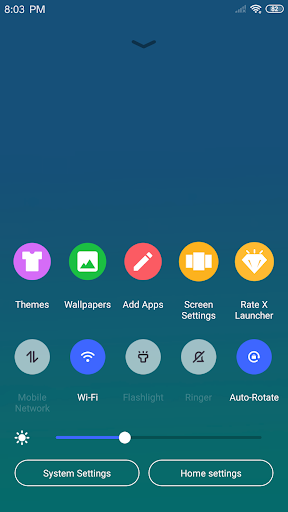
Swipe down to open the Control Center, where you can quickly toggle WiFi, adjust network settings, modify brightness, control volume, or take a photo. It’s a quick access hub that mimics the simplicity of iOS-style controls.
•Various Themes:
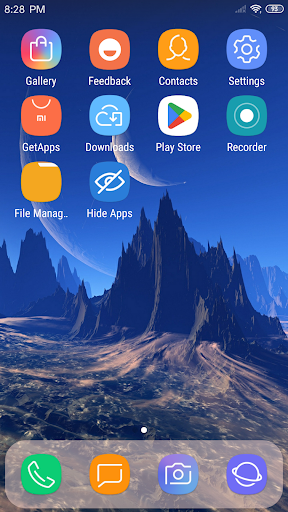
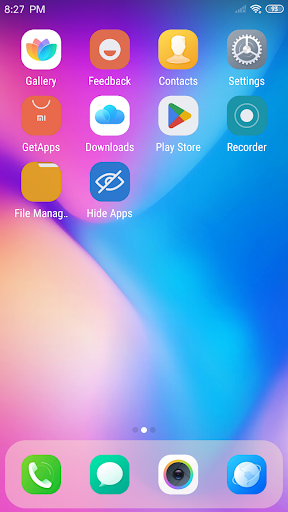
Browse through an extensive Theme Store designed to offer a variety of stylish themes. The launcher adapts to your chosen theme, providing a smooth, visually appealing experience tailored to your preferences.
•Latest Wallpapers:
Enjoy a rich library of icons and wallpapers to enhance your device’s visual appeal, giving your screen a fresh and vibrant look whenever you desire.
•Customizable Icons and Layout:
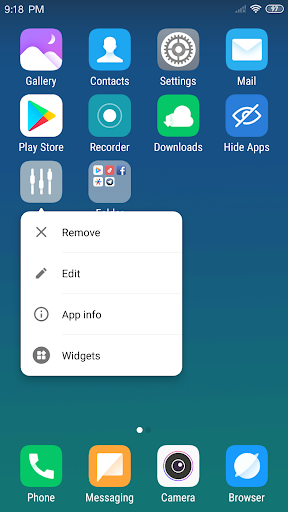
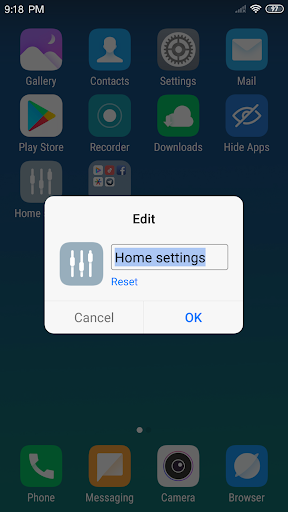
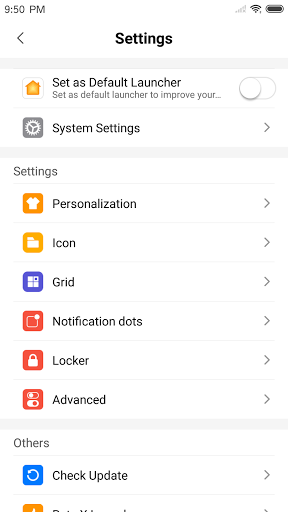
Modify app icons and names using local images—crop and set your preferred images as icons. Customize the grid layout by adjusting the number of rows and columns for a personalized touch.
•Flat Style Folders:
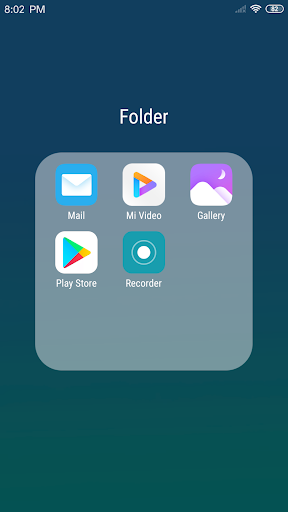
Create neat, flat-style folders by dragging apps into each other, simplifying app management and keeping your interface uncluttered.
•Hide Apps:
Hide unwanted apps from your launcher view, creating a cleaner look and maintaining privacy for personal applications.
Performance and Customization: Making Your Phone Truly Yours
Ever wondered if a launcher can be both visually stunning and resource-efficient? X Launcher Pro delivers just that. Designed to be lightweight, it runs smoothly without slowing down your device. The intuitive personalization options let you tweak everything from the home screen layout to app icons, providing a consistent look across your device. Transition effects add a sleek touch, enhancing the overall aesthetic experience.
Enhanced Navigation and User Experience
Gestures are a core part of X Launcher Pro. Swipe gestures easily access app management, quick settings, or even the camera, making multitasking seamless. Sorting apps by name, date, or usage frequency helps you stay organized and efficient — whether you’re a casual user or a tech enthusiast who enjoys tinkering with interface settings.
Is X Launcher Pro Worth Your Time?
Absolutely! If you're seeking an affordable yet powerful way to refresh your Android device, X Launcher Pro is a compelling choice. It offers a beautiful flat design, extensive customization options, and smooth performance all in one package. Whether you want to emulate iOS aesthetics or create a unique look that’s entirely your own, this launcher caters to all styles.
Conclusion
In summary, X Launcher Pro combines style, functionality, and performance into a single package, making it ideal for users eager to personalize their Android devices without permanent changes. Its user-friendly features and extensive customization options make it suitable for beginners and seasoned tinkerers alike. So why wait? Download X Launcher Pro today and give your smartphone a fresh new perspective — you might just discover your new favorite launcher!
Pros
- Intuitive and smooth user interface.
- Highly customizable with various themes.
- Supports app hiding for enhanced privacy.
- Fast performance with no lag.
- Regular updates introducing new features.
Cons
- Limited free features available.
- Premium subscription required for full access.
- Some themes may have bugs.
- Ads in the free version can be disruptive.
- Potential crashes on older devices.
- Fewer widget options compared to competitors.











