
Discover the Power of OBD Fusion: The Ultimate Car Diagnostics App
Main Features of OBD Fusion
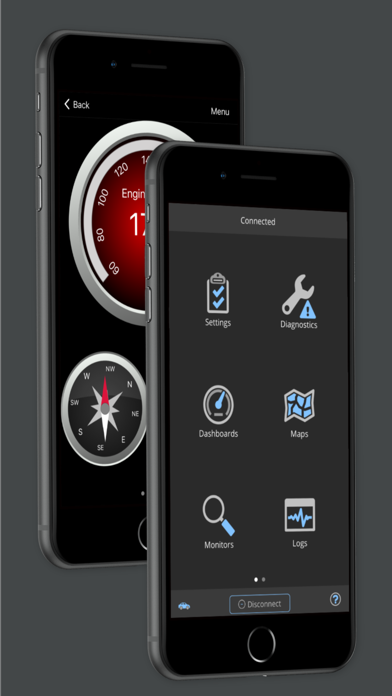
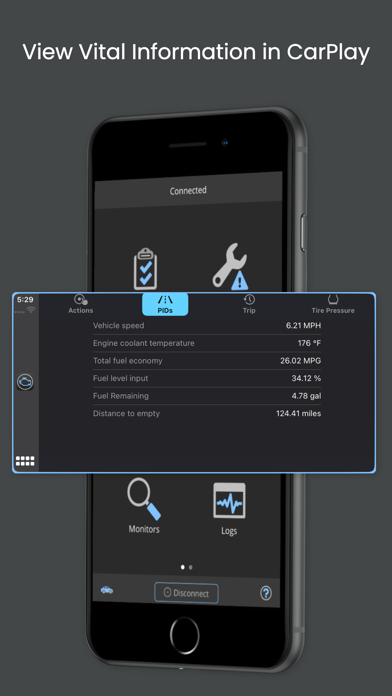
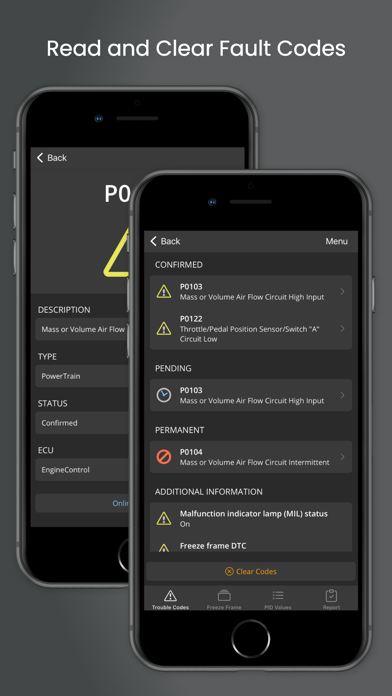
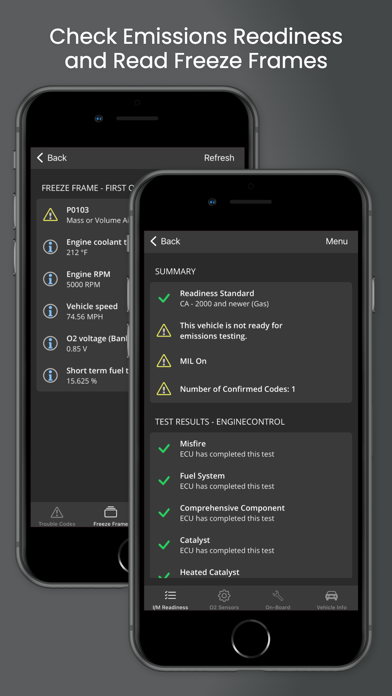
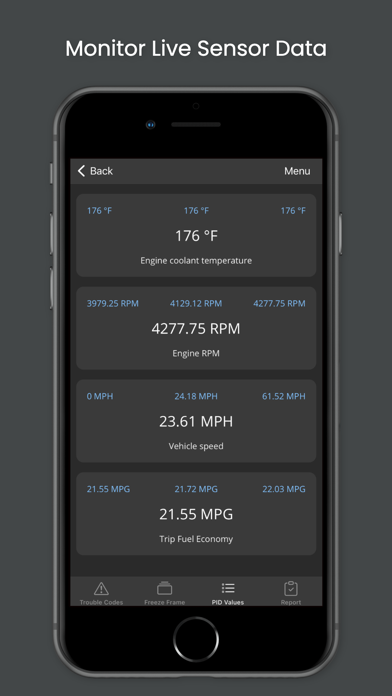
OBD Fusion offers a wide array of functionalities typically used by experienced technicians. You can read and clear diagnostic trouble codes (DTCs), check emission readiness status, and view oxygen sensor results. The app supports over 150 PIDs (Parameter IDs), allowing you to monitor critical parameters like engine RPM, turbo boost pressure, air-to-fuel ratio, and battery voltage in real-time. For vehicles supporting it, you can even display engine torque, oil temperature, and transmission temperature.
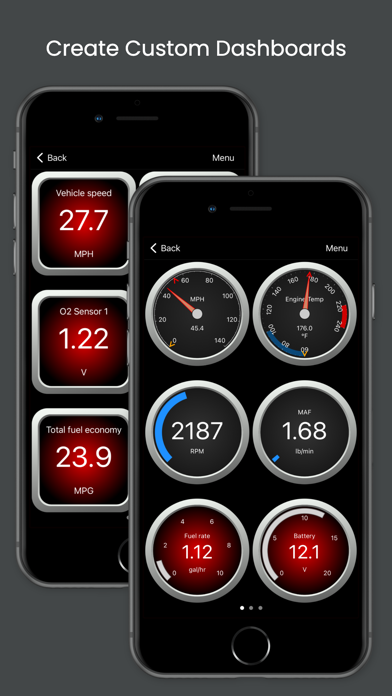
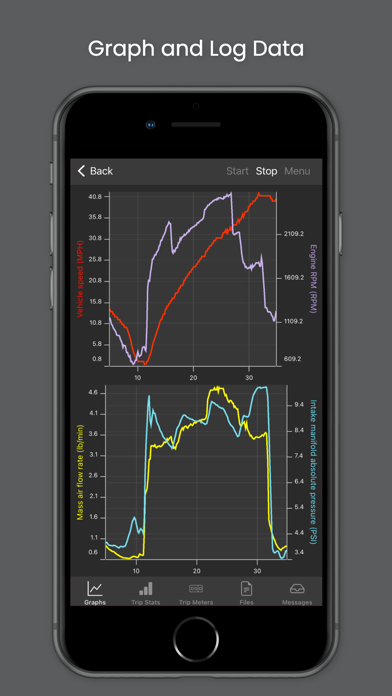
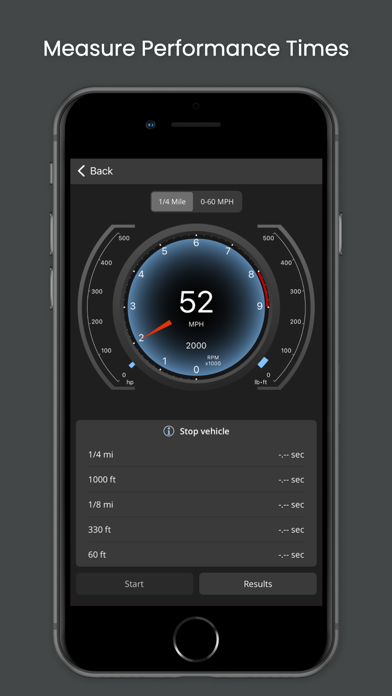
One of the standout features is the ability to create custom dashboards. Tailor gauges and data displays according to your preferences, whether you’re interested in fuel economy, engine performance, or vehicle status. The app also provides real-time graphing, enabling you to visualize sensor data over time, making it easier to detect anomalies or track performance trends during day-to-day driving or specific trips.
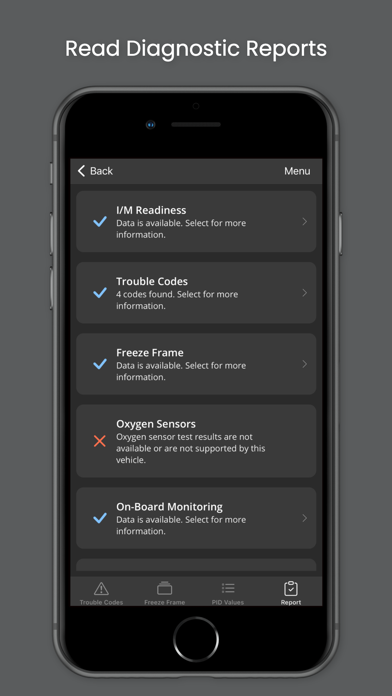
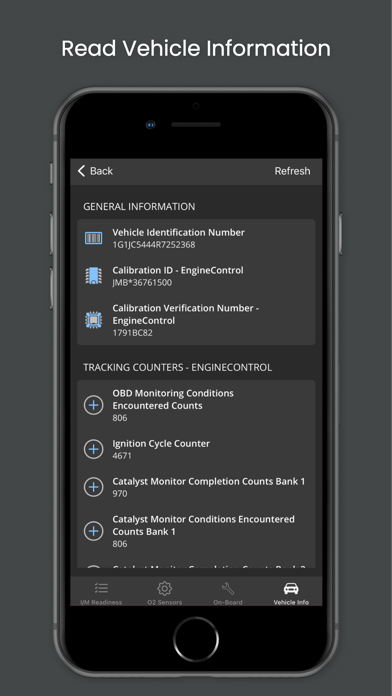
OBD Fusion provides a full diagnostic report that can be stored, exported, or emailed. It includes information such as VIN number, calibration ID, and detailed fault code definitions, making troubleshooting more straightforward. Other features include trip meters for fuel economy tracking, freeze frame data, and on-board monitoring tests. It even supports multiple trip tracking, so you can analyze performance over different journeys.
The app supports Bluetooth, Bluetooth LE, USB, and Wi-Fi connections, offering compatibility with a broad range of scan tools. It allows full customization of measurement units (Imperial, Metric, or English), making it accessible worldwide. Whether you use a cheap ELM327 adapter or a more reliable, higher-quality scan tool, OBD Fusion adjusts to your setup, though caution is advised with clone adapters that might be unreliable.
Why Choose OBD Fusion?
Setting up OBD Fusion is straightforward—simply plug your compatible scan tool into your vehicle’s diagnostic port, open the app, and connect via Bluetooth or Wi-Fi. The user interface is intuitive, designed to help users quickly navigate through various features without technical hurdles. The app’s real-time data refresh is fast, providing a smooth experience whether you’re viewing gauges or analyzing sensor graphs.
If you’ve ever wanted to be a “car detective,” OBD Fusion offers a treasure trove of data to help you understand your vehicle better. From monitoring fuel economy in miles per gallon (MPG) or liters per 100 kilometers (l/100km) to tracking engine misfires or transmission issues, this app empowers you to take charge of your vehicle health. It’s like having a professional mechanic’s toolkit at your fingertips.
Available in multiple languages including Spanish, French, German, Chinese, and Portuguese, OBD Fusion is designed for a global user base. It’s compatible with Android devices running Android 4.3 or newer, with support for Bluetooth LE and USB connections, making it versatile across different hardware setups.
Is OBD Fusion Right for You?
Pros
- User-friendly interface.
- Extensive diagnostic capabilities.
- Customizable dashboards for user preferences.
- Real-time data tracking and monitoring.
- Works with a wide variety of vehicle models.
Cons
- Needs a separate OBD-II adapter to function.
- Some features are limited in the free version.
- In-app purchases can be costly.
- Requires a smartphone to operate the app.
- May not be compatible with older vehicle models.











