
Introducing Librera PRO - Book Reader: The Ultimate Mobile Reading App
Are you tired of juggling multiple apps to read various document formats on your mobile device? Look no further than Librera PRO - Book Reader, a versatile and feature-rich application designed to enhance your reading experience. Whether you're an avid reader or someone who occasionally reads documents, Librera PRO offers a comprehensive solution that consolidates numerous formats and functionalities into a single, easy-to-use interface. Built to support an extensive range of document formats such as PDF, EPUB, MOBI, DJVU, FB2, and more, this app transforms your device into a portable library. Its intuitive design combined with powerful features makes it a must-have for book lovers and professionals alike.
Support for a Wide Array of Document Formats
Librera PRO stands out with its extensive format support, acting as an all-in-one reading solution. It handles popular formats like EPUB, PDF, MOBI, DJVU, FB2, ZIP archives containing books, and even less common ones such as AZW, RTF, and HTML. This versatility ensures that no matter what type of e-book or document you have, Librera PRO can open and display it seamlessly. The app's capability to support archived books (like ZIP files) and formats tailored for specific languages, such as right-to-left scripts (including Arabic, Hebrew, Persian/Farsi), further enhances its appeal for diverse users. Its robust format compatibility makes it perfect for students, educators, and casual readers who want to keep all their documents in one place.
User-Friendly Interface and Customization
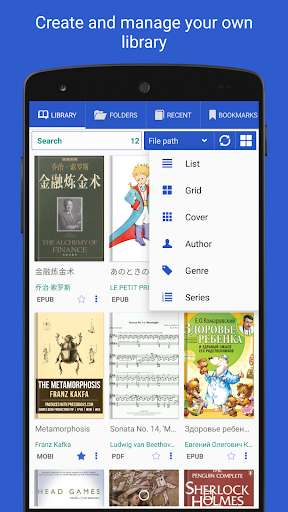
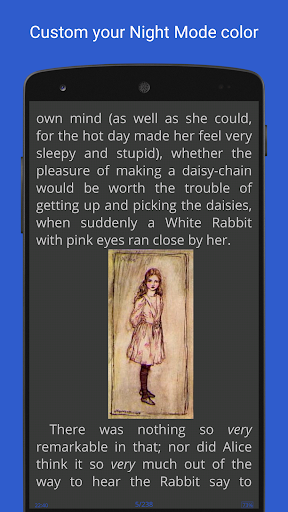
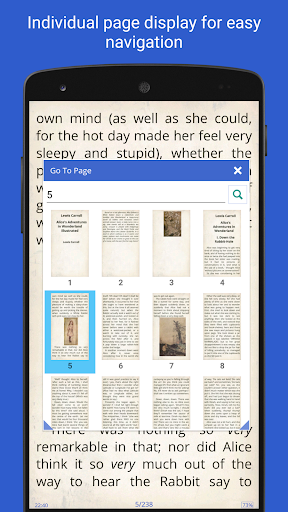
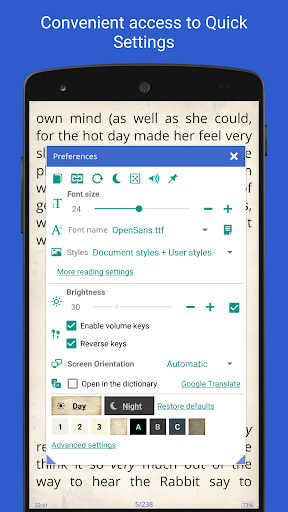
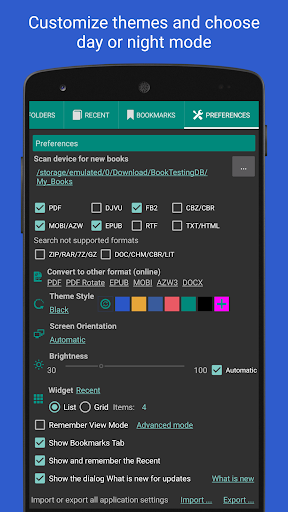
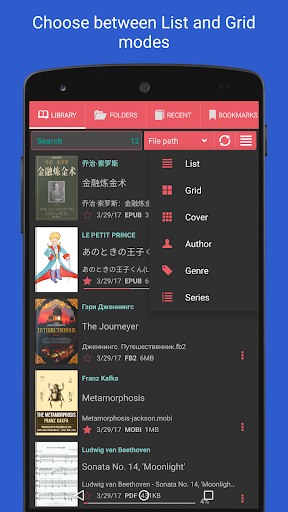
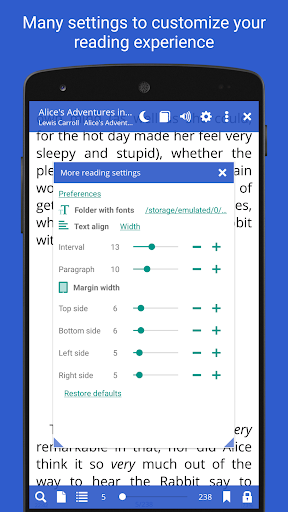
One of Librera PRO's strongest assets is its clean and intuitive interface. Navigating your library or searching for specific documents is smooth and straightforward. The app offers flexible display options, allowing you to view books in a list or grid layout. You can sort your collection by name, size, date, or path and apply filters to locate specific titles easily. The customizable reading experience includes options for night mode and day mode, adjustable font styles and sizes, and personalized background textures—perfect for late-night or prolonged reading sessions. Additionally, the app supports auto-centering and manual zooming, ensuring optimal readability. For those who need a distraction-free experience, the app provides single-page view for dual-page documents, enhancing the reading comfort.
Powerful Features for Enhanced Reading
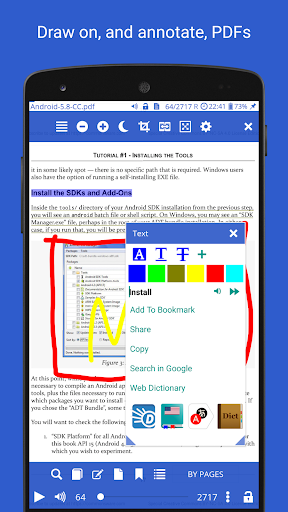
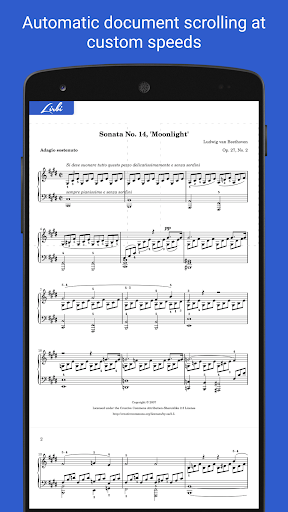
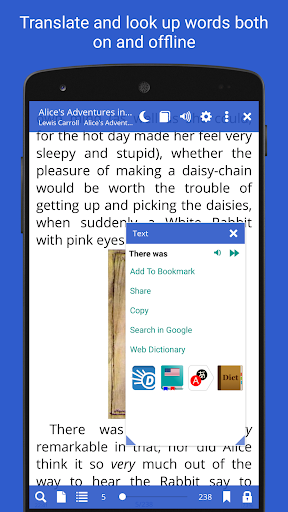
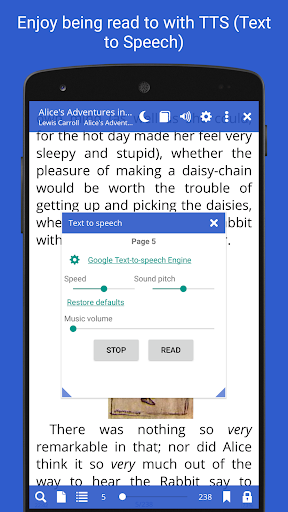
Librera PRO is packed with features designed to make reading both enjoyable and productive. Notable among these is bookmarking—both fixed and movable—allowing you to mark important passages effortlessly. The app also supports annotations on PDF documents, so you can highlight text or add notes. Reading modes are highly customizable with Day and Night modes to reduce eye strain. Users can enjoy auto-scrolling in Musicians' Mode, which supports configurable speeds—ideal for practice or background listening. The text-to-speech (TTS) feature enables read-aloud capabilities, with support for various engines and configurable reading rules, making it accessible for users with visual impairments or those multitasking. For translation needs, Librera PRO integrates with online translators and includes offline dictionaries, offering instant translation and word lookup features.
Advanced Search and Online Integration
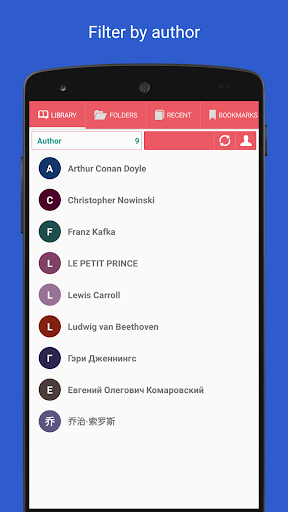
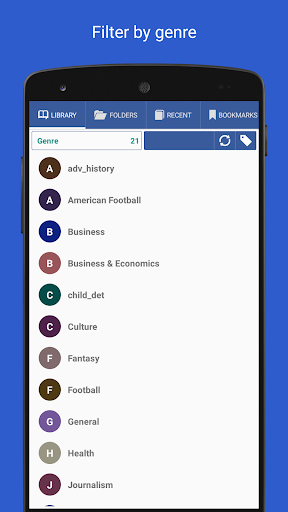
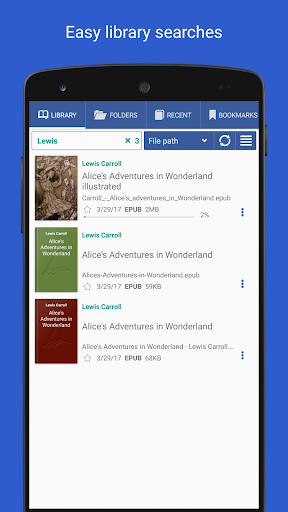
Finding specific content within your library is quick with the app’s fast search and multi-document word search functionalities. Librera PRO also supports online document format conversion, allowing you to change formats directly within the app. Its integration with Online Catalogs (OPDS) and the ability to search and download books from the internet make it a comprehensive platform for discovering new content. For users managing large libraries, the app offers library organization tools such as grouping by custom tags and applying filters to streamline their collection.
Synchronization and Multi-Device Support
To facilitate seamless reading across different devices, Librera PRO offers progress synchronization. Your reading position, bookmarks, and settings can be synced across smartphones, tablets, or other devices, ensuring a consistent experience regardless of which device you're using. This makes it ideal for users who switch between multiple gadgets throughout the day.
Create and Manage Your Digital Library Effortlessly
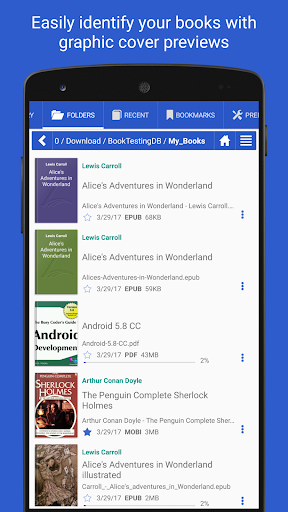
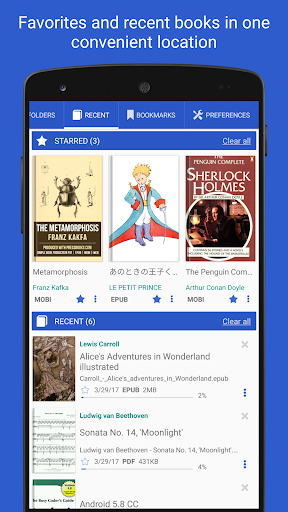
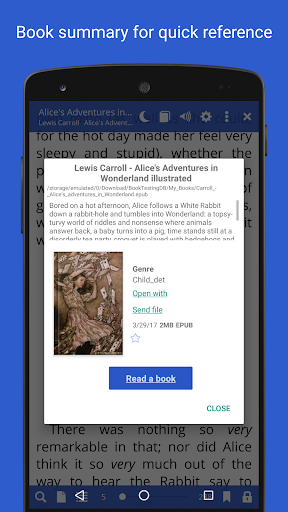
With Librera PRO, you can build a self-maintaining library by specifying which formats to include and selecting folders to scan automatically. The app displays document details such as thumbnails and descriptions, making it easy to identify your books at a glance. Its filtering capabilities enable you to quickly locate specific titles, recent reads, or document groups, simplifying library management. Whether you prefer viewing in a detailed list or grid view, Librera PRO makes organization straightforward and customizable.
Additional Features for a Superior Reading Experience
Librera PRO supports custom CSS for advanced styling, allowing users to tailor the reading interface further. You can translate excerpts or pages, share passages, or copy text directly from the app. The volume keys can be configured for navigation, and background colors or textures can be customized to suit your preferences. The application also allows for sharing content from other apps and reading it aloud with installed TTS engines. All these features combine to deliver an exceptional, personalized reading experience that adapts to your needs.
Ultimately, Librera PRO - Book Reader is more than just an app; it's a complete platform that elevates mobile reading to new heights. Whether you read for pleasure, study, or research, this app has everything you need. The best part? You can start with a free, ad-supported version to explore its features. Once convinced, supporting the developers by purchasing the PRO license helps ensure ongoing updates and improvements. Give Librera PRO a try, and discover how it can transform your digital reading experience today.
Pros
- Supports multiple file formats
- Customizable reading modes
- Offline reading capability
- User-friendly interface
- Ad-free experience in the paid version
Cons
- Limited cloud synchronization
- Occasional PDF rendering issues
- Advanced features require payment
- Interface appears outdated
- Limited tools for annotations