

SPIC - Play Integrity Checker Overview
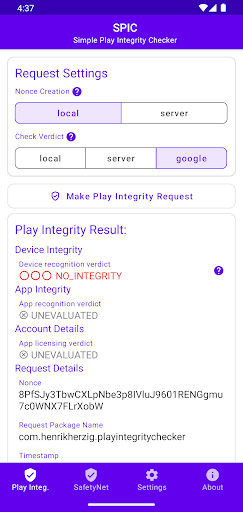
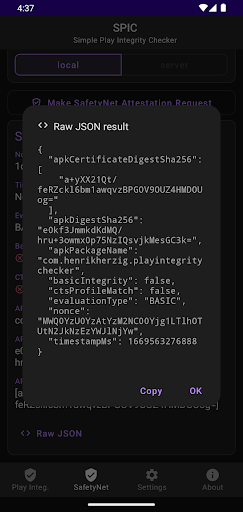
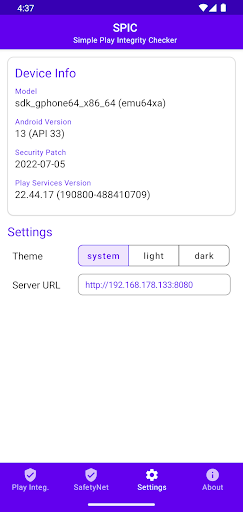
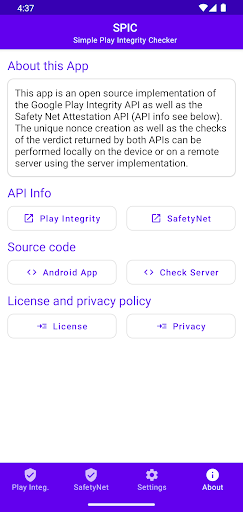
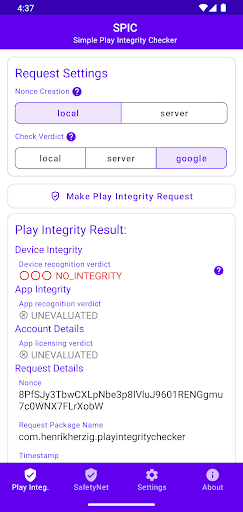
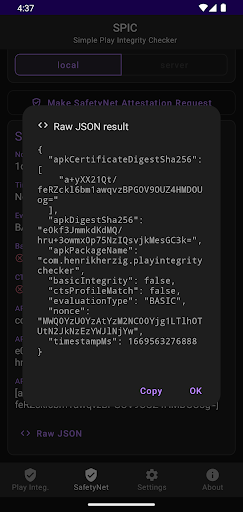
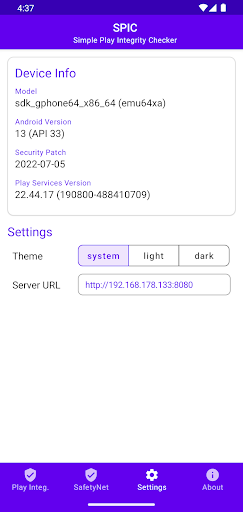
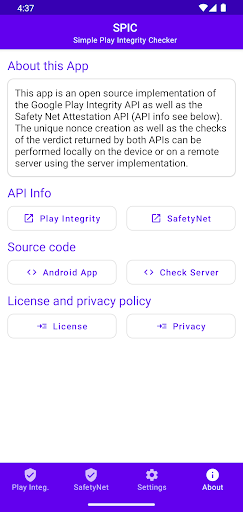
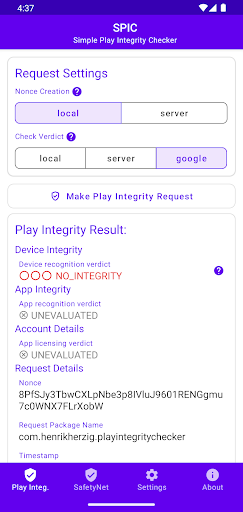
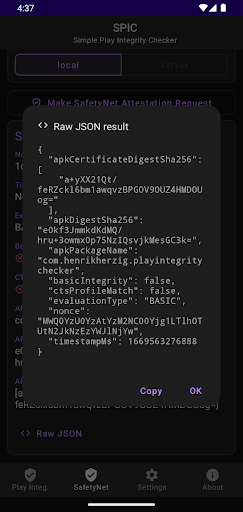
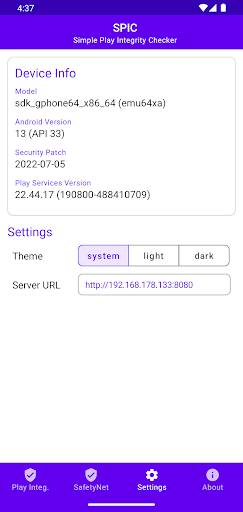
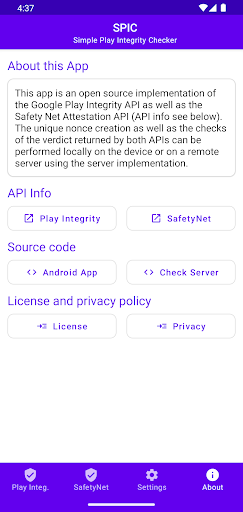
SPIC (short for Simple Play Integrity Checker) is a straightforward Android application designed to demonstrate the usage of Google's PlayIntegrity API as well as the older SafetyNet Attestation API. It offers users an easy way to verify the integrity of applications installed on their devices, either by checking the results locally or sending them to a remote server for validation. Currently, the remote server implementation must be self-hosted, but the project is open source, making it easy for developers to customize or improve.
The entire source code for both the Android app and the server implementation is available on GitHub - herzhenr/SPIC-android and GitHub - herzhenr/SPIC-server. This transparency ensures that users and developers alike can review, contribute, and innovate around the core features of SPIC, fostering a community-driven approach to device security.
The Importance of App Security on Your Android Device
Have you ever wondered how safe the apps you frequently use are? With the growing number of applications available, ensuring your device's security has become more critical than ever. That's where SPIC - Play Integrity Checker comes into play. This handy security tool helps Android users verify that their installed applications are legitimate and free from malicious tampering, giving you peace of mind every time you unlock your device.
What Is SPIC - Play Integrity Checker?
SPIC functions like a digital watchdog that protects your Android device from potentially harmful apps. Imagine installing a new application, but feeling uncertain about its authenticity—SPIC steps in to eliminate that concern. It scans your phone's applications, comparing their integrity to known malware signatures and security standards. Think of it as having a reliable security guard that continuously monitors the safety of your device's software environment.
This app primarily leverages the PlayIntegrity API to validate app and device integrity, ensuring that no compromised or tampered application runs undetected. Additionally, SPIC can work in tandem with the deprecated SafetyNet Attestation API, providing a versatile approach to security validation for Android users. The verdicts resulting from these APIs can be viewed locally on your device or securely transmitted to a remote server for additional verification, enhancing your device’s safety profile.
Getting Started with SPIC
Setting up SPIC is quick and user-friendly. After downloading the app from the Google Play Store, you can begin scanning your device in just a few taps. The intuitive user interface ensures that even those with limited technical experience can navigate and use the app without hassle. Once launched, SPIC automatically performs a comprehensive scan, checking all installed applications for potential security threats.
Best of all, the app operates efficiently, minimally impacting your device’s performance. It provides real-time monitoring to promptly alert you of any new app downloads or modifications that might compromise your security. This makes SPIC not just a one-time scanner but a continuous security companion for your Android device.
Standout Features of SPIC
Real-Time Monitoring: Keep your device safe automatically with real-time checks whenever new apps are installed or existing ones are updated.
Detailed Reporting: Receive comprehensive reports about your device's security status, enabling informed decisions about app trustworthiness.
Offline Functionality: Conduct integrity checks without an internet connection, which is particularly useful when you're off the grid or in areas with limited connectivity.
Beyond app verification, SPIC also reviews your device’s system settings to optimize security configurations, acting as a personal IT security expert right in your pocket.
Why You Should Use SPIC - Play Integrity Checker
If you prioritize device security and want to maintain peace of mind, SPIC is an excellent choice. Its lightweight design ensures your device runs smoothly, and being free makes it accessible to everyone. Whether you're someone who frequently installs new apps, downloads files, or simply wishes to safeguard your device from malware and tampering, SPIC offers a robust solution.
By integrating modern APIs like PlayIntegrity and supporting open-source development, SPIC continually evolves to counteract emerging threats. It’s more than just an app—it’s a proactive approach to ensuring the authenticity and security of your Android environment.
Conclusion
In summary, SPIC - Play Integrity Checker provides Android users with a reliable, easy-to-use platform to verify app integrity and enhance device security. Its combination of real-time checks, detailed reports, and offline capabilities make it a standout tool in the field of mobile security. For anyone concerned about the authenticity of their applications or seeking a straightforward way to bolster their device’s cybersecurity, SPIC offers an effective and accessible solution—try it today and experience peace of mind knowing your device is protected.
Pros
- Provides accurate integrity verifications.
- Features an intuitive user interface.
- Less resource-consuming application.
- Allows quick setup process.
- Available for free.
Cons
- Limited to Android platform only.
- Needs internet connectivity.
- Lacks advanced configuration options.
- Displays occasional advertisements.
- No version available for iOS devices.











