


Introducing MiXplorer Silver File Manager
If you're searching for a powerful and versatile file management app, look no further than MiXplorer Silver File Manager. It isn't just your average file explorer—it's a Swiss Army knife for your mobile device, packed with an extensive array of features designed to enhance your productivity and streamline your workflow. Once you start exploring its capabilities, you'll wonder how you ever managed without it, making it a must-have tool for both casual users and professionals alike.
First Impressions of MiXplorer Silver
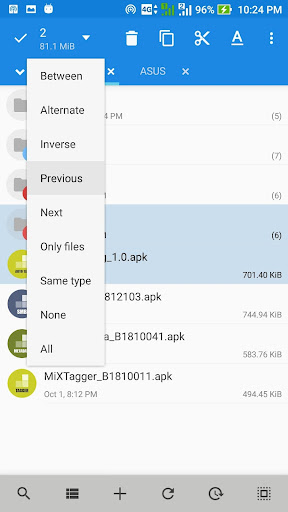
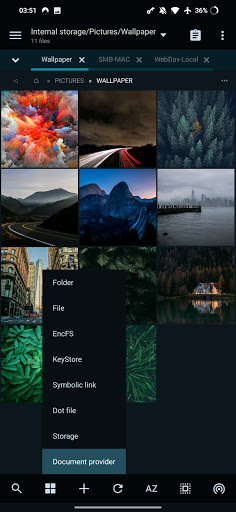
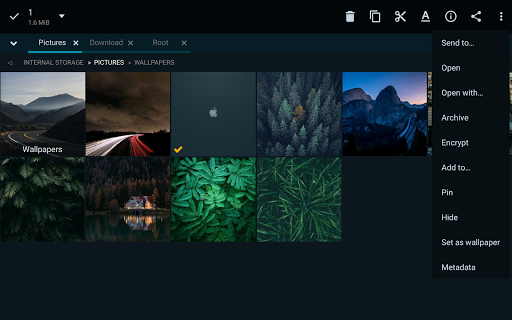
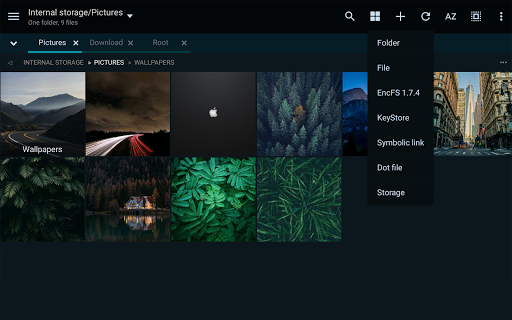
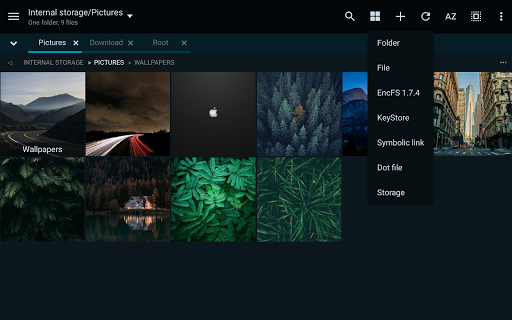
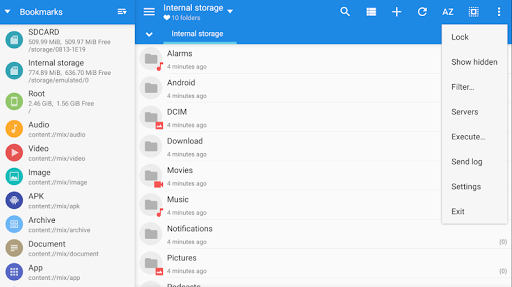
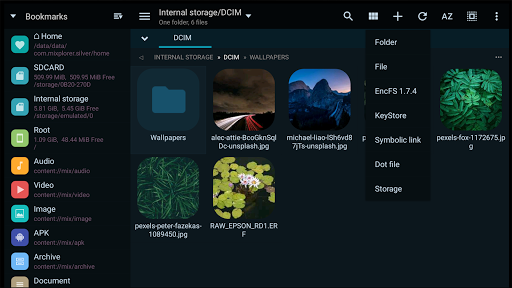
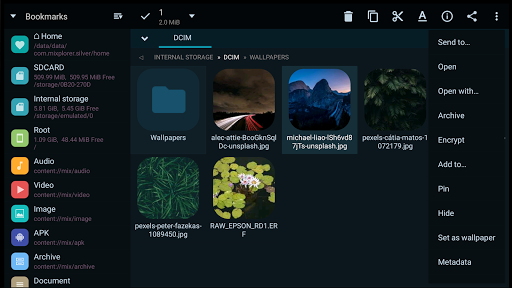
Upon launching MiXplorer Silver, you're greeted with a clean and intuitive interface. Its minimalistic design ensures ease of navigation, whether you're a beginner or an advanced user. The app combines a simple aesthetic with robust functionality, allowing you to swiftly access and manage your files without any hassle. The thoughtful layout and user-friendly controls make it a pleasure to use, laying the foundation for a smooth experience.
Extensive Features to Suit Every Need
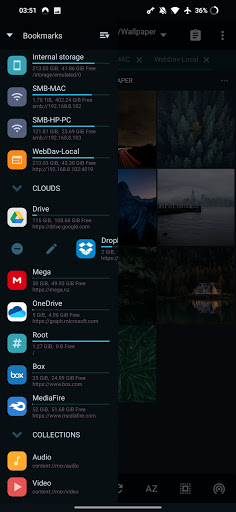
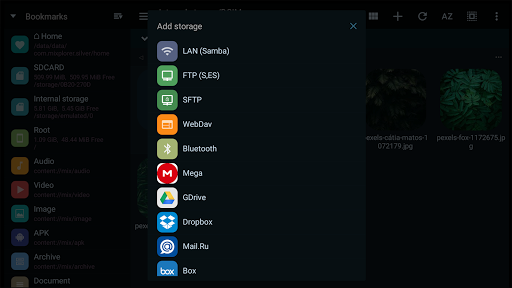
One of the standout aspects of MiXplorer Silver is its broad support for a wide range of file formats. From standard documents and images to less common file types, this app handles them effortlessly—making it your all-in-one solution for file management. Its impressive compatibility ensures you won't need multiple apps to handle different formats.The app's cloud storage integration is equally remarkable, supporting popular services like Google Drive, Dropbox, OneDrive, Mega.nz, and others via WebDAV. Whether you're backing up files or accessing documents on the go, MiXplorer Silver provides seamless access to all your cloud storage accounts within a single interface.
Customization and Personalization Options
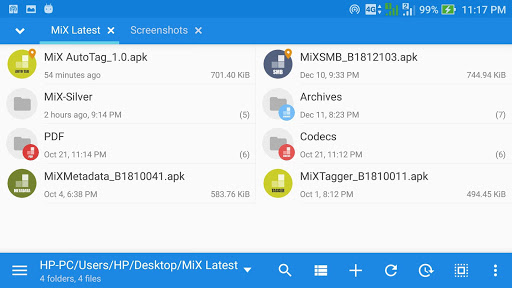
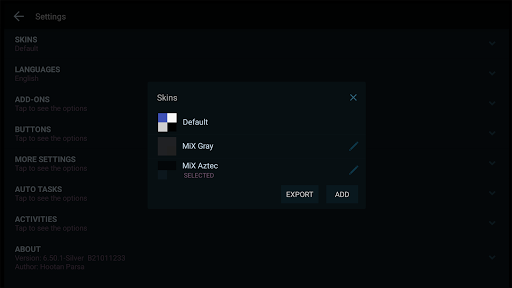
If personalization is important to you, MiXplorer Silver won't disappoint. It offers a high level of customization, allowing you to select any color for themes, icons, and other UI elements. You can tweak the app's appearance using the built-in Skin editor or explore various theme packages easily. To personalize the look further, just tap on a theme package and import it.Another notable feature is tabbed browsing, enabling you to open multiple folders simultaneously. This feature significantly enhances multitasking, especially on tablets or devices with larger screens. Plus, the app supports drag & drop between panels, making file transfers and management straightforward and efficient.
Performance, Usability, and Advanced Capabilities
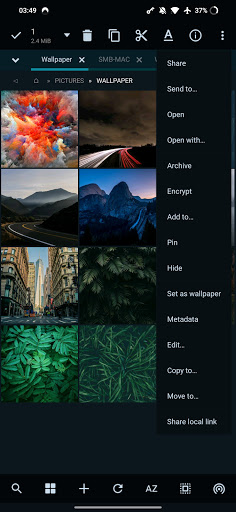
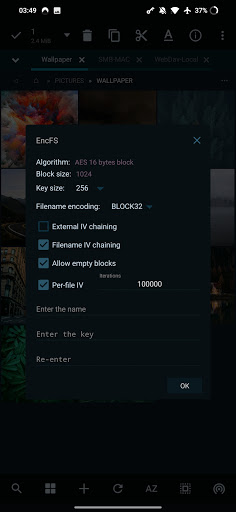
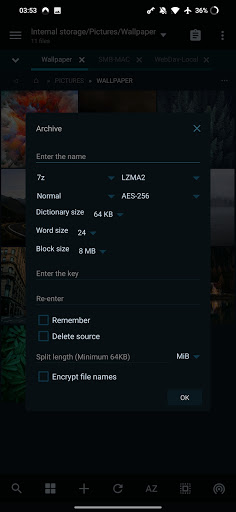
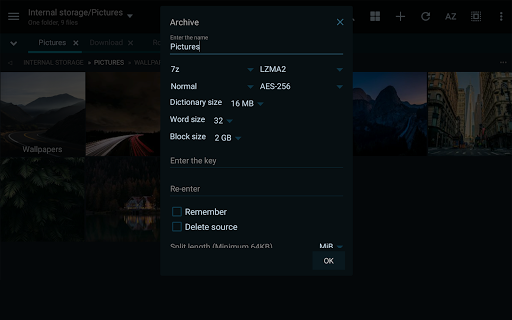
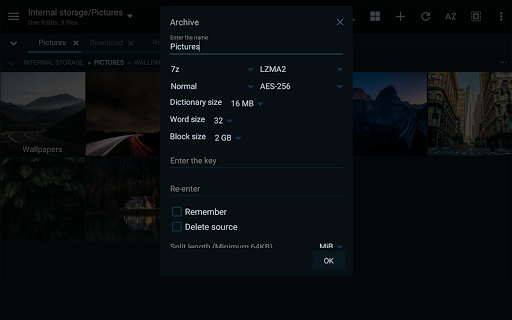
Performance is one of MiXplorer Silver's major strengths; it runs smoothly without lag or crashes, even when handling large files or multiple operations. The app efficiently manages resources to keep your device running optimally.The usability is top-notch, with features like split-view mode and task automation that streamline your workflow. The built-in media viewer supports formats like GIF, SVG, TGA, and ICO, while the media player with extra codecs allows you to watch videos without switching apps.Advanced users will appreciate the capabilities for file encryption using Aescrypt, root access for complex operations, and support for EncFS volumes. The app also supports editing compressed files, modifying zip files, and managing file permissions effortlessly.Further, it provides comprehensive support for FTP, WebDAV, SFTP, SAMBA (SMB), and more, making it an ideal tool for managing remote servers and network shares.
Additional Features That Elevate MiXplorer Silver
The app includes a PDF, EPUB, and MobiPacket reader add-on for convenient document viewing. Its APK signing tool supports v1, v2, and v3 schemes, simplifying app development or modification workflows. For developers and power users, the built-in Text and Code Editors offer a robust environment for editing scripts or source codes.Handling raw images, TIFF files, and other complex media formats is also possible thanks to dedicated decoders, further broadening its capabilities.
Conclusion: Your All-In-One File Management Solution
In a crowded market of file manager apps, MiXplorer Silver File Manager truly stands out as a comprehensive, reliable, and feature-rich solution. Its seamless integration with cloud services, extensive format support, high level of customization, and powerful tools for advanced users make it a must-have app for anyone serious about file management.Whether you're managing personal files or handling complex enterprise tasks, MiXplorer Silver provides everything you need and more. Once you start exploring its features, you'll wonder how you managed without this all-in-one masterpiece.
Pros
- Highly customizable user interface
- Compatible with many file formats
- Effective tools for file management
- No advertisements present
- Provides a clean and clutter-free experience
- Strong integration with cloud storage services
Cons
- Not available for free
- Requires purchase to use
- Steep learning curve for beginners
- Occasional bugs after updates
- Support options are limited compared to competitors
- Complex settings may be confusing for users











