

Introduction to Vimu Media Player for TV
If you're seeking a seamless and efficient way to enjoy your favorite movies and shows on your television, Vimu Media Player for TV is worth considering. Designed specifically for Android TV and TV boxes, this app transforms your media viewing experience by offering powerful features combined with ease of use. Whether you're tired of complicated interfaces or buffering issues, Vimu Media Player aims to make media playback straightforward, fast, and enjoyable.
Key Features of Vimu Media Player
Simple and Fast Setup
Getting started with Vimu is a breeze, thanks to its one-minute setup. Download the app from your smart TV or Android TV box's app store, and you'll be up and running quickly. Its lightweight design ensures minimal space consumption, making it ideal for various devices.
Optimized for TV Devices
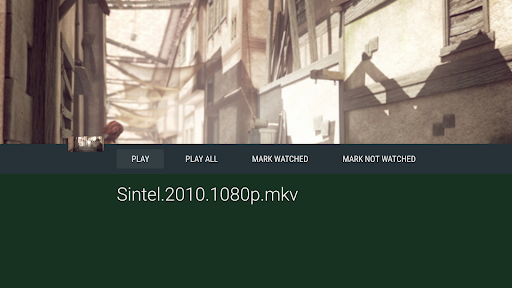
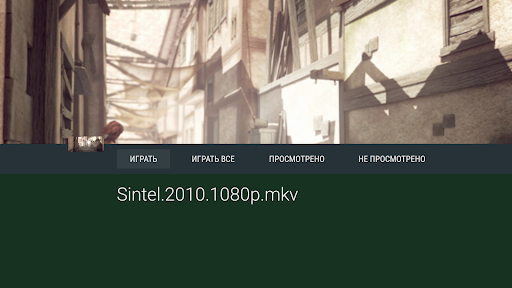
The app is specially optimized for use on TVs. It offers a simple and fast Leanback UI, facilitating effortless navigation with a remote control. The interface is clean, intuitive, and designed for larger screens, ensuring users can browse their media libraries comfortably.
Extensive Media Support
Vimu supports most common file formats, including MKV, AVI, MP4, MOV, FLV, TS, WMV, DIVX, 3GP, VOB, MP3, FLAC, ALAC, and JPEG (device-dependent). For Android TV devices with compatible hardware, it supports hardware decoding up to 4K (HEVC/VP9).
Advanced Connectivity Options
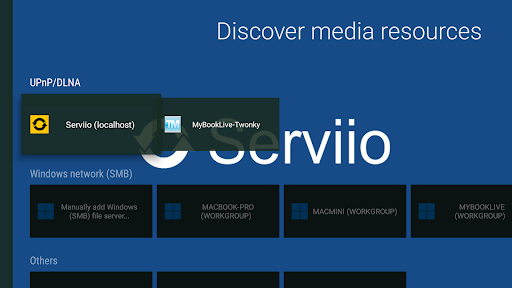
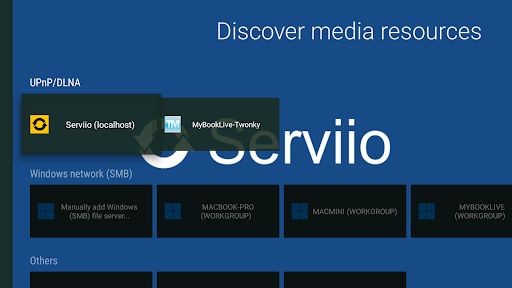
Enjoy versatile navigation and playback capabilities from various sources like internal storage, SD cards, USB drives, and network shares such as SMB (Windows shares), WebDAV, NFS, and UPnP/DLNA servers. The app also functions as a UPnP Renderer (DLNA Push) on Android TV, enabling seamless streaming.
Enhanced Playback Features
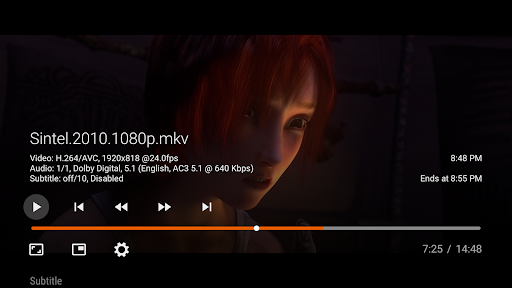
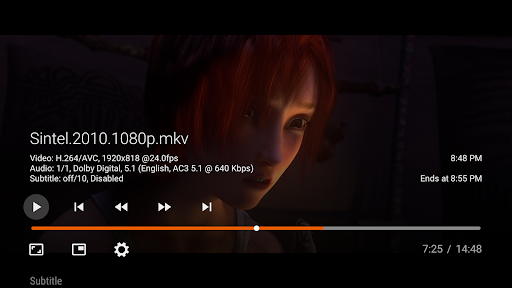
Switch effortlessly between multiple audio tracks in multilingual files, with support for pass-through audio formats like AC3, EAC3, and DTS. Subtitle support is comprehensive, allowing external SRT subtitles (placed in the same directory as your media files) with customizable font size and timing, as well as embedded subtitles like SRT, SSA/ASS, DVBSub, and VOBSub.
Streaming and Playlists
Vimu supports streaming from HTTP/HTTPS sources, enabling you to stream media directly without full downloads. Additionally, it offers M3U playlist support for organized media playlists, making it easier to manage and enjoy your content collection.
User Experience and Performance
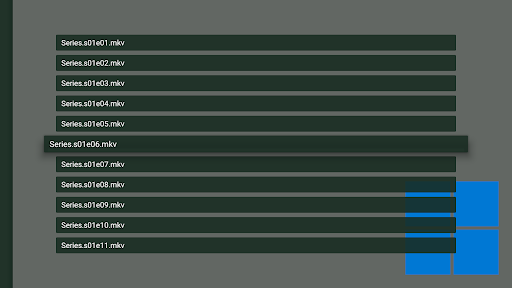
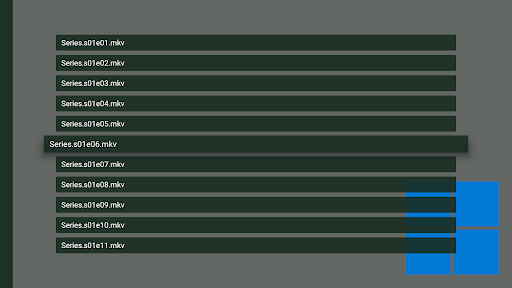
Many users find Vimu Media Player remarkably user-friendly, thanks to its intuitive navigation and responsive interface. You can choose between grid, list, or double list views for browsing your media library, tailoring the experience to your preferences.
Performance-wise, the app offers a smooth playback experience, even on modest network connections or hardware. Its support for hardware acceleration ensures high-quality video output at resolutions up to 4K on compatible devices, with minimal buffering or lag. Subtitle management is flexible, allowing you to load external files easily and adjust display settings for a personalized viewing experience.
Compatibility and Additional Benefits
Vimu Media Player is compatible with all official Android TV units and may work with some non-official Android 6.0+ TV boxes. Its support for external subtitles, extensive source options, and playlist management makes it versatile for various user needs. The app is dedicated to providing a media playback solution without containing or offering any content; users need to supply their own media files via USB drives or network shares.
For troubleshooting, there’s detailed documentation available on the official website and an active support forum. Note that if you experience no sound, it might be due to unsupported audio tracks in your files. Users can request refunds within three days of purchase if the app does not meet expectations.
Conclusion
Vimu Media Player for TV stands out as a powerful, versatile, and user-friendly media player tailored specifically for TV devices. Its broad format support, hardware acceleration for 4K videos, flexible source management, and intuitive UI make it a top choice for anyone who wants to elevate their TV viewing experience. Once set up, you'll appreciate how effortlessly you can access and enjoy your media files, transforming your television into a complete media entertainment center.
Pros
- Supports multiple video formats
- User-friendly interface
- Customizable playback settings
- High-quality audio and video output
- Seamless streaming from network
Cons
- Limited subtitle support
- No offline download option
- Occasional playback glitches
- Requires in-app purchases
- Not compatible with all devices











