





Introducing TV Cast Pro for Samsung TV
Are you eager to upgrade your Samsung Smart TV and Blu-ray Player to enjoy web videos, online movies, livestreams, and live TV shows directly on your big screen? Look no further than TV Cast Pro for Samsung TV, the leading web video streamer that transforms your home entertainment experience. This powerful app allows you to seamlessly cast media from your mobile device to your Samsung TV without the need for additional streaming boxes or complicated setups.
Unmatched Compatibility and Support
This PRO app edition unlocks all premium features, but you can explore the basic functionalities with the FREE app edition first to ensure it meets your needs. The app is compatible with all Samsung Smart TV models from 2010 (C series) to 2017 (M/MU/Q series), as well as Blu-ray Players equipped with Smart Hub or VEWD (formerly Opera TV). This broad support means almost any compatible device in your home can benefit from effortless streaming.
Effortless Web Browsing and Video Casting
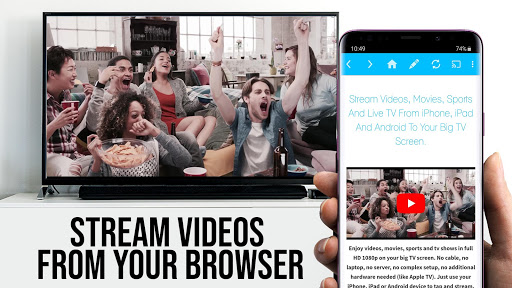
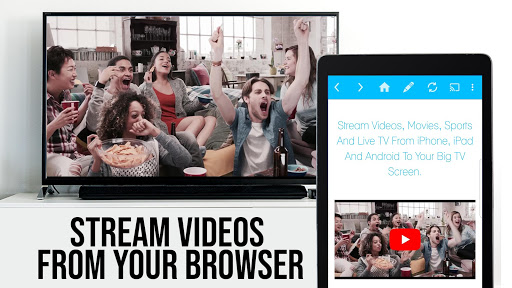
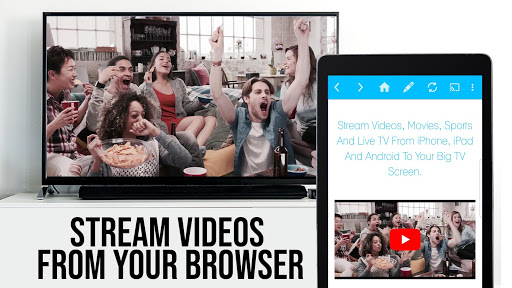
With Video & TV Cast, browsing your favorite websites and streaming videos has never been easier. The app enables you to navigate directly to your preferred web pages and send embedded videos immediately to your Samsung TV or Blu-ray Player with a simple tap. Once a video is detected, it appears below the browser interface—just tap the link to cast it directly onto your television. Supported video formats include mp4, m3u8, and streaming protocols such as hls livestreams, over https, and of course, in Full HD resolution, ensuring crisp visuals.
Important Setup and Usage Tips
To get started, you need to install the TV Cast companion app from your Samsung TV or Blu-ray Player's app store—simply visit the Samsung App Store, browse the videos category, and install it freely. Additionally, you'll be prompted to enter your Android device’s IP address using your remote control’s navigation keys, allowing the app to securely connect your devices.
Note that some videos—such as Flash videos, Google Play movies, Netflix, Amazon, HBO, and other DRM-protected content—are not supported due to digital rights restrictions.
For optimal performance, ensure all devices (Android device, Samsung TV/Blu-ray Player, Wi-Fi router) are restarted if casting issues occur. Testing websites and videos in the free version is advised before considering the upgrade, as some issues may stem from website compatibility rather than the app itself.
Security and Permissions
Video & TV Cast is designed to prioritize your safety, requiring minimal permissions—much less than other apps. It does not access your personal data, accounts, device identifiers, GPS location, or contacts. Always review app permissions before installation to ensure your privacy.
Enhance Your Experience with PRO Features
The PRO version offers advanced tools to elevate your streaming sessions:
- Remote Playbar: Provides video control options including scrubbing, rewind, forward, play, pause, and stop across all Samsung Smart TVs.
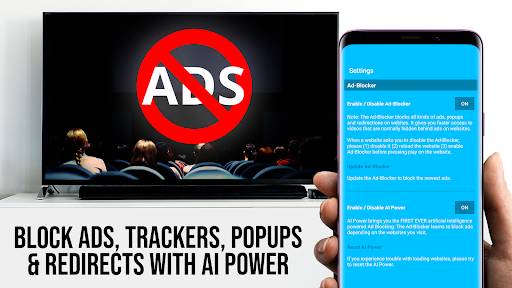
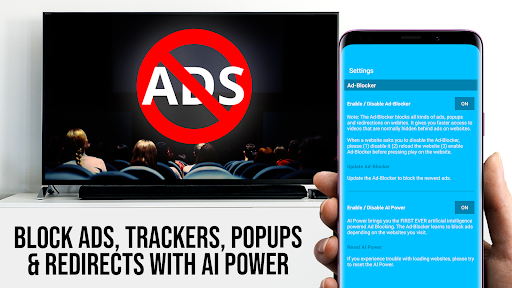
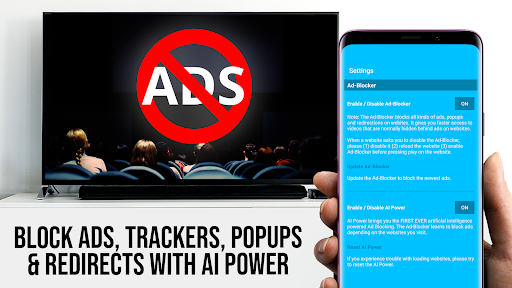
- Ad-Blocker: Blocks unwanted ads and popups on most websites, creating a cleaner browsing experience without interruption.
- Bookmarks: Save and manage multiple bookmarks directly in the browser for quick access to your favorite sites.
- Desktop Mode: Change the user-agent to simulate a desktop browser—perfect for loading full desktop versions of websites (note: it doesn't enable Flash videos).
- Custom Homepage: Personalize your starting page in the app settings for quicker access to preferred websites.
Transforming Your Home Entertainment
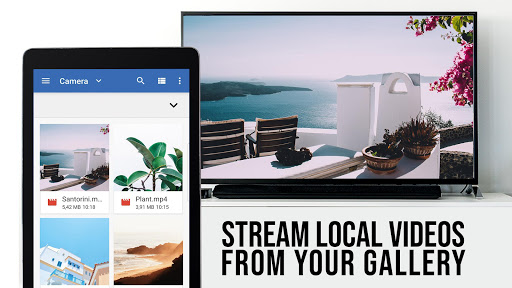
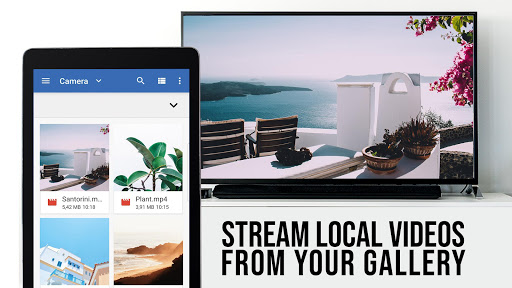
If you're tired of the clutter of cables and complex device setups, TV Cast Pro for Samsung TV is your go-to solution for seamless streaming. Its intuitive interface and robust features make it accessible even for non-tech-savvy users, turning your TV into a versatile media hub. Whether you want to watch web videos, stream personal content, or enjoy live broadcasts, this app provides a reliable, high-quality experience.
Remember, for the best results, ensure your network connection is stable, and test the app’s capabilities with free versions before committing to the premium PRO edition. Elevate your entertainment setup today and enjoy effortless streaming with TV Cast Pro for Samsung TV.
Pros
- Supports high-quality video streaming.
- User-friendly interface.
- No intrusive ads.
- Wide compatibility with file formats.
- Quick connection setup.
Cons
- Requires a stable Wi-Fi connection.
- Limited free features.
- May experience occasional lag.
- Not compatible with all TV models.
- Subscription needed for full features.











