

Introducing the TV Cast Pro for Fire TV App
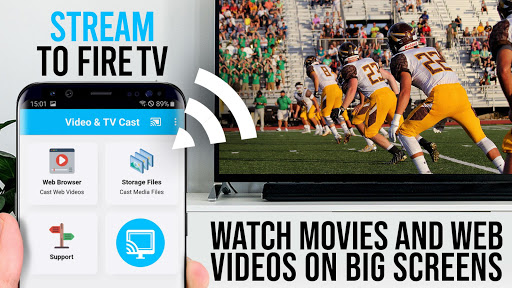
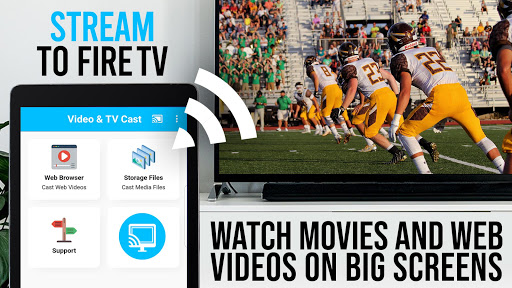
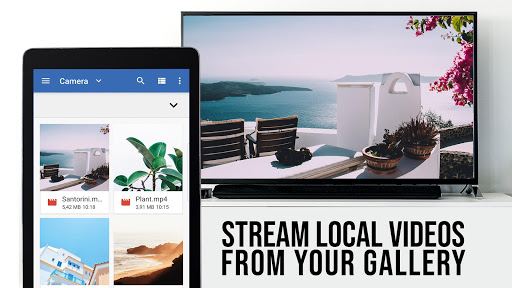
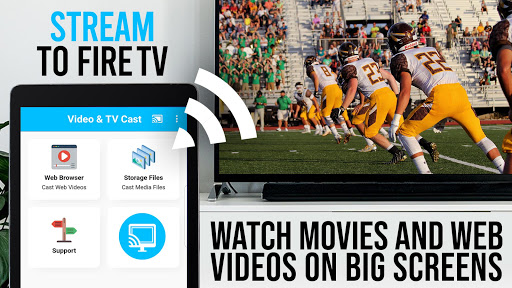
Are you searching for a seamless way to watch web videos, online movies, livestreams, and live TV shows directly on your big screen? Look no further than the TV Cast Pro for Fire TV app — the no#1 web video streamer designed exclusively for Amazon Fire TV and Fire TV Stick. This powerful application transforms your Fire TV into a hub for streaming content from your mobile device effortlessly, eliminating the need for complex media servers or cables. Whether you want to browse websites and cast embedded videos or directly input video URLs, TV Cast Pro for Fire TV has got you covered with its broad support for formats like mp4, m3u8, and HLS livestreams, all in Full HD.
Key Features and Functionality
Easy Web Browsing and Video Casting
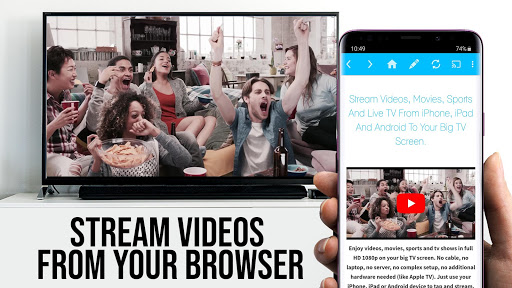
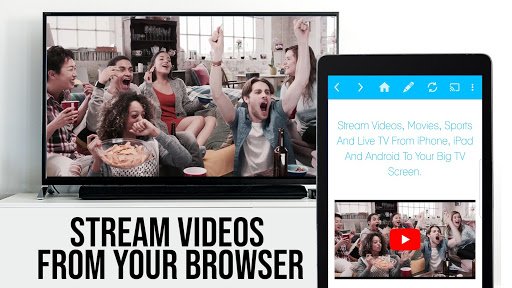
With Video & TV Cast, users can browse the web smoothly and send videos directly to their Fire TV with just a tap. Simply navigate to your favorite streaming websites, and the app will automatically scan for embedded videos. Once detected, these videos are listed below the browser. Tapping on a video link instantly pushes the content to your TV, providing an instant, buffer-free viewing experience. This simplicity makes it ideal for users who want quick access to web videos without fumbling through complicated setups.
Compatibility and Supported Content
The app supports a wide range of video formats and streaming types, including mp4, m3u8, and HLS streams. You can also cast videos over HTTPS for a secure connection. However, it’s important to note that DRM protected videos, like Netflix, Amazon Prime, HBO, and Google Play Movies, are not supported. The app focuses on web-based videos, online movies, livestreams, and live TV channels, making it a versatile tool for many streaming needs.
Premium PRO Version Features
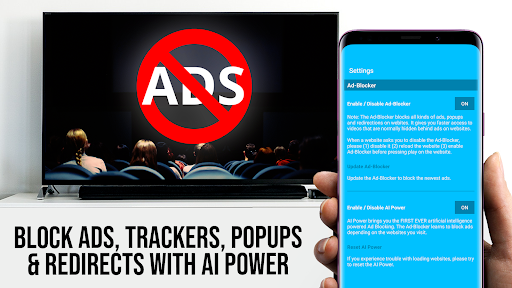
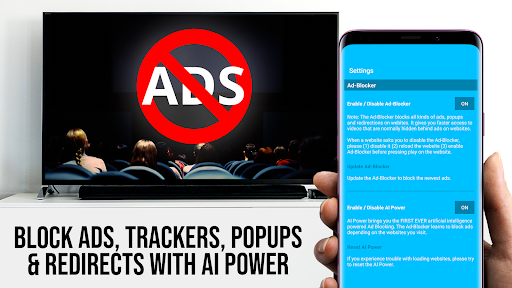
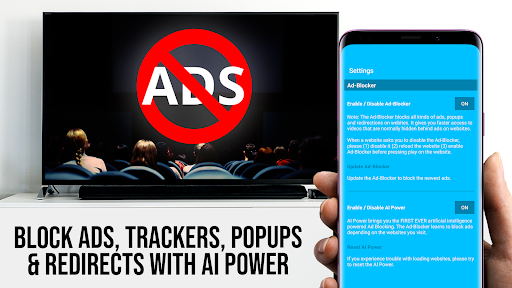
The Pro edition unlocks all Premium features, enhancing your streaming experience. These include a Remote Playbar for advanced video controls, such as scrubbing, forwarding, rewinding, play, pause, and stop, synchronized across multiple devices. It also offers ad-blocking to ensure uninterrupted viewing and the ability to manage bookmarks for your favorite sites. Furthermore, the app allows you to switch to Desktop Mode, changing the user-agent to mimic a PC for loading full desktop websites, with the caveat that it does not support desktop Flash videos. Customizing your homepage ensures quick access to preferred websites after purchase.
Security and Compatibility Notes
Security is a priority for Video & TV Cast. The app requires minimal permissions and does not access personal data, accounts, device IDs, contacts, or GPS location. For troubleshooting, users are encouraged to test their websites and videos using the free edition first. Restarting devices and Wi-Fi routers can often resolve connection issues. If specific videos do not cast, the developers invite users to send links for support, emphasizing their commitment to ongoing improvements. Refunds are available within 24 hours of purchase upon submitting the Google Purchase ID.
Ease of Use and Performance
Setup and User Experience
The setup process is straightforward: ensure your phone and Fire TV are connected to the same Wi-Fi network. The app’s intuitive interface guides you effortlessly through pairing and browsing, making it accessible even for those with limited technical knowledge. Once set up, casting web videos becomes a hassle-free experience, saving time and avoiding frustration.
Reliable Streaming Performance
Performance-wise, TV Cast Pro for Fire TV excels at providing stable, buffer-free streaming across various network environments. It handles different firewall configurations and network conditions gracefully, making long binge-watching sessions a breeze. Users can trust the app for consistent performance when streaming videos from diverse sources.
Additional Features for Enhanced Streaming
The app is packed with features to improve your streaming sessions. The Bookmark feature lets you save multiple websites for quick access. The Ad-Blocker curtails annoying ads and popups on supported websites, resulting in a cleaner viewing experience. Customization options like setting a personal homepage and toggling desktop mode tailor the app to your preferences, making it a comprehensive solution for media casting.
Conclusion
If you're looking for a reliable, efficient, and user-friendly method to cast online videos, movies, and live streams from your mobile device to your Fire TV, TV Cast Pro for Fire TV is undoubtedly worth considering. Its broad format support, premium features, and straightforward interface make it a top choice for streaming enthusiasts eager to maximize their Fire TV experience. Give it a try today and discover a whole new way to enjoy online content on your biggest screen!
Pros
- Seamless casting from phone to TV
- Supports various video formats
- High-quality streaming experience
- User-friendly interface
- No ads in the paid version
Cons
- Requires a stable Wi-Fi connection
- Paid application
- No free version available
- Limited to Fire TV compatibility
- Occasional lag during streaming
- Lacks remote control integration











