


Introduction to Screen Mirroring + for Fire TV
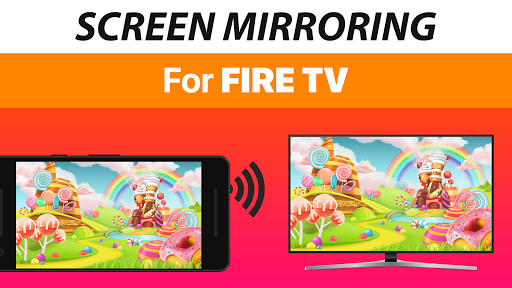
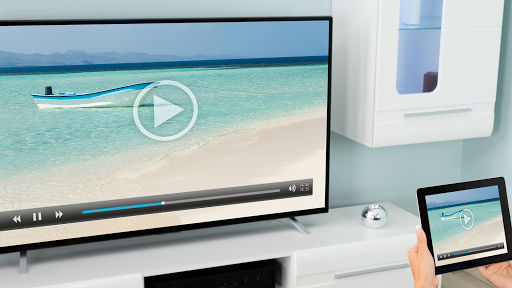
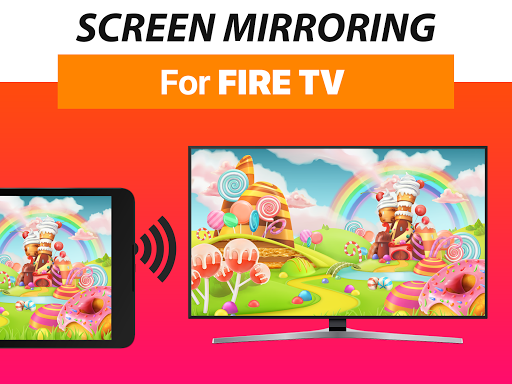
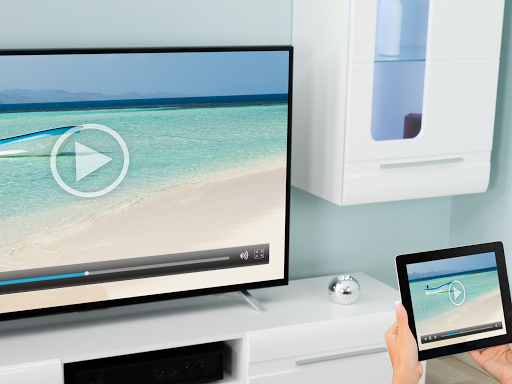
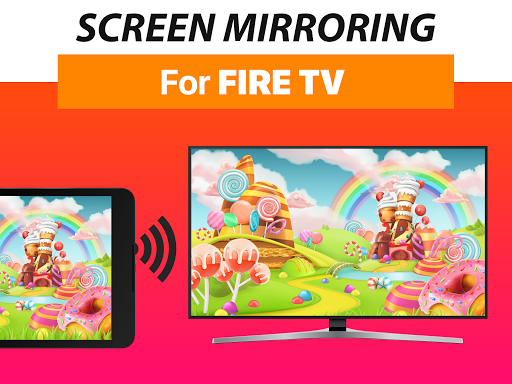
Are you looking for a reliable way to mirror your smartphone or tablet screen onto your Fire TV? Screen Mirroring + for Fire TV offers an excellent solution to effortlessly display your device's content on a larger screen. With support for all Fire TV devices, including sticks, boxes, and TVs like Insignia and Toshiba, this app transforms your media sharing experience. Whether you want to share photos, videos, gaming sessions, websites, or presentations, Screen Mirroring + for Fire TV provides a seamless and high-quality screen sharing experience in real-time.
Key Features of Screen Mirroring + for Fire TV
Real-Time HD Screen Mirroring
Enjoy HD quality screen mirroring directly from your device to your Fire TV. The app supports smooth and lag-free streaming, making it perfect for watching high-definition videos or playing graphics-intensive games on your big screen.
Universal Device Support
The app is compatible with all Android devices running Android 5.0 and above, as well as all Fire TV models. This broad compatibility ensures that you can easily connect your smartphones, tablets, and Fire TV devices without hassle.
Simple and Unified Setup
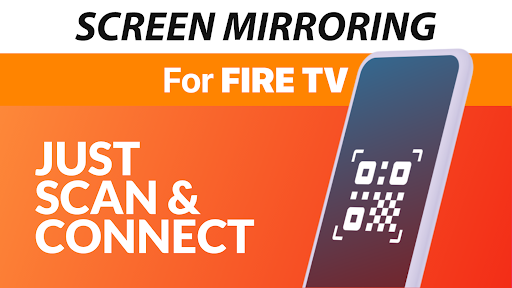
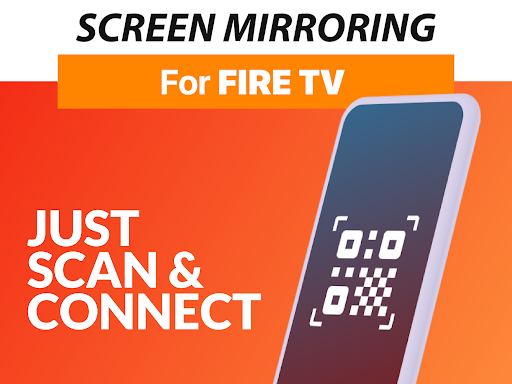
Setup is quick and straightforward. The app guides you with clear on-screen instructions, eliminating the need to change Android settings or Wi-Fi configurations. This means anyone can set it up with ease, regardless of technical expertise.
Optimized Performance
For the best streaming results, a robust Wi-Fi connection is recommended, ideally utilizing a 5 GHz Wi-Fi network. Proper network conditions ensure smooth streaming and high-quality audio and video playback.
Audio Support
If you're using an Android 10 or higher device, the app supports sound, enhancing the overall viewing and listening experience during screen mirroring sessions.
User Experience and Versatility
Many users have found Screen Mirroring + for Fire TV to be a game changer for household entertainment and professional presentations alike. Its intuitive interface makes it easy for even non-tech-savvy users—like grandparents—to mirror their screens effortlessly.
Whether you're sharing family photos, streaming videos, gaming, or conducting business meetings, this app ensures high-quality transmission with minimal latency. Its versatility makes it a perfect tool for personal entertainment and professional use.
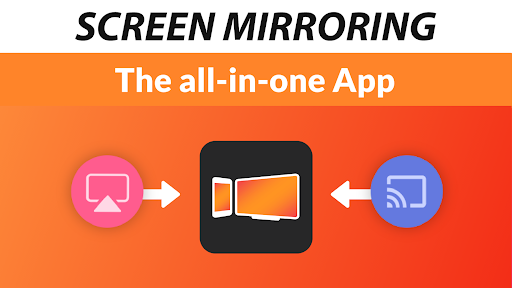
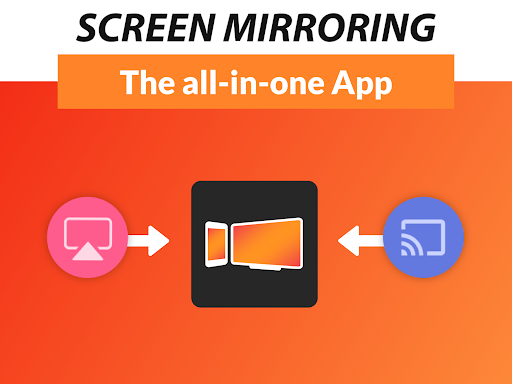
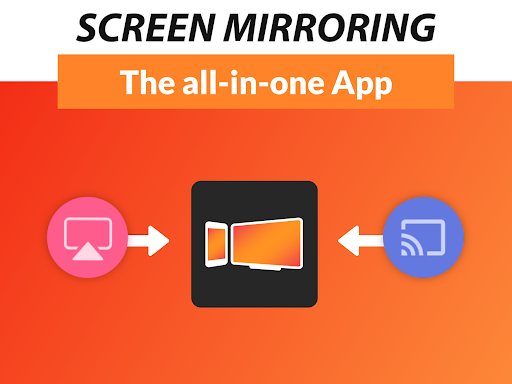
Additionally, it supports multiple brands and devices, including iOS, Android, and various Fire TV models, offering far more flexibility than the Fire TV's built-in Miracast functionality.
Why Choose Screen Mirroring + for Fire TV?
After several weeks of use, user reviews indicate that Screen Mirroring + for Fire TV reliably delivers on its promises. Its easy setup, impressive streaming quality, and broad device compatibility make it stand out from other screen sharing solutions.
This app is perfect for creating memorable family movie nights, sharing gaming highlights, or presenting professional content in meetings. Its ability to mirror screens smoothly and in high-definition makes it an invaluable addition to your digital toolkit.
Final Thoughts
If you're searching for a simple, effective, and high-quality screen mirroring app for Fire TV, Screen Mirroring + for Fire TV is a top choice. Its user-friendly setup, excellent performance on robust Wi-Fi networks, and versatile device support make it suitable for a wide range of media sharing needs. Give it a try and elevate your home entertainment and presentation capabilities—it's a smart way to enjoy content from your device on a larger screen effortlessly.
Pros
- Easy setup and connection process.
- Supports high-quality video streaming.
- Compatible with most devices.
- User-friendly interface design.
- Low latency for real-time mirroring.
Cons
- Occasional connectivity drops may occur.
- Some features need in-app purchases.
- Limited support for older devices.
- Advertisements can be intrusive.
- Requires stable Wi-Fi for optimal performance.











