
Discover the Power of GIF Maker, GIF Editor Pro – The Ultimate All-in-One GIF Creation and Editing App
Are you passionate about crafting captivating animated GIFs but overwhelmed by complex software? Look no further than GIF Maker, GIF Editor Pro, a versatile and intuitive application designed to turn your creative ideas into stunning animated visuals effortlessly. Whether you're a social media enthusiast, a content creator, or just someone who loves adding fun elements to your messages, this app is your perfect companion for all things GIF.
Seamless User Experience & Intuitive Interface
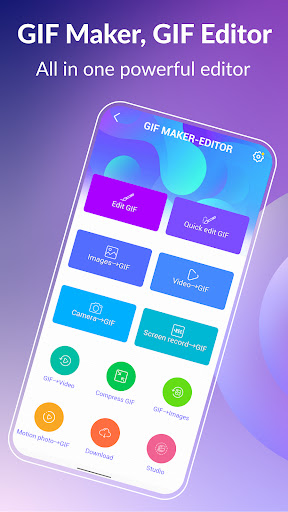
From the moment you open GIF Maker, GIF Editor Pro, you'll notice its clean and user-friendly design. The interface is crafted to guide you smoothly through the process of creating and editing GIFs, making it accessible even for beginners. With straightforward navigation and helpful prompts, you can quickly grasp how to transform your images, videos, or screen recordings into captivating animations without feeling lost or frustrated. This app truly embodies the motto, "making GIF creation simple and fun for everyone."
Extensive Features to Unleash Your Creativity
Supports Up to 600 Frames and HD Quality: With support for up to 600 frames and a resolution of 720x1280 (HD) pixels, your GIFs will be vivid, smooth, and professional-looking. Whether you're crafting short clips or lengthy animations, the app handles high-quality outputs without watermarks, allowing your creations to stand out. Additionally, the app offers ad-free experience, ensuring a clutter-free environment for your creative process.
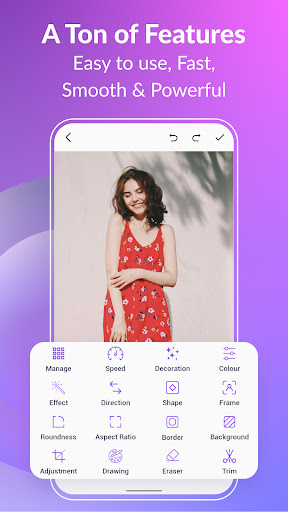
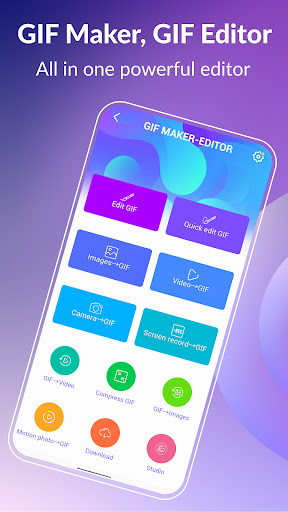
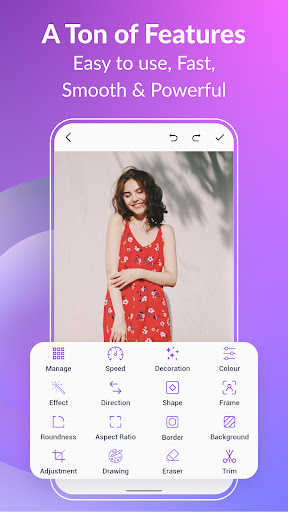
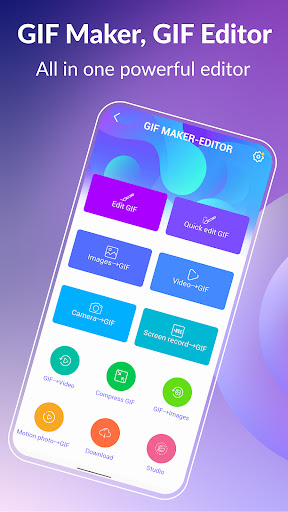
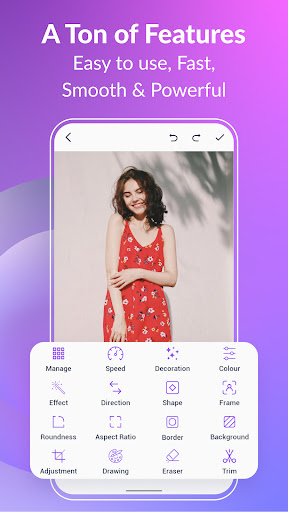
Convert, Edit, and Customize: Transform your favorite images, videos, or screenshots into high-quality GIFs with just a few taps. The app supports a wide variety of formats like PNG, JPEG, MP4, MPEG, FLV, 3GP, and of course, GIF itself. Customize your animations with features like crop, resize, speed adjustment, aspect ratio, roundness, and more—giving you complete control over your artistic output.
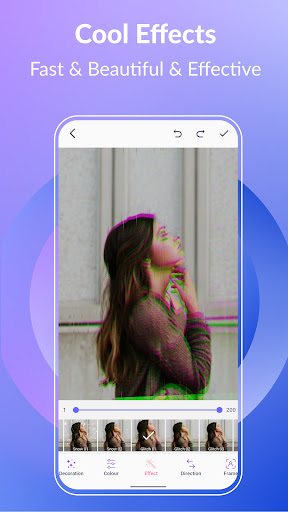
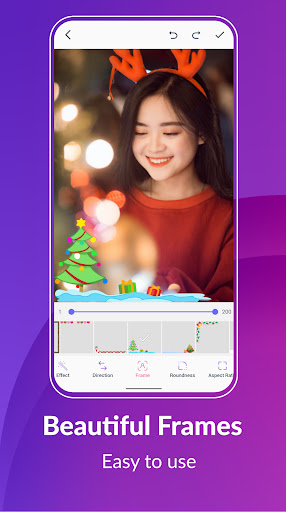
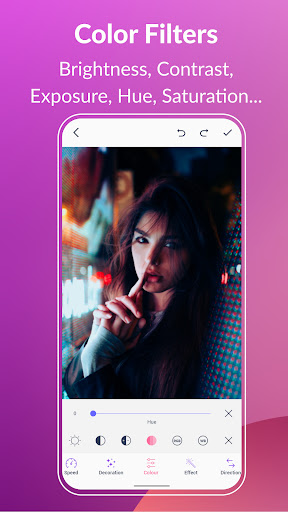
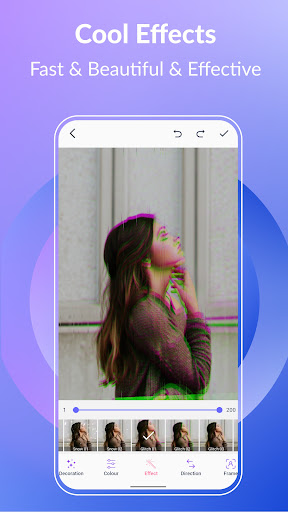
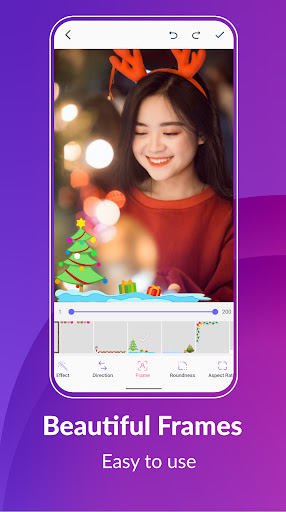
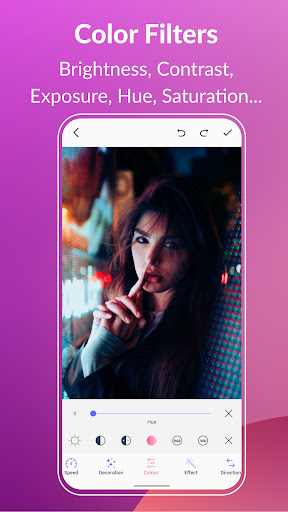
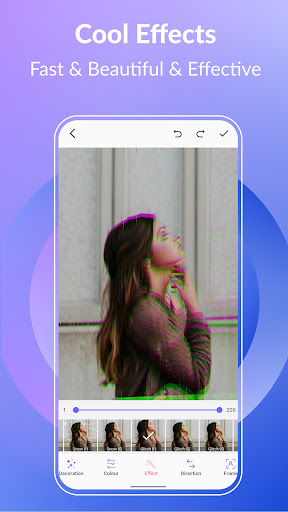
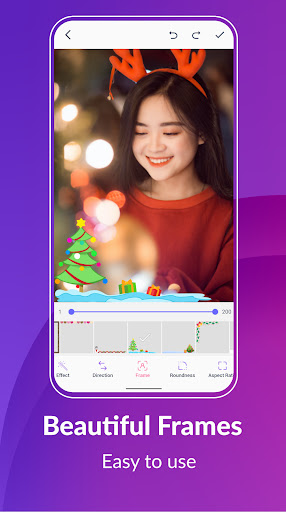
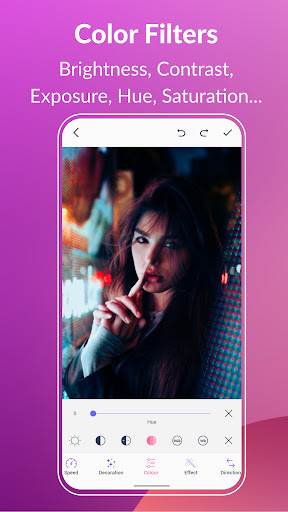
Creative Effects & Backgrounds: Add a splash of style to your GIFs with exciting filters, cool picture frames, and special effects such as VHS, Glitches, or Early Bird. Make your GIFs pop with background options like transparent, solid colors, gradients, or blur effects to enhance visual appeal.
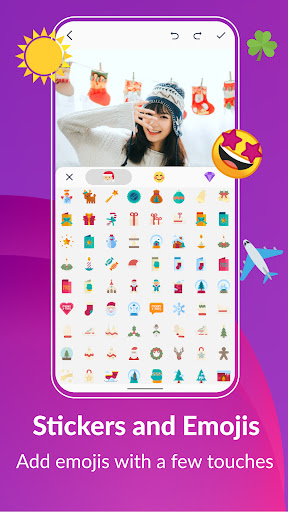
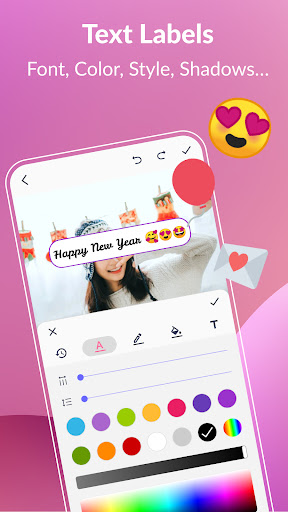
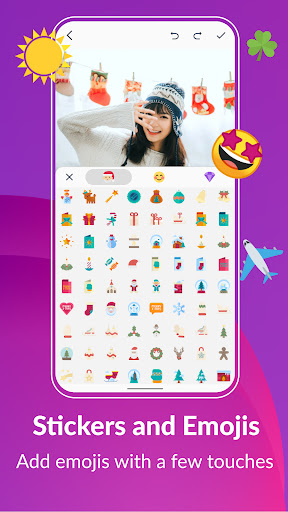
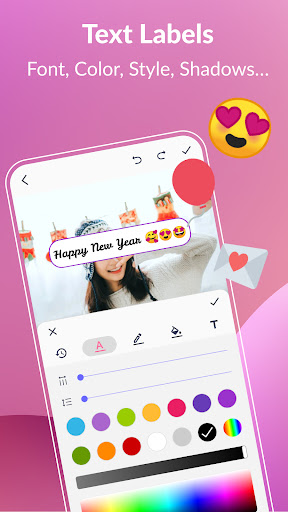
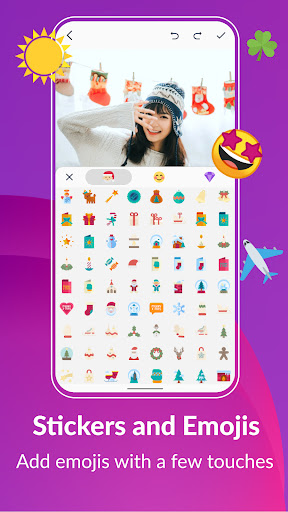
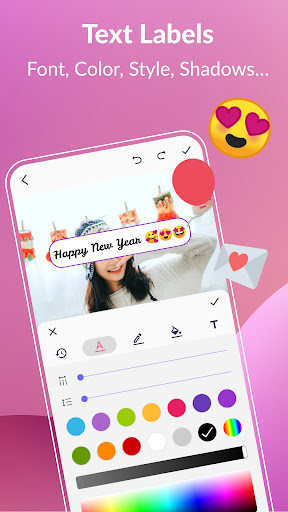
Personalize with Text, Stickers & Emojis: Express yourself by embedding text labels with a variety of styles, colors, shadows, and fonts. Enhance your GIFs further with a vast collection of stickers and emojis, easily adjustable in timing and position to create playful or impactful messages.
Efficient Editing & Management Tools
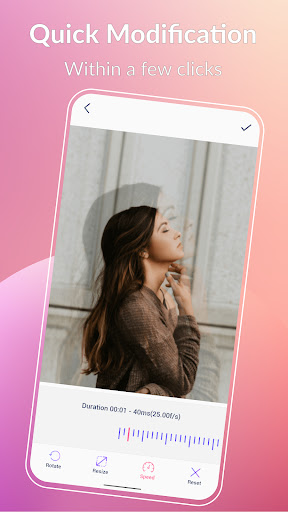
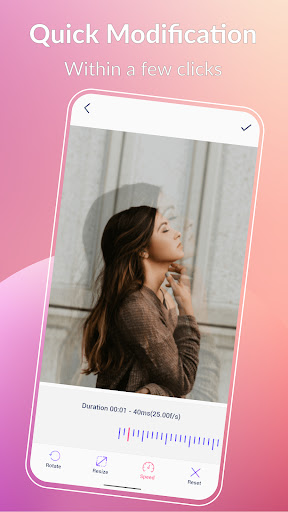
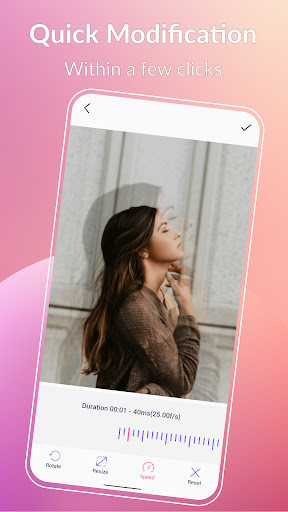
Quickly modify your GIFs with "quick edit" features—resize, adjust play speed, crop, trim, or add effects in seconds. The app supports compression to produce smaller file sizes, facilitating easier sharing without sacrificing quality. You can also convert GIFs to videos or extract individual frames for detailed editing or compilation. Manage your entire GIF collection effortlessly within the app, viewing and editing your creations smoothly.
Simple Sharing & Multi-language Support
Once your masterpiece is ready, share it directly to popular platforms like WhatsApp, Facebook, Twitter, Instagram, Giphy, and more. The app's multi-language support—covering English, Français, Español, 中文, 日本語, 한국인, Deutsche and others—ensures users worldwide can enjoy a seamless experience in their preferred language, making it accessible for everyone.
Why Choose GIF Maker, GIF Editor Pro?
This app stands out for its combination of powerful features and ease of use. Whether you’re creating animated GIFs for social media, memes, marketing campaigns, or just for fun, GIF Maker, GIF Editor Pro provides all the tools you need in a single, accessible platform. Its capacity to support high-quality animations, combined with intuitive editing options and a variety of customization features, makes it the ideal choice for both beginners and seasoned GIF creators. Start making eye-catching GIFs today and share your creative vision with the world!
Pros
- User-friendly interface suitable for beginners
- Supports a variety of image formats
- Quick processing speed
- Produces high-quality GIF outputs
- Offers a wide range of editing tools
Cons
- Limited options for advanced editing
- Occasional application crashes
- Presence of advertisements in the free version
- Requires in-app purchases for complete features
- High file sizes for producing high-quality GIFs











