

Introduction to the PhotoSync Bundle Add-On
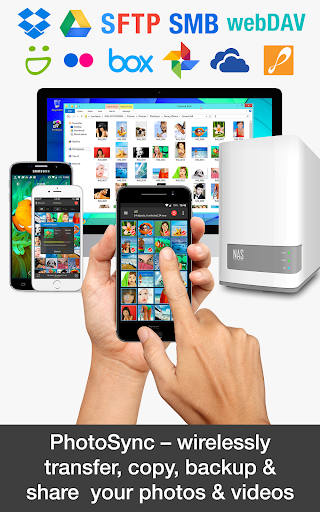
The PhotoSync Bundle Add-On is a powerful activation license that enhances the functionality of the popular PhotoSync app. Designed for users seeking seamless media transfer, backup, and sharing capabilities across multiple platforms, this add-on unlocks a suite of advanced features that transform your photo management experience. By purchasing the bundle, users gain access to all PhotoSync capabilities—including AutoTransfer, NAS, and Cloud functionalities—at a significantly discounted price, saving up to 20%. Additionally, it eliminates advertisements and ensures compatibility with future updates, making it a smart investment for anyone serious about media synchronization.
Comprehensive Media Transfer and Backup Solutions
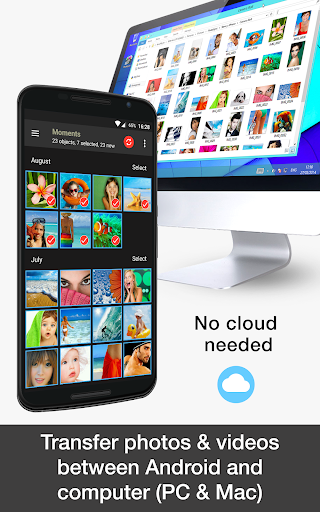
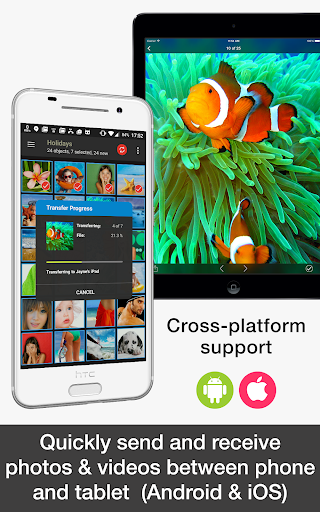
The PhotoSync Bundle Add-On consolidates multiple essential features into one package, offering flexible and secure wireless transfer, backup, and sharing options for your photos and videos. Whether you’re on Android, iOS, Windows, or Mac, this add-on ensures you can easily move multimedia files between devices, cloud services, and personal storage solutions. Its cross-platform support makes it a top choice for users who operate across various operating systems and device types. The convenience of automating backups, sharing, and transfers helps safeguard your memories without manual intervention, saving you time and effort.
Key Features of the PhotoSync Bundle Add-On
The PhotoSync Bundle Add-On includes three main components:
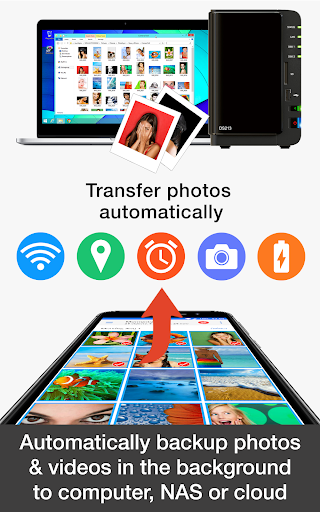
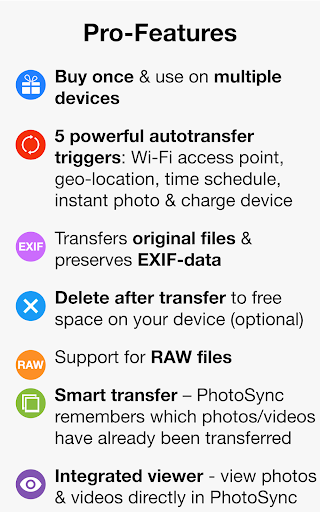
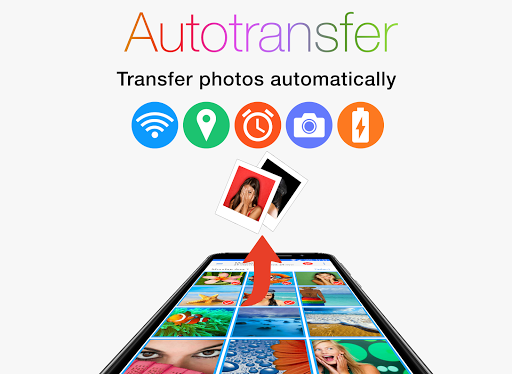
- PhotoSync Autotransfer Add-On: Automates the backup and sharing of photos and videos from Android devices based on specific triggers like WiFi connection, geolocation, charging, or scheduled times.
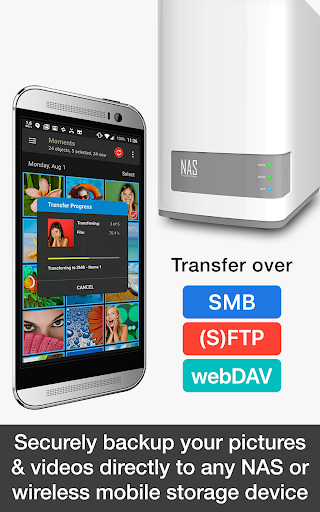
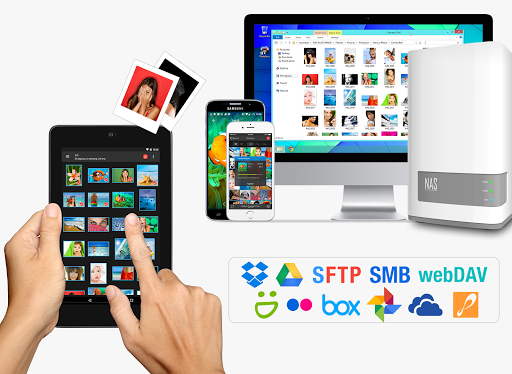
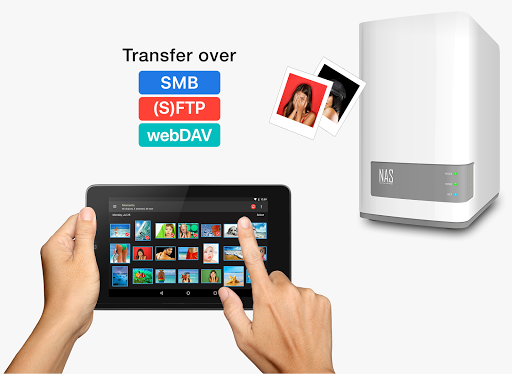
- PhotoSync NAS Add-On: Facilitates secure backup, download, and viewing of media on NAS, SMB, FTP, and WebDAV servers from trusted brands such as Synology, QNAP, and Western Digital.
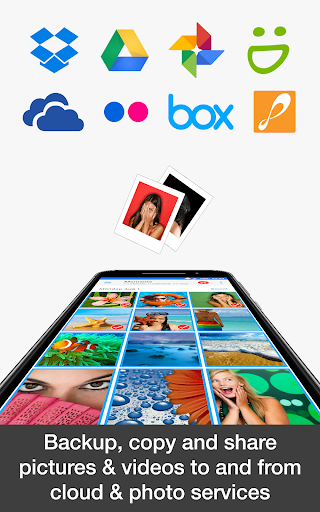
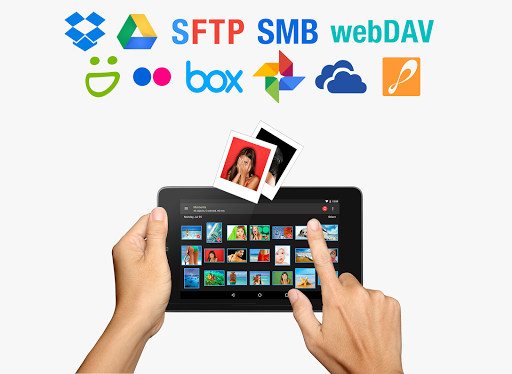
- PhotoSync Cloud Add-On: Enables easy upload, import, and sharing of media to popular cloud services like Dropbox, Google Drive, OneDrive, Flickr, and others.
Enhanced Automation and Flexibility
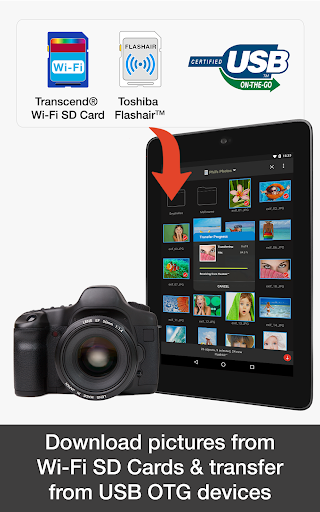
One of the standout advantages of the PhotoSync Bundle Add-On is its automation capability. It allows you to automatically back up photos and videos from your Android device directly to your computer, NAS, or cloud services without manual uploads. The app detects specific events such as taking a photo, connecting to a trusted WiFi network, reaching a certain geolocation, plugging in your device, or following a custom time schedule. This level of automation ensures your media is always safely stored and accessible across devices, reducing the risk of data loss. Moreover, the app supports wireless transfer to portable storage devices and hard drives, including popular brands like Seagate, Western Digital, and Toshiba, providing additional versatility for on-the-go backup needs.
Seamless Compatibility with Leading Storage Solutions
The PhotoSync NAS Add-On provides seamless integration with a broad range of storage solutions, making it simple to manage multimedia files on your home or office network. Compatible with major NAS brands such as Synology, QNAP, Buffalo, WD MyCloud, and others, it enables quick uploads, downloads, and remote browsing of media. Whether you’re backing up family photos or managing professional content, this add-on guarantees reliable performance across multiple server types and cloud storage options from providers like Nextcloud, Seagate, and OpenMediaVault. It supports wireless transfer and remote file access, making media management more flexible and efficient.
Effortless Cloud Synchronization and Sharing
The PhotoSync Cloud Add-On simplifies uploading, importing, and sharing media with various cloud services, including Dropbox, Google Photos, Flickr, OneDrive, and more. It enables instant transfer of your photos and videos over WiFi or mobile networks (3G/LTE), ensuring your media is always synchronized and accessible from anywhere. The user-friendly interface allows you to import media stored in the cloud to your device or share your latest captures with friends and family effortlessly. This connectivity enhances your mobile photography workflow, making cloud backup an integrated part of your daily routine.
How to Get Started
Getting started with the PhotoSync Bundle Add-On is straightforward:
- Download and install the PhotoSync app on your mobile device.
- Purchase and install the PhotoSync Bundle Add-On License.
- Once installed, PhotoSync will automatically upgrade to the full bundle version, unlocking all added features for enhanced media transfer and management.
Why Choose the PhotoSync Bundle Add-On?
If you frequently transfer or backup multimedia files across multiple devices or storage solutions, the PhotoSync Bundle Add-On simplifies this process significantly. Its intuitive interface, reliable performance, and extensive compatibility make it one of the best cross-platform solutions available today. It eliminates the hassle of manual transfers, offers automation features to keep your memories safe, and supports a wide array of devices and services. Plus, purchasing the bundle not only offers substantial savings compared to individual add-ons but also grants free access to future updates and additional features as they become available.
Pros
- Seamless integration with cloud services.
- Supports transfer to NAS and personal servers.
- User-friendly interface for easy navigation.
- Allows background transfers without interruptions.
- High transfer speed even with large files.
Cons
- Requires in-app purchase for full features.
- Limited support for some older devices.
- Initial setup can be time-consuming.
- Some users report occasional connection drops.
- Compatibility issues with certain cloud services.











