
Introduction to Nano Teleprompter
Are you tired of stumbling over your words during presentations or video recordings? Nano Teleprompter is the perfect solution to boost your confidence and ensure a smooth delivery every time. Designed with user-friendliness and powerful features in mind, this teleprompting app transforms your device into an efficient and versatile tool for content creators, public speakers, and educators alike.
Key Features of Nano Teleprompter
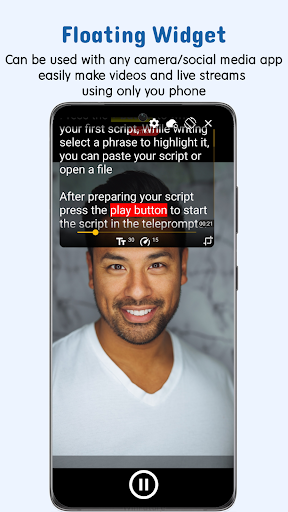
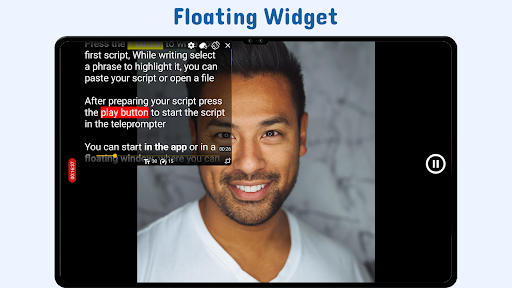
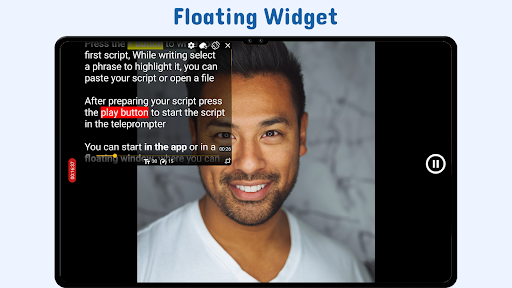
Floating Teleprompter Widget
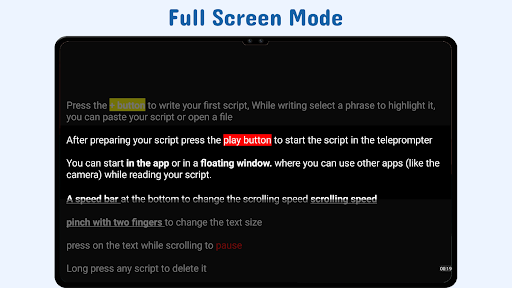
Utilize the floating teleprompter widget seamlessly with any camera app. Resize and reposition the widget easily, whether you're recording in landscape or portrait mode, allowing for a professional and flexible setup.
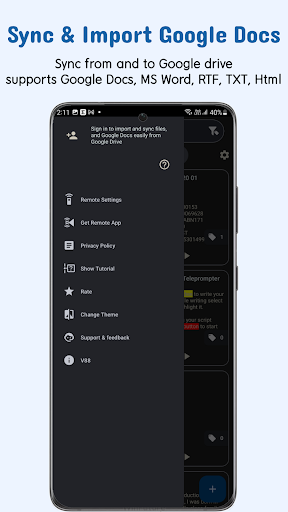
Seamless Google Drive Integration
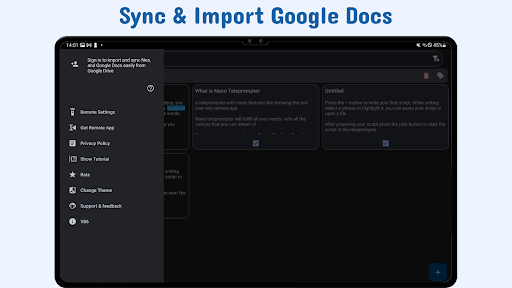
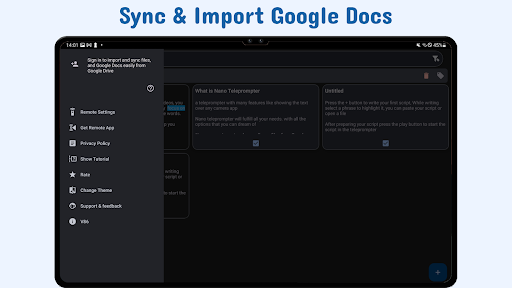
Enjoy effortless Google Drive sync where you can create, edit, and manage your scripts directly in your cloud storage. Auto-imports ensure your script is always up-to-date, while support for formats like Google Docs, MS Word, RTF, TXT, and HTML means you can work with your preferred document types. Drag-and-drop from your PC or write directly in the browser for maximum convenience.
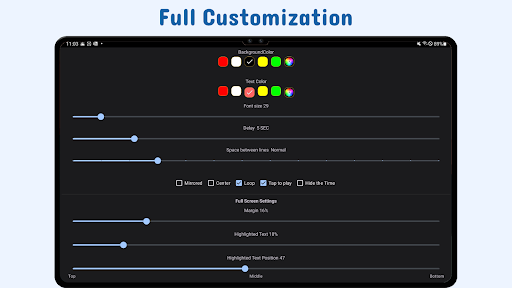
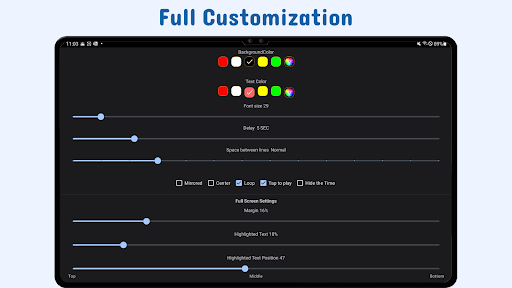
Customizable Readability
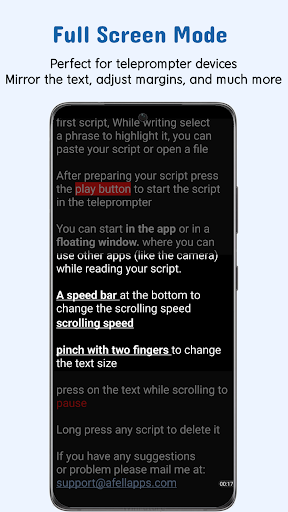
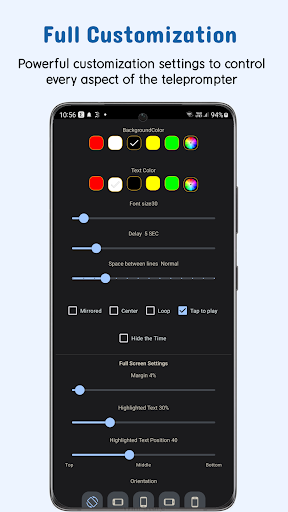
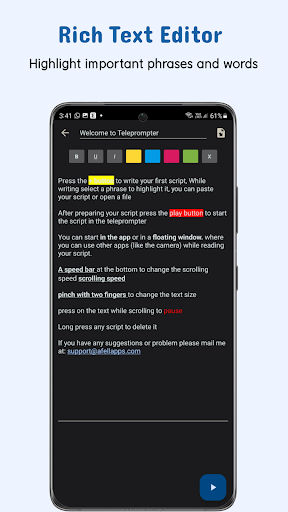
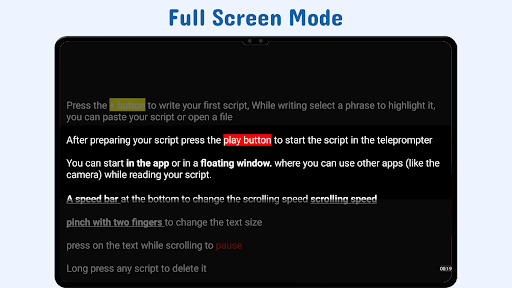
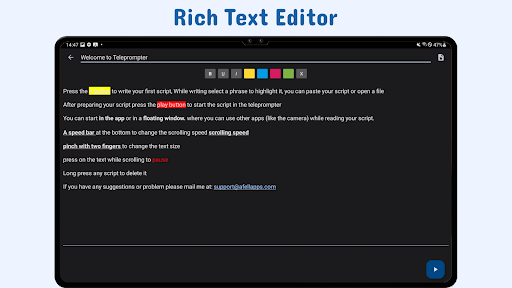
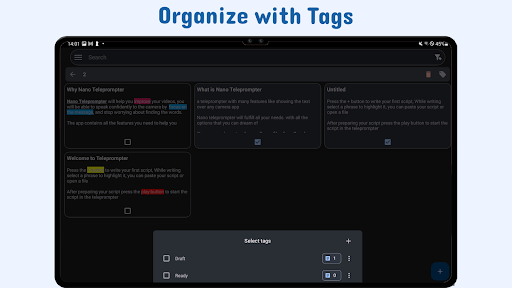
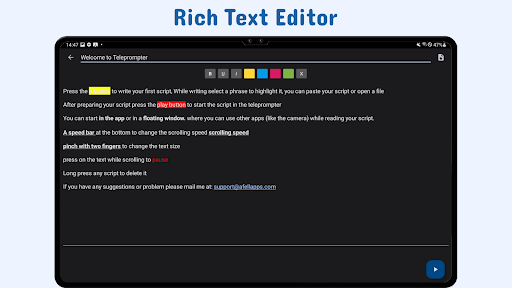
Adjust text size, font color, background opacity, margins, and line spacing to optimize readability during your recordings. Highlight key phrases within your script to emphasize important points, helping you stay on cue effortlessly.
Gesture and Remote Control
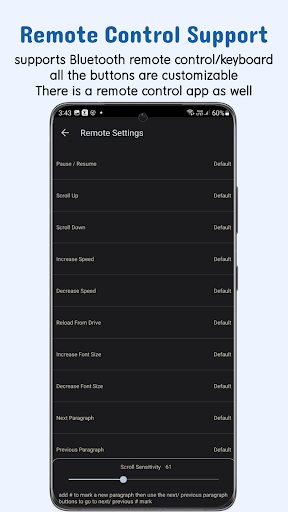
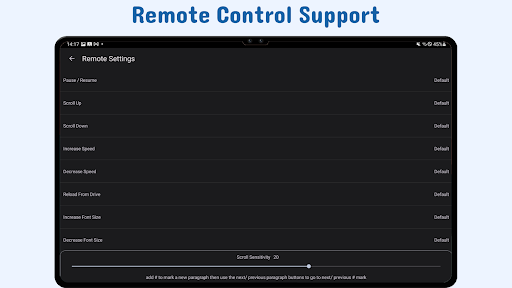
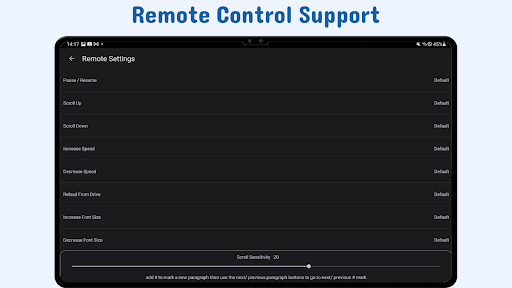
Control your teleprompter intuitively with gesture controls like pinch-to-zoom and drag-to-resize. Additionally, remote control support allows you to customize buttons for pausing, resuming, scrolling, and adjusting reading speed—giving you hands-free command of your script.
Quick Access and Device Sync
Open scripts swiftly from your device’s file explorer or share text from other apps. Thanks to cloud synchronization, your scripts stay backed up and accessible across all your devices—perfect for busy content creators on the go.
Why Choose Nano Teleprompter?
Compared to other teleprompting apps, Nano Teleprompter stands out with its real-time cloud syncing, comprehensive customization options, and exceptional camera compatibility. The app offers complete control over your scripts, making it an invaluable tool whether you're recording a YouTube video, delivering a professional speech, or conducting a live stream. Its intuitive interface and rich feature set cater to both beginners and advanced users seeking a reliable and flexible teleprompting solution.
Continuous updates and feature enhancements ensure the app evolves with your needs. If you have suggestions for improvement, you can easily reach out for support through the dedicated channels.
Ideal for Content Creators and Public Speakers
Ever felt nervous about forgetting lines during a presentation? Nano Teleprompter acts like your personal script assistant, reducing awkward pauses and boosting your confidence. The app's overlay feature allows you to maintain eye contact with your audience while reading seamlessly from your script, making it perfect for vloggers, teachers, and speakers alike.
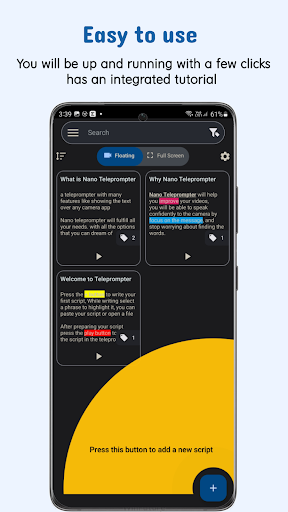
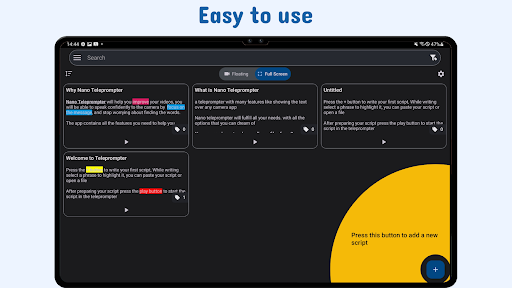
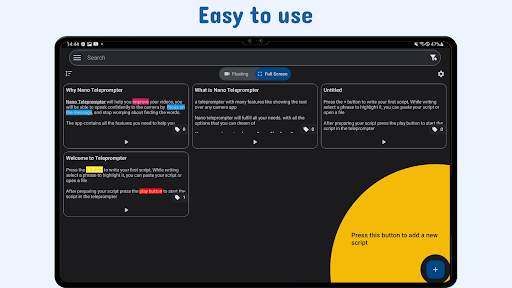
Getting started is simple: paste or type your script, customize the settings to match your preferred reading speed and font style, and start recording. The support for picture-in-picture mode and mirror mode for physical teleprompters broadens its applicability for professional setups. Its lightweight design means it runs smoothly without draining your device resources.
Whether you’re delivering a business presentation, creating engaging content for social media, or rehearsing a speech, Nano Teleprompter provides the perfect blend of functionality and ease of use. It helps you stay focused, appear more natural on camera, and produce polished results every time.
Pros
- Lightweight and simple to set up.
- Offers adjustable scrolling speed.
- Functions offline without any issues.
- Compatible with various text formats.
- Consumes minimal battery power.
Cons
- Limited options for editing.
- Advertisements may be disruptive.
- Lacks cloud synchronization features.
- Restricted to portrait orientation.
- Requires manual input of scripts.











