

Compose Material Catalog: Your Ultimate Reference for Material Design in Jetpack Compose
The Compose Material Catalog is a comprehensive toolkit and reference guide that showcases the core components of Material Design and how to implement them in Jetpack Compose. Whether you're a seasoned developer or a design enthusiast, this app serves as an essential resource to craft beautiful, modern Android applications with ease. The catalog covers components, theming, dark theme, and practical implementation tips, making it an indispensable tool for streamlining your app development process.
Main Features of the Compose Material Catalog
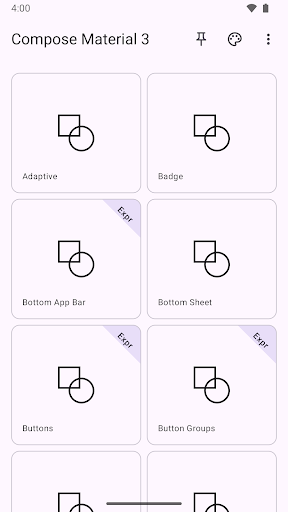
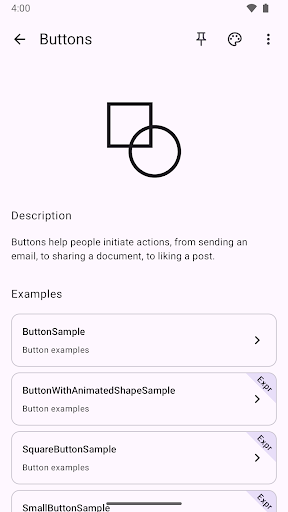
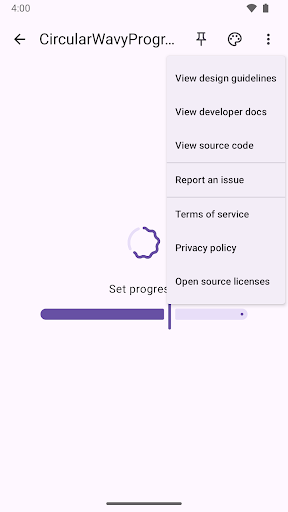
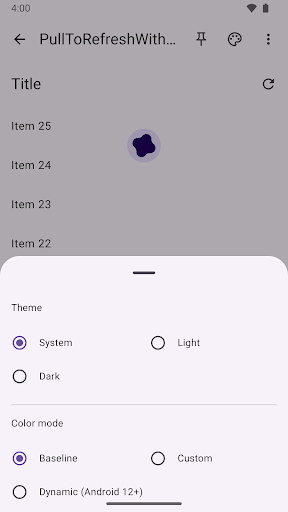
The Compose Material Catalog features three primary screens: the home screen, the component screen, and the example screen. This organized structure allows users to navigate effortlessly between different sections, exploring various UI elements and their functionalities. At any point, users can access the theme picker or the “more” menu directly from the top app bar, enabling quick customization and access to additional options. Notably, the app supports a dark theme, catering to user preferences for a sleek, eye-friendly interface, and promoting best practices for dark mode implementation in modern apps.
Why Developers Love the Compose Material Catalog
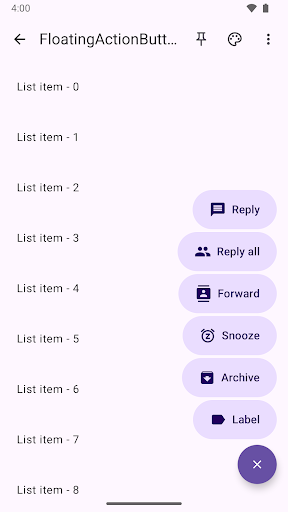
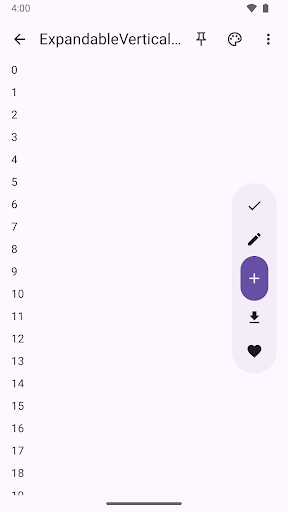
If you value sleek design and robust functionality, then the Compose Material Catalog is a game-changer. It provides an interactive experience where you can experiment with numerous UI components directly within the app. Want to see how a floating action button appears against a specific background? Simply give it a try. This hands-on approach not only enhances understanding but also accelerates the learning curve for implementing Material components effectively. Each component comes with ready-to-use code snippets, making it straightforward to incorporate these elements into your own projects without wasting time on searching through endless documentation. This integration of visual previews and code samples simplifies the development workflow, helping you focus on creating intuitive and visually appealing applications.
Design Aesthetics and Customization
Beyond functionality, the Compose Material Catalog emphasizes visual appeal. The app combines a minimalist design with vibrant color schemes to demonstrate how different elements—colors, typography, shapes—come together in harmony. It acts as a condensed design seminar, allowing users to see theory in action. With a variety of customizable color palettes and typography options, you can explore multiple visual styles and see how they impact overall app aesthetics. This makes it not just a reference but an inspiring playground for experimenting with Material Design principles.
Conclusion: Empower Your App Development with the Compose Material Catalog
In summary, the Compose Material Catalog is more than a simple app; it’s a full-fledged design toolkit that enhances the way you learn and implement Material Design in Jetpack Compose. Whether you’re seeking to understand components more deeply, experiment with them visually, or accelerate your development process with ready-made code snippets, this app has everything you need. Its intuitive interface, comprehensive content, and support for dark mode make it an essential resource for building beautiful and functional Android applications. If you’re committed to creating modern, user-centered apps, giving the Compose Material Catalog a try might just be the smartest move you make in your development journey.
Pros
- User-friendly interface design.
- Wide range of components available.
- Consistent updates and support.
- Compatible across multiple platforms.
- Highly customizable options.
Cons
- Steep learning curve.
- Limited features when offline.
- Requires a recent version of Android.
- Periodic performance issues.
- Can be complex for new users.











