
Upgrade Your Streaming Experience with TV Cast Pro for Roku
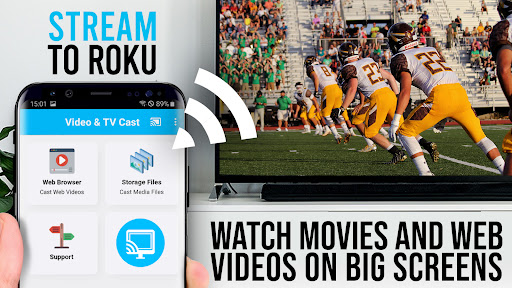
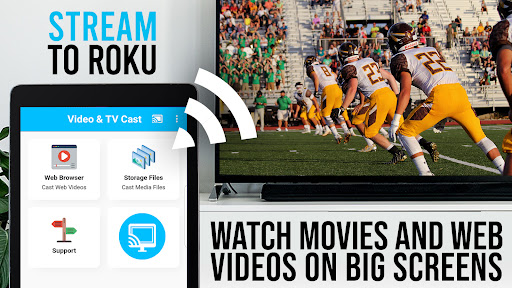
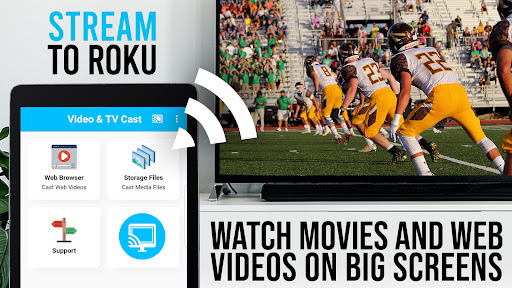
If you're looking to enhance your Roku streaming setup, TV Cast Pro for Roku is the ultimate solution. This powerful app transforms your Roku device—be it a Roku Stick, Roku Box, or Roku TV—into a web video streamer capable of playing a wide range of online videos, movies, livestreams, and live TV shows directly on your biggest screen. Supporting popular formats such as Mp4, m3u8, and HLS livestreams, as well as video over HTTPS in Full HD quality, this app ensures a seamless streaming experience. With its integrated Roku Remote control, managing playback and browsing becomes effortless. The PRO edition unlocks all premium features, making it the go-to app for serious streamers.
Easy Setup and Compatibility
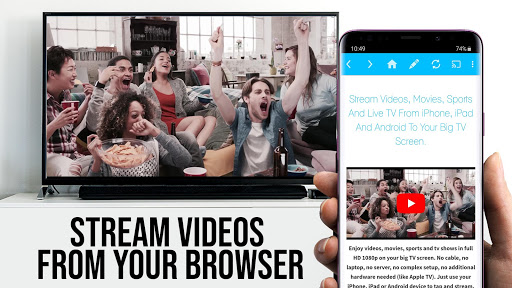
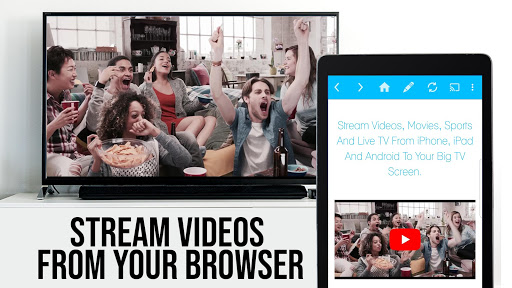
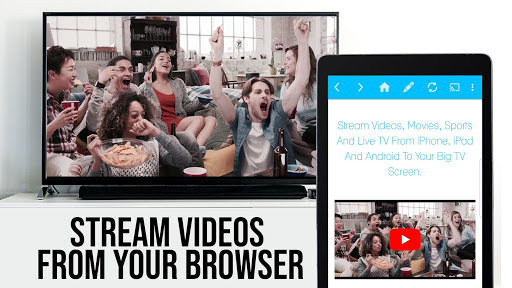
Getting started with TV Cast Pro for Roku is straightforward, even for users who are not tech experts. Simply download the app, ensure your phone and Roku device are connected to the same Wi-Fi network, and follow a few quick prompts. Once connected, you can browse any website and cast videos with just a tap. The app detects embedded videos on the page and displays them below the browser, allowing you to send selected videos directly to your Roku device. This makes streaming web videos, online movies, and livestreams incredibly simple and hassle-free.
It’s important to note that the app only works with compatible Roku streaming devices, including Roku TV, Roku Streaming Stick, Roku Express, Roku Premiere, Roku Ultra, and several others. Ensure your device has firmware version 5.1 or later for optimal performance. The app does not support older or classic Roku models, nor does it support DRM-protected content from services like Netflix, Amazon Prime, or HBO—these videos cannot be cast due to digital rights restrictions.
Supported Devices and Video Formats
With TV Cast Pro for Roku, supported Roku players encompass a broad range of newer models such as Roku TV, Roku Stick, Roku Express, and Roku Ultra. However, some older or specific models like Roku 2, Roku 3, and Roku 4 are also compatible. Always ensure your device has the latest firmware for best results.
When it comes to video formats, the app supports direct streaming of mp4, m3u8, and other video URLs. For videos, livestreams, or online movies, you can directly enter or paste the video URL in your browser’s address bar within the app. Sometimes, playing the video briefly on your Android device before casting helps with detection.
Important: NOT supported are Flash videos, Google Play movies, Netflix, Amazon Prime, HBO, or other DRM-protected content due to digital rights limitations.
Premium Features for Optimal Streaming
The Pro edition of TV Cast for Roku offers several advanced features to enhance your streaming sessions:
- Remote Control: Control video playback, including pause, rewind, forward, and channel switching, directly within the app.
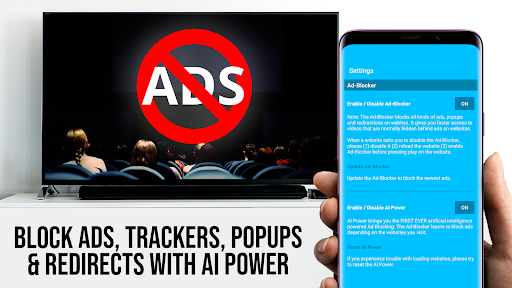
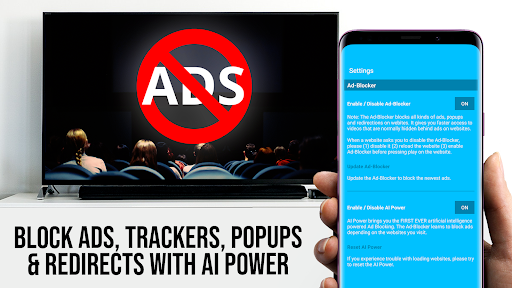
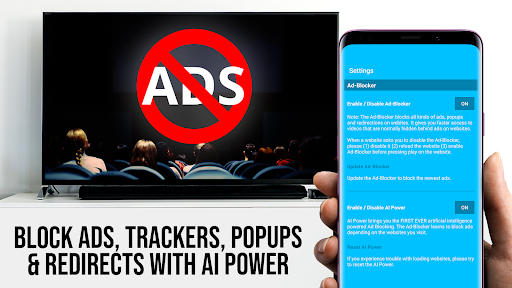
- Ad-Blocker + No Sponsoring Ads: Enjoy an ad-free experience and block unwanted web ads, ensuring uninterrupted viewing. You can toggle this feature anytime in settings.
- Bookmarks: Save favorite websites or videos for quick access during future streaming sessions.
- Desktop Mode: Change the browser’s user-agent to load desktop versions of websites, which can be handy for certain content, though it doesn't support Flash-based videos.
- Custom Homepage: Set a personalized homepage for quicker browsing.
Disclaimer: This app is not affiliated with Roku. The trademarks such as ROKU, STREAMING STICK, and ROKU TV are registered trademarks of Roku, Inc.
Why Choose TV Cast Pro for Roku?
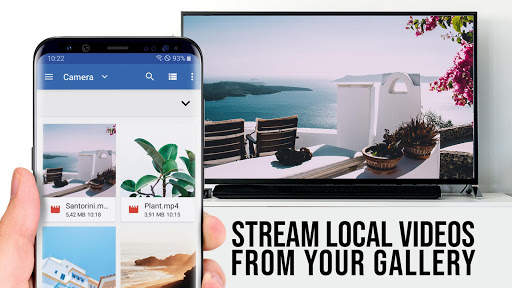
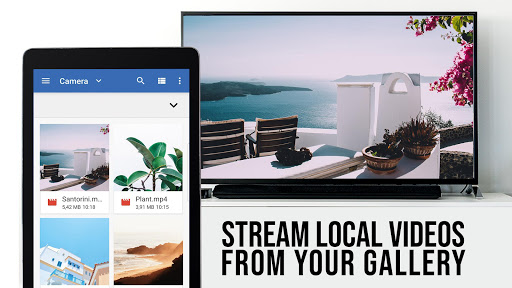
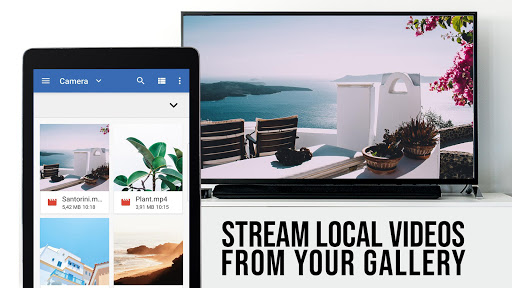
Beyond its straightforward setup, TV Cast Pro for Roku allows you to cast a wide variety of media formats seamlessly, transforming your TV into a personalized media hub. Whether you're streaming a quick online video or enjoying a collection of photos, this app guarantees minimal lag or buffering, which is crucial for a smooth viewing experience.
Its user-friendly interface makes navigation simple, even for beginners. Enjoy control over your streaming preferences, ensuring your content consumption aligns with your mood. The app provides stability and high-quality streaming, making it perfect for movie nights, music videos, or sharing family memories on your big screen.
In summary, if you're seeking **an efficient**, **easy-to-use** app that offers both basic and premium features for streaming web videos and online media on Roku devices, TV Cast Pro for Roku is an excellent choice. Its ability to cast media directly from your phone to your Roku device, coupled with advanced controls and customization options, makes it an essential companion for any streaming enthusiast. So, give it a try and elevate your home entertainment to the next level!
Pros
- Seamless streaming experience
- User-friendly interface
- Supports multiple video formats
- Reliable casting with no lag
- Ad-free viewing
Cons
- Limited free features
- Requires stable Wi-Fi connection
- Not compatible with all apps
- No offline mode available
- Subscription cost involved











