

Introducing the Land Nav Assistant: Your Ultimate Navigation Companion
Are you passionate about outdoor adventures, military training, or simply exploring new terrains? The Land Nav Assistant is a powerful, versatile app designed to enhance your navigation skills and provide reliable guidance in various environments. Whether you're a seasoned hiker, a military professional, or an outdoor enthusiast, this app offers a wide range of features to help you navigate efficiently and confidently.
Key Features and Capabilities
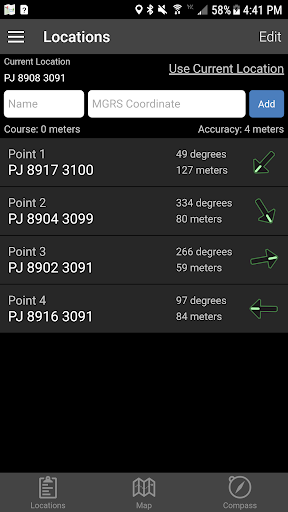
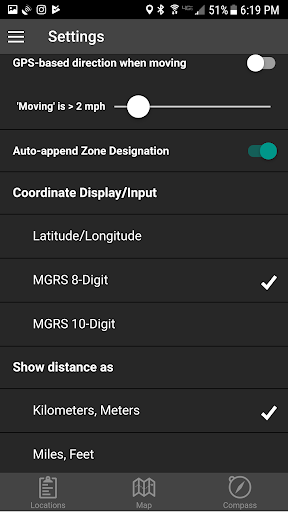
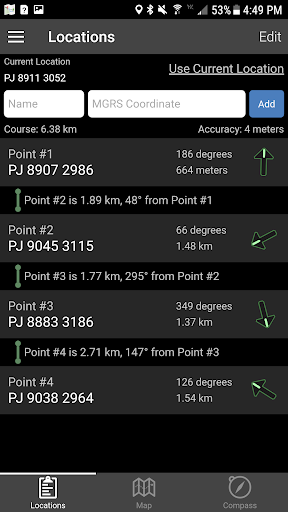
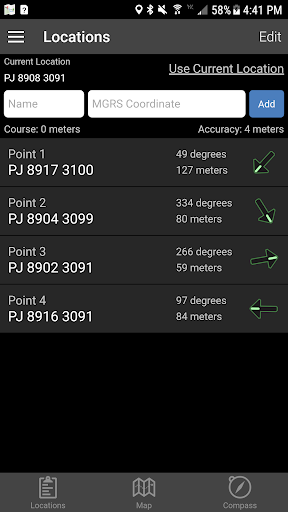
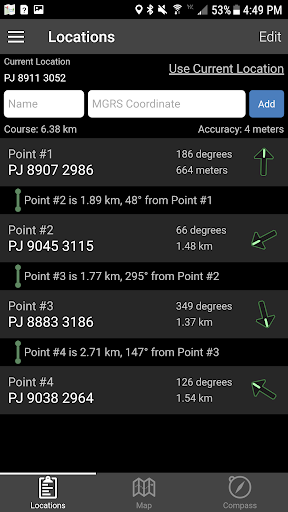
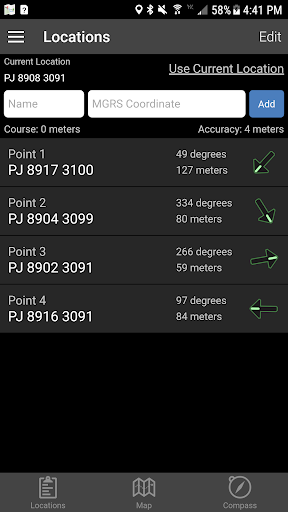
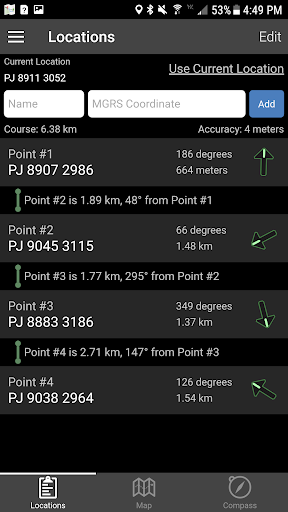
The Land Nav Assistant accepts •MGRS (Military Grid Reference System) or •Latitude / Longitude coordinates, allowing users to input points in various formats such as 8-digit or 10-digit MGRS, decimal degrees, or D:M:S format with directional indicators. This flexibility ensures compatibility with different navigation standards used by military, marine, and civilian users.
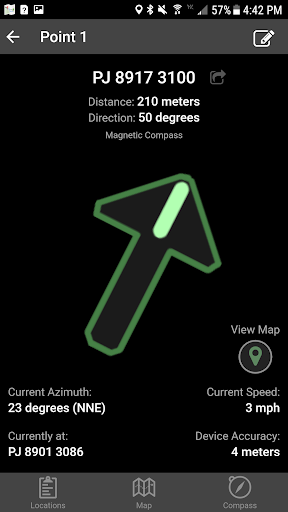
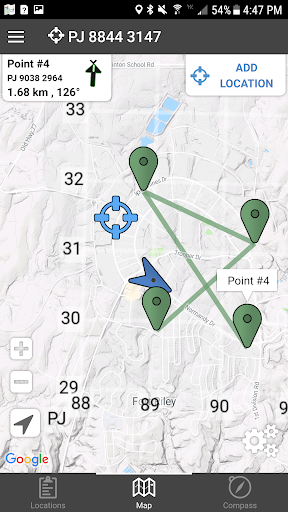
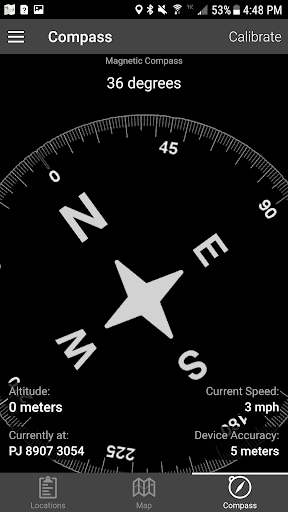
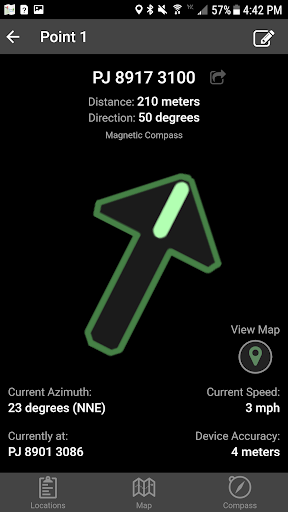
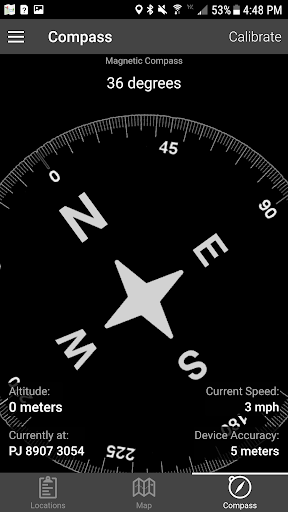
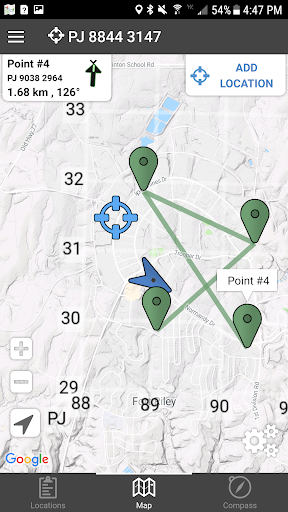
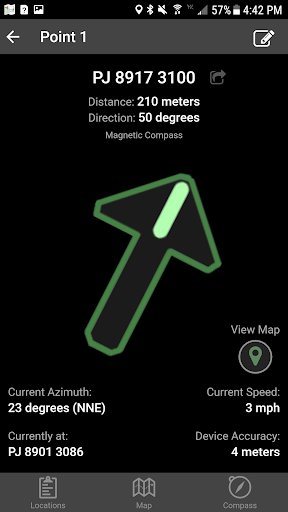
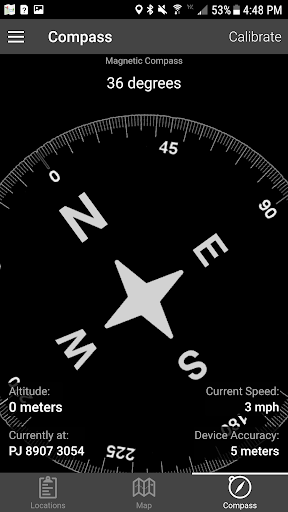
Once coordinates are entered, the app visually guides you toward each point, displaying real-time data such as distance, direction, speed, and bearing. Navigation can be conducted using a simple arrow interface or a map view that allows for intuitive movement tracking.
Input and Map Interaction
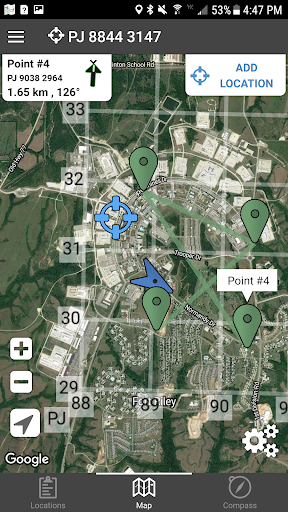
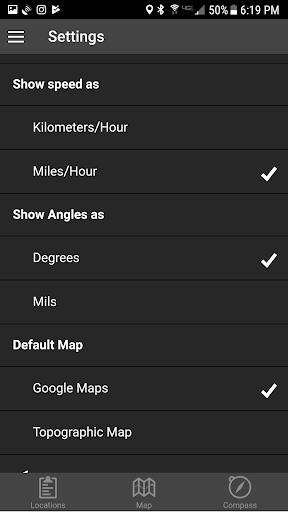
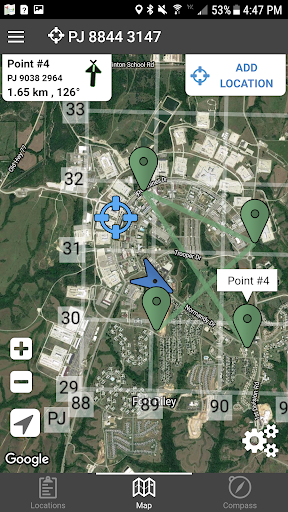
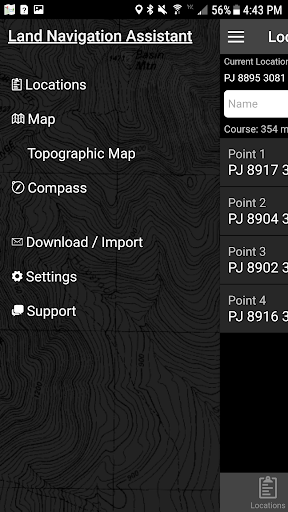
Users can easily add locations by long-tapping on the map or inputting data directly. The app supports multiple map modes including Satellite, Terrain, Road, and Basic Topographic Maps, providing a comprehensive visual context for navigation.
Overlay tools such as a 1000m or 100m MGRS Grid enable precise positioning and planning. Additionally, you can plan routes by ordering points or utilizing the course optimization tool, which calculates the shortest and most efficient path.
Advanced Navigation Tools
The app allows you to obtain distance/direction data between any two points with a simple tap, and provides the ability to export your locations as spreadsheets for sharing or offline use. For bulk location management, users can import large sets of data via the web utility available at Gammon Applications Land Navigation Import.
Versatile Input Formats and Display Options
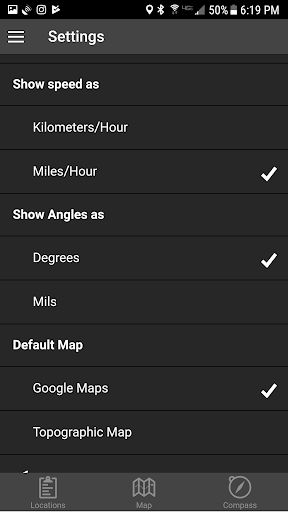
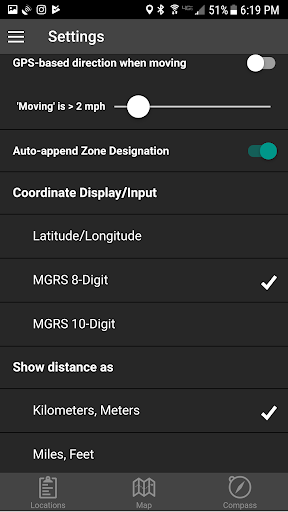
You can choose to display your location data in multiple formats: MGRS 10-digit, MGRS 8-digit, or LatLon Decimal. Input formats also include DD:MM:SS, with default compass directions set to North and West, ensuring precise and flexible coordinate entry.
Safety and Practical Usage Tips
Remember, Land Navigation is a critical skill that requires practice and proficiency. It is strongly advised not to solely rely on this app while learning navigation techniques. Always maintain situational awareness of your surroundings, especially when in unfamiliar or remote areas. The app is a valuable supplement but not a replacement for traditional navigation training or common sense.
Why Choose Land Nav Assistant?
Designed with Army, Marine, and other military personnel in mind, the Land Nav Assistant is ideal for improving land navigation techniques and ensuring safety during outdoor activities. Its intuitive interface combined with comprehensive features makes it suitable for both beginners and experienced navigators.
From creating waypoints to analyzing your pace and tendency to veer, this app elevates your outdoor experience by providing real-time navigation data, route planning, and map overlays. Its offline map support and ability to import/export data make it a reliable tool no matter where your adventures take you.
If you want to improve your navigation skills, plan the most efficient routes, or simply explore new places with confidence, the Land Nav Assistant is your perfect companion. Download it today and set out on your next adventure with a trusted digital guide by your side.
Pros
- User-friendly interface suitable for beginners.
- Provides accurate real-time GPS tracking.
- Allows offline map downloads for usage without internet connection.
- Enables creation of custom waypoints.
- Offers detailed compass and navigation tools.
Cons
- High battery consumption during use.
- Limited options for map customization.
- May occasionally freeze on certain devices.
- Requires GPS signal to function fully.
- Lacks integration with other navigation applications.