

Discover the Power of GPS Navigation with GPS Waypoints Navigator | MAPS
Are you ready to transform your mobile device into a comprehensive GPS navigation tool? GPS Waypoints Navigator is designed to help adventurers, explorers, and outdoor enthusiasts find their way confidently whether in the wilderness, at sea, or in bustling cities. This versatile navigation app offers a plethora of features that cater to both casual explorers and professional surveyors, making it a must-have for anyone who values accurate, reliable, and offline-capable mapping solutions.
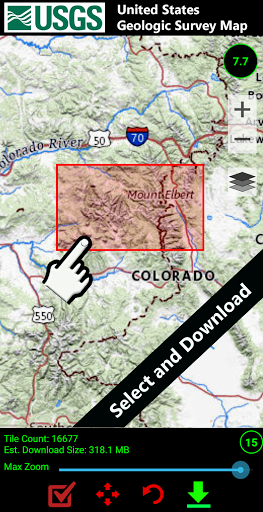
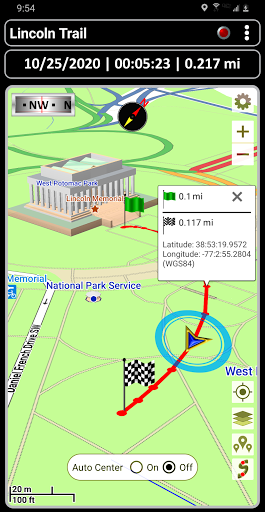
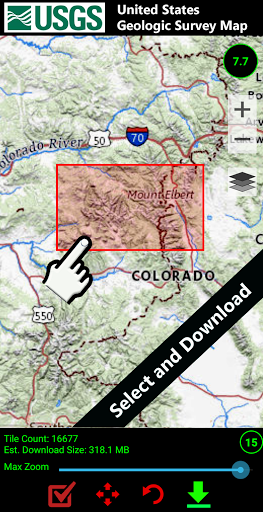
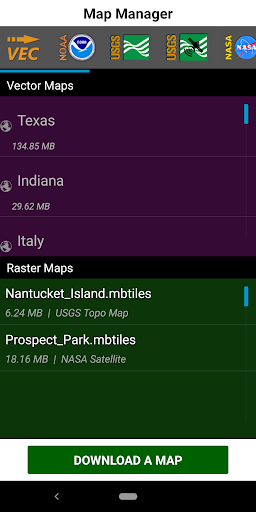
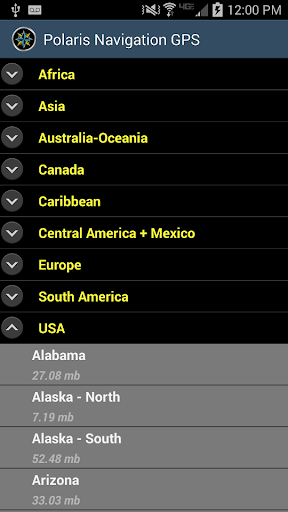
With GPS Waypoints Navigator, you gain access to a vast library of more than 400 3D vector maps, which you can download for offline use—perfect for remote trips where network coverage is scarce. The app supports transferring maps to your SD card to ensure your device's internal memory remains unburdened. Whether you’re trail hiking, engaging in geocaching, navigating waterways, or exploring urban landscapes, this app has the tools to guide you seamlessly through every adventure.
Comprehensive Features for Every Explorer
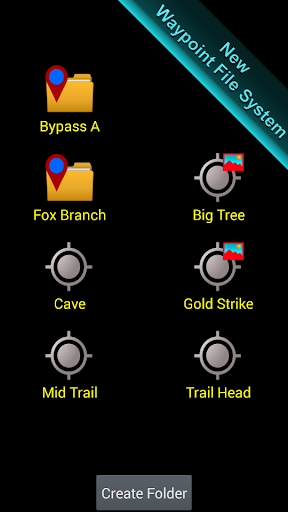
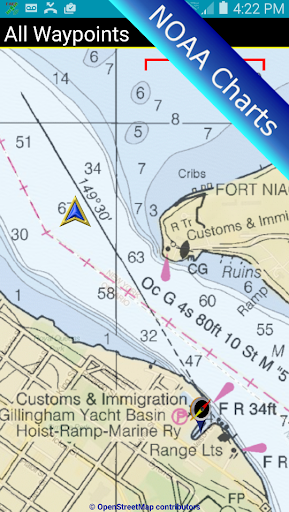
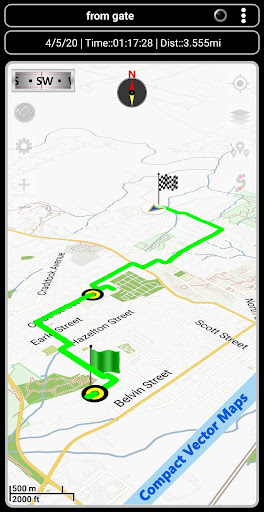
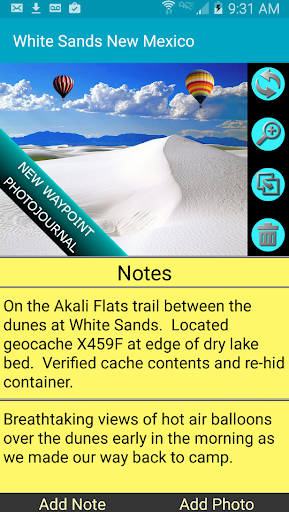
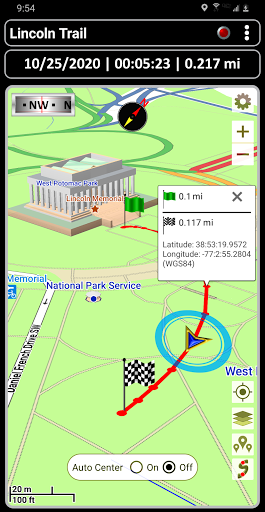
The app’s searchable waypoint and trail management system allows you to create, organize, and manage locations effortlessly. Attach photos, notes, and coordinates to your waypoints, transforming them into a digital journal of your adventures. Multiple map sources are supported, including Topographic Maps, Google Maps, Satellite Views, OpenStreetMaps (MapNik), Cycling Maps, NOAA Nautical Charts, and more, providing a tailored mapping experience for hiking, maritime navigation, or city exploration.
The app also offers import and export functions for KML, GPX, and KMZ files. Share your trails and waypoints with friends or upload them to services like Google Earth or OpenStreetMap, facilitating collaborative mapping initiatives or personal data backup. User-friendly tools such as route planning, compass guidance, and trail recording ensure you're always oriented, no matter where your journey takes you.
Advanced Navigation Tools and Environmental Insights
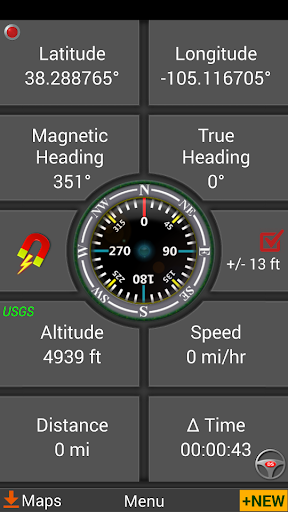
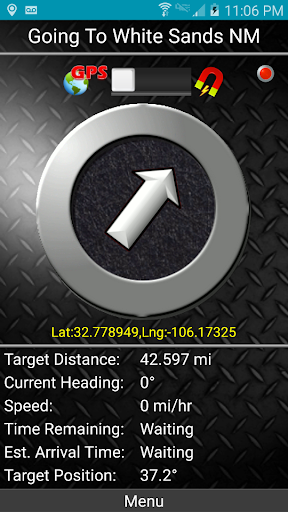
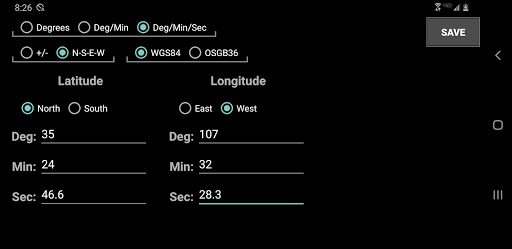
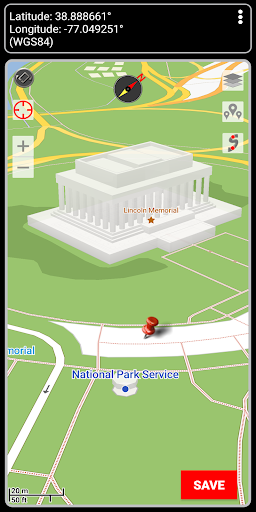
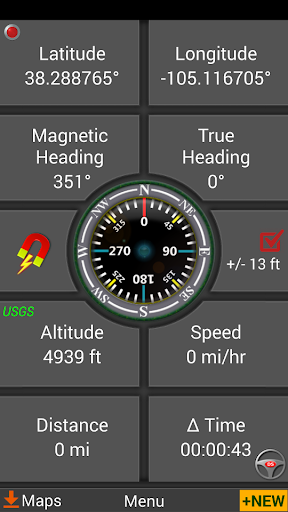
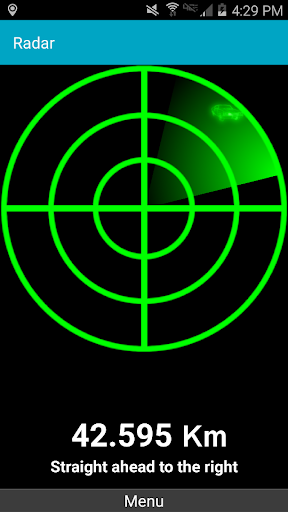
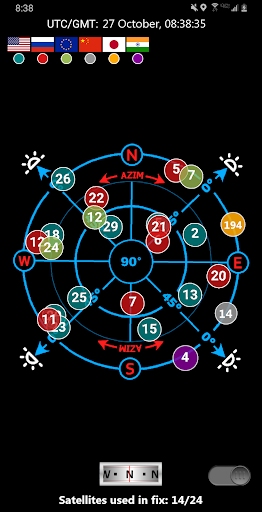
Navigate with the confidence provided by dynamic waypoint compasses that always point toward your target, as well as GPS reflected pseudo-radar systems. The app supports multiple coordinate formats, including Latitude/Longitude (degrees, minutes, seconds), UTM, MGRS, and British Ordnance Survey, catering to professionals and hobbyists alike.
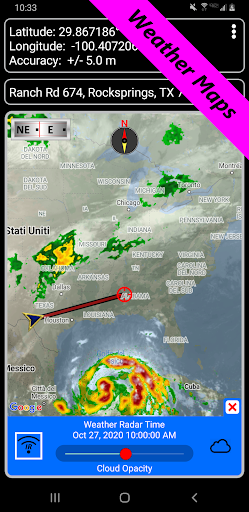
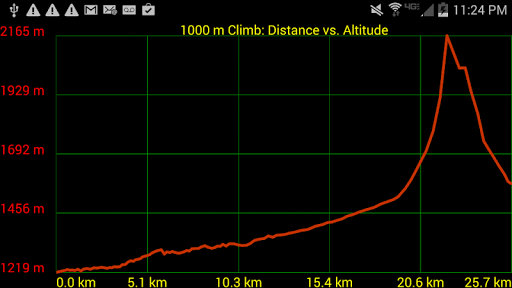
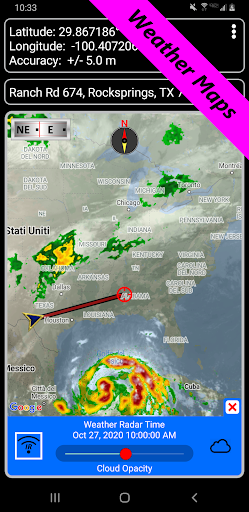
Stay informed of environmental conditions through weather maps with live Doppler radar and cloud pattern overlays. Features such as altitude profiles, proximity alerts for waypoints, and measurement tools that calculate distances and bearings make navigation precise and situationally aware. Planning a camping trip or a hunting expedition? The app’s sunrise, sunset, moonrise, moonset, and moon phase data help you optimize your outdoor activities.
Additional Capabilities for Seamless Navigation
Turn-by-turn driving directions via integration with Google Maps enhance your road navigation, while control settings allow switching between magnetic and GPS-based compasses—perfect for indoor or underground use. Export your GPS tracks and waypoints as GPX files for sharing or contribution to map projects. The app also supports importing GPX files from Garmin devices, ensuring compatibility with popular GPS hardware.
Choose altitude sourcing options such as satellite, US Geological Survey data, or SRTM for precise elevation tracking. Across the board, the app boasts a user-friendly interface that requires no registration, offering a hassle-free experience. Multi-language support, including English, Spanish, German, French, Chinese, and more, makes it accessible globally.
Why Choose GPS Waypoints Navigator | MAPS?
This navigation app combines traditional map reading with innovative digital tools, making it suitable for off-road adventures, maritime navigation, geocaching, surveying, and outdoor sports. Its offline capabilities and wide range of map sources ensure you’re never lost, even without network coverage. Whether you’re exploring city streets or venturing into remote wilderness, GPS Waypoints Navigator provides the reliability, flexibility, and detailed data you need for a safe and enjoyable journey. Get ready to explore the world with the ultimate navigation companion — your smartphone.
Pros
- Highly precise GPS tracking.
- Supports various coordinate formats.
- Offline maps are available.
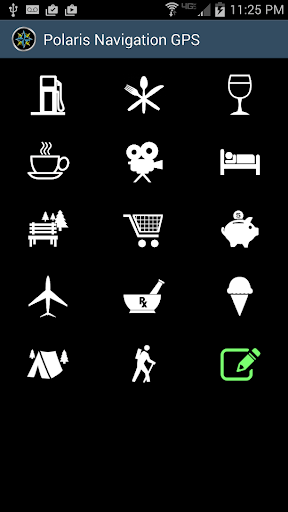
- Allows customization of waypoint icons.
- Includes an integrated compass feature.
Cons
- User interface appears outdated.
- Limited options for map styles.
- Consumes a lot of battery power.
- Sometimes loads slowly.
- Lacks social sharing features.