
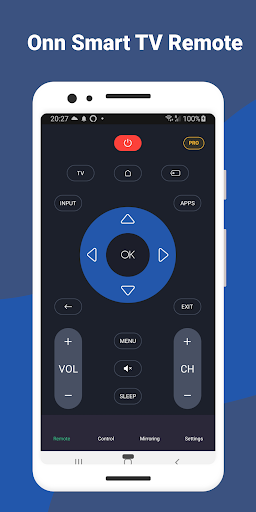
Discover the Onn Smart TV Remote App: Your Ultimate Smart Home Entertainment Companion
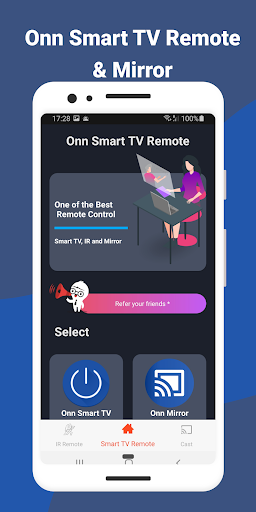
Welcome to the future of home entertainment with the Onn Smart TV Remote app, a groundbreaking solution designed to turn your smartphone into a versatile remote control for your Onn Smart TV. Gone are the days of searching for misplaced remotes; now, your device can seamlessly connect and control your TV with an intuitive, feature-rich interface. This app offers more than basic controls—it's a comprehensive tool that enhances your viewing experience by integrating advanced features like screen mirroring, casting, voice control, and customizable shortcuts, making your smart home entertainment effortless and enjoyable.
Smart TV Remote: Simplified Control at Your Fingertips
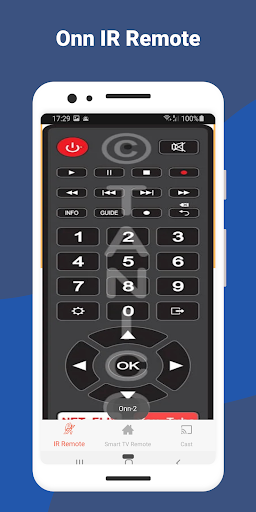
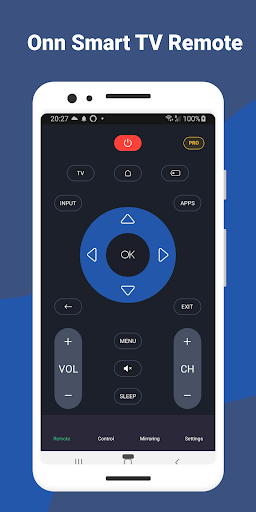
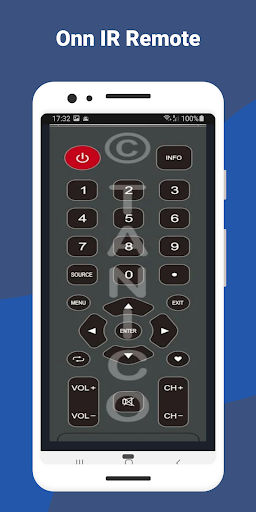
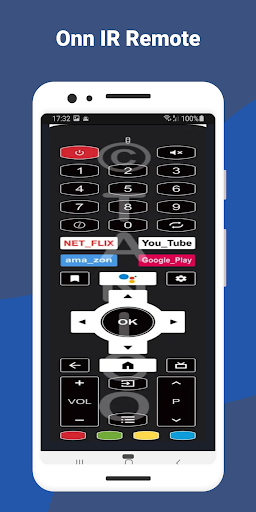
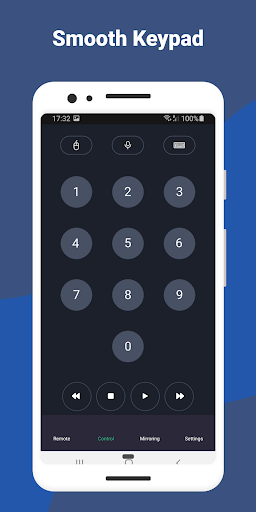
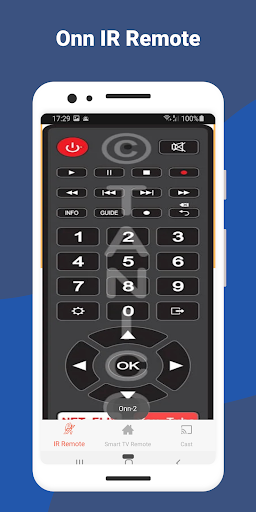
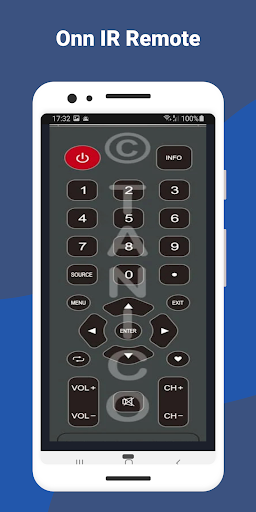
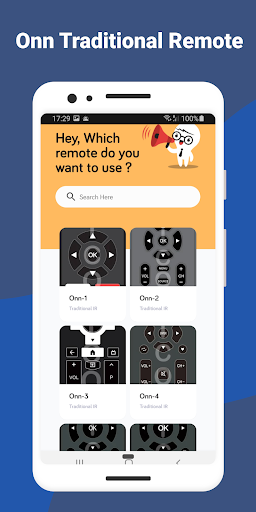
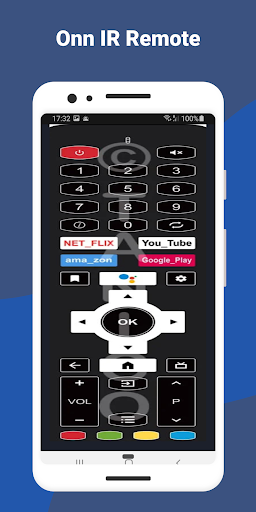
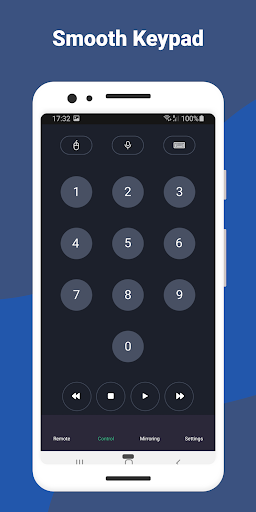
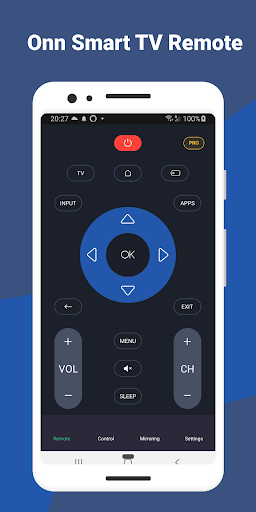
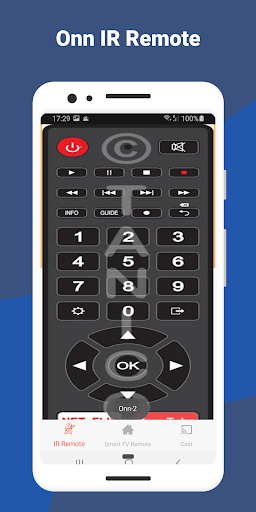
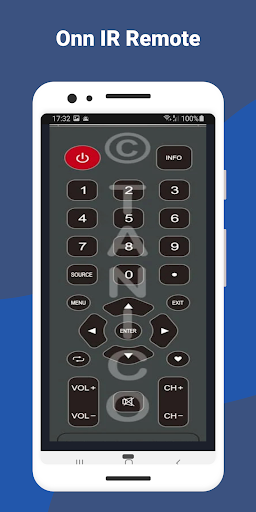
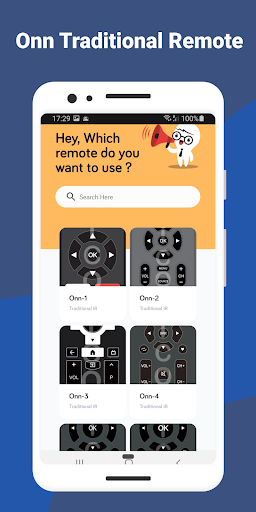
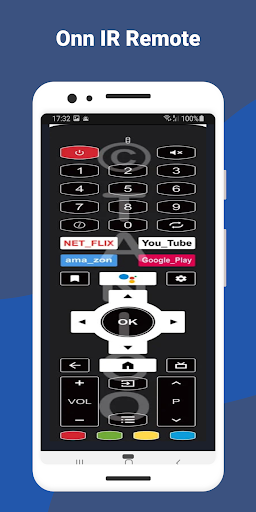
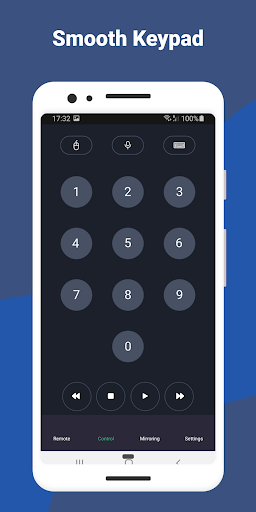
The Smart TV Remote feature redefines how you interact with your Onn Smart TV. With this app, you can easily navigate your television settings without traditional remote controls. The interface provides all essential controls—volume adjustment, channel surfing, and quick access to favorite apps—optimized for simplicity and speed. A built-in touchpad enhances precision, allowing you to effortlessly move the cursor, type search queries, or navigate menus directly from your smartphone. This seamless control experience is perfect for users seeking convenience and responsiveness.
Screen Mirroring: Share Content Effortlessly
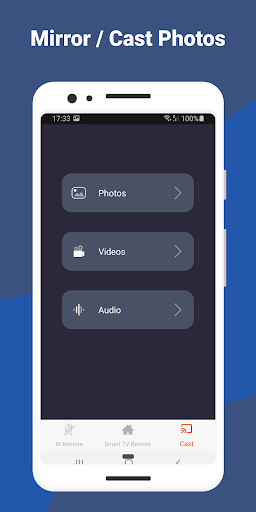
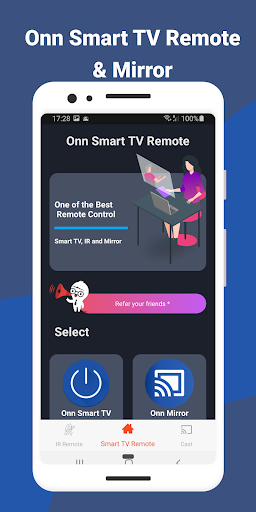
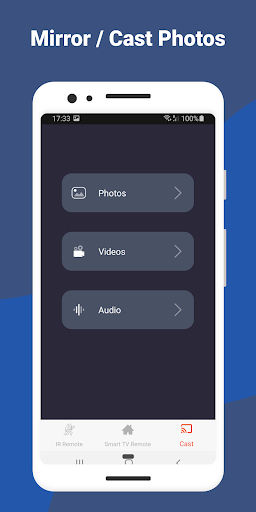
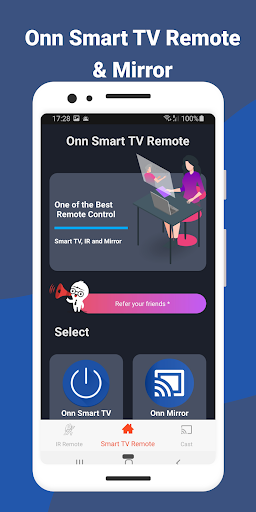
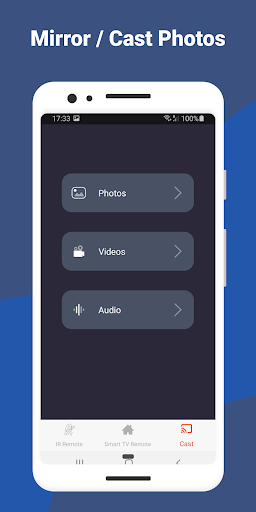
Experience a new level of versatility with the screen mirroring feature. This functionality enables you to effortlessly cast your smartphone or tablet screen directly onto your Onn Smart TV. Whether you're sharing photos, videos, presentations, or streaming mobile games, the app delivers a lag-free and immersive experience. Compatible with a wide range of devices, screen mirroring makes sharing moments with family and friends intuitive and smooth, turning your TV into an extension of your device and creating a dynamic entertainment environment.
Screen Casting: Enjoy Media on the Big Screen
Take full control of your multimedia content with the screen casting feature. This allows you to stream videos, music, and photos directly from your mobile device to your Onn Smart TV with just a few taps. Whether you're watching your favorite streaming service, playing music, or viewing family photos, casting ensures high-quality playback and a seamless transition from device to screen. The intuitive casting process makes it easy for users to enjoy content on the larger display, enhancing your overall entertainment experience.
Easy Setup and Seamless Connectivity
Getting started with the Onn Smart TV Remote app is quick and straightforward. Simply download the app from your preferred app store, ensure your smartphone and TV are connected to the same Wi-Fi network, and launch the app. It automatically detects your TV, eliminating complicated pairing procedures. This simple setup process means you can start controlling your TV and streaming content almost instantly. The reliable Wi-Fi connection provides smooth communication between your device and TV, offering convenience without the need for extra hardware.
Customizable Shortcuts and User Preferences
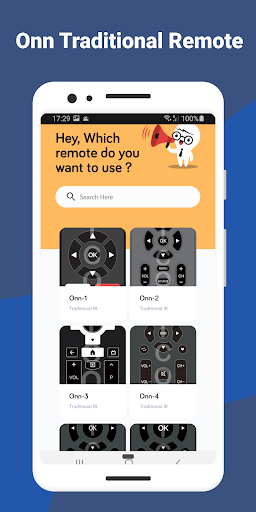
Personalization is at the core of the Onn Smart TV Remote experience. The app allows you to set up customizable shortcuts and designate favorite apps, giving you quick access to your most-used features. Whether you prefer a minimalist interface or full control at your fingertips, this level of customization enhances usability and convenience. By tailoring the layout and shortcuts, you can optimize your entertainment setup, making routine tasks faster and more intuitive.
Voice Control: Hands-Free Operation
Embrace the future with voice control integration. The app enables you to give voice commands to change channels, adjust volume, search for content, and more—simply by speaking into your smartphone. This feature is especially handy when you're relaxed on the couch or multitasking, as it eliminates the need for manual navigation. Voice control makes your TV experience more natural and accessible, aligning with modern smart home technology trends.
Continuous Updates and Improvements
The developers behind the Onn Smart TV Remote are committed to ongoing enhancement. Regular updates introduce new features, performance improvements, and expanded compatibility to ensure you stay ahead with the latest in smart TV control technology. Staying current with these updates guarantees an optimized user experience, keeping your smart home ecosystem efficient and user-friendly.
Conclusion
In conclusion, the Onn Smart TV Remote app is a powerful tool that transforms your smartphone into a comprehensive remote control for your Onn Smart TV. Its user-friendly design, feature-rich capabilities like screen mirroring, casting, voice control, and customization options, make controlling your TV more convenient than ever. Whether you're replacing a traditional remote, sharing content effortlessly, or embracing voice commands, this app brings a new level of sophistication and ease to your home entertainment setup. Say goodbye to remote clutter and hello to smarter, simpler TV control with the Onn Smart TV Remote app.
Pros
- Easy setup process.
- User-friendly interface.
- Supports voice commands.
- Compatible with multiple devices.
- Customizable remote layout.
Cons
- Limited features in the free version.
- Occasional connectivity problems.
- Advertisements present in the free version.
- Requires a stable internet connection.
- No offline functionality.











