
Introducing the Hisense TV Remote App
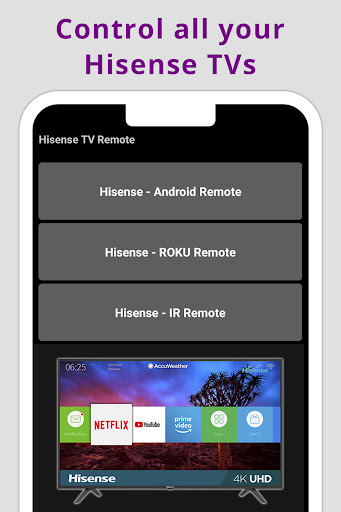
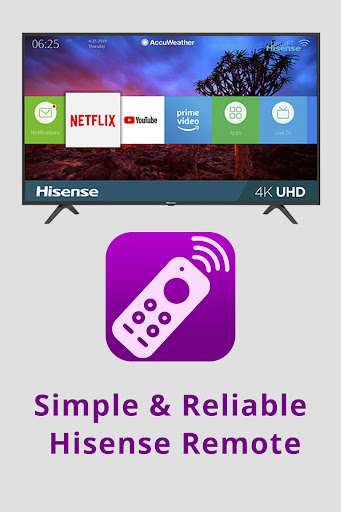
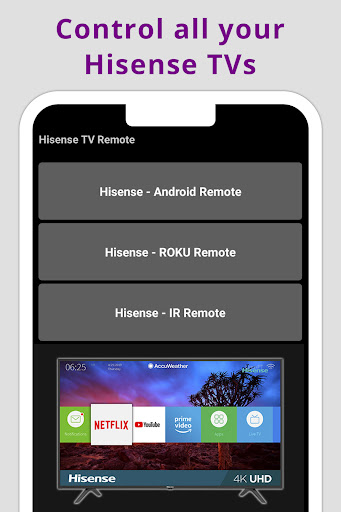
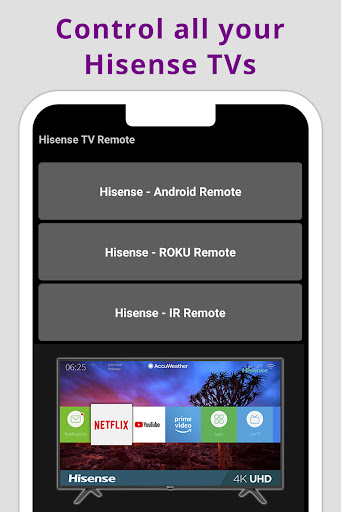
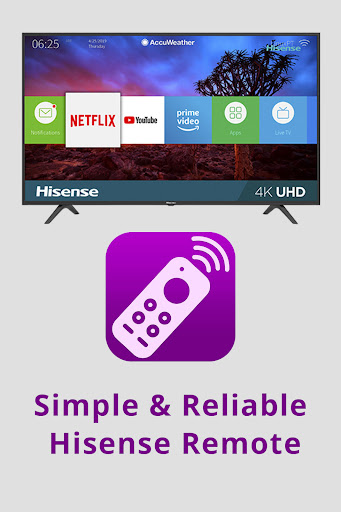
Are you tired of lost or misplaced TV remotes? The Hisense TV Remote app transforms your smartphone into a versatile remote control, offering an easy and efficient way to manage your Hisense television. Compatible with all Hisense Android TVs, Roku TVs, and IR TVs, this app provides a comprehensive remote experience right from your mobile device. Whether you want to navigate channels, adjust volume, or explore smart TV features, this app makes it effortless, offering a convenient alternative to traditional remotes.
Seamless Setup and Compatibility
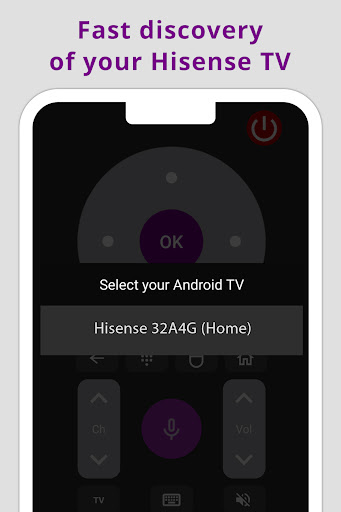
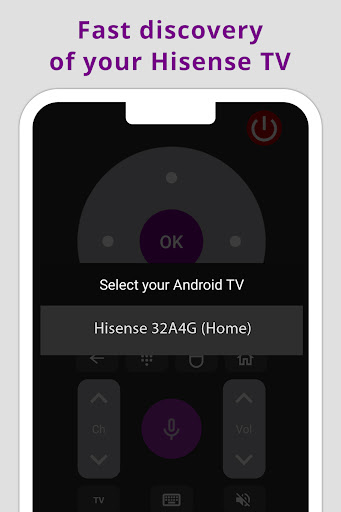
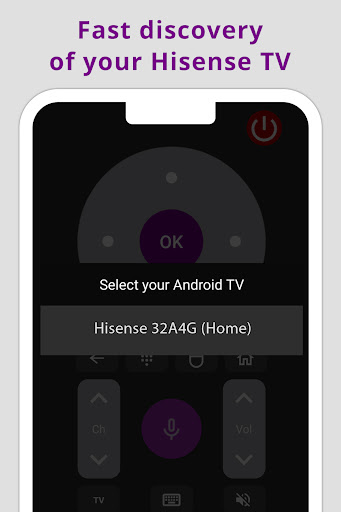
Getting started with the Hisense TV Remote app is quick and straightforward. Simply download the application from your preferred app store, whether it's Android or iOS. Installation takes just a few minutes, and you'll be ready to control your TV in no time. The app uses either your phone’s infrared (IR) blaster or Wi-Fi connection to pair with your Hisense TV, ensuring broad compatibility across various models. Just make sure your phone and TV are connected to the same Wi-Fi network or equipped with IR capabilities, and you're all set to enjoy remote control functionality.
Intuitive User Interface for Effortless Navigation
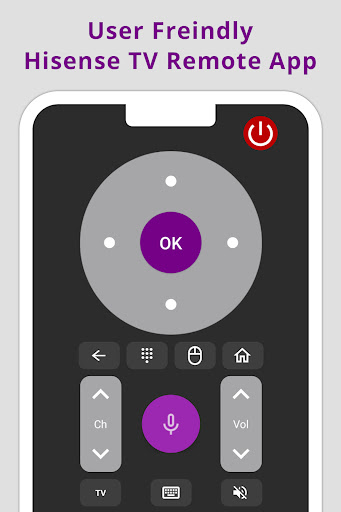
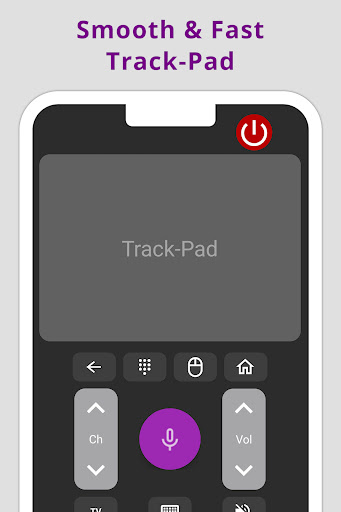
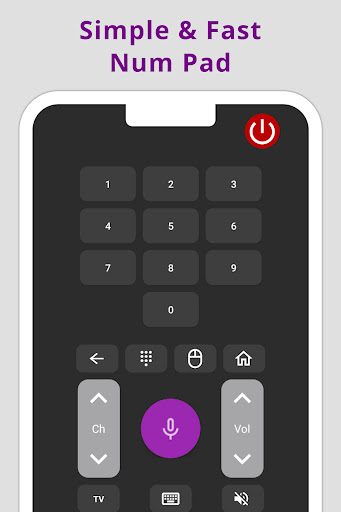
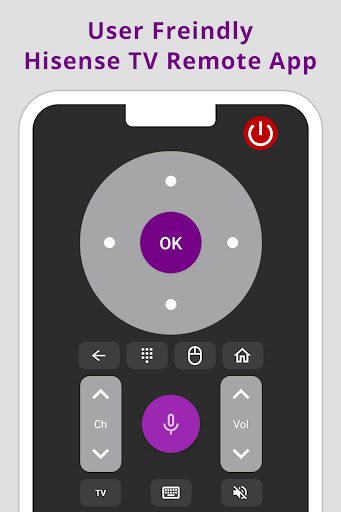
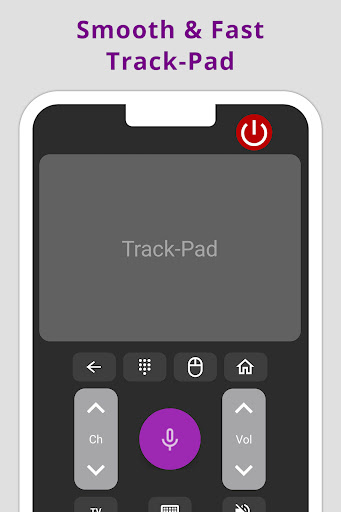
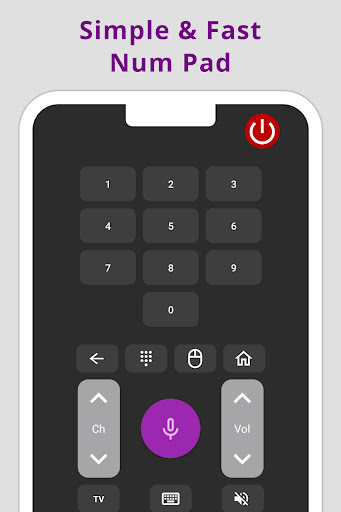
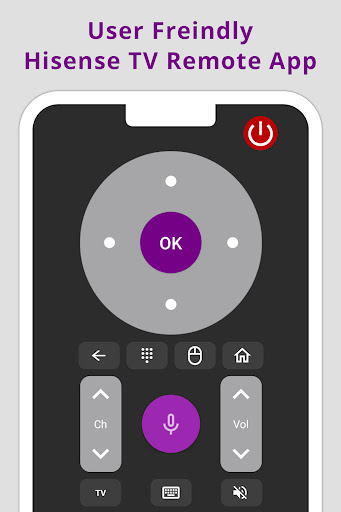
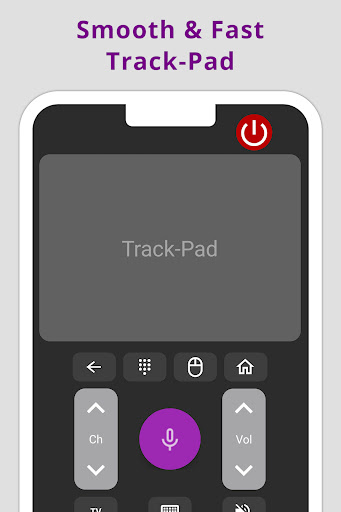
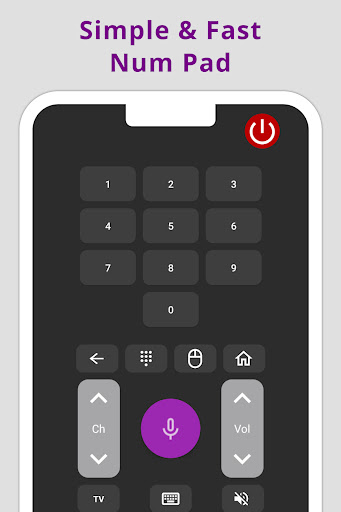
The user interface of the Hisense TV Remote app is designed for simplicity and ease of use. Its minimalistic layout ensures that all essential controls—such as volume adjustment, channel switching, and power on/off—are readily accessible. Additionally, the integrated keyboard feature enhances your experience by allowing quick text input for searches, passwords, or browsing through content. Navigating menus and apps becomes seamless with the built-in trackpad, offering smooth and intuitive browsing that rivals traditional remotes.
Standout Features Enhancing Your TV Experience
One of the most appreciated features of the Hisense TV Remote app is its voice control capability. With voice commands, you can change channels, search for content, and manage your TV effortlessly—no need to lift a finger. This feature makes TV control more natural and hands-free, especially useful when your hands are occupied or if you prefer voice interaction. The app also supports multiple Hisense devices, so if you have more than one Hisense TV, you can easily manage all of them through a single app. Regular updates keep the app current with new features, ensuring it adapts to evolving technology and user needs.
Why Choose the Hisense TV Remote App?
In today’s fast-paced world, convenience and efficiency are key. The Hisense TV Remote app not only replaces the traditional remote but also enhances your overall viewing experience. Its user-friendly design makes it suitable for all users, regardless of technical proficiency. Plus, it’s extremely handy for situations where the remote is misplaced, or when entertaining guests or children who might have taken the remote elsewhere.
Furthermore, using your smartphone as a remote reduces the clutter of multiple devices, providing a unified control solution. The app’s robust feature set, including voice commands and keyboard input, offers a modern approach to managing your TV—making it an essential tool for Himense TV owners aiming for effortless control.
Final Thoughts
For anyone seeking a practical, innovative, and smart way to control their Hisense television, the Hisense TV Remote app is an excellent choice. It delivers full remote functionality in a sleek, easy-to-navigate package, enhancing your TV experience. Whether you're tech-savvy or just want a simple remote alternative, this app helps make managing your TV more intuitive and enjoyable. Don’t let a lost remote ruin your viewing experience—download the Hisense TV Remote app today and enjoy smarter, more convenient TV control.
Pros
- User-friendly interface for intuitive navigation
- Easy connectivity with Hisense TVs
- Remote buttons are customizable
- Supports voice commands for added convenience
- Quick and simple setup process
Cons
- Limited compatibility to Hisense brand TVs only
- Occasional connectivity problems
- Advertisements can be disruptive
- Requires a stable internet connection
- No support for older television models











