

Passport Photo: ID Photo Print - The Ultimate Passport and Visa Photo App
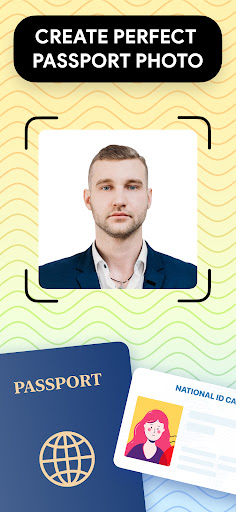
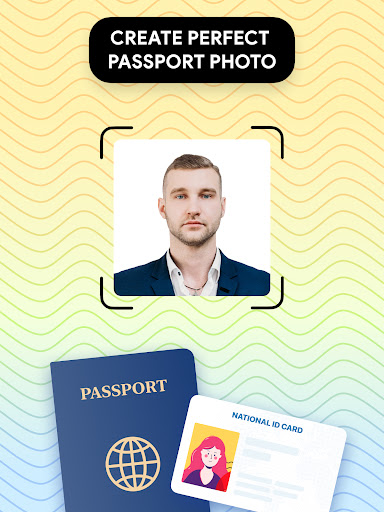
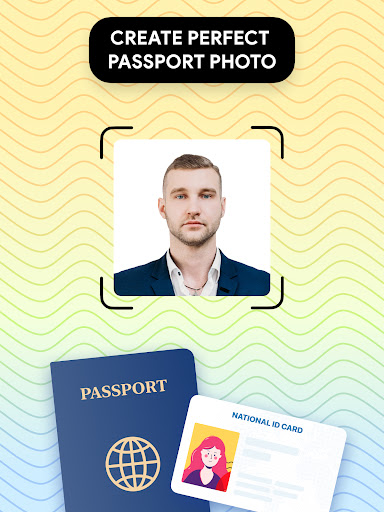
If you're looking for a convenient and professional way to create high-quality passport and visa photos right from your smartphone, Passport Photo: ID Photo Print is the perfect solution. This powerful passport photo editor simplifies the process of capturing, editing, and printing passport-sized photos, making it ideal for travelers, students, and professionals alike.
Easy Passport Photo Creation at Home
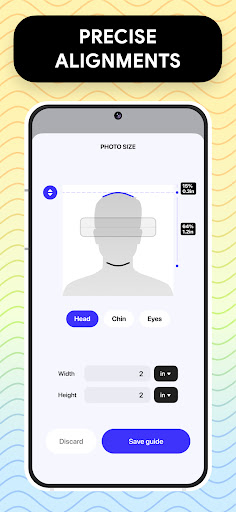
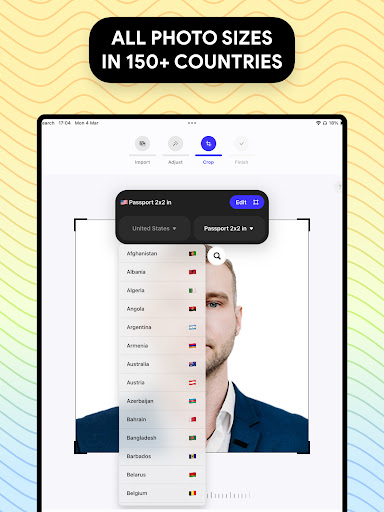
This app offers a user-friendly interface that allows you to take your passport photograph at home without the need for a professional studio. Whether you need a US passport photo or a visa picture for another country, the app provides all the tools necessary to meet government requirements. You can effortlessly adjust your photo to the correct size, such as 3x4, 4x6, 4x4, 5x7, or 2x2 inches, and customize the aspect ratio to match specific regional standards.
Comprehensive Features for Perfect Photos
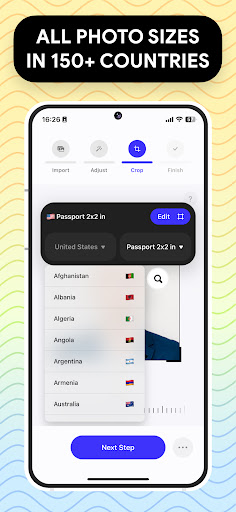
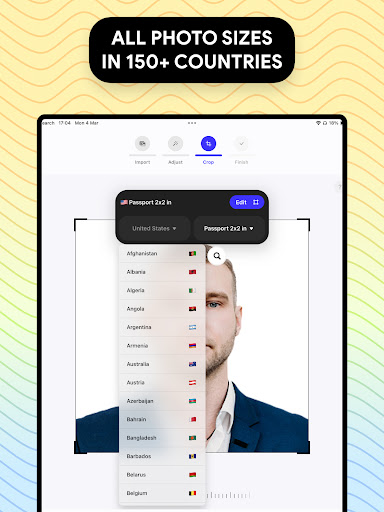
Passport Photo: ID Photo Print is equipped with a range of premium features that streamline the process of creating official ID photos. The app allows you to take a photo and instantly adjust the size and composition. Its built-in database retrieves passport requirements from around the world, ensuring your photos comply with visa photo regulations for any country.
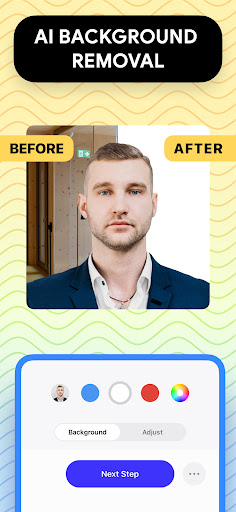
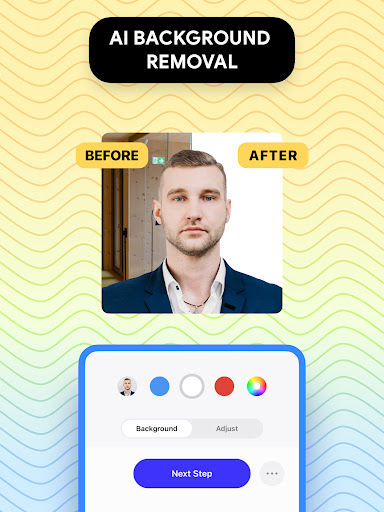
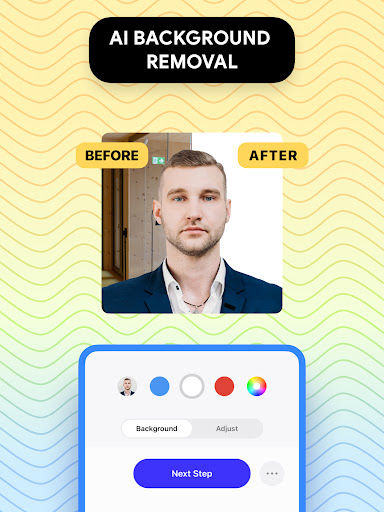
One of its standout features is the background removal tool, which enables you to replace any background with a white, colored, or custom background — perfect for adhering to official standards or personal preferences. Additionally, you can make touch-ups to your photo by adjusting brightness, temperature, or sharpening details, ensuring your image looks polished and professional.
Efficient Printing and Exporting
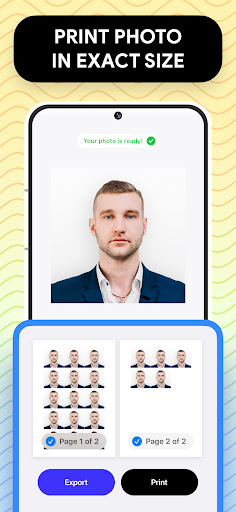
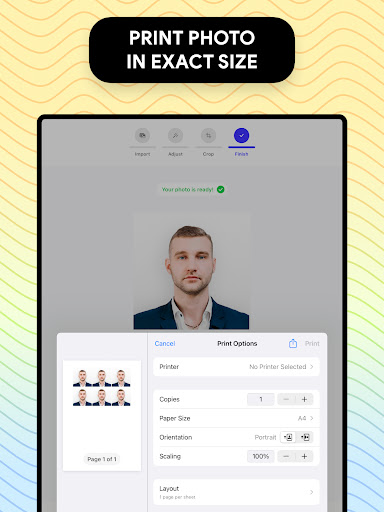
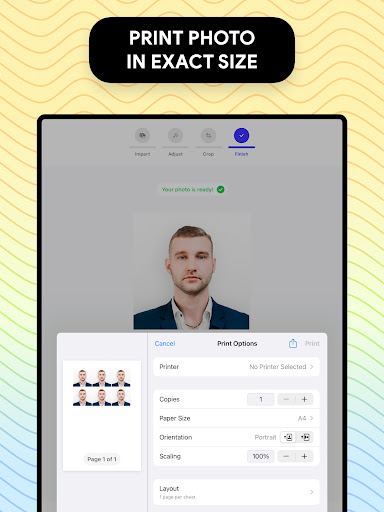
When your passport or visa photo is ready, you can print it directly from your phone using compatible wireless printers, or simply save the image to your device for later printing at nearby stores. The app’s quick export feature saves you precious time, letting you get your official photos ready in seconds. This is especially handy for urgent travel needs or last-minute documentation updates.
Why Choose This App?
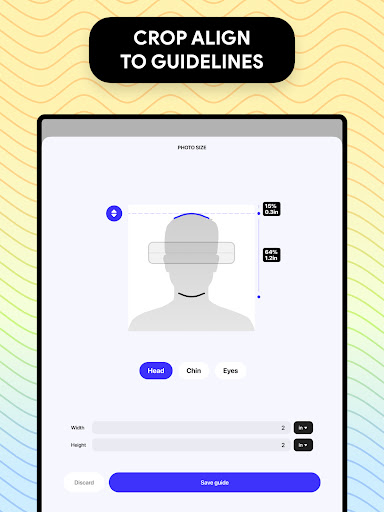
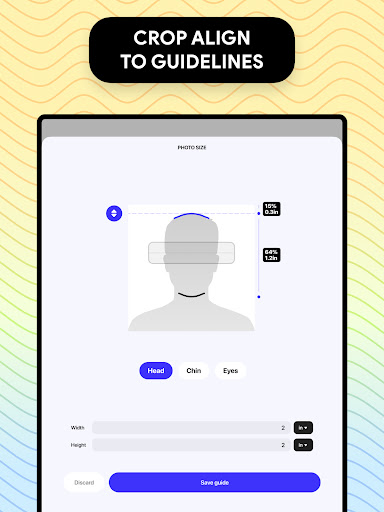
With flexible options to create various sizes and formats, Passport Photo: ID Photo Print is highly versatile. If your passport or visa application demands a specific photo dimension, the app makes it easy to crop and adjust to exact measurements. It caters to different passport standards globally, simplifying the process for international travelers.
Furthermore, this app offers cost savings over traditional studio photos, eliminating the need for in-person visits. You can retake photos as many times as needed, ensuring your images meet your expectations before finalizing. The straightforward editing tools and background options allow for a professional-looking image without the hassle or expense of visiting a studio.
Experience the Ease of Creating Passport & Visa Photos
In today’s digital age, having a reliable passport photo app is essential. Passport Photo: ID Photo Print stands out as an efficient, cost-effective, and user-friendly solution for anyone needing to update or create official identification images. Whether you’re preparing for international travel, renewing your passport, or applying for a visa, this app provides all the tools you need to generate high-quality photos ready for submission. Skip the crowded studio lines and embrace the convenience of creating official ID photos directly from your smartphone with this comprehensive passport photo editor.
Pros
- User-friendly interface
- Wide selection of ID photo sizes
- Produces high-quality photos
- Supports multiple formats
- Provides fast photo processing
Cons
- Limited free features
- Occasional advertisements can interrupt use
- Requires in-app purchases for full features
- No offline mode available
- Limited editing tools











