



Introduction to FX File Explorer: Plus License
Are you tired of struggling with cumbersome file management on your Android device? Look no further than FX File Explorer: Plus License. This powerful add-on transforms your file browsing experience by adding advanced media, networking, and cloud capabilities. Designed as a license key for the popular FX File Explorer app, the Plus License unlocks a suite of professional features that elevate your digital organization to new heights.
Seamless Integration and Requirements
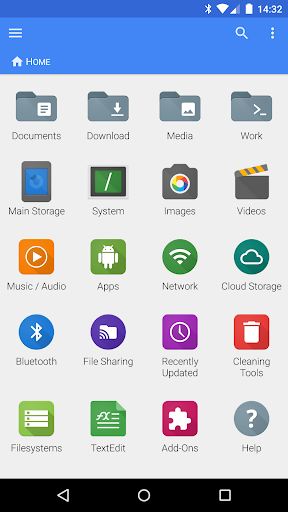
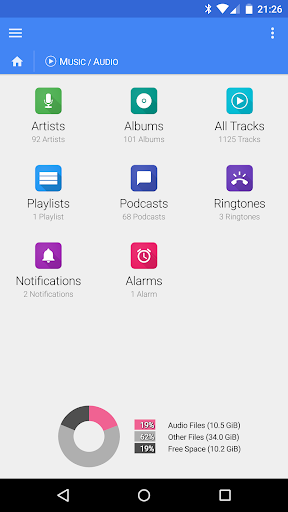
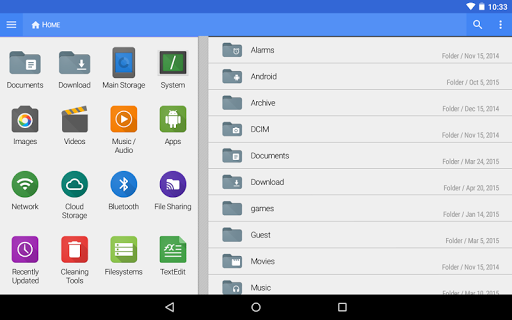
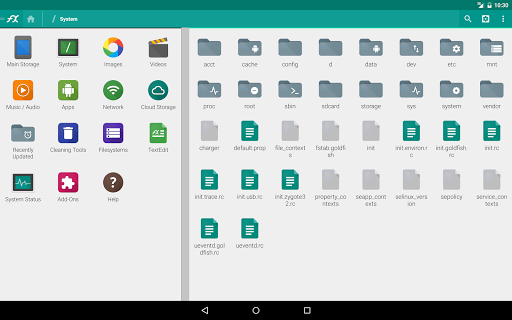
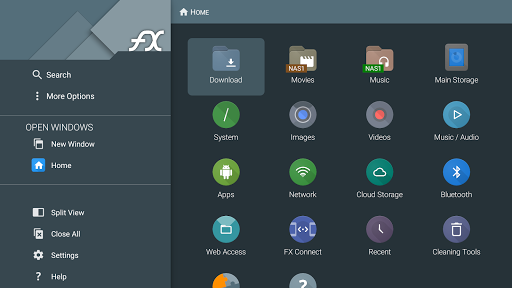
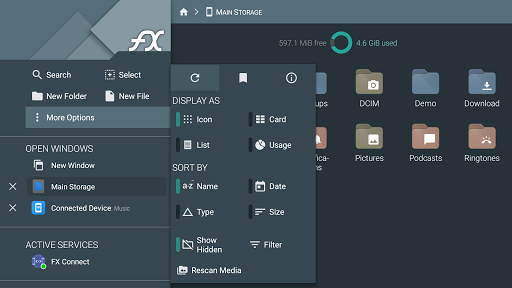
The FX Plus extension is not a standalone application; it is an essential license key that enhances the core FX File Explorer app. To access its functionalities, you must first have FX File Explorer installed on your device. Once installed, the Plus License activates additional categories within the app's home screen—specifically "Internet and Network" and "Media"—allowing effortless management of your network, cloud storage, and media files. For a smooth experience, make sure to try the official FX File Explorer app before purchasing the Plus License.
Enhanced File and Media Capabilities
File Compression and Encryption
With FX Plus, you can create and extract AES-128 and AES-256 encrypted zip files. This feature enables you to browse encrypted archives and view media content without decrypting the entire file, ensuring both security and convenience.
Application and Media Browsing
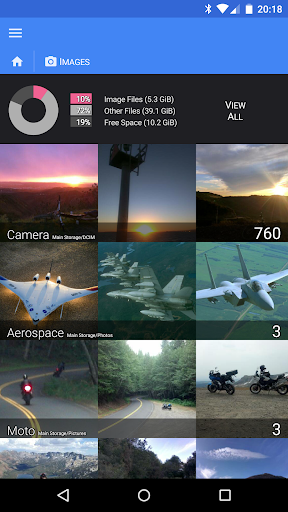
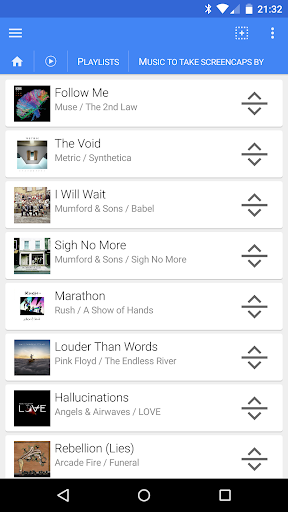
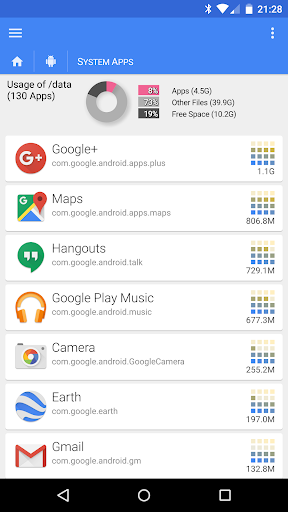
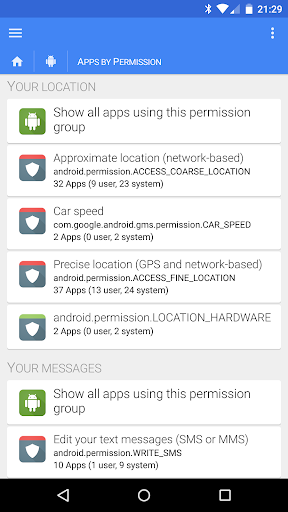
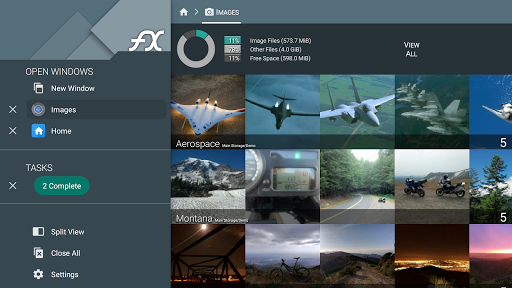
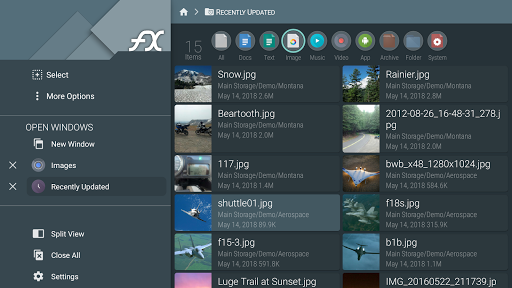
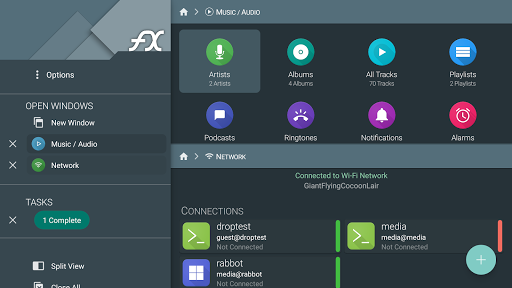
Enjoy the ability to browse and manage installed applications directly from the app. Additionally, explore your image and video collections, or listen to your music library categorized by artist, album, playlist, or simply view all tracks. The drag-and-drop playlist rearrangement feature fosters a smooth multimedia experience, especially when managing multiple files simultaneously.
Advanced Networking and Cloud Integration
Networking Features
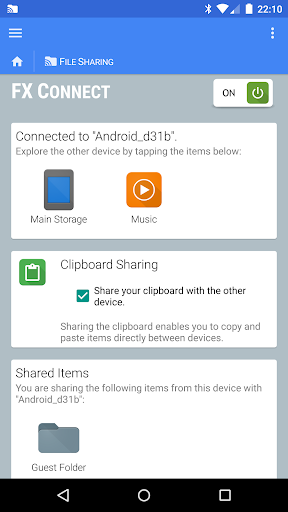
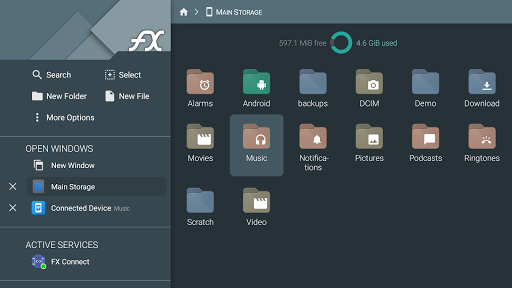
FX Plus introduces FX Connect, a groundbreaking feature that allows direct file transfer between two phones via NFC or Wi-Fi. Additionally, FX Web Access enables browsing and managing files through your computer’s web browser. The app supports Windows networking (SMB), FTP (including secure FTP-S and FTP-ES), SSH FTP, and WebDAV, making it highly versatile for various network environments.
Cloud Storage Support
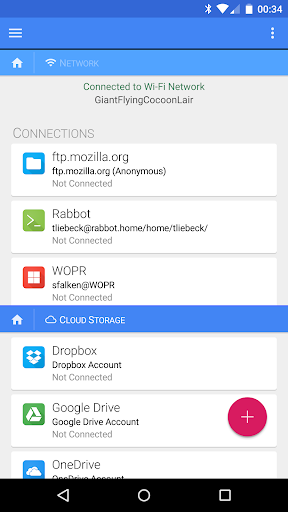
Manage your cloud accounts within FX File Explorer—such as Google Drive (including Google Docs), Dropbox, SugarSync, Box (Box.net), and SkyDrive)—all from a single interface. The app allows streaming of media files directly from cloud services to your preferred media players, making it easier than ever to access your digital assets anytime, anywhere. It also supports discovery of shared network resources via multicast DNS (mDNS), enhancing network browsing efficiency.
Security and Additional Features
Security is a top priority in FX Plus, featuring an encrypted keyring system to safeguard your sensitive passwords. This prevents unauthorized access, especially if your device is stolen. Additionally, the app supports downloading and converting files from Google Drive and Google Docs into popular formats like Microsoft Word, Excel, PowerPoint, OpenDocument, and PDF—streamlining your document workflow.
Bluetooth and Device Connectivity
Expand your transfer options with Bluetooth capabilities—sending files via OBEX Push, discovering and pairing devices seamlessly, or using the Bluetooth FTP Client. These features make it easy to share files with nearby devices without relying solely on network connections.
Why Choose FX File Explorer: Plus License?
FX File Explorer: Plus License is more than just a file manager; it is a comprehensive tool that enhances your productivity and digital organization. Its intuitive interface, combined with robust features like cloud storage integration, secure file encryption, network sharing, media management, and Bluetooth support, makes it a must-have for any Android user aiming for efficient device management.
The app's ability to handle multiple cloud services and network protocols within a unified interface simplifies complex workflows. Whether you're managing media libraries, transferring files between devices, or securely encrypting sensitive data, FX Plus accelerates your tasks without the distractions of ads or confusing menus. Elevate your Android file management experience today with FX File Explorer: Plus License, and discover how effortless digital organization can be.
Pros
- Comprehensive file management features.
- Supports a wide range of file formats.
- User-friendly interface design.
- No advertisements in the Plus version.
- Built-in cloud storage support.
Cons
- Full feature access requires a paid version.
- Lacks advanced editing tools.
- Occasional synchronization issues.
- Limited functionality in the free version.
- Does not include an integrated media player.











