

Introduction to ibis Paint
Key Features of ibis Paint
Rich Toolset for Creative Expression
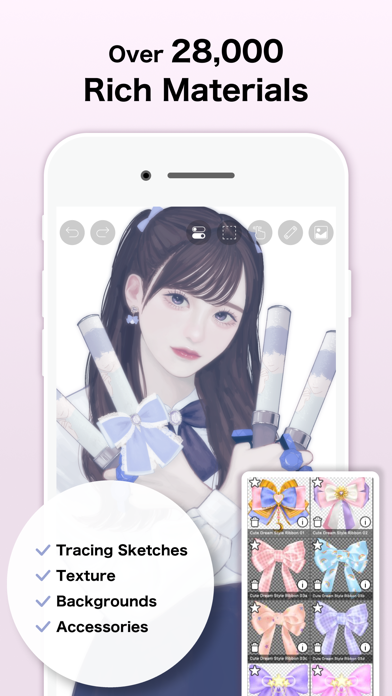
At the core of ibis Paint is an expansive toolkit that empowers artists to experiment and perfect their craft. The app boasts over 47,000 brushes, including dip pens, felt tip pens, air brushes, fan brushes, oil brushes, charcoal, crayons, stamps, and more. This extensive variety ensures you can simulate almost any traditional medium digitally. The brushes are highly customizable, allowing you to tweak settings like size, opacity, and texture to match your desired effect.
Advanced Layer Capabilities
Specialized Features for Manga Artists
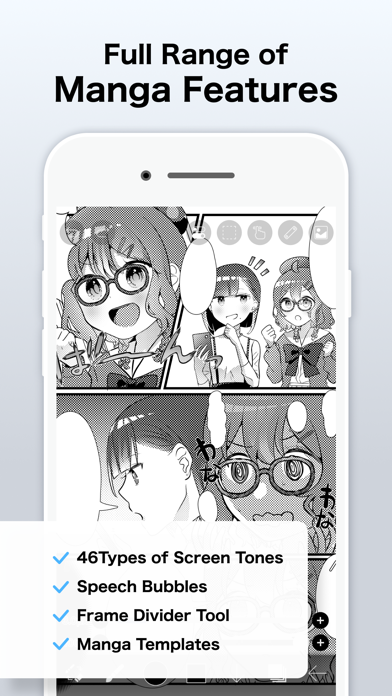
For manga and comic enthusiasts, ibis Paint offers powerful text tools, supporting vertical and horizontal text, stroke text, font selection, and multiple text layers. These features facilitate seamless integration of speech bubbles, narration, and sound effects into your manga or comic panels, making the app a preferred choice among manga artists.
Subscription and Purchase Options
ibis Paint offers various purchase plans to suit different user needs:
- ibis Paint X (free version with ads)
- ibis Paint (paid version without ads)
- Remove Ads add-on to eliminate advertisements
- Prime Membership (monthly or yearly subscription) which unlocks premium features and additional resources
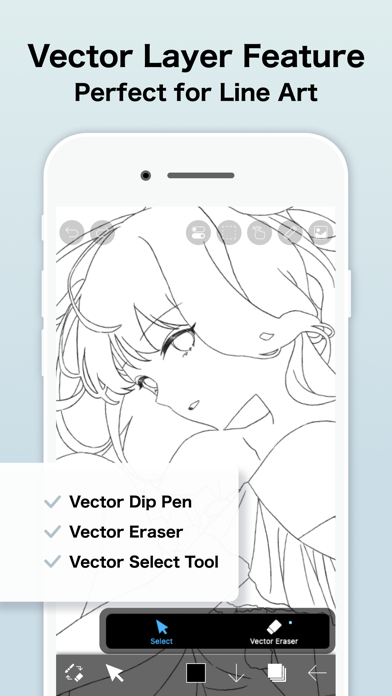
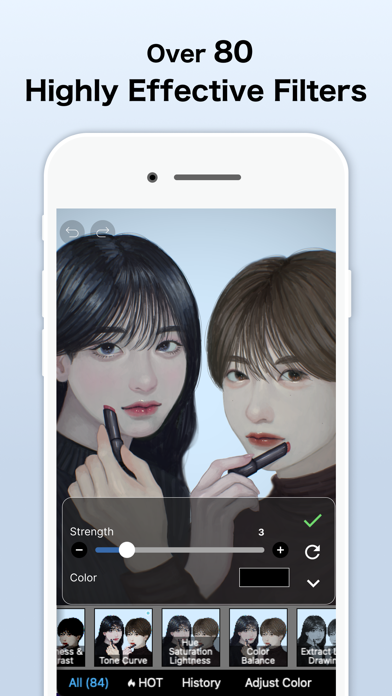
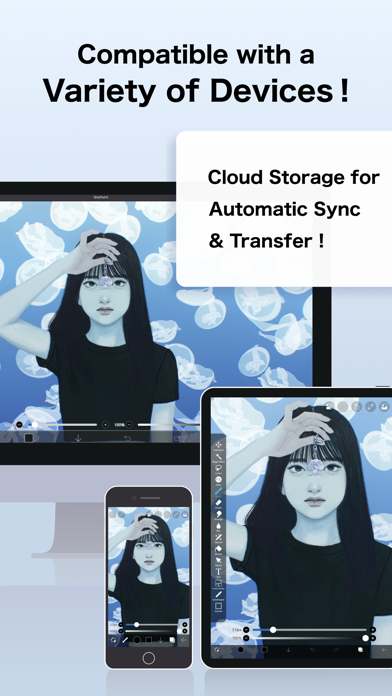
The Prime Membership grants access to features such as 20GB of cloud storage, vector tools, exclusive materials, special brushes, advanced filters like Tone Curve, Gradation Map, Levels Adjustment, and more. A complimentary trial period is available, allowing you to test the benefits before committing.
Additional Features and Community
Recording and Sharing Your Artwork
One of the standout features of ibis Paint is the ability to record your drawing process. This makes it easy to create time-lapse videos of your artwork to share online or analyze your workflow. You can share your creations directly within the app’s community, where artists of all levels exchange ideas, feedback, and tutorials.
Learning Resources
New users can benefit from the extensive library of tutorials available on the official YouTube channel. These tutorials cover everything from basic drawing techniques to advanced digital art tips, helping users refine their skills and get the most out of the app.
User-Friendly Interface and Functionality
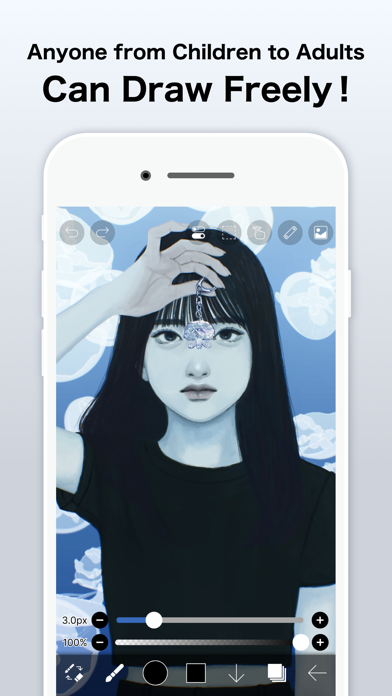
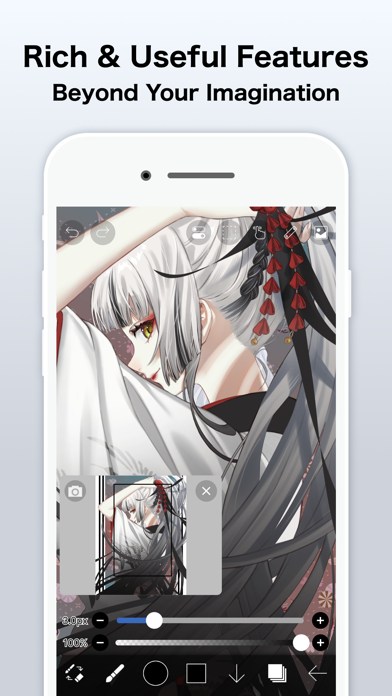
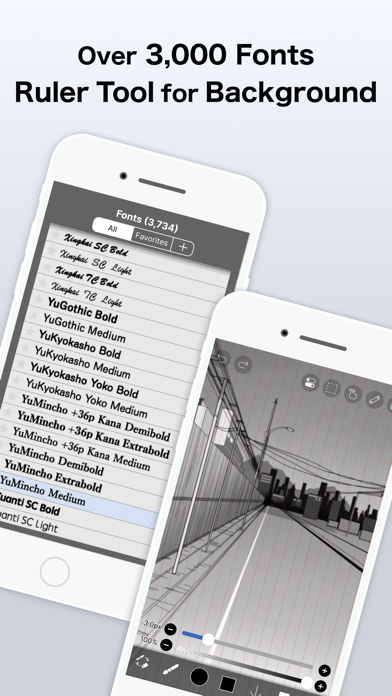
Despite its comprehensive features, ibis Paint maintains an intuitive and clean interface. Tools are easy to access, and the app supports stylus input with stroke stabilization and high frame rate drawing up to 60 fps. Ruler tools such as symmetry, radial lines, and other guides assist in precision work, making complex illustrations more manageable.
Conclusion
Pros
- Wide variety of brushes for detailed artwork.
- Intuitive interface facilitating easy navigation.
- High-resolution canvas ensuring high-quality art creation.
- Extensive customizable tools available.
- Supports real-time drawing with layer management.
Cons
- May be challenging for beginners to use.
- Advertisements in the free version can be disruptive.
- Some features are locked behind in-app purchases.
- May experience occasional lag on older hardware.
- Internet connection required for accessing all features.











