
Discover the Power of the Endoscope Camera Connector App
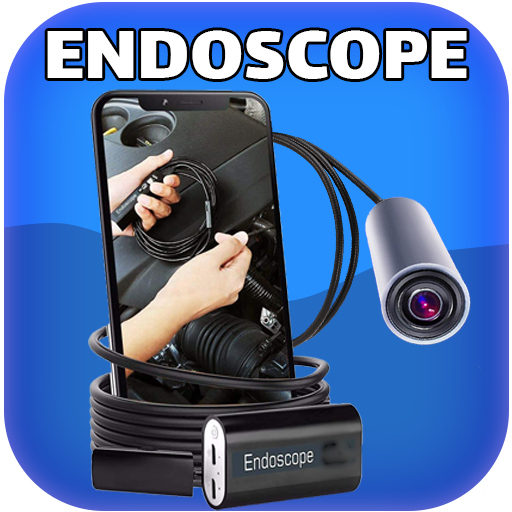
Are you curious about exploring those hard-to-reach places in your home or workplace? The Endoscope Camera Connector app transforms your smartphone into a versatile inspection tool, enabling you to see inside pipes, behind appliances, or even in other tight spaces with ease. This innovative application is especially popular among DIY enthusiasts and professionals alike, providing a seamless way to connect and operate external cameras, such as USB or Borescope cameras, directly from your device.
How Does the Endoscope Camera Connector Work?
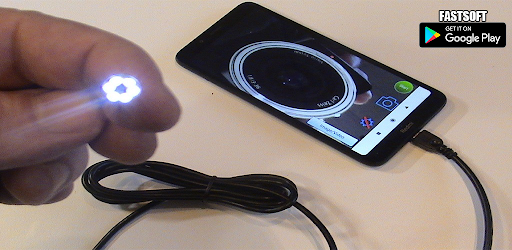
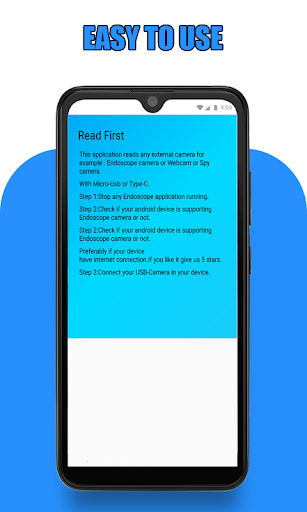
This app functions as an OTG (On-The-Go) viewer, allowing your phone to read and display external camera feeds. To use it, simply connect your external borescope, sewer inspection camera, or USB camera via USB OTG (micro USB or Type-C). Once connected, launching the app will automatically detect your camera and display live video footage. It supports various external camera devices, including those used for sewer inspections or drain cleaning. The app also provides options to record videos with audio, save images, and view stored files through an integrated gallery.
Pre-Usage Checklist
Before diving into inspections, ensure your device is ready:
- Ensure your device supports USB OTG technology. Use the USB OTG checker in the app's settings to verify compatibility.
- Check if your USB Camera is UVC-compatible. Compatibility ensures seamless connection and optimal performance.
How to Use the Endoscope Camera
Getting started is straightforward:
- Open the app and connect your endoscope camera to your smartphone via USB or Type-C port.
- Tap on the camera icon to initiate the view.
- Confirm connection by clicking OK. Now, you should see the live video feed from your endoscope.
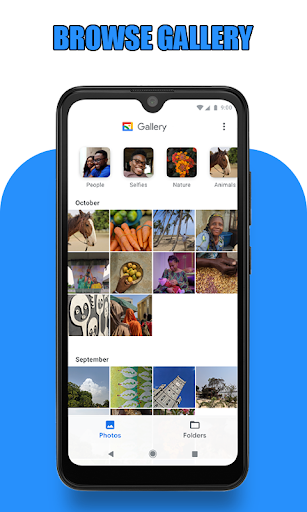
To capture images or record videos during inspection, simply tap the respective icons. All your media files can be accessed through the in-app gallery. Slide through the gallery to view photos and videos, select any file, and choose your preferred media player for playback.
To manage storage, you can long-press on images or videos within the gallery and select the deletion icon to remove unwanted files. This helps keep your storage organized and clutter-free.
Versatile Applications of the Endoscope Camera Device
The endoscope camera is a highly versatile tool with a wide range of practical applications:
- Inspecting blocked drains to identify clogs or buildup without dismantling fixtures.
- Checking sewer lines for blockages or damages.
- Performing home maintenance such as examining behind walls or under floors.
- Utilizing with external cameras like webcams for various inspection tasks.
- Assisting with plumbing repairs or plumbing inspections.
Instead of relying on traditional drain unblocking tools, you can quickly see what’s inside a pipe or a tight space, saving both time and effort. Whether for professional inspections or DIY home projects, this device offers clarity and convenience.
Why Choose the Endoscope Camera Connector?
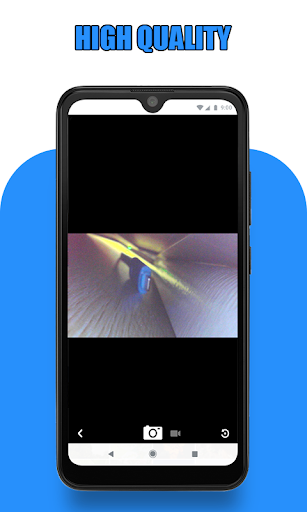
This app is designed to be easy to use while providing high-quality visual feedback during inspections. Its reliable connection with external cameras ensures consistent performance, and support for various camera resolutions guarantees a clear view, which is essential for accurate diagnostics.
The app also features adjustable LED lighting, crucial for illuminating dark or enclosed spaces, and supports changing camera angles for tricky shots. Its intuitive interface allows both beginners and experienced users to operate with confidence.
Regular updates from the developers continually enhance functionality and user experience, making the Endoscope Camera Connector an indispensable tool for home maintenance, professional inspections, or general curiosity about the hidden parts of your environment.
Start Exploring with Confidence
Whether you're diagnosing plumbing issues, inspecting machinery, or simply satisfying your curiosity, the Endoscope Camera Connector app empowers you to explore and document difficult-to-access places effectively. Download it today and unlock a new level of practical insight—right from your smartphone!
Pros
- Simple to connect and configure with a variety of devices.
- Offers real-time video streaming capabilities.
- Supports high-resolution image capture.
- Compatible with most USB and OTG cables.
- Lightweight and portable design.
Cons
- May have limited compatibility with some older device models.
- Requires dedicated apps to unlock full features.
- Shorter cable length can limit movement flexibility.
- Image quality can fluctuate depending on lighting conditions.
- Potential connection stability issues in certain environments.











