

Introducing the Headunit Reloaded Emulator HUR
Are you looking for a seamless way to integrate your smartphone with your car’s infotainment system? The Headunit Reloaded Emulator HUR is a powerful Android app designed to emulate a head unit on your device, transforming your smartphone or tablet into a fully functioning Android Auto display. This innovative solution is perfect for tech-savvy drivers who desire the convenience of Android Auto but don’t have a compatible car unit. Let’s explore how this app can enhance your driving experience.
How Does the Headunit Reloaded Emulator HUR Work?
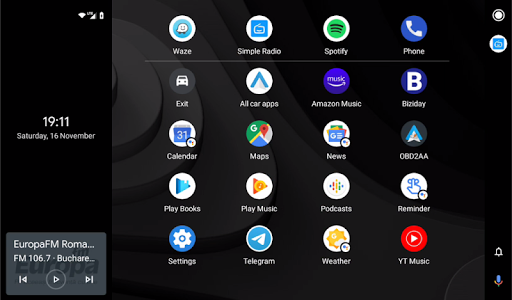
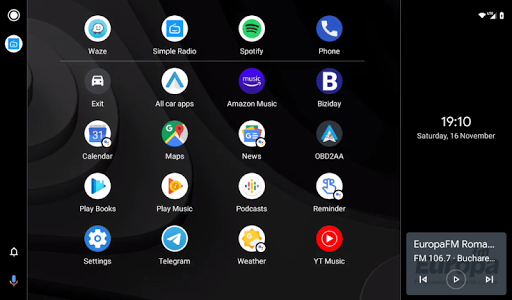
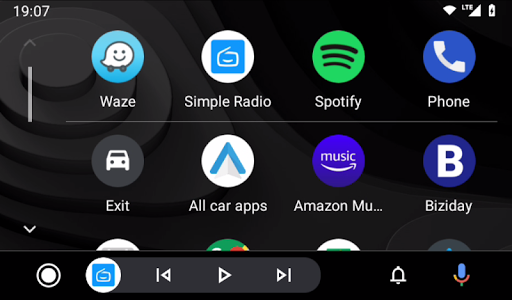
The core functionality of Headunit Reloaded Emulator HUR revolves around its ability to mimic a car’s head unit interface. Whether using a smartphone or a tablet, the app allows you to replicate Android Auto features on your device, providing access to navigation, music, messaging, and more—all tailored for in-car use. Think of it as your personal digital co-pilot, ready to assist during every journey with instant access to essential apps and features.
Setup and Connectivity Options
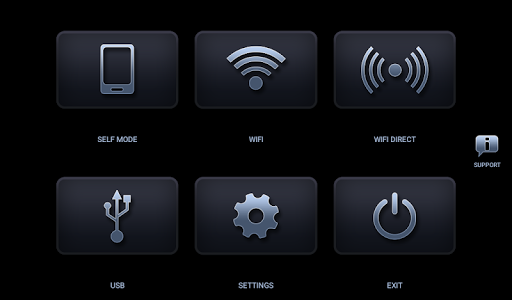
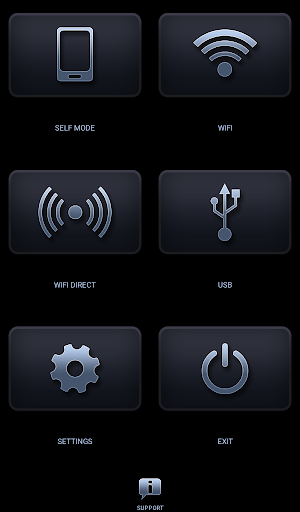
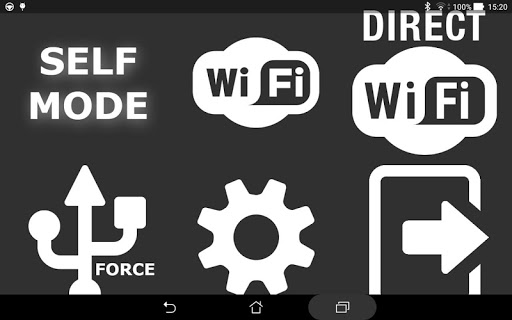
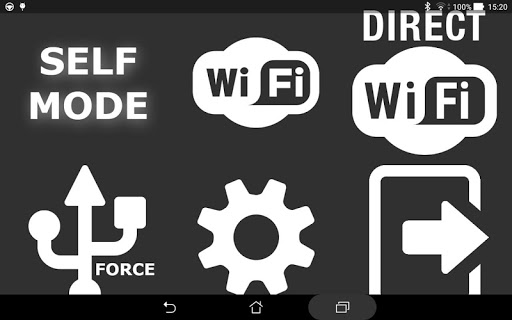
Getting started with the Headunit Reloaded Emulator HUR involves a couple of setup methods, primarily via USB or WiFi, to ensure flexible connectivity based on your setup preferences.
USB Mode
To use the app in USB mode, connect your device to the head unit with an OTG cable (for tablets) or a standard USB cable for smartphones. When prompted, be sure to allow the app to be the default for the action, and check the "always" box to streamline future connections. If your device runs Android 7.0 or higher, you might need to pull down the notification bar and select the connected USB device before launching the app—this step may vary depending on your device.
WiFi Mode
WiFi setup offers a wireless alternative. First, install the WiFi Launcher app on your phone. With WiFi Launcher, select your car’s Bluetooth to start automatically, then enable the hotspot option. Connect your car’s infotainment system to your phone’s hotspot, and open Headunit Reloaded. You can also reverse roles, letting the app start via the car’s WiFi connection. This method provides a more cable-free setup, ideal for cars with compatible WiFi or Bluetooth support.
Self Mode
For advanced users, Self Mode enables running Android Auto and the HUR app simultaneously on a single device. Simply open HUR and enable Self Mode, ensuring that Android Auto is installed on the same device for a smooth experience.
Compatibility and Troubleshooting
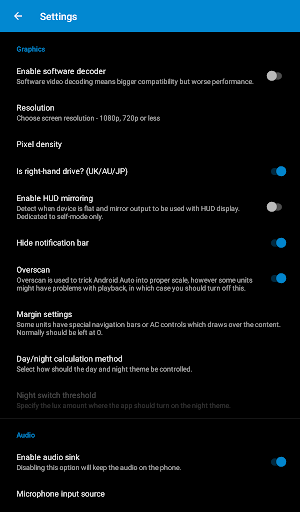
The Headunit Reloaded Emulator HUR is compatible with a broad range of Android-based head units, including popular brands like Joying, Xtrons, Grom Vline, PX5, PX3, A-Sure, and RK series devices (RK3188, RK3066). Users might encounter issues like black screens during operation, especially on Android head units. A typical fix involves enabling video playback during driving or adjusting the app settings to enable software decoding.
For further support and troubleshooting, visit dedicated forums such as the XDA Developers Forum. Here, detailed guides on hardware key support, intent handling, and other technical aspects are available to help optimize your setup.
For further support and troubleshooting, visit dedicated forums such as the XDA Developers Forum. Here, detailed guides on hardware key support, intent handling, and other technical aspects are available to help optimize your setup.
Key Features of Headunit Reloaded Emulator HUR
The app boasts numerous features that make it a must-have for modern drivers:
- Offline Functionality: Operates without internet, allowing access to maps, music, and other essential apps even in remote areas.
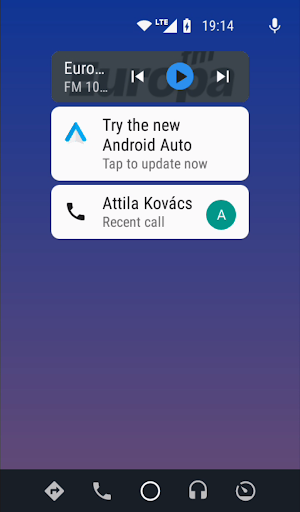
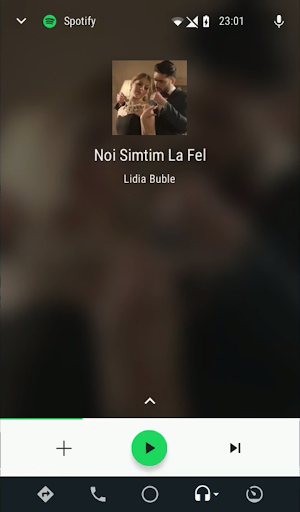
- Flexible Display Modes: Supports both landscape and portrait orientations for customized viewing experience.
- Voice Command Support: Integrates voice controls similar to Siri or Google Assistant, enabling hands-free calls, messaging, and navigation commands.
- Easy Setup: While initial configuration may require some technical know-how, user-friendly tutorials and community support make the process manageable.
- Wide Compatibility: Works with many popular car head units, broadening its usability across different vehicle models and brands.
Why Choose Headunit Reloaded Emulator HUR?
If you’ve ever wished to upgrade your car’s infotainment system without replacing hardware, Headunit Reloaded Emulator HUR presents an affordable and flexible solution. It unlocks the full potential of your Android device, turning it into a smart, connected head unit. Although setup might involve some initial effort, the benefits of having a custom Android Auto experience—complete with navigation, entertainment, and voice control—are well worth it.
In conclusion, Headunit Reloaded Emulator HUR is an innovative app that bridges the gap between unavailable hardware and your digital needs. Perfect for DIY enthusiasts and everyday drivers alike, this application brings modern in-car technology to your device, enhancing safety, convenience, and entertainment on the road. Embrace the future of car connectivity with this versatile emulator and enjoy a smarter, more connected driving experience.
In conclusion, Headunit Reloaded Emulator HUR is an innovative app that bridges the gap between unavailable hardware and your digital needs. Perfect for DIY enthusiasts and everyday drivers alike, this application brings modern in-car technology to your device, enhancing safety, convenience, and entertainment on the road. Embrace the future of car connectivity with this versatile emulator and enjoy a smarter, more connected driving experience.
Pros
- Easy to set up and operate.
- Compatible with various car brands.
- Provides regular updates and bug fixes.
- Highly customizable user interface.
- Supports both Android and iOS platforms.
Cons
- Can consume battery quickly.
- Some features require additional payment.
- Occasional connectivity problems.
- Limited functionality when offline.
- May experience lag on older devices.











