

Overview of GPX Viewer PRO
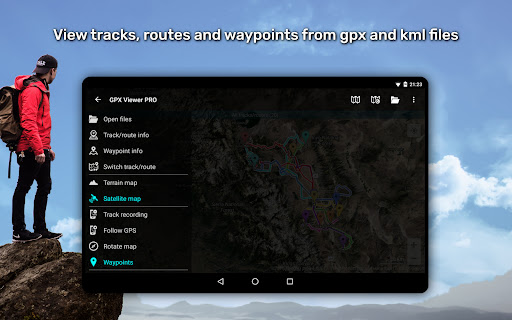
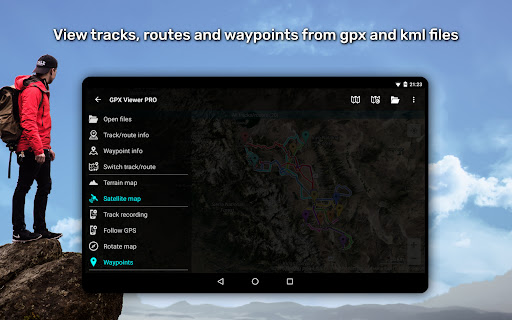
GPX Viewer PRO is a highly versatile and feature-rich application designed for outdoor enthusiasts, travelers, and anyone needing reliable GPS navigation tools. It allows users to view a variety of GPS data files such as gpx, kml, kmz, and loc files, making it easy to import routes, waypoints, and tracks from different sources. Beyond simple file viewing, GPX Viewer PRO provides an extensive suite of tools to analyze trip data, record new trips, and even create or edit navigation routes, all tailored to enhance your outdoor adventures.
Recognized as one of the best rated offline vector maps applications, GPX Viewer PRO seamlessly combines the power of offline mapping with advanced GPS tracking, data analysis, and simple navigation features. Whether you're hiking, biking, or exploring new terrains, this app serves as your all-in-one companion for GPS location tracking, trip planning, and navigation, all packaged within a user-friendly interface.
Main Features of GPX Viewer PRO
File Compatibility and Management
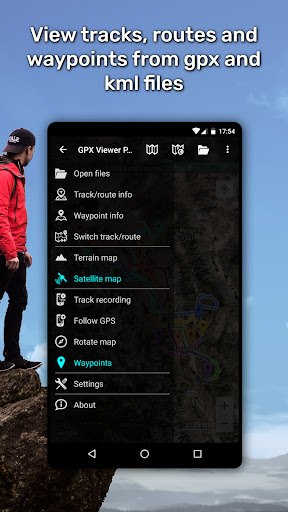
The app supports a wide array of file formats including gpx, kml, kmz, and loc. Users can effortlessly browse through their files with the in-built file browser, which enables opening multiple files simultaneously. Best of all, it supports favorite files and maintains a history for quick access. The app also offers file compression capabilities, allowing users to compress gpx files into gpz and kml files into kmz archives for easier storage and sharing.
Detailed Trip Data and Customization
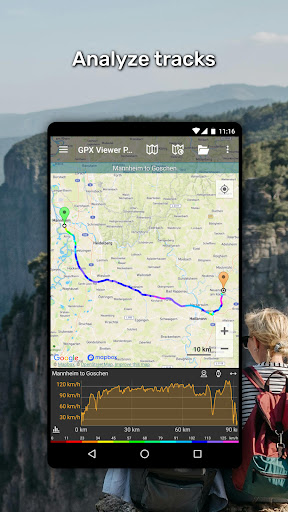
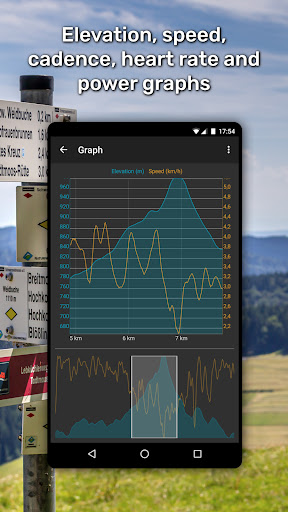
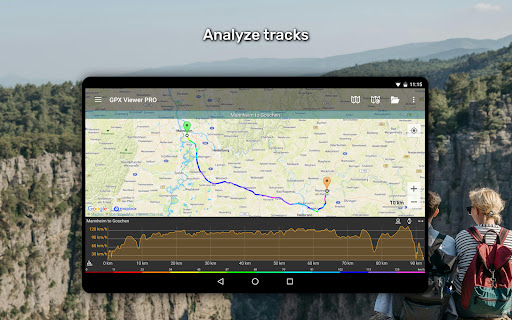
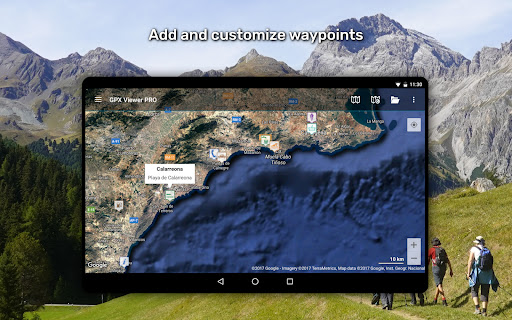
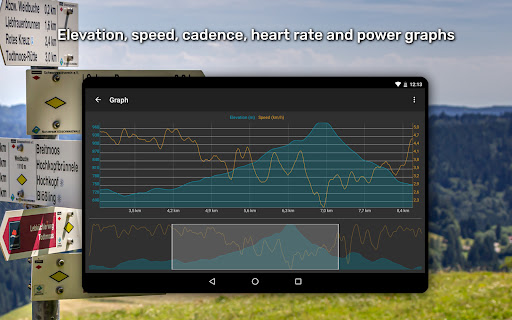
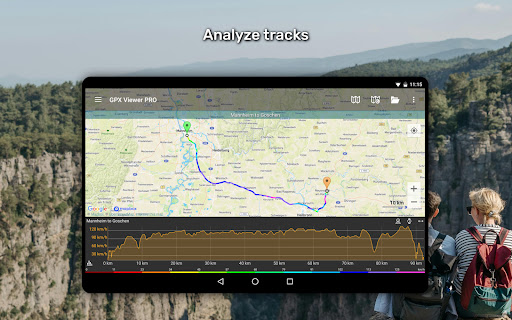
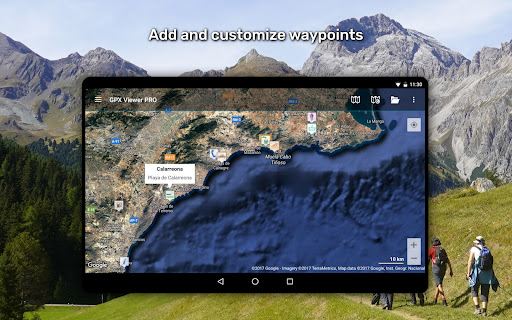
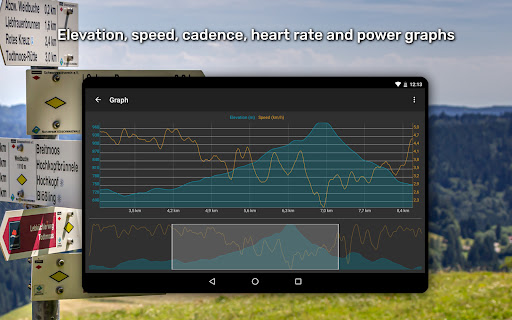
GPX Viewer PRO excels in providing in-depth trip statistics. Users can analyze data such as elevation profiles, speed, cadence, heart rate, power, and air temperature, visualized through informative graphs or charts. The app also enables editing waypoints, including customizing their icons, and adjusting colors for tracks and routes for better visualization. Furthermore, tracks can be colorized by parameters like elevation or speed, offering a more intuitive understanding of your journey.
Online Map Integration
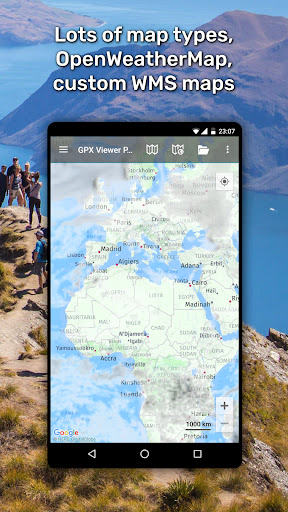
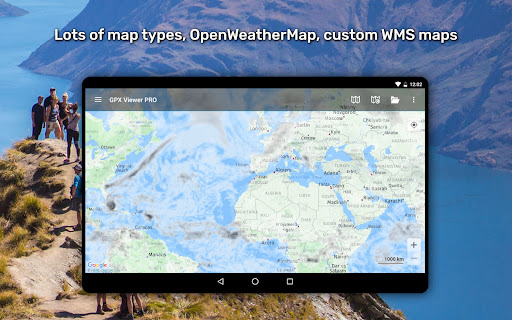
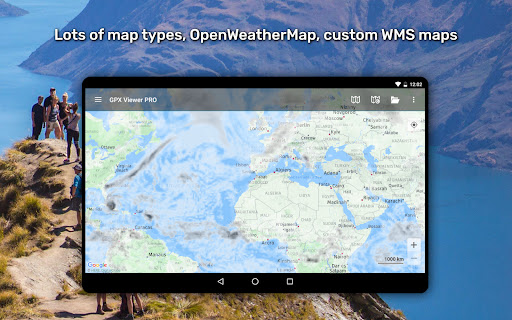
Enjoy flexible online map options with support for trusted sources such as Google Maps, Mapbox, HERE, Thunderforest, and many others based on OpenStreetMap data. The app also incorporates OpenWeatherMap layers and overlays, letting you stay informed about weather conditions during your adventures. For increased customization, you can add your own TMS or WMS maps, tailoring your map experience to your specific needs.
Navigation and Tracking
GPX Viewer PRO provides a simple yet effective navigation tool. It displays your current GPS position on the map, follows your movement in real-time, and can rotate the map based on device orientation or movement direction. These features make it suitable for basic navigation tasks, providing timely notifications when you are approaching a waypoint with adjustable distances to enhance safety and route awareness.
Offline Maps and Offline Functionality
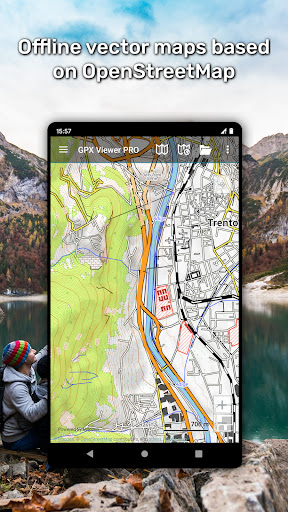
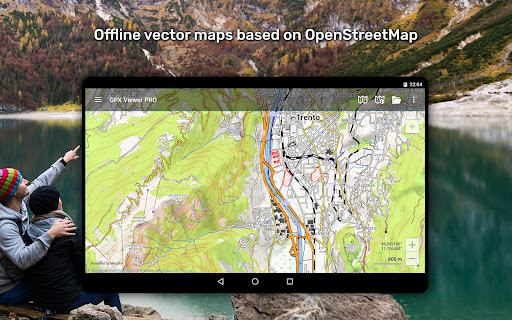
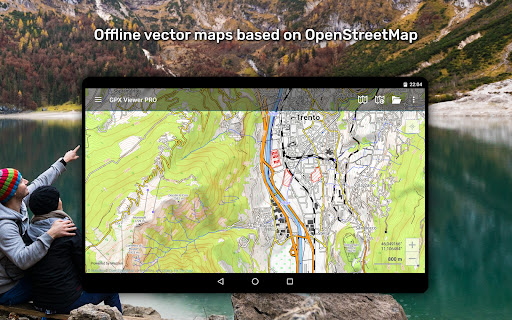
Offline map support is a key highlight of GPX Viewer PRO. Users can download detailed offline vector maps based on OpenStreetMap data, with a variety of map styles suitable for city navigation or outdoor terrain. These maps are updated monthly, ensuring access to the latest data even in remote areas, independent of internet connectivity.
Additional Capabilities (Pro Version)
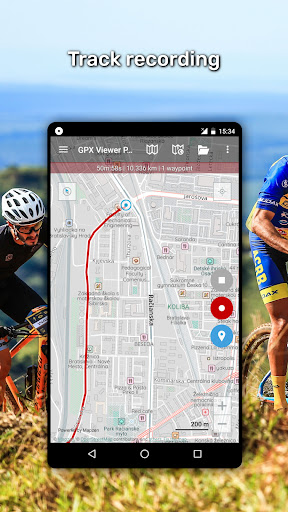
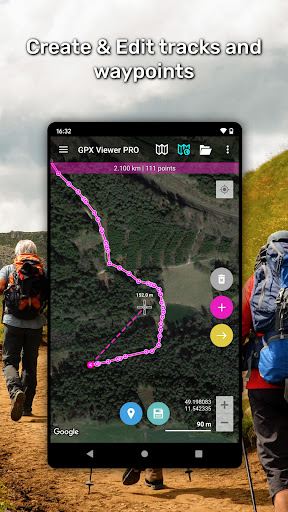
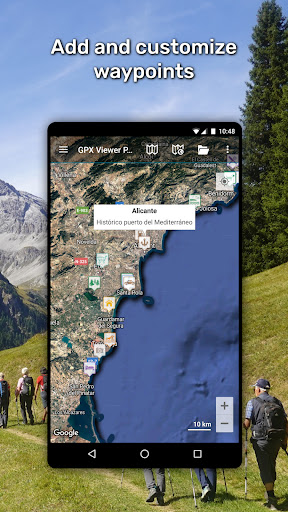
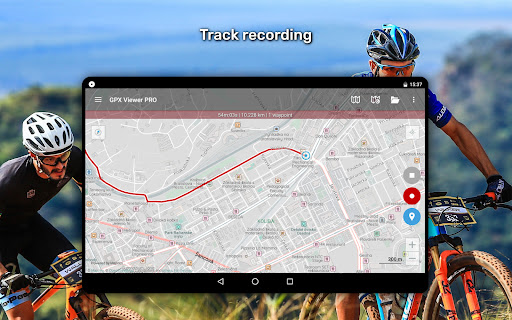
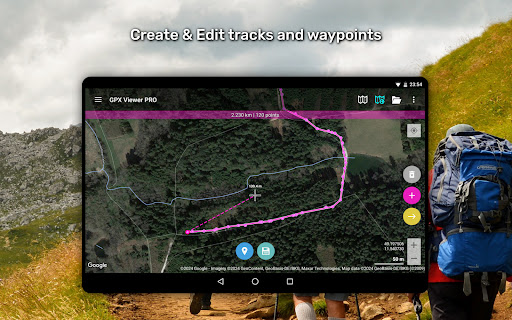
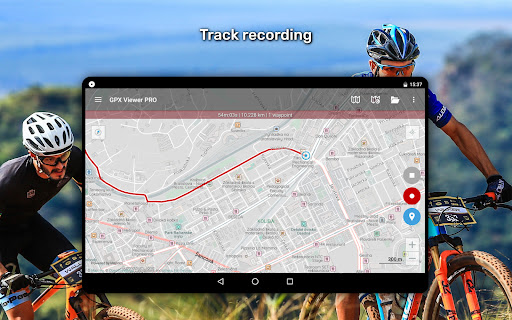
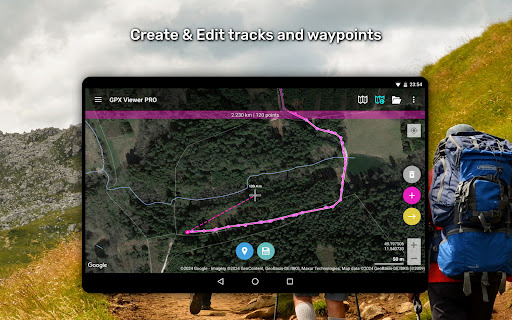
The PRO version unlocks advanced features like creating and editing tracks and routes, splitting or merging trips, adding and customizing waypoints, and real-time trip recording. Users can export their recorded trips in gpx or kml formats, complete with elevation and speed statistics. The weather forecast feature provides a 7-day outlook with hourly updates, helping plan your outdoor activities with confidence.
Why Choose GPX Viewer PRO?
If you're an outdoor enthusiast seeking a comprehensive navigation and mapping app, GPX Viewer PRO is an excellent choice. Its support for multiple file formats, offline maps, real-time GPS tracking, detailed trip analysis, and customizable features make it stand out. Whether you're navigating remote trails, planning routes, or tracking your outdoor trips, this app provides all the tools needed for a safe and enjoyable adventure. Its customizable interface and offline capabilities ensure that you are prepared for any situation, making it the perfect companion for hikers, bikers, and explorers alike.
Pros
- High GPS tracking accuracy.
- Access to offline maps.
- Customizable waypoint features.
- Detailed elevation profiles.
- Supports various file formats.
Cons
- Limited free features.
- Occasional crashes occurs.
- Steep learning curve for new users.
- Drains battery during extended use.
- Premium version is expensive.











