


Discover the Power of Noteshelf - Your Ultimate Digital Note-Taking App
Are you tired of losing important notes, tangled in piles of paper or scattered across various devices? Noteshelf is a versatile and powerful digital note-taking solution designed for students, professionals, and anyone who loves capturing ideas in style. With the latest version, Noteshelf 3, available now on the Google Play Store, users can enjoy enhanced features that make creating, organizing, and sharing notes more intuitive and enjoyable than ever before. Whether you prefer handwritten notes, annotations, or multimedia integration, Noteshelf covers all your needs for efficient note management.
Experience Natural Handwriting and Creative Flexibility
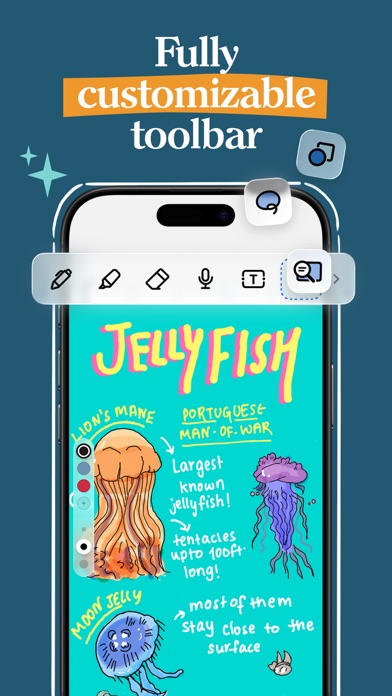
One of the standout features of Noteshelf is its • NATURAL HANDWRITING. The app offers a range of realistic pens, highlighters, and vibrant colors that make writing feel just right. Whether you're taking quick class notes or detailed meeting memos, the smooth responsiveness ensures your handwriting feels authentic. The app supports various styluses, including the S-pen on Samsung Galaxy Note devices, which even allows for quick-erase functions with the S-pen button—making your note-taking seamless and efficient.
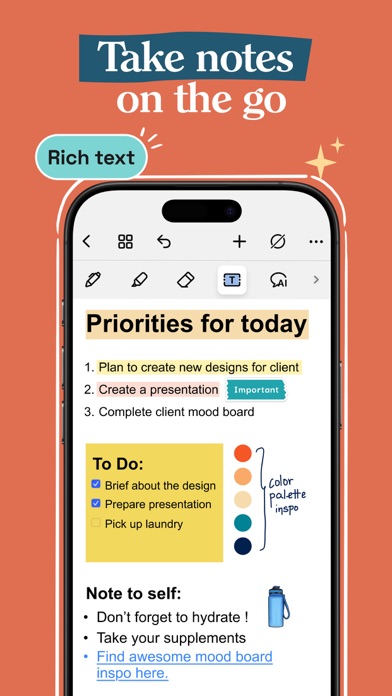
Add a splash of creativity by incorporating shapes, images, and color annotations to make your notes more engaging. With Noteshelf, you’re never limited to plain text—design colorful diagrams, flowcharts, or doodles effortlessly. Customizable line spacing, grid, dotted, or lined paper options, and stylish notebook covers help personalize your workspace, making your digital notebook a true reflection of your style.
Powerful Annotation Tools for PDFs and Images
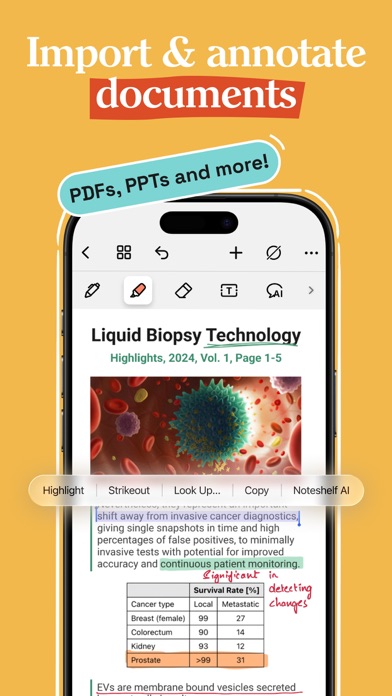
Need to highlight, underline, or mark up important documents? Noteshelf allows you to import PDFs and images directly into your notes. Use the app’s formatting tools to annotate textbooks, grade papers, fill out forms, or add your signature with ease. This feature transforms your device into a portable scanner and document editor, ideal for students, teachers, and professionals seeking a versatile PDF markup and annotation solution.
Transform Handwritten Notes with Search and OCR
Never lose track of your ideas again—thanks to search capabilities that recognize handwritten text. Supporting • OCR in over 65 languages, Noteshelf can convert your handwritten notes into typed text effortlessly. This feature makes retrieving and organizing your notes much simpler, turning chaotic handwriting into clean, searchable, and shareable documents—boosting productivity whether you're studying, working, or brainstorming.
Extensive Templates and Organizational Features
Find the perfect starting point for any note with a library of over 200 templates created by the Noteshelf team. Explore templates tailored for • templates for student notes, lesson plans, to-do lists, health trackers, bullet journaling, and more. Organize your notes effortlessly by grouping notebooks, bookmarking pages, and assigning custom colors. This structured approach ensures you stay on top of your tasks and projects with minimal fuss.
Enhanced Note Personalization with Noteshelf AI
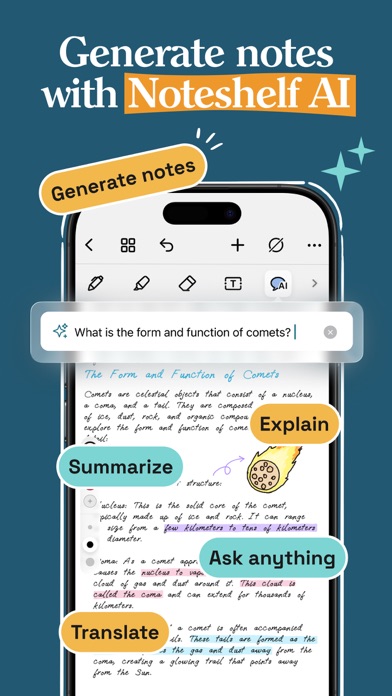
Introducing Noteshelf AI, an intelligent assistant capable of understanding your handwriting. This AI-powered feature can generate beautiful handwritten summaries on any topic, help you create study notes, translate text, and clarify complex terms. With Noteshelf AI, your digital notes become smarter, assisting you in capturing and distilling information quickly and accurately.
Seamless Multimedia Integration and Export Options
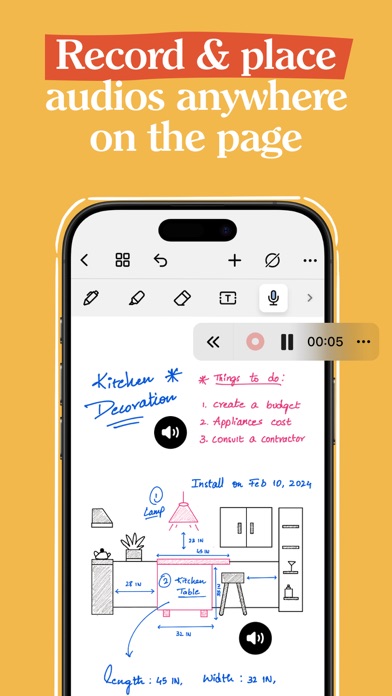
Add a new dimension to your notes by recording audio recordings during lectures or meetings. Keep your recordings linked with your handwritten notes for a comprehensive review. You can also enhance your notes with visuals from Unsplash and Pexels libraries, enriching your drawings and diagrams. Share your notes effortlessly as images or PDFs via email or cloud services, streamlining collaboration and sharing.
Stay Organized and Secure
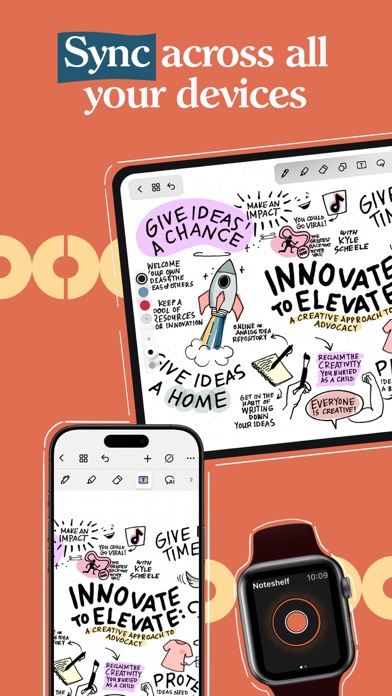
Organize your digital notes into categories or groups by dragging and dropping notebooks. Mark important pages with bookmarks, give them distinct colors, and create personalized table of contents. Noteshelf ensures your valuable data is safe with auto-backup and sync options across Google Drive, OneDrive, Dropbox, and WebDAV. Access your notes anytime, anywhere, on any Android device—keeping your workflow smooth and efficient.
Continually Evolving with More Features
Noteshelf is continually evolving to meet users’ needs, with new features and improvements regularly added. Whether you’re doodling, organizing, or collaborating, this app offers a comprehensive note-taking experience designed to boost your productivity and creativity. Have suggestions? The developers are eager to hear from you at [email protected].
Conclusion
Say goodbye to paper chaos and embrace the future of digital note-taking with Noteshelf. Its blend of realistic handwriting, PDF annotation, multimedia integration, and AI assistance makes it a must-have tool for students, educators, and professionals alike. Download Noteshelf 3 today, and transform the way you create, organize, and share your ideas—making your note-taking smarter, faster, and more personalized than ever before.
Pros
- Intuitive user interface for effortless navigation.
- Compatible with a variety of stylus pens.
- Provides seamless cloud synchronization options.
- High-quality tools for PDF annotation.
- Offers a range of templates to suit different needs.
Cons
- Limited features in the free version.
- Reported occasional synchronization issues.
- Does not support OCR for handwritten notes.
- Requires a subscription to access full features.
- Lacks advanced organization and management tools.











