



Introducing Penly: Digital Planner & Notes
Are you seeking a versatile tool to enhance your productivity and creativity? Penly: Digital Planner & Notes is an all-in-one application designed to meet your needs for digital planning, note-taking, and journaling. This thoughtfully crafted app combines a simple, intuitive interface with powerful features that cater to both casual users and productivity enthusiasts.
Key Features of Penly
User-Friendly Interface and Creativity Tools
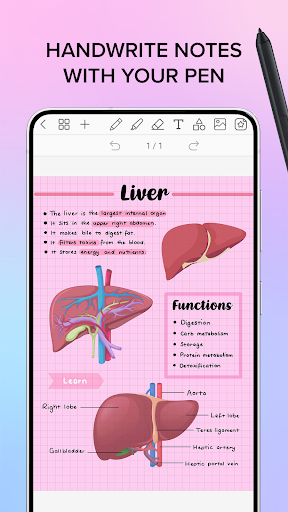
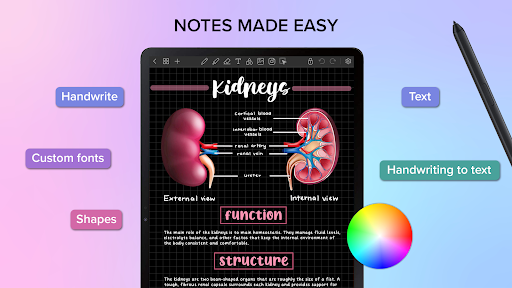
From the moment you open Penly, you'll notice its appealing, clean and modern design. Navigating through various sections is effortless, thanks to its user-friendly layout. The app supports smooth handwriting with a smart eraser, making digital note-taking feel natural. You can also incorporate text, images, and shapes into your notes, providing endless creative possibilities. Want to customize your notes further? Penly enables importing custom fonts, highlighting, underlining, and transforming objects with options to group, lock, undo, and redo your actions.
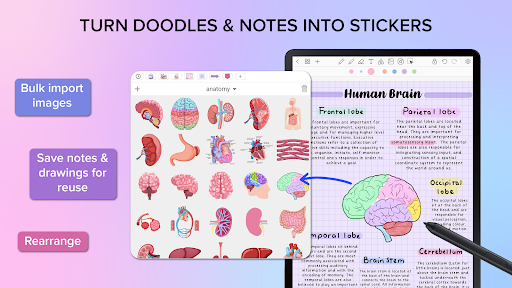
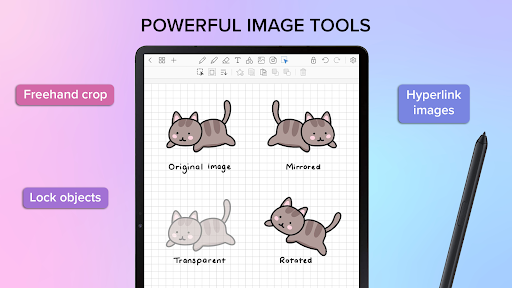
Additionally, creating personalized sticker collections and editing images—including mirroring, flipping, cropping, and adjusting opacity—is simple and enhances your visual organization. The app also features automatic handwriting to text conversion, saving you time and effort while capturing your ideas.
Comprehensive Digital Planners
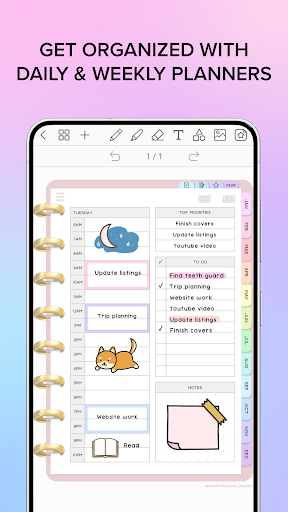
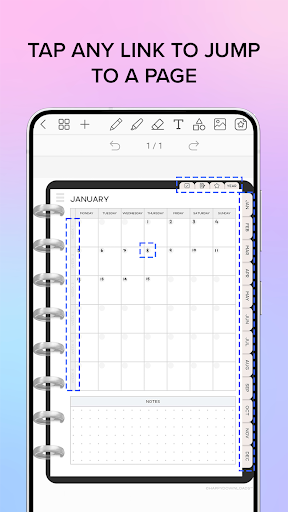
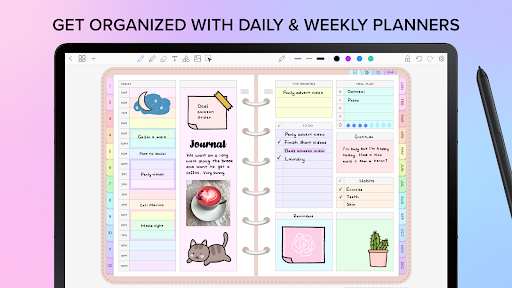
Penly includes four customizable digital planners, each with hyperlinked monthly, weekly, and daily pages. These planners are undated and reusable, allowing you to write in dates manually. Whether you prefer landscape or portrait modes, Penly supports various styles such as rainbow and minimal black. The collection also comes with to-do list and note templates, simplifying your planning process for every day.
Import, Export, and Hyperlink Creation
One of Penly’s strengths is its ability to import any PDF file into your workspace, complete with hyperlinked navigation. This supports seamless integration of existing documents into your digital planner. You can then export your work as an editable Penly file or as a PDF for sharing or printing.
Creating hyperlinks within your documents is straightforward—turn any object into a link, connecting to pages or external websites to enhance your documents' interactivity and navigation.
Sticker and Image Management
Organizing your visual elements is a breeze with Penly’s stickers collections. You can bulk import stickers, save notes and drawings to collections for quick reuse, and manage items by editing, rearranging, and favoriting collections. The image tools also allow you to mirror, flip, crop, and adjust image opacity, giving your visuals a professional touch.
Page and Document Organization
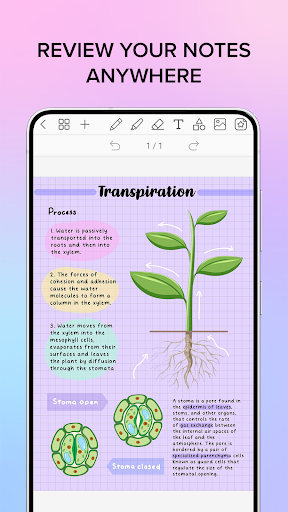
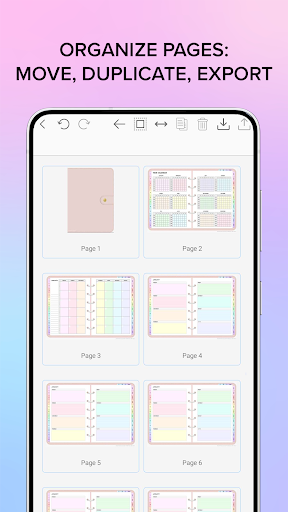
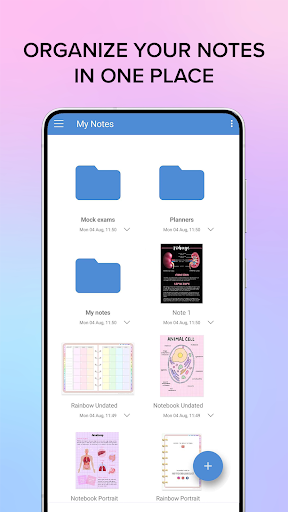
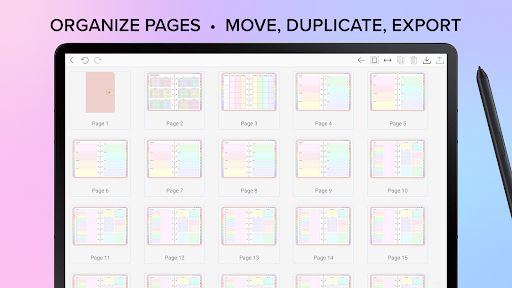
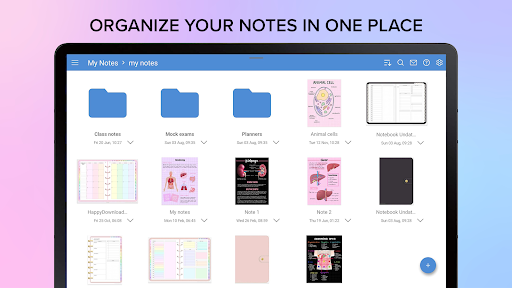
Keep your notes well-structured by organizing pages and documents. Penly allows you to copy, paste, delete, and rearrange pages, and manage your files within folders and sub-folders. When you reopen a document, it automatically resumes where you left off, keeping your workflow seamless.
Syncing and Compatibility
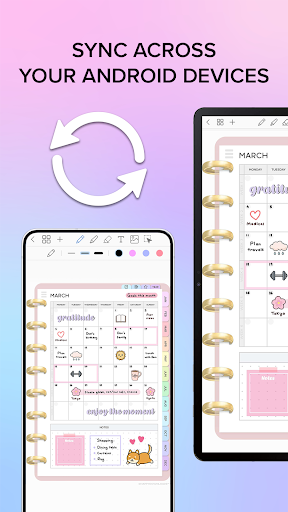
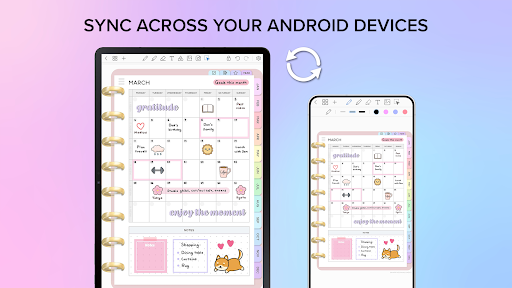
Penly supports syncing across Android devices by linking to Google Drive. Sync can be performed manually, or automatically whenever the app is opened or closed, ensuring your data remains consistent and accessible wherever you go.
Language and Purchase Details
The app currently offers English language support. It operates on a one-time payment basis, granting you full access to all features. If you encounter any issues, a 7-day refund policy is available. Just contact support with your purchase email, and the team aims to respond within 2 working days.
Community and Support Resources
Join the Penly community on Facebook for tips and discussions. For tutorials, visit the Penly YouTube channel or follow the app on Instagram.
Conclusion
In summary, Penly: Digital Planner & Notes is a feature-rich app that combines beautiful design with powerful tools. Whether you're organizing your daily schedule, creating detailed notes, or managing visual collections, Penly makes the process intuitive and enjoyable. Its flexibility and syncing capabilities make it an ideal choice for users seeking a comprehensive digital planning solution. Give Penly a try and experience a new level of productivity—your future self will thank you!
Pros
- User-friendly interface enhances productivity.
- Highly customizable planner templates.
- Seamless cloud synchronization feature.
- Supports handwriting and typing notes.
- Integrates well with other productivity apps.
Cons
- Limited free version features.
- Occasional syncing issues.
- Steep learning curve for new users.
- Some features require in-app purchases.
- Limited compatibility with older devices.











