
Work Log Pro icon

Work Log Pro

8.34K
4.7
Installs
0.10M
Version
12
Advertisement
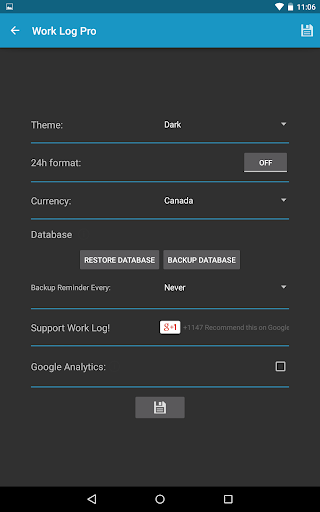
Work Log Pro screenshot
Advertisement

Work Log Pro: The Ultimate App for Tracking Work Hours and Boosting Productivity

Are you tired of manually tracking your work hours, calculating wages, and managing multiple jobs? If so, Work Log Pro is the perfect solution to simplify your time management and payroll tracking. Designed for professionals, freelancers, and anyone juggling various projects, this app offers a comprehensive suite of features that enhance efficiency and accuracy in recording work hours. With an intuitive interface and powerful functionalities, Work Log Pro makes logging shifts, calculating earnings, and managing backups effortless, all while avoiding the hassle of complicated software.

Why Choose Work Log Pro

The standout aspect of Work Log Pro is its combination of user-friendly design and robust features. Whether you need to track multiple jobs, manage tips, or automate deductions, this app provides tools tailored to your specific needs. Its straightforward navigation ensures that even users unfamiliar with digital time tracking can easily access and utilize all functionalities. Plus, the app’s sleek, modern aesthetic makes daily use a pleasant experience.

Key Features of Work Log Pro

Comprehensive Time and Wage Tracking

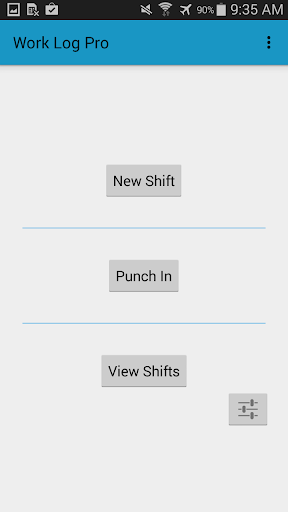
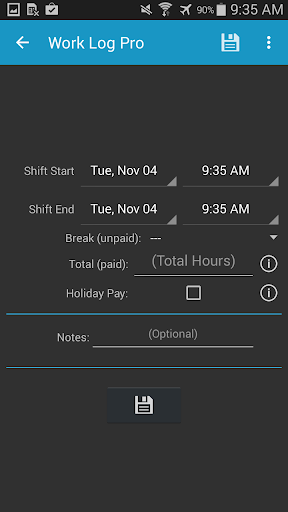
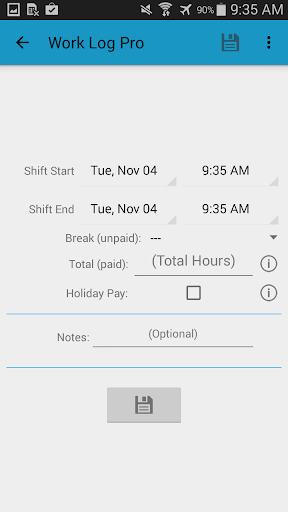
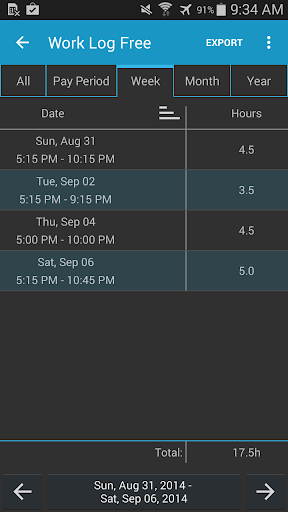
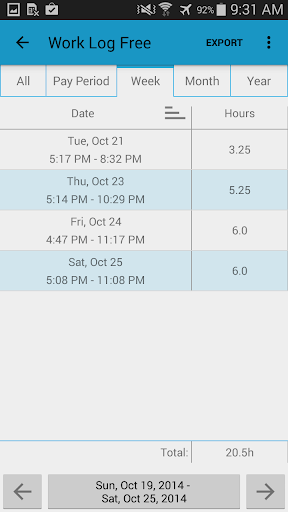
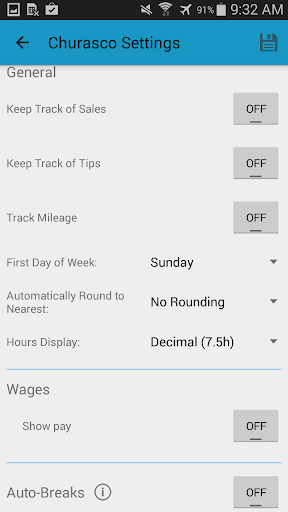
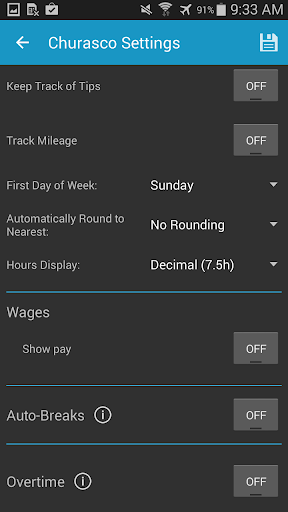
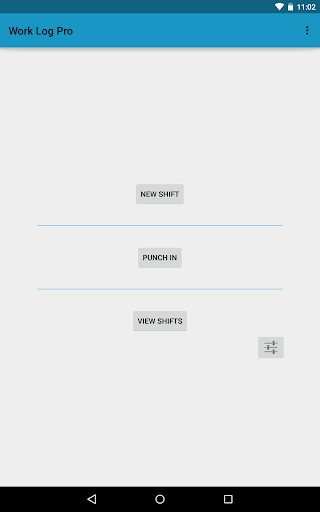
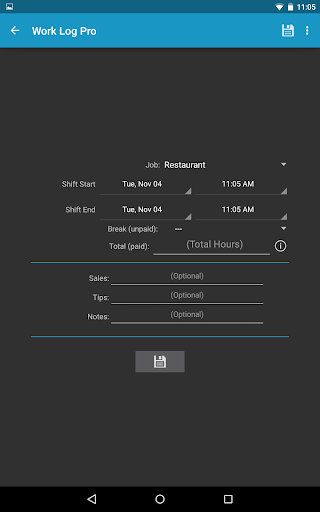
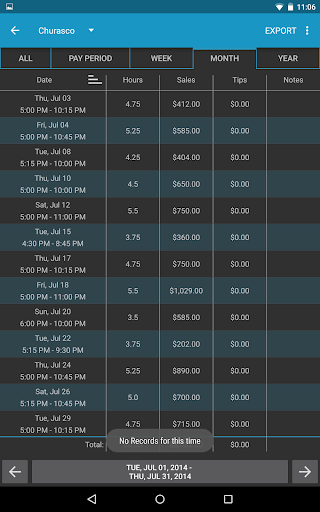
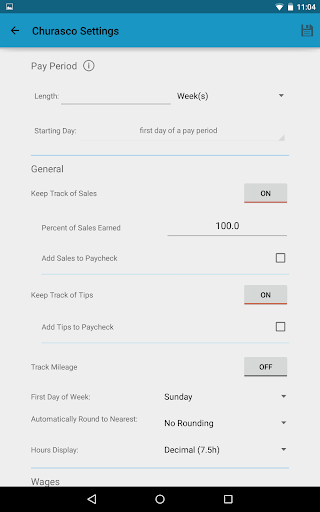
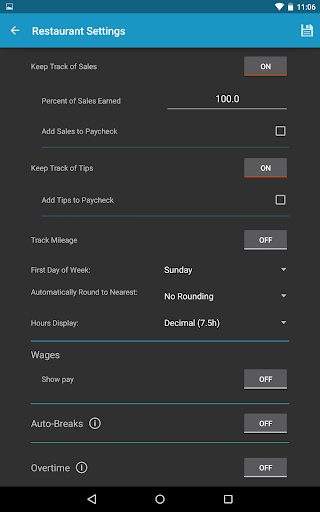
- Quickly record your shifts with options for punching in and out or manual entry.- Automatically deduct breaks based on your shift length or manually add breaks, helping you accurately log billable hours.- Monitor your hours in decimal or hours:minutes format, with customizable settings for your preferred time display.- Track overtime hours and wages, including up to two types of overtime, such as 1.5x or 2x pay rates.- Set your pay period (weekly, bi-weekly, monthly, or custom ranges) to automatically calculate hours worked and wages earned during each period.

Advanced Payroll and Bonuses

- Calculate wages with flat-rate or percentage deductions to account for taxes or other withholdings.- Add bonuses or extra pay, either as flat amounts or percentages, to reflect holiday bonuses, commissions, or incentives.- Keep a record of sales and tips, adding them to your paycheck to manage commissions or gratuities—ideal for servers or sales personnel.- Automatically round shifts to set time increments (15, 30, 60 minutes), streamlining your data entry.

Data Management and Export Options

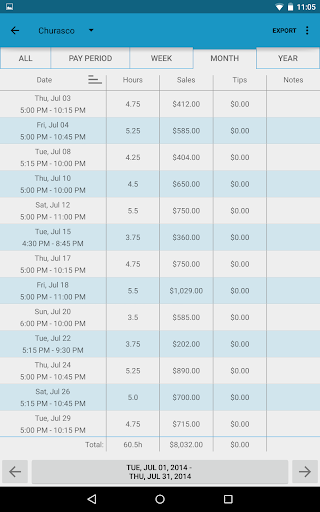
- Easily backup your shift data by emailing backups to yourself, facilitating safe storage and transfer.- Import and export backups, shifts, and reports in various formats like spreadsheet (.CSV) or PDF, enabling seamless data sharing.- Export recorded shifts by week, month, year, pay period, or all shifts for flexible reporting.- Restore data effortlessly when switching devices, ensuring your work log remains uninterrupted.

Customization and User Experience

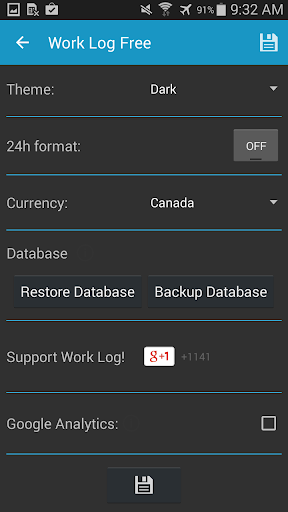
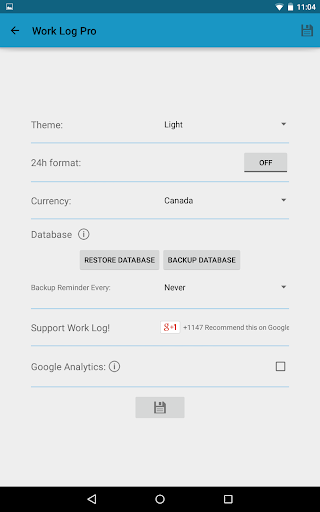
- Choose between light and dark themes to match your style.- Set your locale with over 100 currency symbols and adjust time display preferences.- Select your week start day, pay period calculation method, and other personal preferences to tailor the app.- Enable automatic deductions and bonuses, customizable hours rounding, and overtime tracking to fit your specific work scenario.- Use widgets for quick punch in/out directly from your home screen, streamlining your workflow.

Additional Benefits

- Keep track of multiple jobs with individual settings, making it suitable for part-time workers or freelancers managing various clients.- Support for international users with customizable currency and time formats.- Receive backup reminders to ensure your data is always safe.- Free from advertisements, providing an uninterrupted experience.

Seamless Integration and Permissions

The app requires internet access for analytics and ads, as well as storage permissions for saving backups and export files. This ensures a smooth, integrated experience without compromising data security.

Final Thoughts

Overall, Work Log Pro is an essential tool for anyone seeking to manage their work hours efficiently, accurately calculate wages, and keep their work data organized. Its combination of intuitive design, extensive customization options, and versatile export capabilities make it an ideal choice for professionals, freelancers, or anyone who needs reliable time tracking. If you want to boost your productivity, stay organized, and ensure precise payroll calculations, give Work Log Pro a try today. Unlock the full potential of your work hours and enjoy hassle-free management of your shifts and earnings.

Pros

  • Intuitive user interface
  • Comprehensive reporting features
  • Ability to customize log entries
  • Supports multiple projects
  • Offline mode availability

Cons

  • Restricted free version
  • Lacks integration with some popular applications
  • Occasional synchronization problems
  • Complex setup process for new users
  • No automation for time tracking

Advertisement

You May Like










