
Introduction to TV Cast Pro for LG webOS
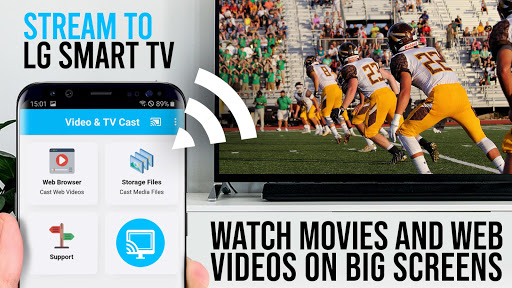
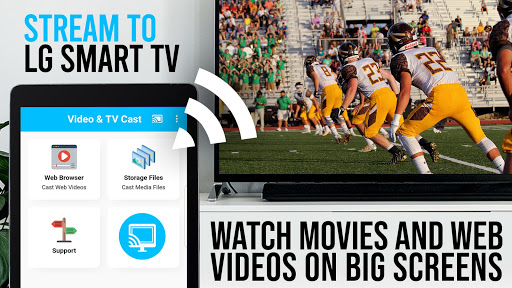
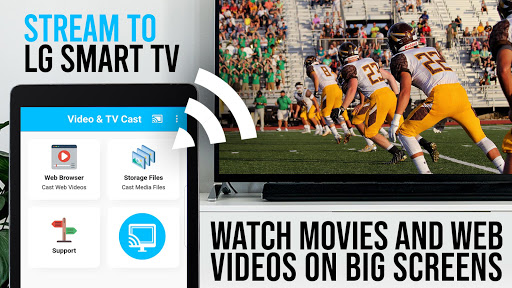
Ever found yourself on the couch, wishing you could beam your favorite videos from your phone straight to the big screen without any hassle? Introducing TV Cast Pro for LG webOS, a powerful app designed to transform your streaming experience. If you're looking for a seamless way to cast web videos, online movies, livestreams, and live TV shows directly onto your LG Smart TV, this app might just become your new best friend. It offers a straightforward setup and a range of features that enhance your entertainment, making it super easy to enjoy high-quality content on your biggest screen.
Seamless Streaming Experience
The first thing you'll notice about TV Cast Pro for LG webOS is how effortlessly it enables streaming. Simply connect your Android device and LG TV to the same Wi-Fi network, and you're ready to go. No need for additional streaming boxes or complicated cables — just a few taps and your content is on the big screen. The app is designed with user friendliness in mind, ensuring that even those new to smart streaming can set it up in minutes. This ease of use makes it an ideal choice for casual viewers and tech enthusiasts alike who want hassle-free access to their favorite web videos and streaming content.
Outstanding Features That Elevate Your Viewing Experience
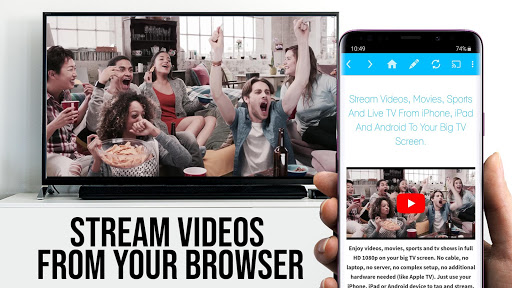
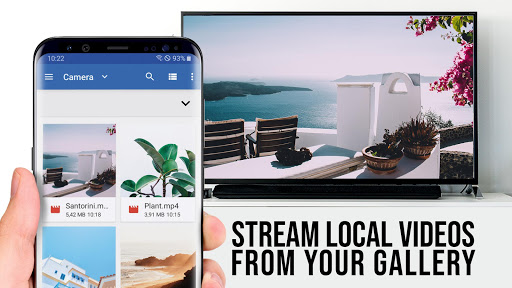
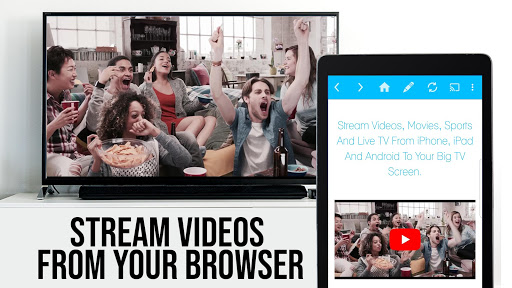
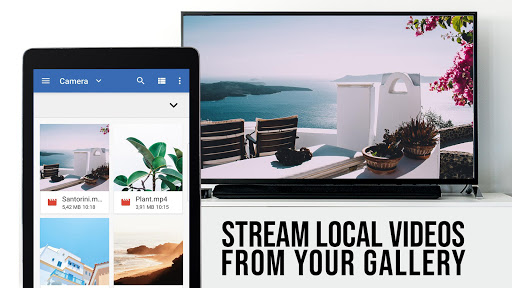
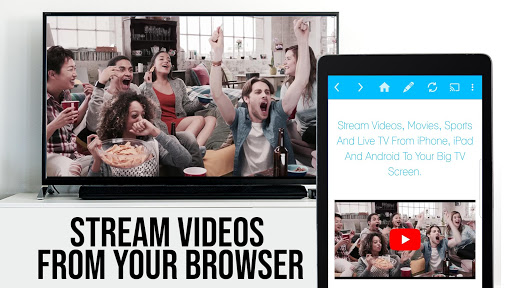
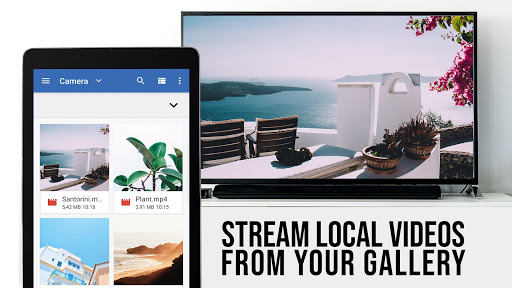
Content Support and Compatibility: TV Cast Pro for LG webOS supports a wide array of video formats, such as MP4, M3U8, and more, allowing you to cast everything from a quirky pet video to full-length movies, all in full HD. You can browse your favorite websites and easily send videos to your LG TV with a single tap. This versatility ensures that you’re not limited to specific platforms or services, giving you full control over what you watch.
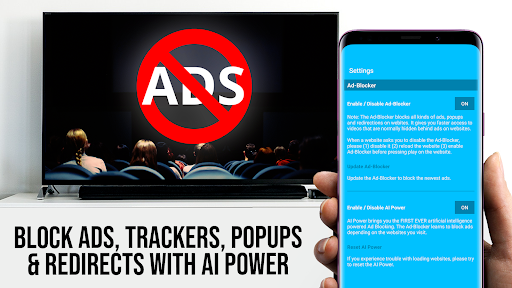
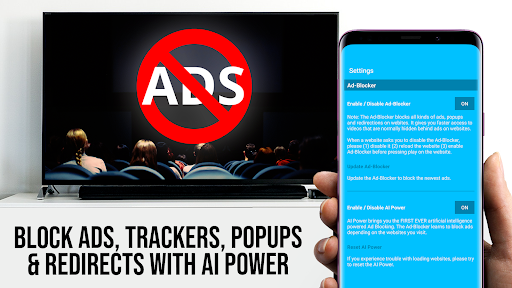
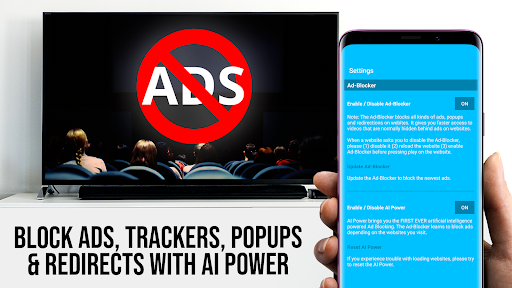
Ad-Free Experience in PRO Version: Unlike the free edition, the PRO version is completely ad-free. This means no interruptions from annoying ads or popups, creating a cleaner, more immersive viewing environment. The app also includes an ad-blocker feature to effectively block ads on most websites, further enhancing your entertainment experience.
Bookmarks and Customization: With the ability to add and manage multiple bookmarks, you can quickly access your favorite streaming sites. Plus, the app features a desktop mode, allowing you to change the browser’s user-agent to load the desktop version of websites for a more familiar browsing experience. You can even set a personal homepage for quick access to your preferred sites.
Remote Playbar: The PRO edition includes an advanced playbar for better control over video playback. You can scrub through videos, fast forward, rewind, and control playback directly from the app while browsing — providing a truly multi-tasking friendly environment.
Key Benefits and How It Works
Using TV Cast Pro for LG webOS is simple. Just open the app on your Android device, scan the QR code displayed on your LG TV or enter the device’s IP address, and you’re connected. From there, browse the web within the app’s integrated browser, find your desired video, and tap to cast. The app's support for various streaming formats means you can enjoy a vast range of online content, from live broadcasts to on-demand videos.
Note that DRM protected videos from services like Netflix, Amazon Prime, Google Play Movies, or HBO are not supported, but most standard web videos and online streams should work seamlessly. It’s always recommended to test your favorite websites and videos with the free edition before opting for an upgrade.
Performance and Reliability
During testing, the app proved to be reliable and capable of smooth HD streaming. Video buffer times were minimal, provided your internet connection was stable and fast enough. Keep in mind that performance can vary based on your Wi-Fi strength, so a solid network connection is essential for optimal playback quality. Overall, the app offers a dependable streaming environment that enhances your TV experience.
Why Choose TV Cast Pro for LG webOS?
If you're someone who loves to enjoy web videos and online streaming on the big screen without unnecessary complications, TV Cast Pro for LG webOS is a must-have app. Its user-friendly interface, multi-format support, absence of ads in the PRO version, and extra features like bookmarks and desktop mode make it stand out among streaming alternatives. Whether you’re relaxing at home or hosting friends for game night, this app empowers you to control what you watch and how you watch it, all with minimal effort.
Conclusion
In summary, TV Cast Pro for LG webOS offers a seamless and powerful tool for streaming web videos and online content directly to your LG Smart TV. Its ease of use, compatibility with multiple formats, and additional premium features make it an excellent choice for anyone wanting to elevate their TV entertainment experience. If you’re tired of restrictive streaming options or cumbersome setup processes, this app provides the perfect solution to enjoy your favorite videos on your larger screen with just a few taps.
Pros
- Simple setup with an intuitive interface
- Supports various video formats
- Wireless connection without cables
- Stream high-quality videos
- Compatible with numerous LG TV models
Cons
- Needs a stable internet connection
- Few features available for free
- May experience lag on older TV models
- Advertisements in the free version
- Occasional disconnections











