

Discover the Power of AirReceiver AirPlay Cast DLNA for Seamless Streaming
Outstanding Features to Elevate Your Streaming Experience
Universal Protocol Support
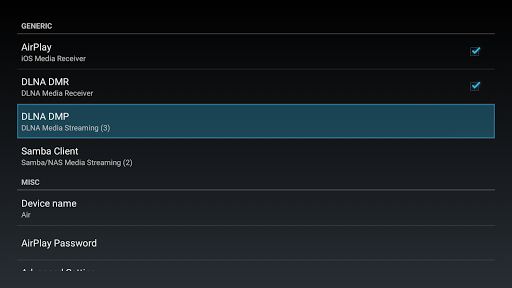
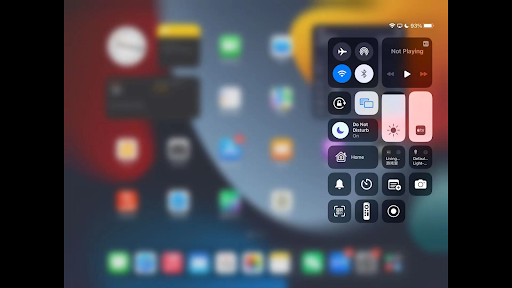
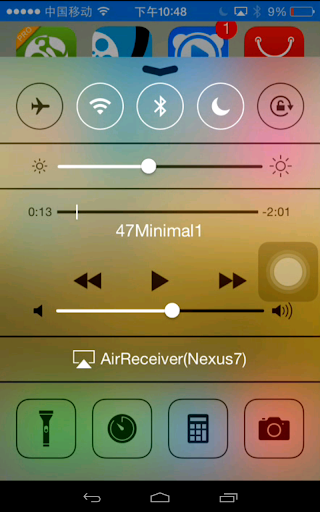
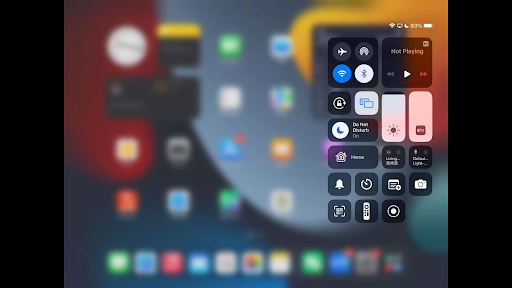
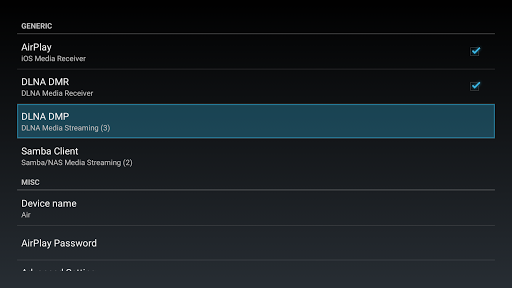
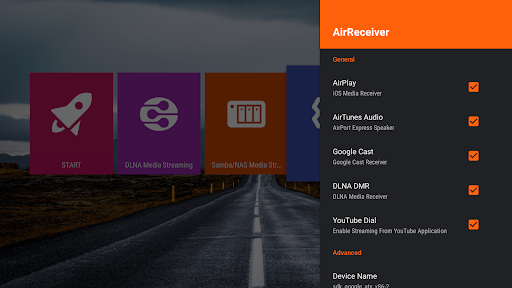
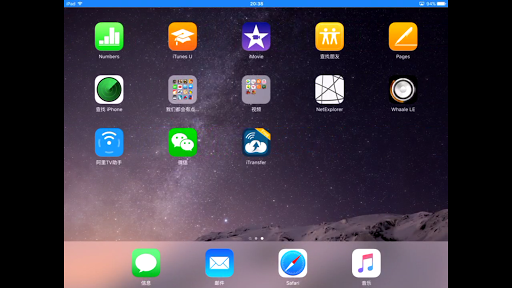
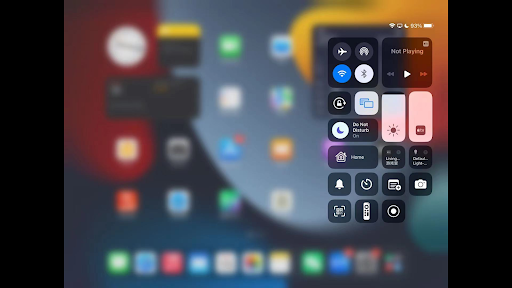
The AirReceiver app functions as a comprehensive media receiver, allowing you to stream content from various sources such as AirPlay compatible iOS devices, Cast devices like Chromecast, and DLNA-enabled gadgets. Whether you're using an iPhone, iPad, Android smartphone, or laptop, AirReceiver seamlessly bridges the gap between your device and your TV or Android device.
High-Quality Media Streaming
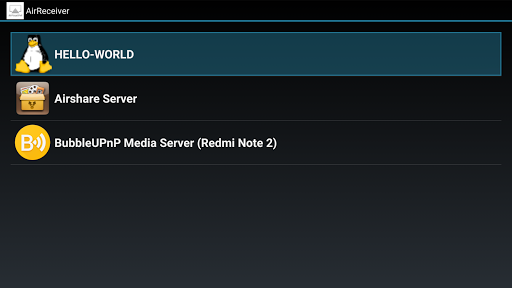
Enjoy top-notch streaming quality without lag or interruptions. The app supports streaming of photos, music, videos, and even the slide show feature for presentations. You can mirror your PC screen using AirMirror or directly stream multimedia content from clients like iTunes, WMP12, or AirShare.
Enhanced Compatibility & Performance
Fully supporting iOS 16 and compatible with popular third-party tools like AirParrot, AirReceiver offers broad device compatibility. It runs efficiently in the background as a service, can be configured with a custom network name, and is capable of starting automatically on boot. The app also supports popular features like Youtube video playback and audio sync with other AirExpress devices, delivering a synchronized multi-device experience.
Optimized for Android TV & Box
Specially tailored for Android TV and Android Box devices, AirReceiver transforms your TV into a powerful media hub. To mirror your PC screen, you can easily install the AirSender tool on your PC, enabling a smooth desktop sharing experience. Just click the AirSender icon in your Windows taskbar, and select your device running AirReceiver.
Easy Setup & Reliable Performance
Setting up AirReceiver is quick and straightforward. Ensure your phone isn’t running conflicting applications like AirReceiverLite, which may interfere due to hardcoded TCP ports. For device mirroring, make sure your phone’s CPU is powerful enough—ideally, a dual-core 1GHz processor. If you encounter issues or are unsatisfied, the developers offer a 7-day refund period, emphasizing customer satisfaction.
Why AirReceiver AirPlay Cast DLNA Is a Must-Have for Streaming Enthusiasts
Conclusion: Top Benefits for a Better Streaming Experience
With its robust features, ease of setup, and high-quality performance, AirReceiver AirPlay Cast DLNA stands out as an excellent choice for anyone looking to elevate their media streaming. Whether you want to mirror your PC screen, stream videos, or cast audio from your device, this app acts as an effective bridge that simplifies the entire process. It’s an ideal solution for Android TV users, home entertainment setups, or professionals needing a reliable screen-sharing tool. Embrace the future of wireless media sharing with AirReceiver and enjoy seamless, high-definition streaming right on your big screen.
Pros
- Seamless AirPlay integration for easy streaming
- Supports DLNA for versatile device connectivity
- User-friendly interface with simple setup
- Low latency streaming for smooth playback
- Supports multiple audio and video formats
Cons
- Limited compatibility with some older devices
- Occasional connectivity drops reported
- No support for 4K streaming
- Requires purchase for full feature access
- Limited customer support options











