


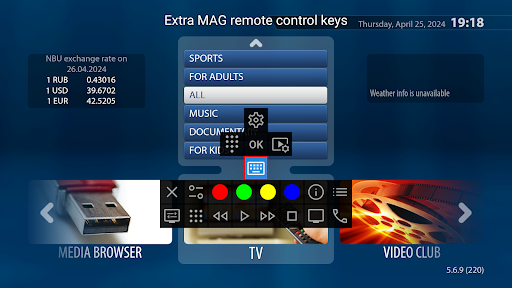
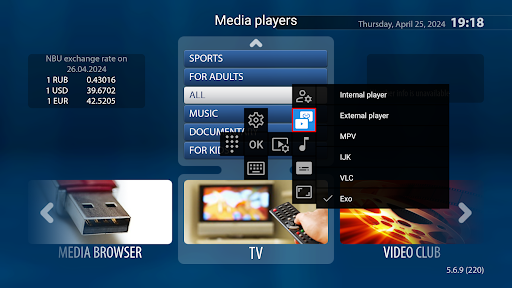
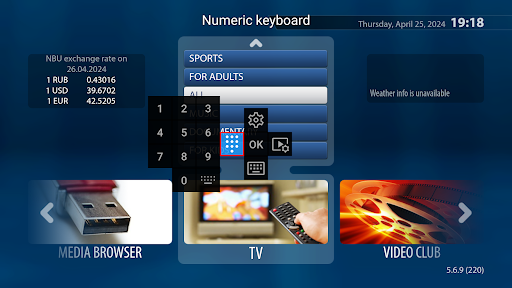
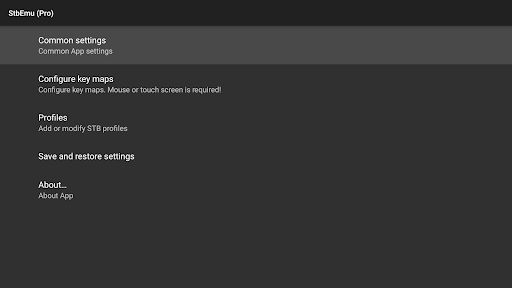

Introduction to StbEmu (Pro)
StbEmu (Pro) is a versatile IPTV emulation application designed for users who want to access various IPTV services seamlessly on their devices. This app functions as a powerful emulator, allowing users to configure and use their IPTV provider’s portal directly on their device, thus replacing traditional set-top boxes with a more flexible, software-based solution.
While StbEmu (Pro) does not natively support m3u playlists or other playlist formats, it provides a robust platform to test and access IPTV portals. It’s ideal for users who are familiar with IPTV configuration and are capable of customizing the app to suit their specific provider’s settings.
This application is primarily intended for experienced users who understand the complexities of IPTV configuration. For those new to IPTV setups, it’s recommended to review the official documentation thoroughly before attempting setup, as improper configuration may lead to the app being unusable.
In summary, StbEmu (Pro) offers a highly customizable IPTV experience perfect for tech-savvy users seeking a flexible, feature-rich IPTV emulator that can be configured to work with their preferred IPTV providers.
Features and User Experience
Setup and Configuration
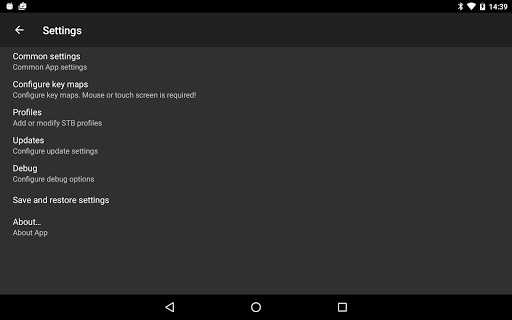
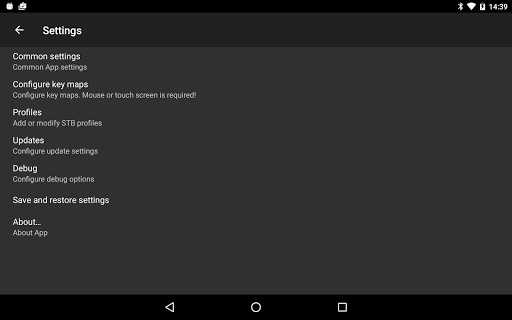
Getting StbEmu (Pro) up and running involves a series of configuration steps. Users need to input their IPTV portal URL, provided by their IPTV service, into the app’s settings. This process can be straightforward for experienced users but may appear daunting for newcomers.
Since the app does not include pre-loaded channels or playlists, users must manually configure their portal. Thankfully, there are numerous tutorials and guides available online to assist with this process. Once correctly configured, the app provides a flexible platform to access live TV streams.
Because of its extensive set of options and settings, StbEmu (Pro) is best suited for users with a degree of technical proficiency. Incorrect configurations may result in the app malfunctioning, so users should proceed carefully and consult the official documentation for detailed instructions.
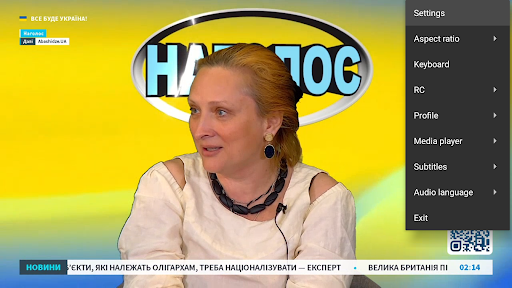
User Interface and Customization
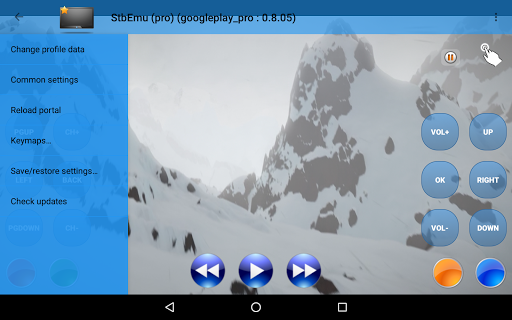
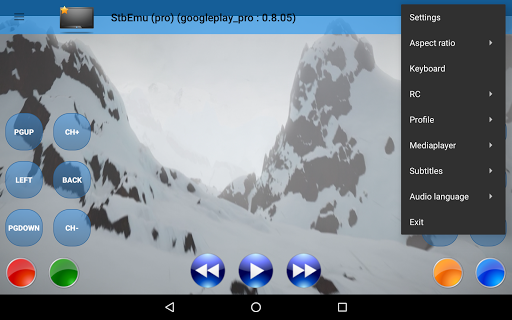
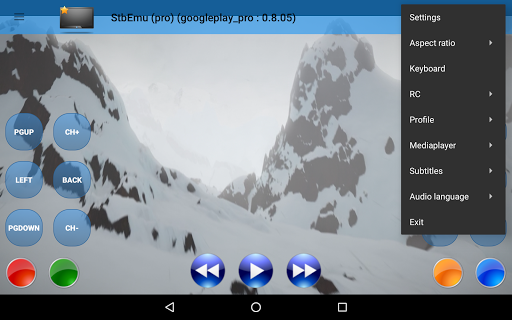
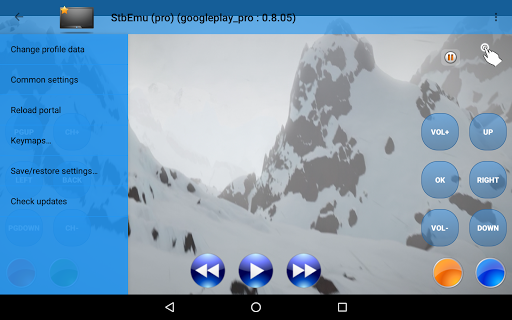
The interface of StbEmu (Pro) is functional but appears somewhat outdated compared to modern IPTV apps. Navigation is smooth once the initial setup is complete, and switching channels or streams is relatively simple.
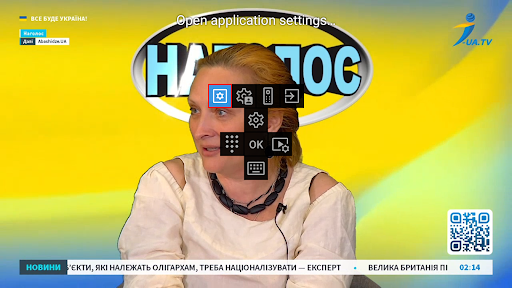
One of the standout features is the level of **customization options** available. Users can tailor the app’s appearance and behavior to their preferences, making for a personalized IPTV viewing experience. However, the multitude of settings may require some time to familiarize oneself with, especially for IPTV beginners.
Performance and Streaming Quality
Performance-wise, StbEmu (Pro) performs quite well under the right conditions. The streaming quality depends heavily on the user’s internet connection and the quality of the IPTV source. In my experience, the app handles streams smoothly without significant lag or buffering, providing an enjoyable viewing experience.
It’s important to note that the app can consume a notable amount of system resources. Therefore, a device with sufficient processing power and RAM is recommended to ensure optimal operation.
Conclusion: Is StbEmu (Pro) Worth It?
If you are comfortable with configuring IPTV apps and are looking for a flexible, customizable emulator that consolidates your IPTV services, StbEmu (Pro) is an excellent choice. While it requires some technical knowledge and patience during setup, the benefits of tailored IPTV viewing experience and extensive settings make it a worthwhile investment.
This app is particularly suited for users who want to go beyond simple plug-and-play solutions and embrace a more DIY approach to IPTV. Once configured properly, it offers a reliable and high-quality streaming experience, making it a powerful tool in your IPTV arsenal.
In conclusion, if you love having control over your IPTV setup and are prepared to invest time into configuration, StbEmu (Pro) could become your go-to application for streaming live TV content directly on your device.
Pros
- Highly customizable interface
- Supports multiple IPTV services
- Regular updates improve features
- Excellent streaming quality
- User-friendly setup process
Cons
- Requires technical knowledge to configure
- Limited support for older devices
- No free trial available
- Occasional buffering issues
- Can be complicated for beginners











