



Discover the Features of IPTV Pro: Your Ultimate IPTV Streaming App
If you're tired of conventional television and looking for a versatile solution to access a multitude of live TV channels, IPTV Pro is the perfect app for you. As the paid version of the popular IPTV application, IPTV Pro unlocks premium features that enhance your streaming experience, making it seamless, customizable, and more enjoyable.
Unlike the free version, IPTV Pro offers an ad-free interface, which means no interruptions during your favorite shows or sports events. With this app, you gain the convenience of starting the application automatically upon device boot—a particularly useful feature if you're using a set-top box or media center. Moreover, the app supports an auto-play last channel feature, allowing you to resume your viewing exactly where you left off, and a playlists history to keep track of previously watched channels.
Whether you're a tech enthusiast or a casual user, IPTV Pro supports various playlist formats like M3U and XSPF, making it compatible with a wide range of content sources. The app also enables you to watch multicast streams through a UDP proxy, which requires installation on your local network for optimal performance. Customization options include a choice between grid, list, or tile views of TV channels, and integrated EPG support for XMLTV and JTV formats helps you stay organized with your favorite programming schedule. For the ultimate viewing experience, IPTV Pro also supports internal and external video players and offers parental control features to restrict content access.
Transform Your Entertainment with IPTV Pro
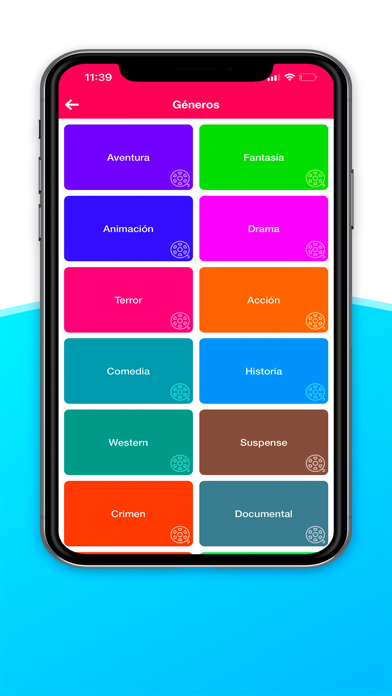
Have you ever found yourself endlessly scrolling through channels just to find something that catches your interest? IPTV Pro steps in to solve this common frustration by transforming your device into a portable television. It grants access to a vast array of live channels and shows from all over the world, making entertainment readily available at your fingertips.
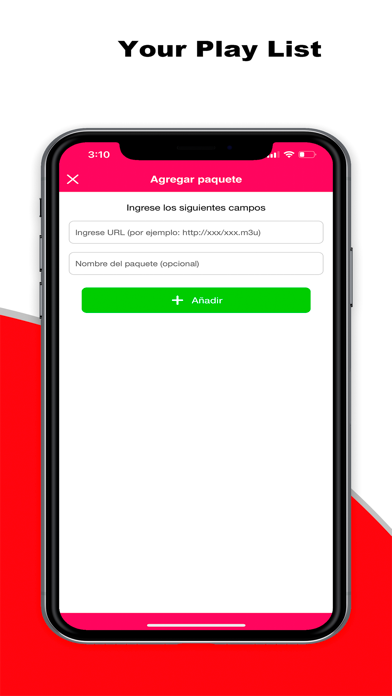
Getting started is straightforward—simply download the app and load your playlist. Although setting up playlists might seem daunting for beginners, ample online resources are available to guide you through the process. The app's support for multiple playlist formats ensures compatibility with most content sources, from paid subscriptions to free streams found on the web.
Beyond basic streaming, IPTV Pro offers a suite of features aimed at enriching your viewing experience. It supports HD quality streaming for live TV, sports, movies, and more. The integrated electronic program guide (EPG) allows you to keep track of upcoming shows and never miss your favorites. Plus, you can record live TV, effectively turning your device into a personal DVR—record your shows and watch them at your own convenience.
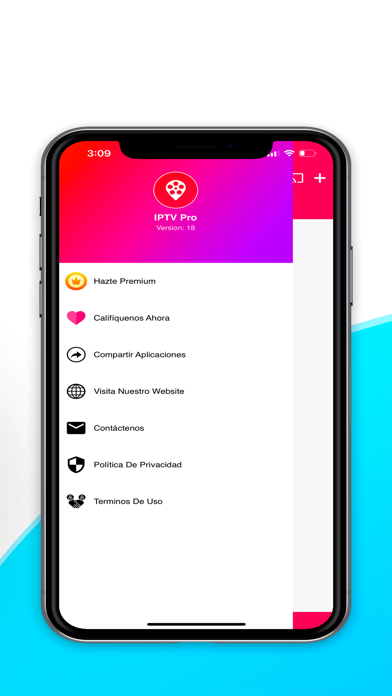
Another notable feature is the app's support for Chromecast, enabling you to cast content directly onto larger screens like TVs for shared viewing with family or friends. The intuitive interface makes navigation simple, even for those who are less technically inclined. Customization options allow you to organize your channels and tailor your entertainment setup to your preferences.
Why Choose IPTV Pro for Your Streaming Needs
If you’re an expatriate or someone who often travels, IPTV Pro provides an invaluable service, enabling you to access channels from your home country no matter where you are. This creates a sense of familiarity and comfort, keeping you connected to your local news, sports, and entertainment.
The app’s user-friendly design ensures that even newcomers can navigate easily, set up their channels, and enjoy a personalized viewing experience. With features like custom channel organization and easy playlist management, IPTV Pro is flexible enough to cater to diverse user preferences.
It’s important to note that IPTV Pro does not include any built-in channels. Users are responsible for providing their own playlists, which contain the channels they wish to stream. The app even supports multicast streams through UDP proxy services, which enhances the multicast streaming quality and reliability. Setting up such proxies is straightforward: for Windows, users can download the UDP-to-HTTP proxy; for Linux, udpxy can be installed either manually or directly on a compatible WLAN router, with many routers offering built-in support.
In conclusion, IPTV Pro is more than just an IPTV application; it’s a comprehensive entertainment hub that brings a vast world of content right to your device. Whether you’re into live sports, news, movies, or international channels, IPTV Pro offers the tools to make your viewing experience richer and more customizable. Give it a try to discover a new way of enjoying television on your terms.
Pros
- High-quality streaming with minimal buffering.
- Supports a wide variety of video formats.
- User-friendly interface with easy navigation.
- Enables recording of live TV shows.
- Customizable channel lists.
Cons
- Requires a stable internet connection.
- Lacks an integrated Electronic Program Guide (EPG).
- Limited options for customer support.
- Premium features require a subscription.
- Intrusive advertisements in the free version.











