

Introduction to tinyCam Monitor PRO for IP Cam
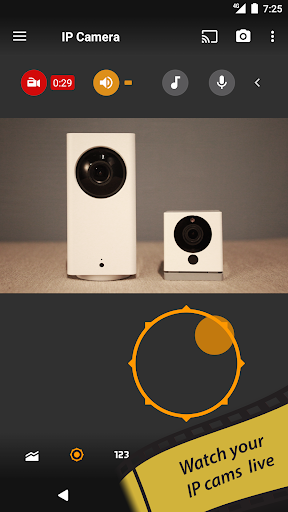
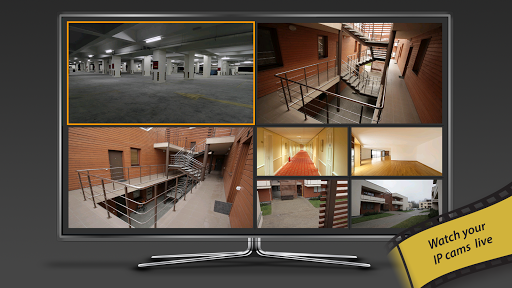
If you're passionate about security or simply enjoy keeping an eye on your surroundings, tinyCam Monitor PRO for IP Cam emerges as a top-tier app that transforms your Android device into a comprehensive surveillance system. Boasting over 10 million downloads, this app is designed to provide seamless remote monitoring, control, and video recording of your private or public network cameras, IP cameras, and DVRs. Whether you want to watch over your home, business, pets, or traffic, tinyCam Monitor PRO offers a robust solution packed with advanced features, ensuring peace of mind at your fingertips. Its user-friendly interface combined with powerful capabilities makes it an essential tool for both security enthusiasts and everyday users.
Why tinyCam Monitor PRO Stands Out
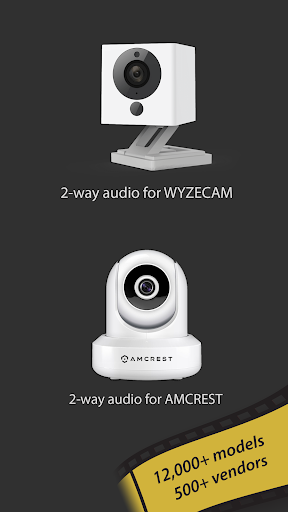
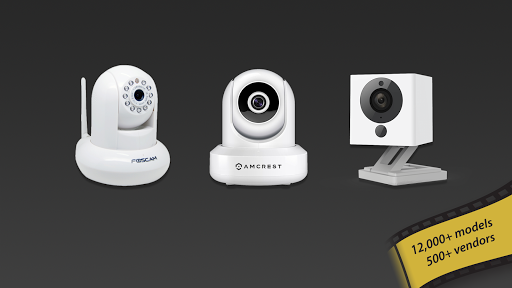
One of the standout qualities of tinyCam Monitor PRO is its intuitive and clean interface, which simplifies setup and daily use regardless of your technical expertise. The app supports a wide array of camera brands and protocols, making it incredibly versatile for mixed-camera environments. From popular brands like Foscam and Amcrest to affordable Chinese IP cameras, the app supports over 12,000 ONVIF Profile S compatible devices. Additionally, support for smart cameras such as Wyze, Eufy, and Arlo expands its versatility even further. With built-in support for P2P, two-way audio, and SSL (HTTPS) encryption, tinyCam provides secure and reliable remote access to your feeds.
Key Features of tinyCam Monitor PRO
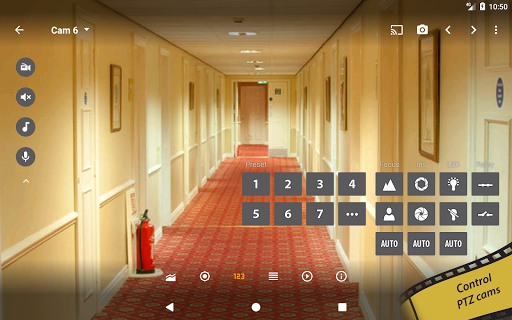
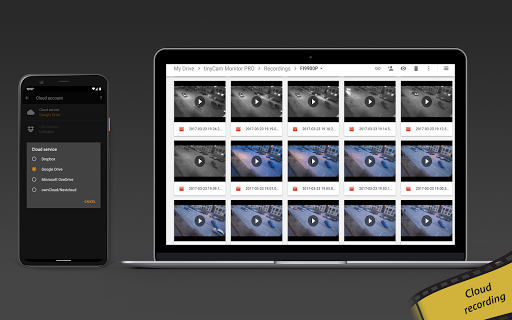
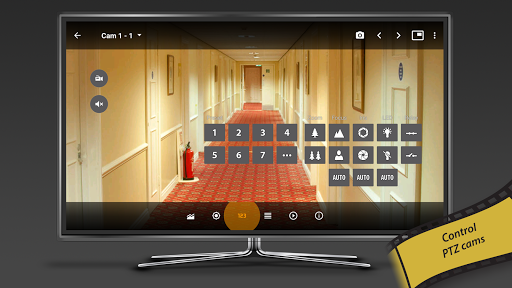
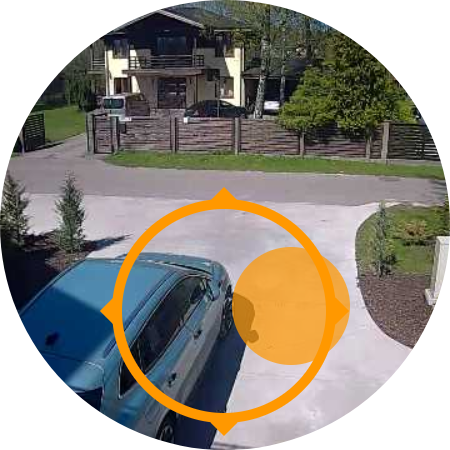
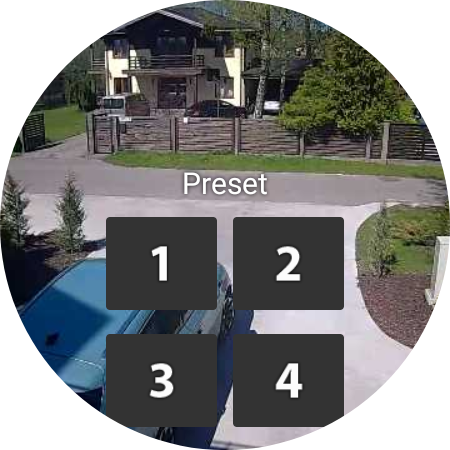
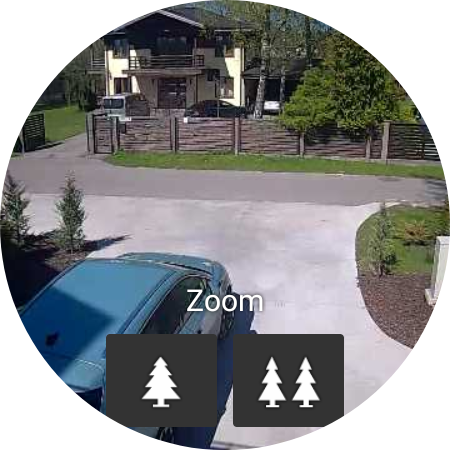
Loaded with features, tinyCam ensures you have all the tools necessary for a comprehensive surveillance system. It supports various streaming protocols like MJPEG, H264, H265, and RTSP for smooth, high-quality video feeds across multiple camera brands. The app allows you to control PTZ (pan-tilt-zoom) cameras, adding flexibility to monitor specific areas precisely. You can record footage continuously on your local storage, SD cards, or upload to cloud services like Dropbox, Google Drive, or Nextcloud. The built-in sequence mode automatically switches between cameras for a dynamic monitoring experience.
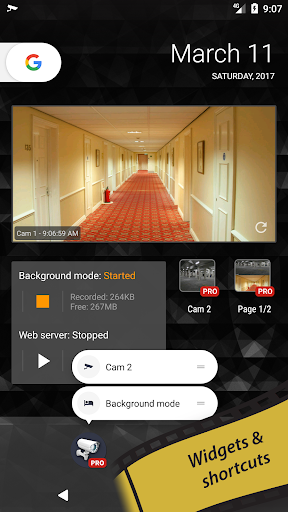
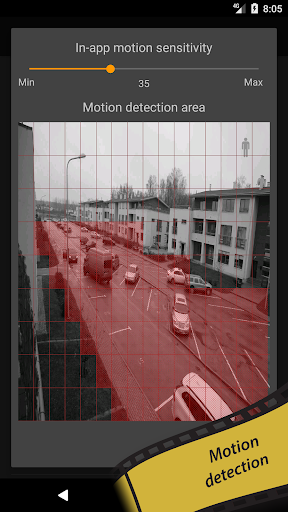
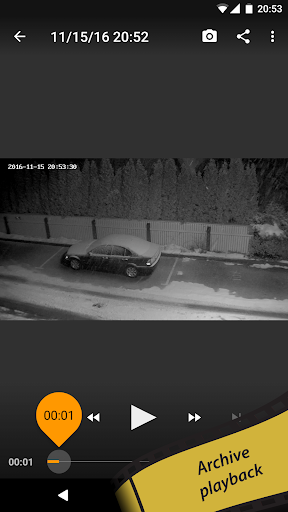
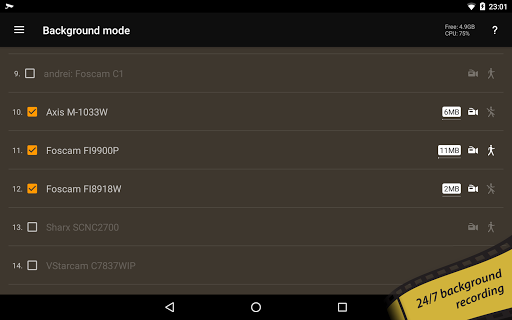
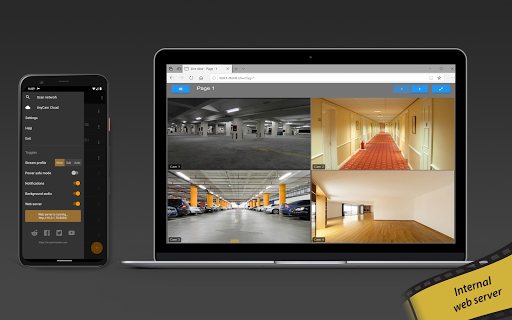
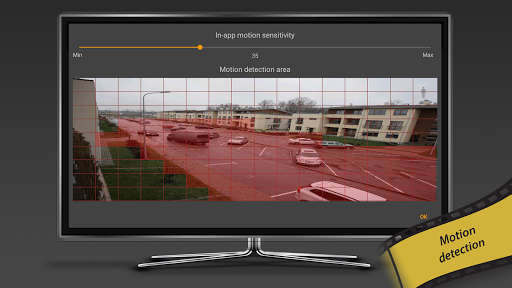
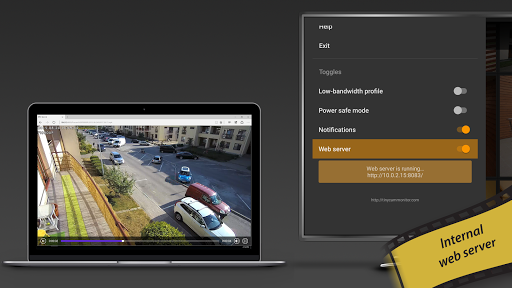
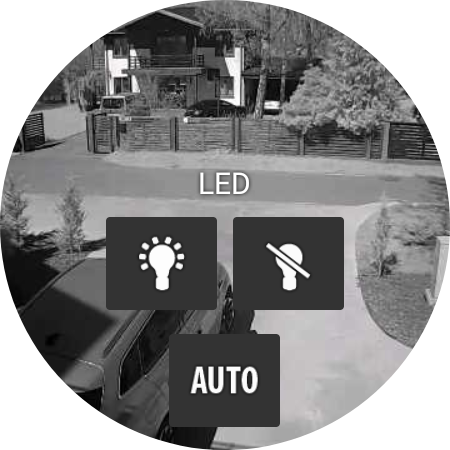
Other unique features include background recording with auto-deletion of old footage, time-lapse recording, and a versatile video player for easy playback. The app also features an internal web server, enabling remote access via browser or external systems like ActionTiles. Motion detection, with both in-app and on-camera options, triggers automatic recording or email alerts for immediate notifications. Webhooks further streamline automation workflows, alerting you instantly to any suspicious activity.
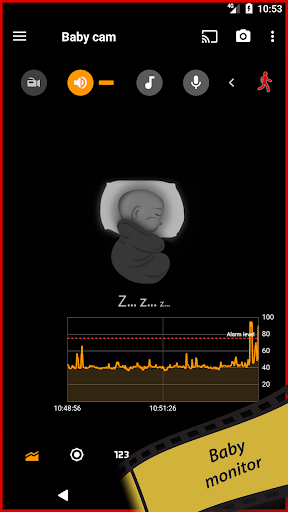
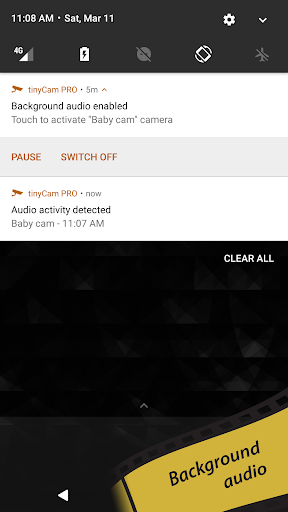
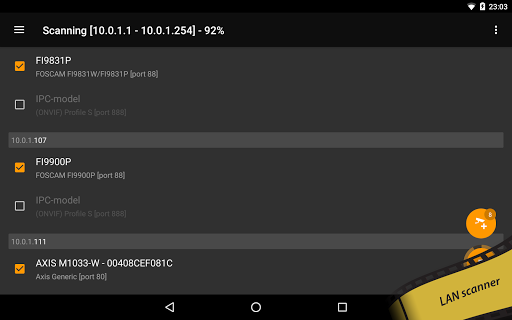
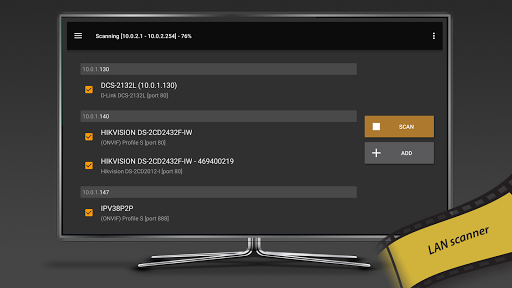
For those interested in artificial intelligence, tinyCam offers AI object detection for identifying persons, pets, and vehicles, along with face detection capabilities. The app supports LAN scanning for quickly connecting to cameras, as well as real-time audio processing, making it useful as a baby monitor or for audio-based alerts. You can play customizable melodies through your camera’s speaker, monitor multiple audio streams simultaneously, and even utilize sensors like temperature or humidity where supported.
Additional Features and Integrations
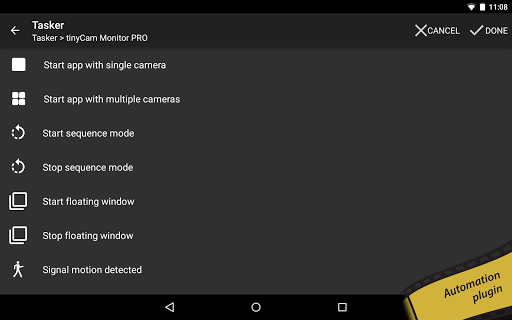
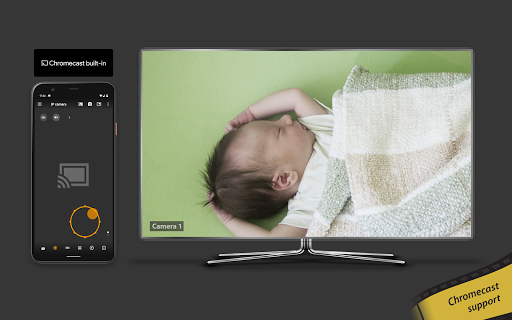
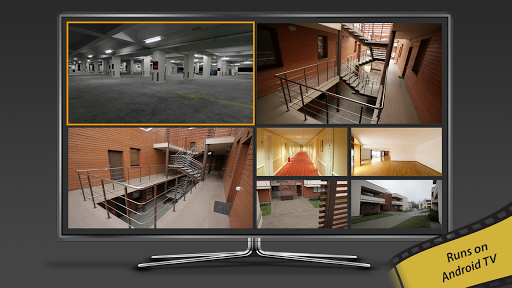
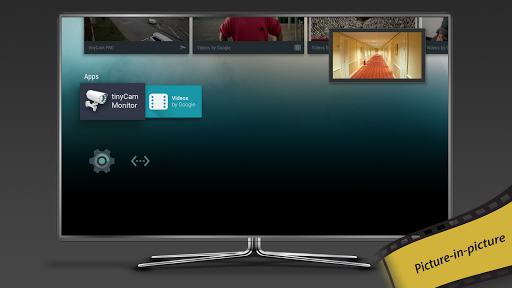
tinyCam Monitor PRO integrates seamlessly with popular streaming platforms like RTMP, enabling live broadcasts. Its compatibility with Google Cast and Chromecast allows direct casting of video feeds to smart TVs. The app also supports tools for home automation, such as the Tasker plugin, and camera port forwarding via UPnP. For ultimate convenience, users can access their camera recordings through tinyCam Cloud, a dedicated service that continuously records footage and maintains a 7-day history.
Setup and Compatibility
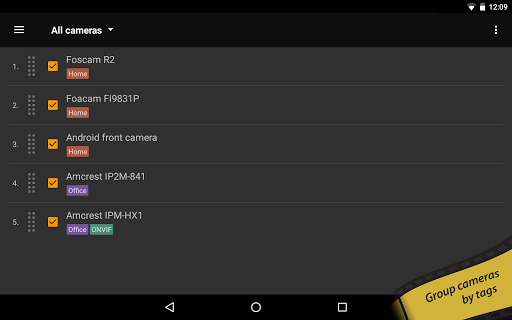
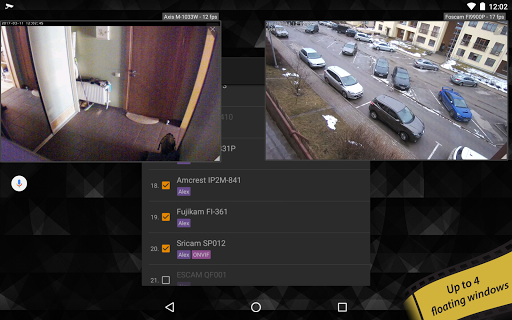
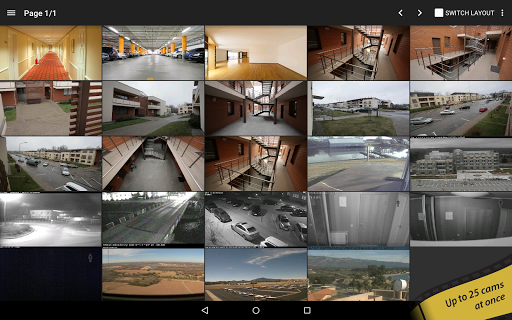
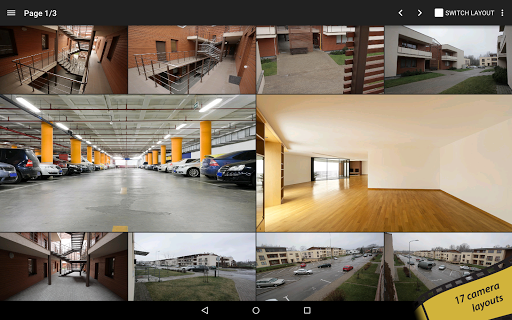
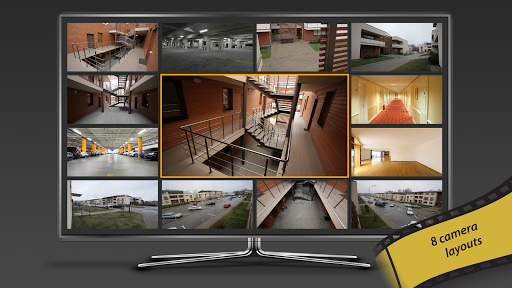
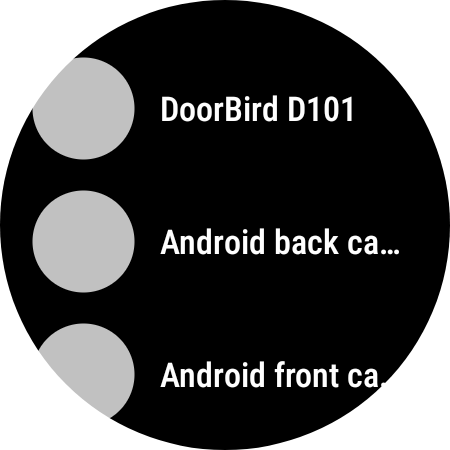
Getting started with tinyCam Monitor PRO is straightforward. Just install the app, add your supported cameras by entering their IP addresses or by scanning your network with the built-in LAN scanner, and customize your layouts. The app offers 19 different viewing layouts with unlimited camera feeds, allowing you to personalize your monitoring station. Cloud integration ensures your footage remains safe and accessible from anywhere. You can purchase a license for a single device and extend it across multiple devices under the same account, providing great value for multi-device setups.
Conclusion: The Ultimate IP Camera Monitoring App
Overall, tinyCam Monitor PRO for IP Cam is a comprehensive, reliable, and feature-rich surveillance app suitable for home security, business monitoring, or even hobbyist projects. Its capacity to support numerous camera brands and protocols, coupled with advanced features like AI detection, cloud storage, and remote web access, makes it one of the best choices in the market. Whether you're a security professional or someone who just wants to keep an eye on your loved ones, tinyCam Monitor PRO transforms your Android device into a powerful security hub. Download it today and experience the convenience of professional-grade surveillance right at your fingertips.
Pros
- Supports various camera models
- Allows remote access to cameras
- User-friendly interface
- High-quality video streaming
- Regular software updates
Cons
- Requires a stable internet connection
- Initial setup can be complicated
- Limited free features
- Drains battery on mobile devices
- Occasional app crashes











