



Introduction to Timestamp Camera Pro
Key Features of Timestamp Camera Pro
One of the standout qualities of Timestamp Camera Pro is its intuitive, straightforward interface that allows users to start capturing immediately, without a steep learning curve. The app excels with its rich set of features aimed at personal and professional use cases.
Precise Timestamping and Customization
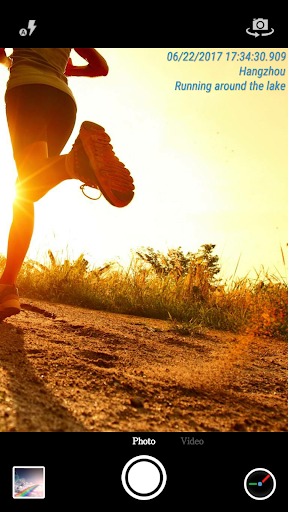
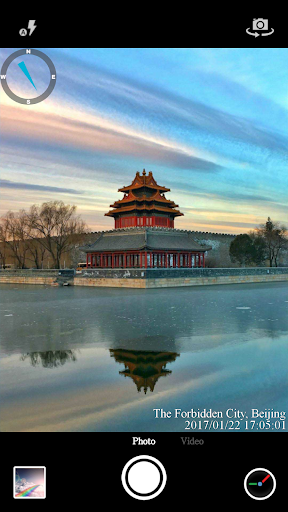
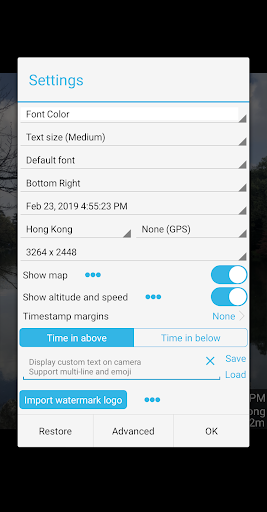
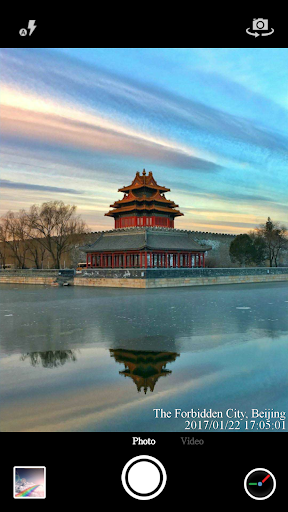
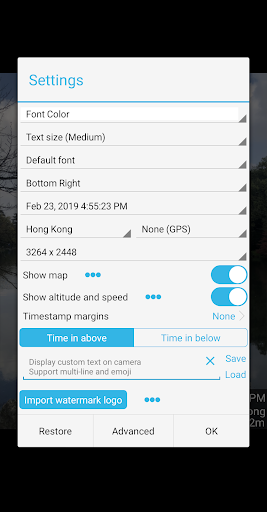
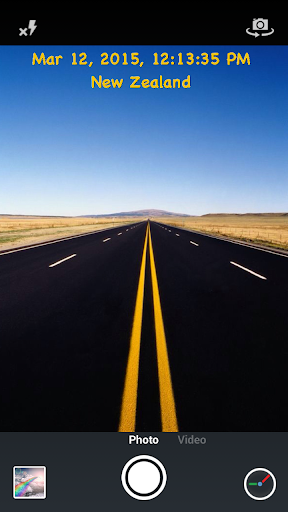
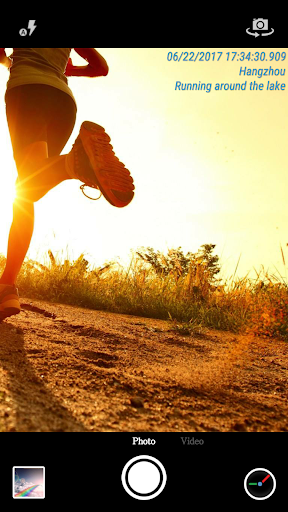
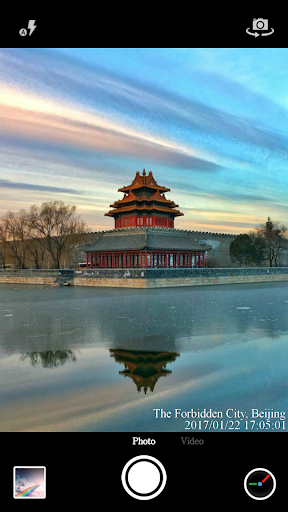
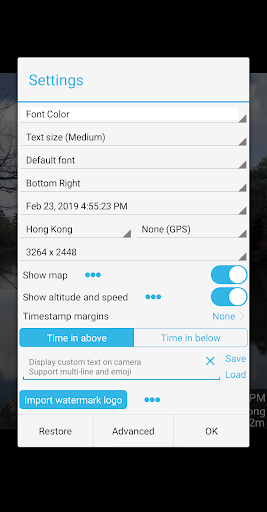
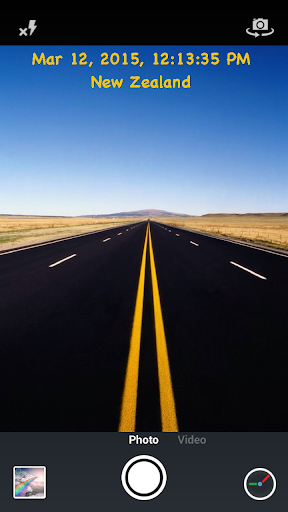
The app supports 61 timestamp formats, giving you flexibility in how you display time. You can customize font style, color, and size to match your preference. Additionally, timestamps can be positioned in seven different locations—including top left, top center, top right, bottom left, bottom center, bottom right, and center—allowing you to create professional-looking visuals tailored to your design aesthetic.
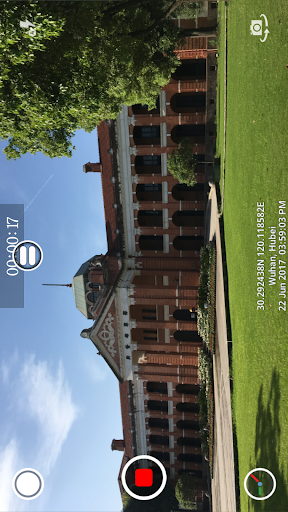
What makes Timestamp Camera Pro truly stand out is its ability to record videos with millisecond-level accuracy (0.001 second) for the timestamp watermark. This precise timing is invaluable for professional documentation, research, or any scenario demanding exact time records.
Enhanced Geolocation and Data Display
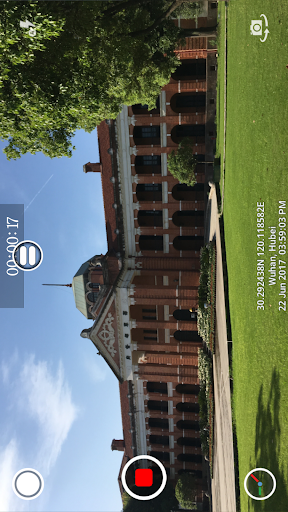
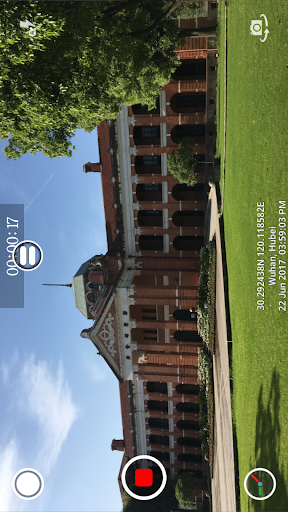
Beyond just the time, the app can automatically add your current location address and GPS coordinates to your photos and videos. You can easily toggle this feature on or off, and choose to display altitude and speed data on your camera feed—perfect for outdoor adventures or fieldwork.
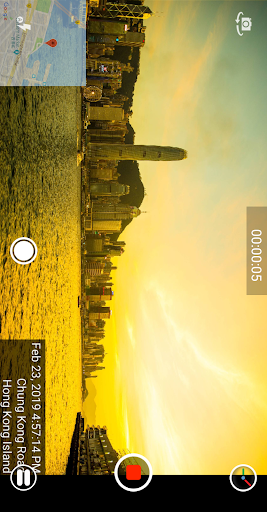
With the map display feature, you can visualize your position, adjust the map scale, and set transparency or size to suit your composition. This integration helps you keep context during recording or photography sessions.
Personalization and Branding Options
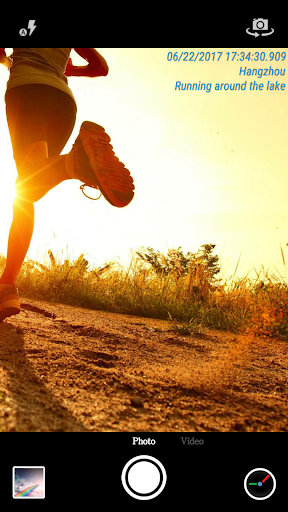
Display custom text and emojis on your camera preview—whether you want to add cheerful messages like "Good day at the zoo" or motivational quotes. Furthermore, the app supports overlaying a custom logo image, which is ideal for branding or professional presentations.
Video Recording Versatility
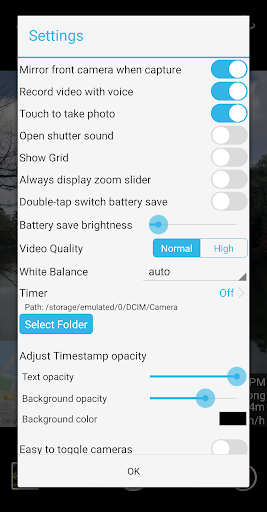
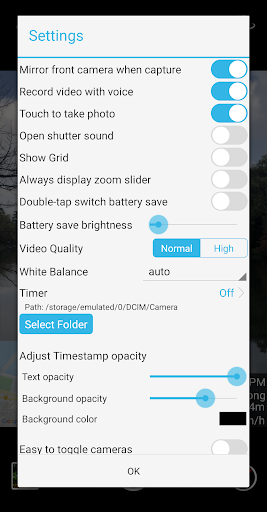
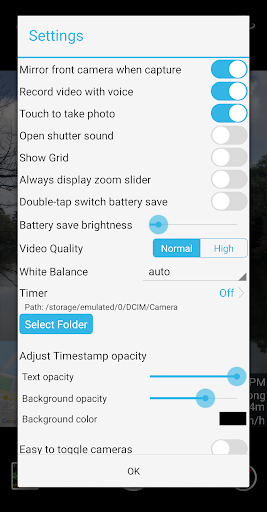
Choose to record videos with or without audio, and toggle features like shutter sound. The app supports both portrait and landscape modes and allows you to change the resolution of your recordings. During video capture, you can also take snapshots directly, making it easy to grab still images without stopping your recording.
Additional Features for Convenience and Efficiency
Support for "Battery saver mode" helps extend your device’s battery during long shoots by adjusting screen brightness from 0% to 100%. Users can activate this mode with a simple double-tap.
The app also offers the ability to save photos and videos directly to SD card, enabling smooth file management. When enabled, this feature allows storage expansion and easier access to your media files.
Why Choose Timestamp Camera Pro?
Whether you're a photographer, videographer, researcher, orocial media enthusiast, Timestamp Camera Pro is an essential tool for enhancing your media with time and location metadata. Its reliable performance, extensive customization options, and real-time effects make it a versatile companion for capturing moments with unmatched precision.
Its support for high-resolution video capture, personalized overlays, and straightforward interface ensure a seamless experience—whether you're recording a casual adventure or professional content.
Conclusion
In summary, Timestamp Camera Pro redefines how you add time and geolocation information to your photos and videos. Its comprehensive feature set, high accuracy, and user-friendly design make it a top choice for anyone looking to document their moments with clarity and style. Download Timestamp Camera Pro today and start capturing your life with precise timestamps, custom overlays, and professional-quality features that elevate your content to the next level.
Pros
- Supports high-quality video recording.
- Provides options to add custom watermarks.
- Allows adjustment of timestamp display formats.
- Features an intuitive and user-friendly interface.
- Compatible with various resolutions and frame rates.
Cons
- Offers limited editing capabilities.
- Has occasional bugs related to timestamp synchronization.
- Uses significant battery power during operation.
- Lacks integration with cloud storage services.
- Requires purchase as it is a paid app with no free trial available.











