



Introducing PXPlay: Remote Play
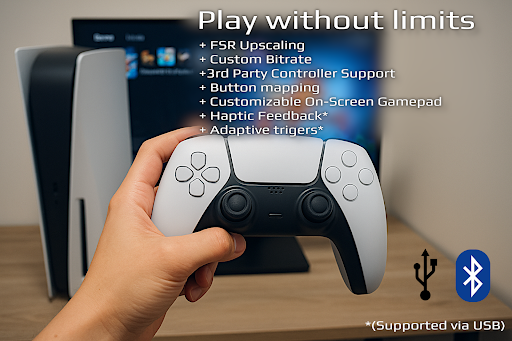
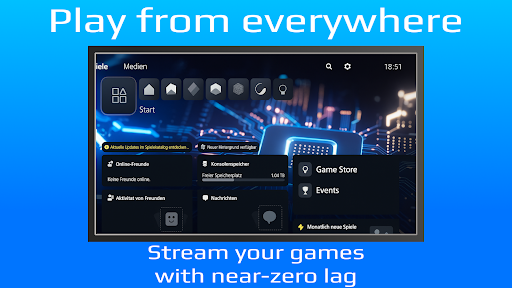
PXPlay offers gamers the ability to remotely control their gaming devices without any limitations. Whether you want to play your favorite games while away from your console or PC, PXPlay provides a seamless streaming experience designed to minimize latency and maximize control. This innovative app not only supports a wide range of Android devices but also supports third-party controllers and mobile data connections, making remote gaming more flexible and accessible than ever before.
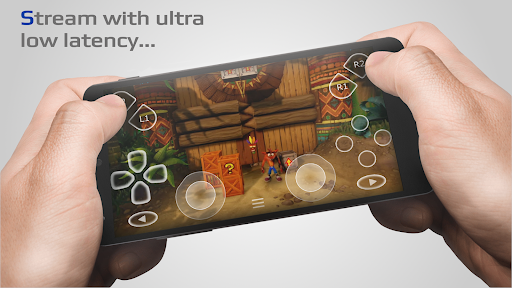
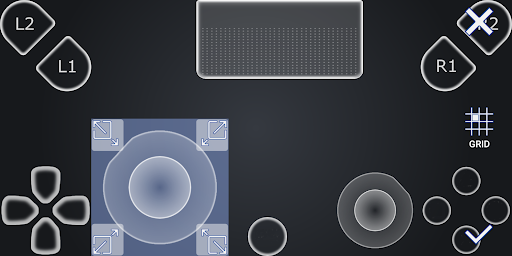
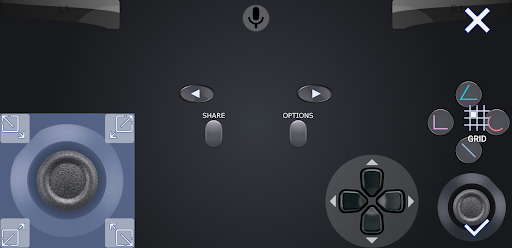
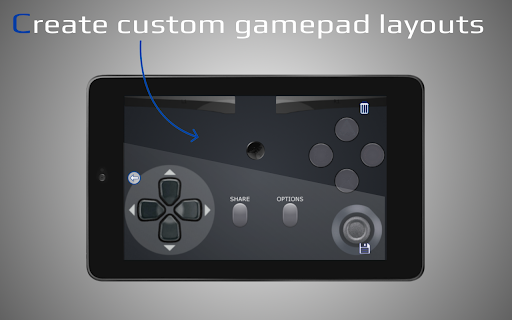
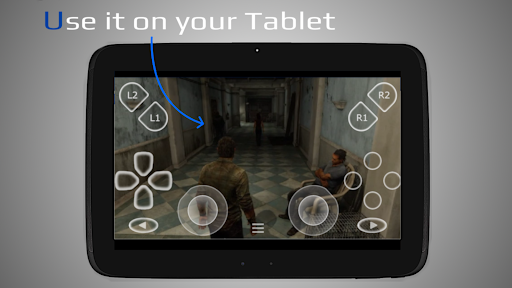
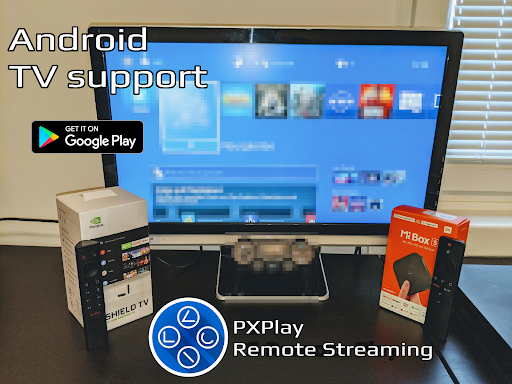
The core advantage of PXPlay lies in its optimized streaming technology, ensuring low latency for a smooth gaming experience. It is compatible with Android TV devices and offers extensive customization options like gamepad button mapping and on-screen controller layouts. Additionally, users can register multiple profiles, support rooted devices, and even utilize PXPlay as a virtual controller for more advanced gaming setups.
For gamers with older firmware, PXPlay remains compatible from version 5.05 and above, ensuring broad device support. Its features extend to Picture-In-Picture and Multi-Window modes, provided the device runs Android 8.0 or newer and Android 7.0 or newer, respectively. Screen recording and capturing are supported with the use of third-party apps, making it a versatile tool for gaming sessions and content creation.
Hardware recommendations include a dual-core CPU (highly recommended), at least 2 GB of RAM, and a display resolution of 1024×768 or higher. A wired internet connection is strongly advised for the gaming device, preferably connected to a 5GHz WiFi network to reduce delays, along with an upload/download speed of at least 15 Mbps for optimal performance.
With PXPlay, you can connect to any game that supports Remote Play, or use it as a virtual gamepad to control your gaming device remotely. Its straightforward setup process paired with low-latency streaming makes it an invaluable tool for gamers on the go seeking flexibility and high performance.
Key Features of PXPlay
- Support for 3rd Party controllers on all Android devices
- Use mobile data for streaming (with proper settings)
- Compatibility with Android TV devices
- Gamepad button mapping support
- Ability to register multiple profiles
- Customization of onscreen gamepad layout
- Support for rooted devices
- Functionality as a virtual controller
- Support for firmware versions from 5.05 and newer
- Picture-In-Picture mode (requires Android 8.0+)
- Multi-Window support (requires Android 7.0+)
- Screen recording and capturing (via third-party apps)
Hardware Recommendations
- Dual-core CPU (highly recommended)
- 2 GB or more RAM
- 1024×768 display resolution or higher
- Wired internet connection for your gaming device is strongly recommended
- 5GHz WiFi connection for minimal delays
- High-speed internet with upload/download speeds of at least 15 Mbps
How PXPlay Works
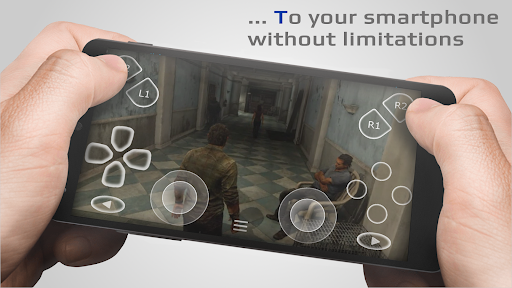
The app allows you to remotely control your gaming console or PC, particularly those that support Remote Play. You can stream your gameplay directly to your Android device or tablet, with the ability to use third-party controllers or the device's touchscreen for input. It's perfect for gamers who want to enjoy their favorite titles on the go, whether during commutes or relaxing outside of their usual gaming setup.
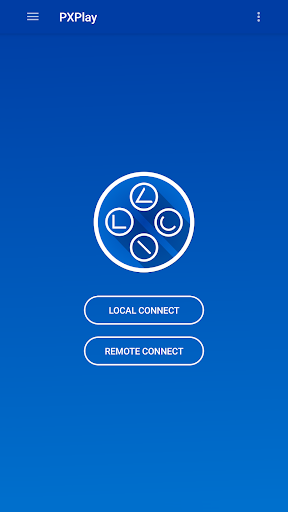
Setting up PXPlay is straightforward: simply connect your device to your PlayStation or compatible device, log into your account, and start gaming. The app offers low-latency streaming, supported by optimized technology and robust internet requirements, ensuring a session that feels as smooth as playing directly from your console.
For internet gaming over the web, additional configuration steps are recommended, which are detailed in the app's documentation. Keep in mind that using the latest firmware versions is crucial; downgrading or operating on unsupported firmware could lead to connectivity issues.
Community & Resources
Engage with other PXPlay users through the official community. Watch demo videos to see PXPlay in action, including tutorials and tips for optimizing your experience:
Important Notices
Some users with firmware 7.0 or later have reported account login issues. This process is necessary to retrieve your Account ID and can temporarily affect connectivity. More information can be found here.
PXPlay works best with the latest firmware; however, it is advised not to update until confirmatory testing is done to ensure compatibility. If issues arise after an update, support will work on fixes, so please be patient.
Disclaimer
All trademarks mentioned are the property of their respective owners. PXPlay is designed to work with compatible devices and firmware versions, and user feedback is appreciated to improve stability and features.
Conclusion
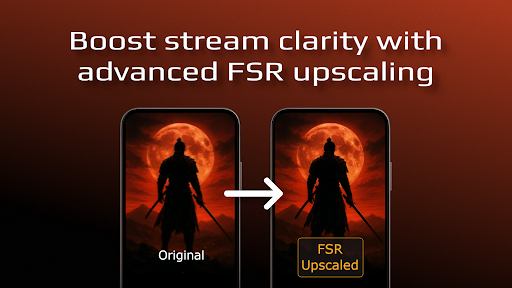
PXPlay: Remote Play is an excellent app for gamers who want flexibility, quick setup, and high-quality streaming for remote gaming sessions. Whether you're connecting to a PlayStation, PC, or other gaming devices supporting Remote Play, PXPlay offers a feature-rich, customizable experience. With support for controllers, multiple profiles, and advanced display options, it caters to both casual players and serious gaming enthusiasts. Give PXPlay a try today and take your gaming anywhere!
Pros
- Seamless integration with PlayStation consoles
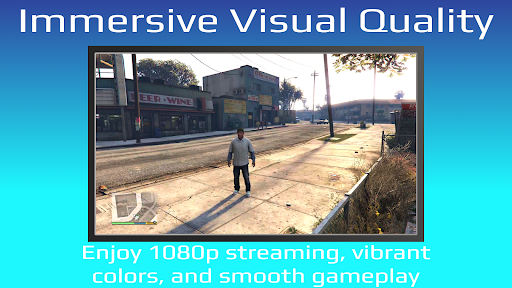
- High-quality streaming with minimal lag
- User-friendly interface and simple setup
- Supports multiple devices and platforms
- Regular updates and feature improvements
Cons
- Requires a stable and fast internet connection
- Limited to PlayStation consoles only
- Some features require a paid subscription
- Occasional connectivity issues reported
- Not all games are compatible with Remote Play











